Uizard
AI-powered UI design tool that generates multi-screen prototypes from text prompts
Uizard is an AI UI design tool that generates multi-screen prototypes from a text description in seconds. The free tier allows 3 AI generations and 2 projects per month; paid plans start at $12/mo (billed annually) and unlock 500 AI generations, unlimited screens, and React/CSS developer handoff. Best for product managers and non-designers who need rapid prototypes without Figma expertise.
What is Uizard?
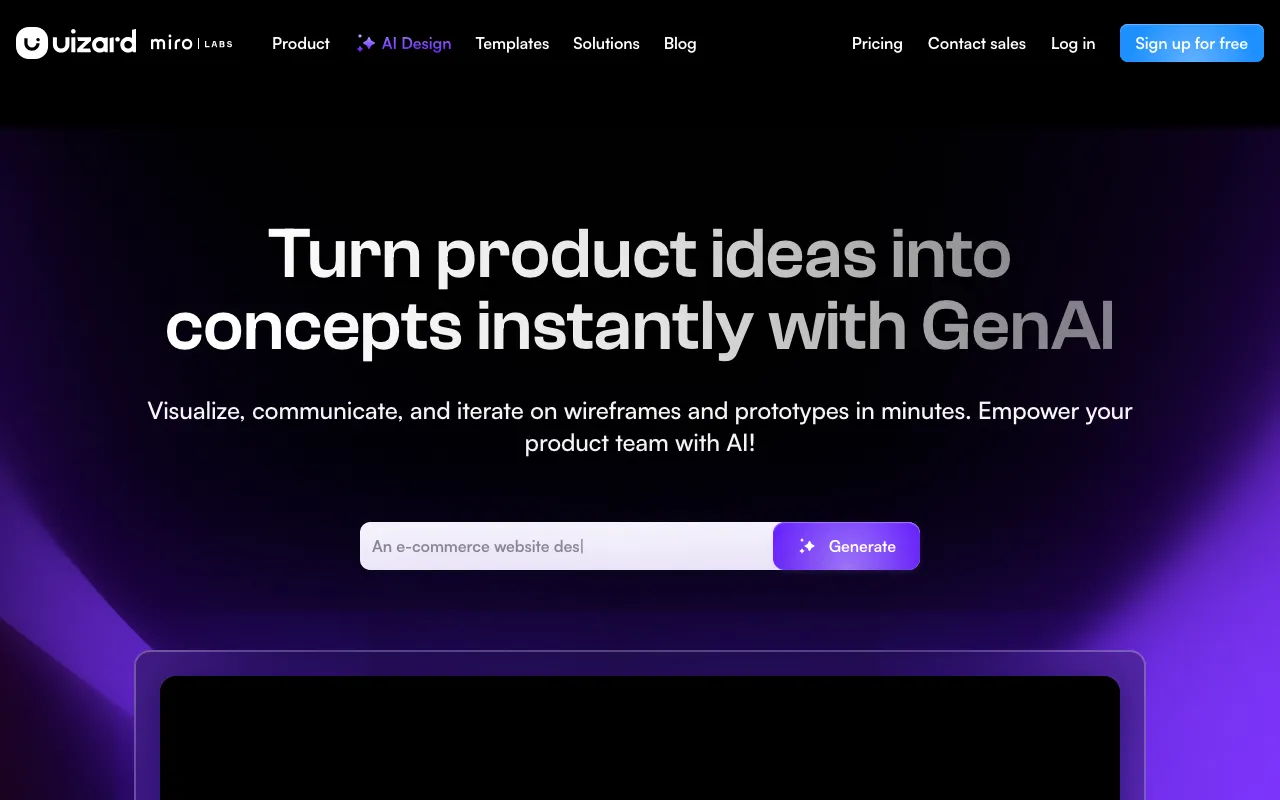
Uizard is a web-based UI design platform built around AI generation. Its core feature, Autodesigner, takes a plain-text description of a product and produces a multi-screen interactive prototype within seconds — covering layout, navigation, and visual style. Unlike general-purpose AI image tools, Uizard outputs structured UI components that remain fully editable: you can move elements, swap colors, change copy, and wire up click interactions without leaving the browser.
Beyond text-to-prototype, Uizard includes two scanner tools that work from existing visuals. The Screenshot Scanner ingests a screenshot of any app or website and converts it into a layer-editable mockup. The Wireframe Scanner does the same for hand-drawn sketches photographed on a phone. Both reduce the time to go from a rough concept to a shareable, interactive file from hours to minutes. The Pro plan adds Autodesigner 2.0 (higher output quality) and React/CSS developer handoff, while the Business plan adds a custom brand kit for organizations that need consistent visual identity across multiple projects.
The platform has real limitations. The free tier’s 3 AI generations per month is tight for any iterative workflow. Design output quality is serviceable for stakeholder buy-in but typically requires manual cleanup before production. There is no desktop client, no mobile app, and no public API as of mid-2026.
Who is it for?
Uizard fits users who need to communicate a product idea visually but do not have the time or skill to build it in Figma or a comparable design tool. It is not aimed at professional designers doing pixel-perfect production work.
Specific user types that get clear value:
- Product managers and founders who need a clickable prototype for a user-testing session or investor meeting within a day, without a designer in the loop.
- Non-design professionals (consultants, developers, marketers) who want to sketch a feature proposal or landing page concept that is shareable and interactive rather than a static slide.
- Early-stage startup teams building an MVP mockup to validate with users before committing engineering time — the Autodesigner lets them explore multiple screen flows quickly.
- Anyone with hand-drawn wireframes who needs a digital version fast: the Wireframe Scanner turns a napkin sketch into an editable digital file in under a minute.
How much does Uizard cost?
Starting price: $12/mo · Free tier: yes · Model: freemium
Price history tracked from June 2026
| Plan | Price | Includes |
|---|---|---|
| Free | Free | 3 AI generations/month · 2 projects · Up to 5 screens per project · 400 components per org · 10 templates |
| Pro | $12/mo | 500 AI generations/month · Up to 100 projects · Unlimited screens · Autodesigner 2.0 · React/CSS developer handoff · Private projects |
| Business | $39/mo | 5,000 AI generations/month · Unlimited projects · Custom brand kit · Faster AI generation · Priority support |
| Enterprise | Custom | Unlimited AI generations · Unlimited teams · Design system setup · AI data SLA · White-label onboarding |
What are Uizard's key features?
- Autodesigner: generates multi-screen prototypes from a text prompt
- Screenshot Scanner converts existing app screenshots into editable mockups
- Wireframe Scanner digitizes hand-drawn sketches into digital UI components
- Theme generator applies a full visual style to a project in one click
- Interactive prototyping with clickable links between screens
- Real-time multiplayer collaboration and commenting
- Developer handoff with React and CSS output (Pro and above)
- Custom brand kit for consistent colors and typography (Business and above)
What people use Uizard for
- 01 Turning a product brief into a clickable prototype before a stakeholder meeting
- 02 Scanning a hand-drawn sketch to produce an editable digital wireframe
- 03 Generating a branded multi-screen MVP mockup from a one-sentence description
- 04 Producing React/CSS specs for a developer handoff without a dedicated designer
Pros and cons
| Pros | Cons |
|---|---|
| Free tier is functional enough to validate an idea (2 projects, 5 screens each) | Free tier caps at 3 AI generations per month, which runs out quickly during iteration |
| Autodesigner produces usable multi-screen layouts, not just single-screen mockups | Output fidelity is lower than Figma or Framer; designs often need manual polish |
| Screenshot and wireframe scanners cut digitization time from hours to minutes | No desktop app or mobile app — web-only limits offline or low-bandwidth workflows |
| React/CSS handoff removes a translation step between design and front-end dev | Business plan ($39/mo) is a steep jump from Pro ($12/mo) for teams needing volume |
What are the best Uizard alternatives?
Framer is the closest Uizard alternative in our directory: it covers the same category (AI Design), starts at $10/mo, has a free tier.
Ranked by category overlap with Uizard, then free-tier availability, then lowest verified starting price — computed from our verified data, never from sponsorships.
| Alternative | What it is | Starting price | Free tier | Price verified |
|---|---|---|---|---|
| Framer vs Uizard → | No-code website builder with AI design generation and built-in CMS, hosting and analytics | $10/mo | yes | Jul 3, 2026 |
| Recraft | AI image and vector generator with custom styles, mockups, and design-ready output | $10/mo | yes | Jul 3, 2026 |
| Canva | AI-powered design platform with templates, image generation, and Magic Studio tools | $15/mo | yes | Jun 11, 2026 |
| Gamma | AI presentation and document builder that generates slides, docs and web pages from a prompt | $9/mo | yes | Aug 27, 2026 |
| Bolt.new | AI-powered web development platform that builds full-stack apps from a chat prompt | $25/mo | yes | Jul 3, 2026 |
| Lovable | AI app builder that turns text prompts into deployable web apps and SaaS products | $25/mo | yes | Aug 27, 2026 |
Head-to-head comparisons
Frequently asked questions
Is Uizard free?
Yes. Uizard has a permanent free tier that includes 3 AI generations per month, 2 projects, and up to 5 screens per project. No credit card is required to sign up.
How much does Uizard cost?
Uizard's paid plans start at $12/month (billed annually) for Pro, which includes 500 AI generations and unlimited screens. The Business plan is $39/month (billed annually) with 5,000 AI generations and a custom brand kit. Enterprise pricing is custom.
Can Uizard generate a prototype from text?
Yes. The Autodesigner feature takes a text description and generates a multi-screen interactive prototype. The Pro plan uses Autodesigner 2.0, which produces higher-quality results than the free tier's version 1.5.
Does Uizard work with hand-drawn sketches?
Yes. The Wireframe Scanner feature lets you photograph or upload a hand-drawn wireframe and converts it into an editable digital design automatically.
Does Uizard support developer handoff?
Yes, on the Pro plan and above. Uizard can export designs with React component code and CSS specs, which reduces manual translation between design files and front-end implementation.
Is Uizard a Figma alternative?
Uizard overlaps with Figma for wireframing and prototyping, but focuses on AI-generated speed rather than pixel-precise control. It lacks Figma's plugin ecosystem and advanced design system features. Teams needing high-fidelity production assets typically use Figma; Uizard suits early-stage ideation and non-designers.
What platforms does Uizard run on?
Uizard is web-based and runs in any modern browser at app.uizard.io. There is no desktop or mobile app.