Tabby
Open-source, self-hosted AI coding assistant you run on your own GPU — a privacy-first GitHub Copilot alternative
Tabby is an open-source, self-hosted AI coding assistant you run on your own GPU — a privacy-first alternative to GitHub Copilot with code completion, an answer engine, and inline chat. The Community tier is free for up to 5 users; Team costs $19 per user/month for up to 50. Best for regulated teams that need on-premises code AI, though frontier models like Claude still lead on raw coding quality.
What is Tabby?
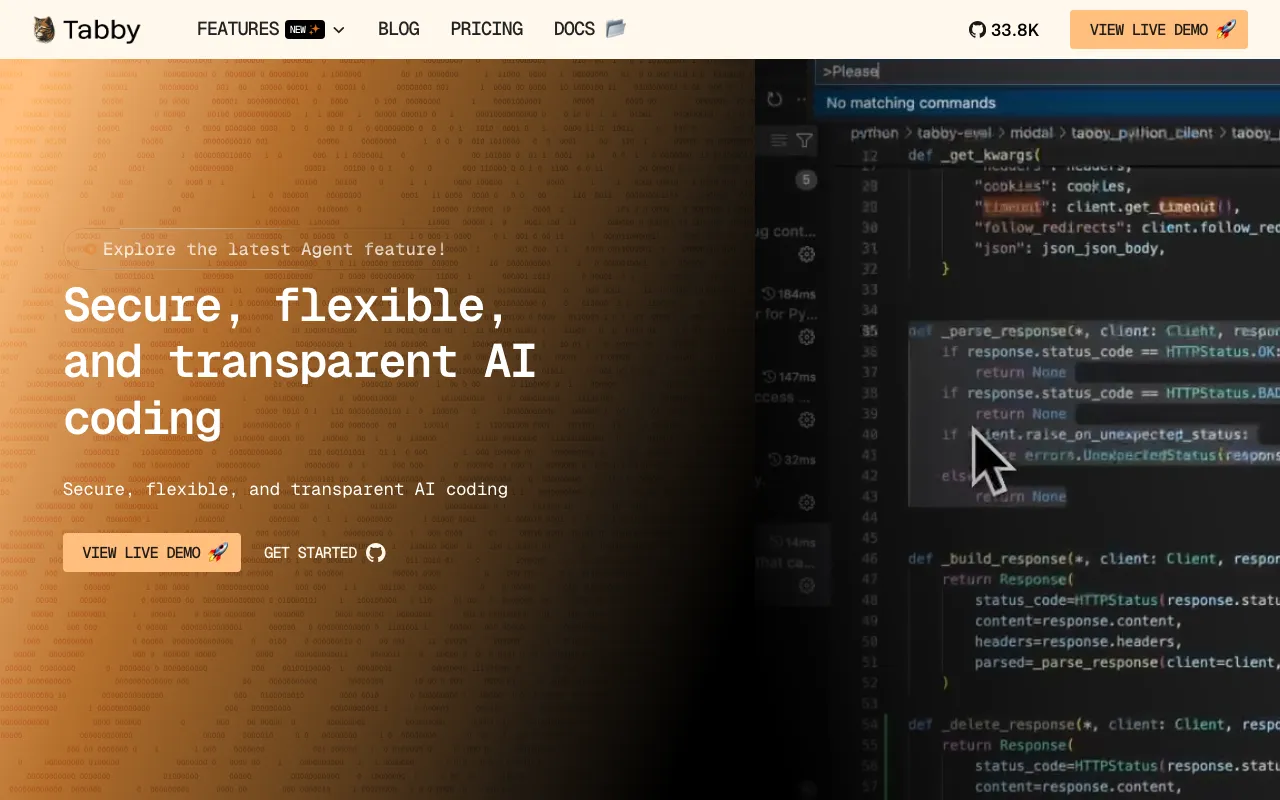
Tabby is an open-source, self-hosted AI coding assistant built by TabbyML as a privacy-first alternative to cloud tools like GitHub Copilot. You run the Tabby server on your own hardware — including consumer-grade GPUs or Apple Metal machines — and it delivers real-time, context-aware code completion, an in-IDE answer engine for coding questions, and inline chat for editing and explaining code. Because it is self-contained, it needs no external database or cloud service, and source code never leaves your infrastructure.
The core is licensed under Apache-2.0 and is actively maintained, with frequent releases and tens of thousands of GitHub stars. Tabby connects a single server to plugins for VS Code, JetBrains IDEs, Neovim, Eclipse, and others, so one deployment can serve a whole team across editors. Context providers and data connectors let the assistant pull in repository and documentation context, and an OpenAPI interface plus SSO and LDAP support make it practical to slot into existing infrastructure. Enterprise-only features live in a separately licensed ee/ module that requires a paid subscription.
Who is it for?
Tabby is aimed at teams that want Copilot-style AI assistance but cannot — or will not — send their source code to a third-party cloud. The free Community tier covers up to five users and is enough for solo developers or small teams with a decent GPU, while the paid Team and Enterprise plans add administration, deployment flexibility, and security controls for larger organizations.
- Regulated engineering teams in finance, healthcare, or government that need on-premises code AI to satisfy compliance and data-residency requirements.
- Privacy-conscious solo developers who want unlimited, telemetry-free completions and already have a capable GPU to host the model.
- Platform and infrastructure teams standardizing one AI assistant across VS Code, JetBrains, Neovim, and Eclipse from a single self-hosted server.
- Organizations avoiding SaaS lock-in who prefer an open-source, Apache-2.0 core over per-seat cloud subscriptions with opaque data handling.
How much does Tabby cost?
Starting price: $19/user/mo · Free tier: yes · Model: freemium
Price history tracked from June 2026
| Plan | Price | Includes |
|---|---|---|
| Community | Free | Up to 5 users · Fully self-hosted, local-first deployment · Code completion, answer engine, and inline chat · Context providers and data connectors · Apache-2.0 licensed core, no usage caps |
| Team | $19/user/mo | Up to 50 users · Flexible deployment (cloud, on-prem, or hybrid) · Team administration and access controls · Annual billing ~$180/user/year (about 20% off) |
| Enterprise | Custom | Unlimited users · Customized deployment · Enhanced security and group management · SSO and LDAP authentication · Licensed enterprise features from the ee/ module |
What are Tabby's key features?
- Real-time, context-aware code completion tuned for next-move prediction
- Answer engine that responds to coding questions inside the IDE
- Inline chat for editing and explaining code directly in the editor
- Context providers and data connectors that pull in repository and doc context
- Self-contained server with no external DBMS or cloud dependency
- OpenAPI/REST interface for infrastructure integration
- Broad IDE support: VS Code, JetBrains, Neovim, Eclipse, and more
- GPU-accelerated inference including Apple Metal, plus SSO and LDAP for teams
What people use Tabby for
- 01 Giving developers Copilot-style completions without sending any source code to a third-party cloud
- 02 Running an in-IDE answer engine over private repositories and internal docs for regulated teams
- 03 Self-hosting AI code assistance on consumer-grade or datacenter GPUs to avoid per-seat SaaS lock-in
- 04 Providing a single AI assistant across VS Code, JetBrains, Neovim, and Eclipse from one server
- 05 Indexing GitHub and GitLab repositories so completions and chat understand project-specific context
Pros and cons
| Pros | Cons |
|---|---|
| Fully self-hosted — source code never leaves your infrastructure, ideal for regulated industries | You supply and maintain the GPU hardware, so setup and ops overhead is higher than SaaS tools |
| Apache-2.0 core is free with no usage caps or telemetry for solo developers and small teams | Self-hosted open models trail frontier cloud models like Claude on complex, multi-file reasoning |
| Runs on consumer-grade GPUs and supports a wide range of IDEs from one server | Enterprise features (advanced security, group management) live behind a paid, non-Apache ee/ license |
| Open-source and transparent, avoiding vendor lock-in of cloud coding assistants |
What are the best Tabby alternatives?
Aider is the closest Tabby alternative in our directory: it covers the same category (AI Coding), starts at $0, has a free tier.
Ranked by category overlap with Tabby, then free-tier availability, then lowest verified starting price — computed from our verified data, never from sponsorships.
| Alternative | What it is | Starting price | Free tier | Price verified |
|---|---|---|---|---|
| Aider | Open-source AI pair programming in your terminal — bring your own LLM key and edit your git repo | $0 | yes | Jun 22, 2026 |
| GitHub Copilot | AI coding assistant with inline completions, chat, and autonomous agent mode across major IDEs | $10/mo | yes | Jul 3, 2026 |
| Claude | Anthropic's AI assistant built for long-context analysis, coding, and safe reasoning | $20/mo | yes | Jul 3, 2026 |
| Cursor | AI-native code editor that runs autonomous agents to build, test, and review code | $20/mo | yes | Jul 3, 2026 |
| Tabnine | Privacy-first AI coding assistant with air-gapped deployment and your choice of LLM | $39/user/mo | no | Jun 21, 2026 |
How people make money with Tabby
- Offer self-hosted Tabby deployment and GPU tuning as a managed service for finance, healthcare, or government teams that cannot send code to cloud AI tools
- Bundle Tabby setup with private code-context and repository indexing consulting for enterprises replacing GitHub Copilot on their own infrastructure
Frequently asked questions
Is Tabby free?
Yes. The Community tier is free and open-source under the Apache-2.0 license, supporting up to 5 users with no usage caps or telemetry. You self-host it, so your only real cost is the GPU hardware or cloud compute needed to run the server.
How much does Tabby cost for teams?
The Team plan costs $19 per user per month for up to 50 users, with annual billing at roughly $180 per user per year. It adds flexible deployment, team administration, and access controls. Larger organizations use the custom-priced Enterprise plan for unlimited users.
Is Tabby really self-hosted?
Yes. Tabby runs entirely on your own infrastructure with no external database or cloud service required. Source code stays on your servers, which is why regulated teams in finance, healthcare, and government adopt it where cloud AI coding tools are blocked by compliance rules.
What license does Tabby use?
The Tabby core is licensed under Apache-2.0, so it is fully open-source and free to self-host. Content in the repository's ee/ directory is covered by a separate Tabby Enterprise License that requires a paid subscription for production use of enterprise features.
Which IDEs does Tabby support?
Tabby provides plugins for VS Code, JetBrains IDEs (IntelliJ, PyCharm, WebStorm, Android Studio), Neovim, Vim, and Eclipse, among others. All of them connect to a single self-hosted Tabby server, so one deployment can serve an entire team across different editors.
How does Tabby compare to GitHub Copilot?
Tabby is a self-hosted, open-source alternative to GitHub Copilot: you host the models yourself so no code leaves your network. Copilot is a managed cloud service that is simpler to start with but sends code to third-party servers, which some regulated teams cannot allow.