Warp
AI-powered terminal and agentic development environment with autocomplete and cloud agents
Warp is an AI-powered terminal and agentic development environment with command autocomplete, an AI agent mode, and cloud agents. The terminal is free with a limited monthly AI-credit allowance; the Build plan costs $20/month for 1,500 credits, Max is $200/month for 18,000 credits, and Business is $50/user/month with team security controls. Best for developers who want AI woven directly into a fast, modern terminal.
What is Warp?
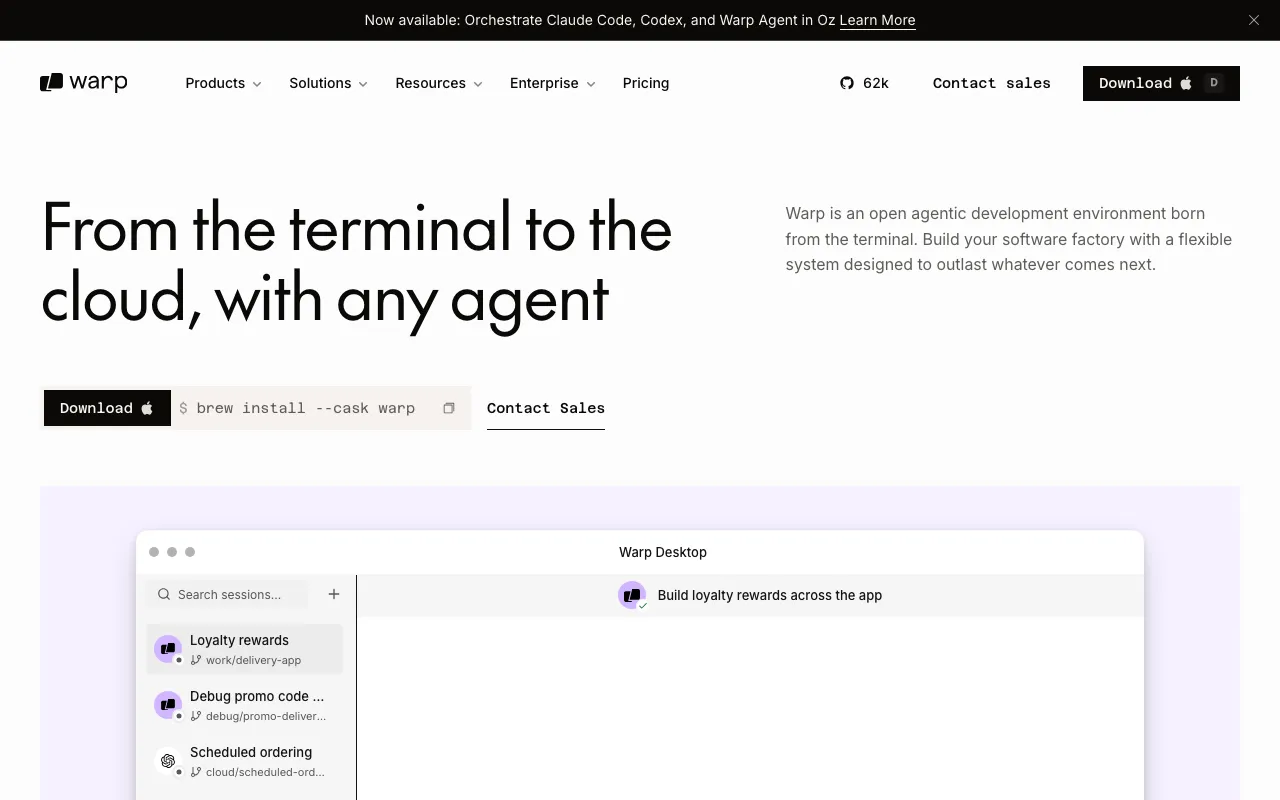
Warp is a modern, GPU-accelerated terminal that has grown into an “agentic development environment.” On top of a fast, block-based terminal with a command palette and proper text editing, it layers AI throughout: an agent mode that turns plain-language requests into shell commands, debugs errors, and runs multi-step tasks, plus cloud agents that can carry out longer jobs remotely while you keep working. The terminal itself is free and fully usable; the AI features draw on a monthly pool of credits.
Warp recently moved to a credit-based pricing model, replacing its older Pro and Turbo tiers. The free plan includes a limited credit allowance (around 75 a month after the first two months) and bring-your-own-key access. Build, at $20/month, includes 1,500 credits and access to models from OpenAI, Anthropic, and Google. Max, at $200/month, includes 18,000 credits — twelve times Build — for heavy users. Business, at $50/user/month, adds team-wide Zero Data Retention and SAML SSO, and Enterprise allows custom compute, bring-your-own-LLM, and self-hosted cloud agents. Warp also supports the Model Context Protocol and stores reusable workflows in Warp Drive.
Who is it for?
Warp fits developers who spend their day in the terminal and want AI assistance there rather than in a separate editor or chat window. The free tier is enough to evaluate the experience; paid plans matter once you rely on the agent and cloud features and start consuming credits in volume.
- Terminal-heavy developers and SREs who want command generation, debugging, and agents where they already work.
- Power users running agentic tasks who need the large credit pools of Build or Max to avoid hitting limits.
- Engineering teams that need Zero Data Retention, SAML SSO, and shared workflows via Warp Drive.
- Cost-sensitive users who prefer bring-your-own-key access to supply their own model credits.
How much does Warp cost?
Starting price: $0 · Free tier: yes · Model: freemium
Price history tracked from June 2026
| Plan | Price | Includes |
|---|---|---|
| Free | Free | Modern GPU-accelerated terminal · Limited monthly AI credits (about 75/month after the first 2 months) · Bring-your-own-key model access · Limited cloud agents |
| Build | $20/mo | $18/month billed annually · 1,500 AI credits per month · OpenAI, Anthropic, and Google models · Unlimited Warp Drive objects and collaboration |
| Max | $200/mo | $180/month billed annually · 18,000 AI credits per month (12x Build) · Top-up (Reload) credits and volume discounts |
| Business | $50/user/mo | $45/user/month billed annually (up to 50 seats) · Team-wide Zero Data Retention enforced · SAML-based single sign-on · Reload credits and volume discounts |
| Enterprise | Custom | Custom compute environments · Bring your own LLM · Self-host cloud agents on your own infrastructure |
What are Warp's key features?
- Modern GPU-accelerated terminal with blocks, editing, and a command palette
- AI agent mode for natural-language commands, debugging, and workflows
- Cloud agents that run agentic tasks remotely, scaling by tier
- Multi-model access (OpenAI, Anthropic, Google) on paid plans
- Bring-your-own-key and bring-your-own-LLM support
- Warp Drive for saving and sharing workflows and notebooks
- MCP (Model Context Protocol) support
- Team controls: Zero Data Retention and SAML SSO on Business
What people use Warp for
- 01 Generating shell commands from a plain-language description of what you want to do
- 02 Debugging failing commands and errors with an AI agent inside the terminal
- 03 Running multi-step agentic tasks like setting up a project or fixing a build
- 04 Saving and sharing reusable workflows across a team via Warp Drive
- 05 Offloading longer tasks to cloud agents while you keep working
Pros and cons
| Pros | Cons |
|---|---|
| Fully usable, fast modern terminal even before you touch the AI features | Pricing was recently overhauled — the old Pro and Turbo tiers are gone, so older guides are outdated |
| Clear credit tiers with a big 12x jump at Max for heavy users | The free tier's AI is limited and drops to roughly 75 credits a month after the first two months |
| Strong team and security story — Zero Data Retention, SAML SSO, and self-hosting | Credits are an abstract unit, so the real cost per task is hard to predict in advance |
| Multi-model access plus BYOK lets cost-sensitive users supply their own keys | Max at $200/month is steep, and per-seat Business pricing adds up for larger teams |
What are the best Warp alternatives?
Cline is the closest Warp alternative in our directory: it covers the same category (AI Coding), starts at $0, has a free tier.
Ranked by category overlap with Warp, then free-tier availability, then lowest verified starting price — computed from our verified data, never from sponsorships.
| Alternative | What it is | Starting price | Free tier | Price verified |
|---|---|---|---|---|
| Cline | Open-source autonomous coding agent for VS Code that edits files, runs commands, and brings your own model | $0 | yes | Jun 20, 2026 |
| GitHub Copilot | AI coding assistant with inline completions, chat, and autonomous agent mode across major IDEs | $10/mo | yes | Jul 3, 2026 |
| Windsurf | Agentic AI IDE with Cascade that writes, edits and runs code autonomously inside your editor | $15/mo | yes | Jun 11, 2026 |
| Claude | Anthropic's AI assistant built for long-context analysis, coding, and safe reasoning | $20/mo | yes | Jul 3, 2026 |
| Cursor | AI-native code editor that runs autonomous agents to build, test, and review code | $20/mo | yes | Jul 3, 2026 |
Frequently asked questions
Is Warp free?
Yes. Warp's terminal is free to use, including a limited monthly allowance of AI credits (about 75 per month after the first two months) and bring-your-own-key model access. Paid plans — Build at $20/month and up — add far more credits and team features.
How much does Warp cost?
After the free tier, Build is $20/month ($18 billed annually) for 1,500 AI credits, Max is $200/month ($180 annually) for 18,000 credits, and Business is $50/user/month ($45 annually) with team security controls. Enterprise is custom-priced.
What are Warp credits?
Credits are Warp's unit for AI usage — agent runs, command generation, and cloud-agent work all consume them. Build includes 1,500 a month and Max 18,000. Because consumption varies by task, predicting exact monthly cost takes some trial and error.
Which models does Warp use?
On paid plans, Warp gives access to models from OpenAI, Anthropic, and Google, and it supports bring-your-own-key and bring-your-own-LLM setups. Claude is among the strongest options for the agentic coding tasks Warp is built around.
Does Warp work on Windows and Linux?
Yes. Warp is a native desktop terminal for macOS, Linux, and Windows. It is the terminal itself rather than a plugin, and cloud agents are also accessible from the web. There is no mobile version.
Did Warp change its pricing?
Yes. Warp moved to a credit-based model and replaced its older Pro and Turbo tiers with Free, Build, Max, Business, and Enterprise. Reviews and docs written before the change describe tiers that no longer exist, so check the current pricing page.