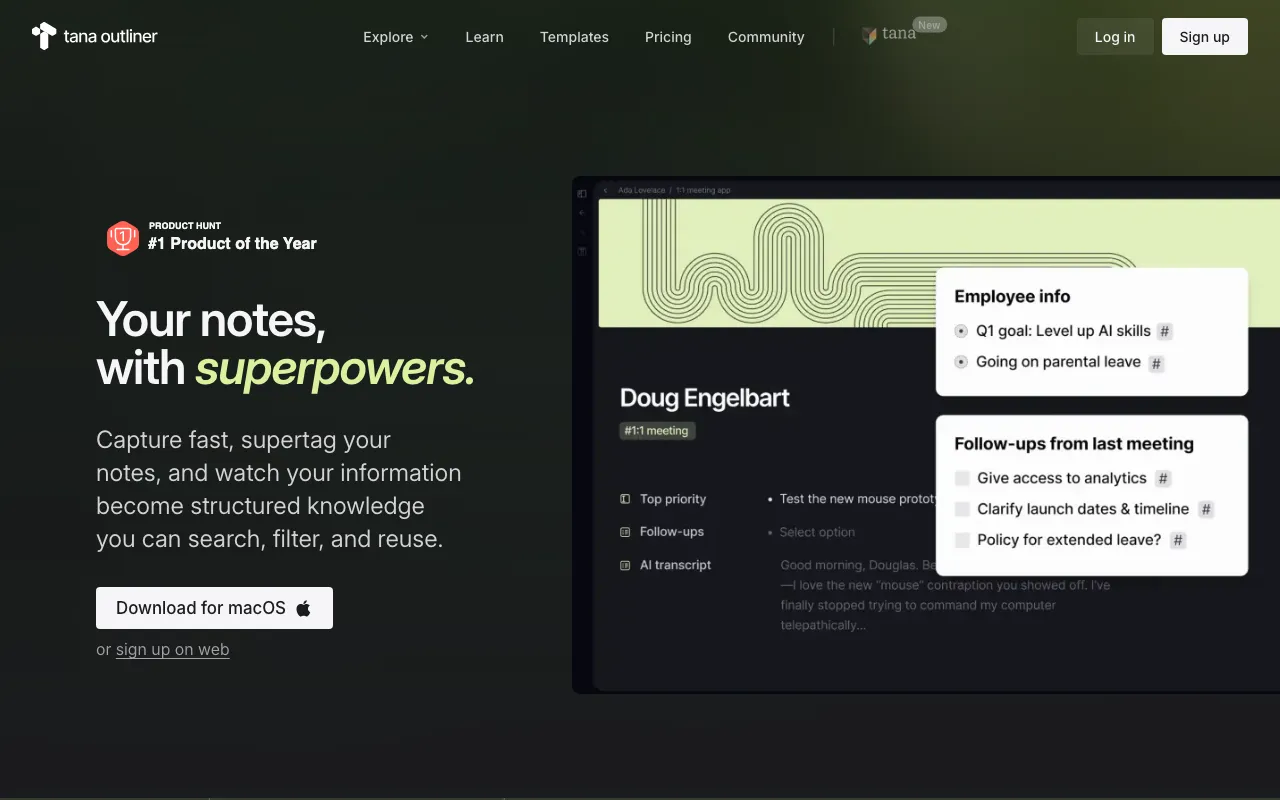
Tana Outliner
AI-native outliner where supertags turn plain bullets into structured, queryable knowledge across notes, tasks, meetings, and voice memos
FREEMIUM Verified JUL 19, 2026
6 tools ranked · last updated Jul 20, 2026 · how we picked
The best AI note-taking app in 2026 is Tana Outliner at $8/month billed yearly — supertags turn plain bullets into notes you can actually query. Notion is the best free pick: unlimited pages for a single user at $0, with no block cap until a second person joins. Raycast is the fastest capture surface if you already live on the keyboard, free for 5 notes and $8/month for unlimited ones. This list is about personal notes you write and later interrogate — capture speed, structure, and retrieval — not team wikis or meeting bots.
Prices last verified Oct 21, 2026 against official pricing pages.
Tana Outliner is an outline editor built on a knowledge graph, and the supertag is what separates it from every other note app here: tagging a bullet gives it a type, so a line becomes a task with a due date or a meeting with attendees, and typed nodes can then be pulled back out by a live search you write once and embed anywhere. AI chat opens beneath any node with that node as context, so asking your own notes a question is a keystroke rather than an export. The free plan includes 500 AI credits a month, roughly 100 minutes of transcription, capped at 3 workspaces and 0.5 GB of uploads. Plus is $8/month billed yearly ($10 monthly) with 2,000 credits; Pro is $14/month yearly ($18 monthly) with 5,000. Two caveats: supertags and live searches carry a real learning curve with nothing configured on day one, and AI is credit-metered rather than unlimited — free users cannot top up at all.
Notion is the safest default because its free plan is genuinely unlimited for one person rather than a capped trial: unlimited pages, 7-day page history, and trial access to Notion AI, Meeting Notes, and Agent, all at $0. The block-based editor means a page can hold nested text, embeds, and relational databases, so a reading list, a project log, and a set of daily notes can link to each other instead of sitting in separate folders, and the Q&A feature answers questions using content already in your workspace. Plus is $10/member/month for unlimited file uploads and 30-day history; Business is $20/member/month. Two caveats: the block cap kicks in the moment a workspace has two or more members, which makes the free tier strictly a solo deal, and the autonomous Notion Agent and full AI Meeting Notes are locked behind that $20/member/month Business tier — the free plan only previews them. Offline support is also thinner than desktop-native rivals.
Raycast wins on the part of note-taking nobody optimises: the two seconds between having a thought and getting it written down. One keyboard shortcut opens a command bar that launches apps, searches files, recalls clipboard history, and takes a note, so capture never requires finding a window. Quick AI answers questions inline from that same bar, and the iOS app adds Whisper voice dictation in 50+ languages for capture away from the desk. The free plan covers 5 Raycast Notes and 3 months of clipboard history but no AI; Pro is $8/month billed annually ($10 monthly) for unlimited notes and clipboard history plus cloud sync across devices, and the Plus plan ($16/month annual) adds top-tier models. Two caveats: 5 notes makes the free tier a demo rather than a system, and the Windows build is still beta at v0.67 with Cloud Sync listed as coming soon, so this remains a Mac-and-iOS product.
NotebookLM is the retrieval half of the job rather than the capture half: you feed it material you have already written or collected — Markdown, plain text, Google Docs, PDFs, web URLs — and every answer is grounded strictly in those sources with an inline citation pointing at the exact passage. That constraint is the feature, because the model cannot quietly substitute its own training data when your notes are thin. The free Standard tier is unusually generous at 100 notebooks, 50 sources per notebook, 50 chat queries a day, 3 Audio Overviews a day, and 10 Deep Research reports a month. Plus is $7.99/month, Pro $19.99/month, Ultra $99.99/month. Three caveats: it is web-only with no offline mode, there is no API, and it cannot be bought standalone — paid access bundles with Google AI or Workspace plans. Treat it as a reading layer over notes you keep somewhere else.
Msty Studio is the pick when the notes in question are ones you would not upload — client files, medical notes, anything under an NDA. It runs local models through llama.cpp, Apple MLX, or Ollama engines and installs as an ordinary app on Windows, macOS, and Linux, so once the weights are downloaded, querying your own material needs no network connection at all. Knowledge Stacks provide real retrieval over your files, with chunk visualisers and retrieval analytics rather than a black box, and the free tier is not a stub: Agent Mode, Knowledge Stacks, and MCP tools are all included at $0. Aurum is $149/user/year, or $349 as a one-time lifetime licence covering 2 desktop devices. Two caveats: the app is closed source despite the local-first pitch, so you cannot audit it, and answer speed is capped by your own hardware — large models want substantial RAM and a fast GPU or Apple Silicon.
Taskade is the cheapest paid entry here and earns its place for people whose notes are mostly things they intend to do. The same content renders as a list, board, mind map, calendar, table, or Gantt chart, so a brain-dump outline becomes a plan without being retyped, and custom AI agents can run over that workspace to research or draft rather than just autocomplete a sentence. The free plan gives 3,000 one-time AI credits, up to 3 apps, 1 user, and 250 MB of knowledge-base storage. Starter is $6/month on annual billing with 10,000 monthly credits and 5 GB; Pro is $16/month with 50,000 credits and unlimited agents; Business is $40/month. Two caveats: the free plan’s 3,000 credits are one-time rather than monthly, so AI stops working permanently once spent, and the advertised prices assume annual billing — monthly runs roughly 20% higher.
We ranked these on the three things personal note-taking actually asks of a tool: how fast you can get a thought captured, whether the app imposes enough structure that notes stay findable a year later, and whether you can ask your own archive a question and get an answer traceable to something you wrote. Structure was the deciding factor at the top, because retrieval quality is downstream of it — a graph of typed, queryable nodes answers questions that a folder of prose cannot, which is why Tana Outliner edges out the more familiar workspaces. We deliberately excluded meeting-bot transcription tools and team wikis, since those solve a different problem, and we weighted free tiers by whether they are workable long-term rather than by feature-list length: Notion’s unlimited solo pages and NotebookLM’s 100 notebooks are systems, while a 5-note cap is a demo. Pricing was verified on July 20 2026 against each product’s official pricing page; no tool paid or provided incentives to appear.
AI-native outliner where supertags turn plain bullets into structured, queryable knowledge across notes, tasks, meetings, and voice memos
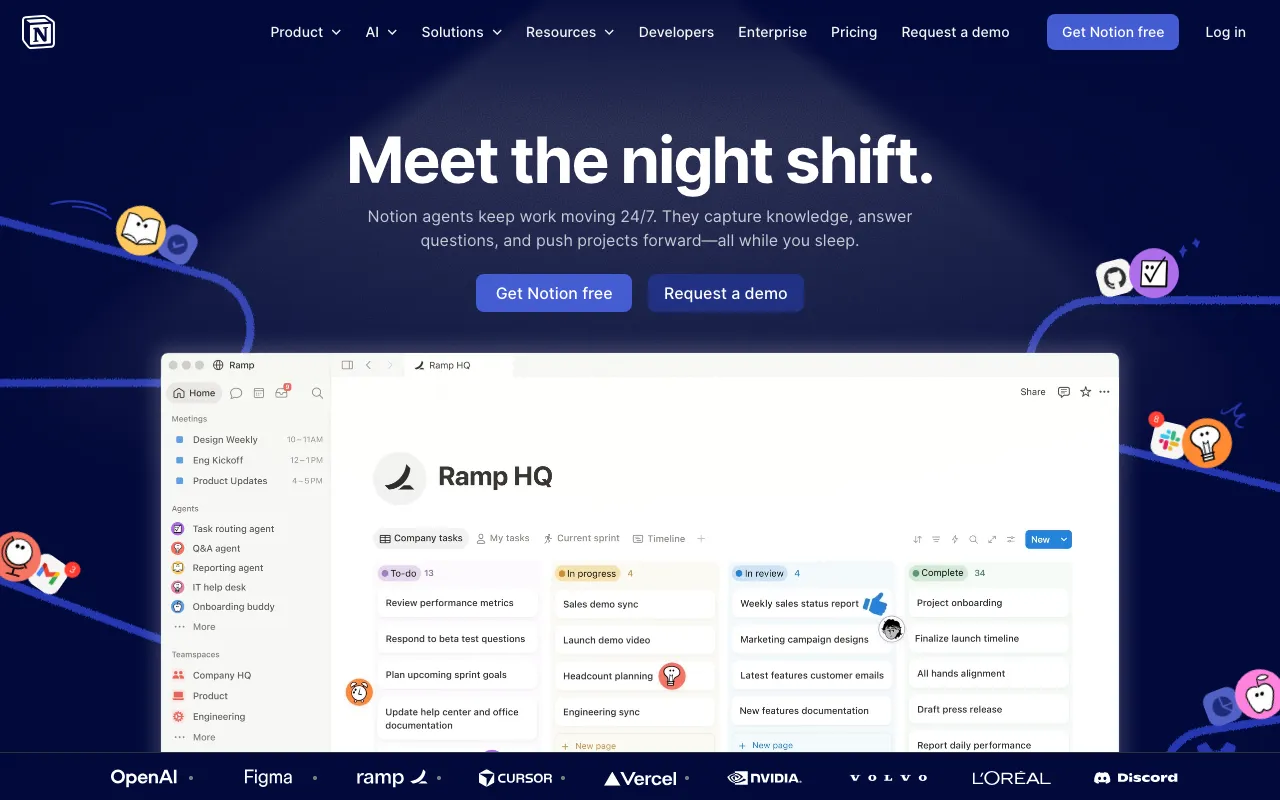
AI workspace combining docs, databases, projects, and autonomous agents in one platform
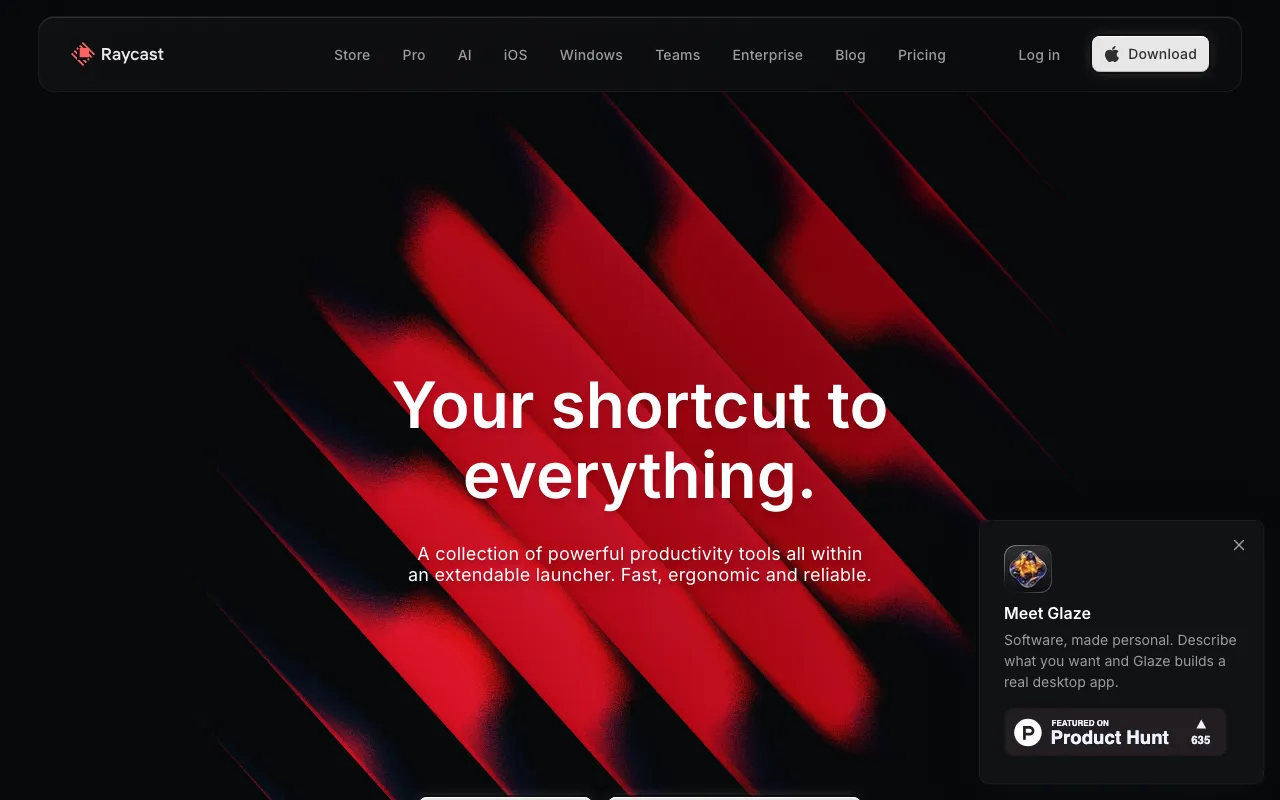
Keyboard-first Mac launcher with built-in AI, extensions, and clipboard tools — free core, Windows beta, and an iOS companion app
Google's AI research assistant that answers questions grounded in your own uploaded sources
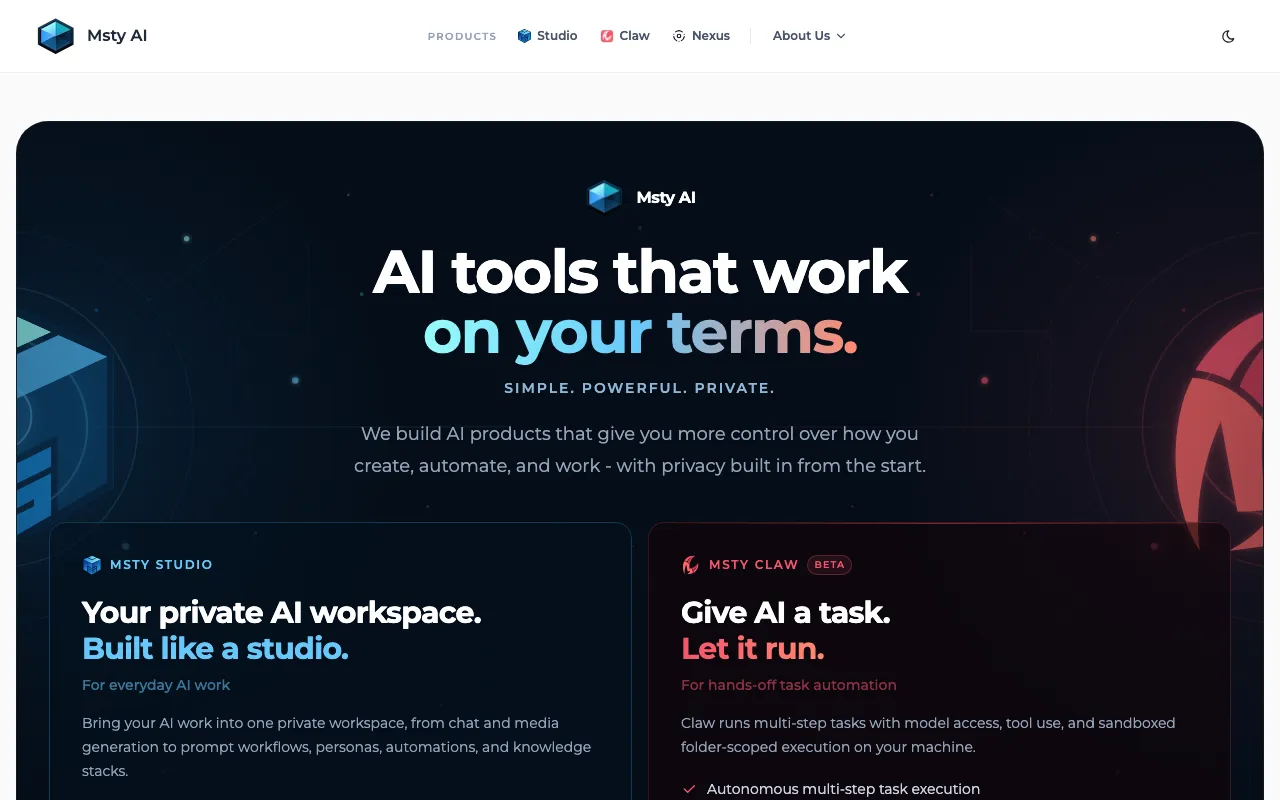
Desktop and web AI workspace for running local and cloud LLMs side by side, with split chats, personas, and knowledge stacks
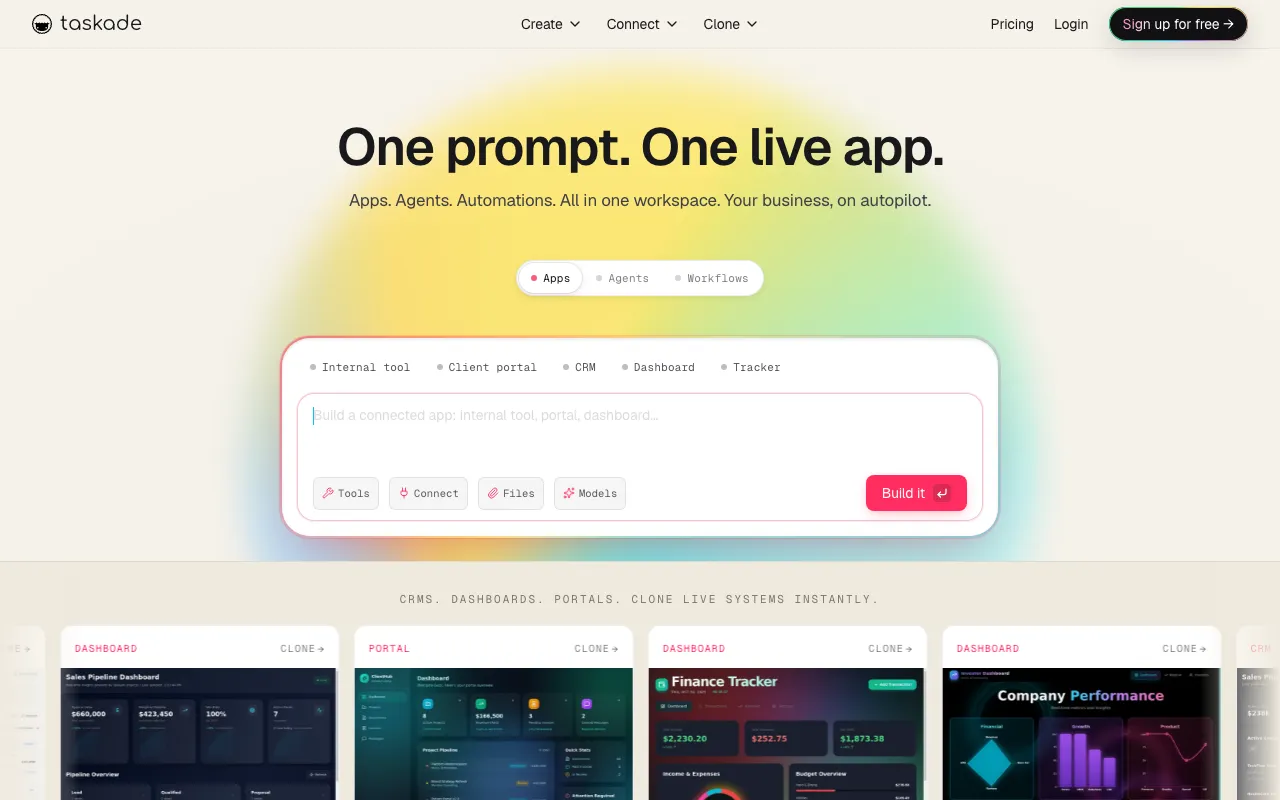
All-in-one AI workspace combining tasks, notes, mind maps, and docs with custom AI agents and automations
Every tool in this list has a full profile in our directory with pricing verified against its official pricing page on the date shown on its stamp. Ranking reflects verified pricing, free-tier generosity, platform coverage, and documented capabilities. Rank is not for sale: a sponsor can buy only a separate slot marked Sponsored, outside the ranking. Read the full methodology.
Yes — 6 of the 6 tools here have a free tier: Tana Outliner, Notion, Raycast, NotebookLM, Msty, Taskade. Pricing verified Jul 20, 2026.
Taskade has the lowest verified monthly starting price in this list at $6/mo, checked against its official pricing page on Jun 28, 2026.
3 of the 6 tools list an API: Tana Outliner, Notion, Taskade.