
Pixlr
Browser-based AI photo editor and image generator with generative fill, expand, text-to-image, and one-click background removal
FREEMIUM Verified JUL 12, 2026
6 tools ranked · last updated Jul 12, 2026 · how we picked
The best AI photo editor in 2026 is Pixlr, a browser-based editor pairing Photoshop-style layers with generative fill, AI expand, and background removal from $2.49/month. It is the cheapest genuine editor here and one of the few with a real free tier. For all-in-one editing and design, Fotor is the strongest value at $8.99/month, while Photoroom is the best pick for e-commerce product photos at $12.99/month.
Prices last verified Oct 21, 2026 against official pricing pages.
Pixlr is the closest thing here to Photoshop in a browser: a genuine layer-based editor with masks and blend modes, wrapped around a full AI stack — generative fill, AI expand, text-to-image, and one-click background removal. That combination of real editing depth and AI tools makes it the best fit for the “photo editor” job rather than a design app that also edits photos. Paid plans start at just $2.49/month for Plus, undercutting every rival on this list, and there is a working free tier plus a $9.99/month Premium plan. The honest caveat: the AI features are credit-metered, so the free tier’s roughly 20 credits and Plus’s 80 are exhausted quickly if you lean on generation — heavy AI users will need Premium. For layer-based retouching and quick generative edits at the lowest price, Pixlr wins.
Fotor is the strongest all-rounder: one app that covers background removal, an AI photo enhancer, object removal, AI headshots and avatars, plus text-to-image generation. If you want a single tool that handles most everyday edits without learning layers, it is the most complete pick, and at $8.99/month for Pro (with a $19.99/month Pro+ tier and a free plan) it is priced well below dedicated suites. It runs in the browser and on mobile, so edits sync across devices. The honest caveat is exactly what makes it convenient: as a jack-of-all-trades, its generation and upscaling quality trails specialists like Adobe Firefly, Krea, or Photoroom on any single task. Choose Fotor when breadth and value matter more than best-in-class output on one specific job — it is the sensible default for most casual and small-business editors.
Photoroom is a specialist, and it is best-in-class at its specialty: turning phone snapshots of products into clean, listing-ready images. Background removal, AI-generated studio backgrounds and shadows, batch editing, and templates are all tuned for sellers who shoot dozens of SKUs. Pro is $12.99/month and Max is $34.99/month, with a free tier that works as a trial. If you run a Shopify, Etsy, or Amazon store, its e-commerce workflow saves more time than any general editor here. The honest caveat: it is deliberately narrow — it is not a general photo retoucher or a design tool, so for portraits, social graphics, or artistic edits you will still want Pixlr, Fotor, or Canva. And the free plan’s AI credits are so limited it functions only as an evaluation, not a free working tier. For product photography specifically, nothing else on this list matches it.
Canva earns its spot because photo editing rarely happens in isolation — most people editing an image also need to drop it into a social post, thumbnail, or presentation. Canva’s Magic Studio adds AI background removal, Magic Edit, Grab Text, and Dream Lab image generation on top of the web’s most popular template-based design suite. Pro is around $15/month with a genuinely generous free tier, so casual users can do a lot without paying. The honest caveat: it is a design platform first, so its photo tools are shallower than a dedicated editor’s — Dream Lab’s image quality trails Midjourney or Adobe Firefly, and background removal is gated to Pro. Pick Canva when your editing is one step in a larger content workflow rather than pixel-level retouching; for pure photo work, Pixlr or Fotor go deeper.
Adobe Firefly is the pick for professionals who need AI edits they can defend commercially. It is trained on licensed and public-domain content, and Adobe offers IP indemnification for enterprise output — a real differentiator when a generated background or object could otherwise create legal risk. Firefly handles generative fill, expand, and text-to-image, and integrates directly into Photoshop and the wider Creative Cloud. Standard is $9.99/month and Pro is $19.99/month, with a free tier. The honest caveat: Firefly is primarily a generator and editing companion rather than a standalone pixel editor, and the free tier’s 25 credits per month are only enough to evaluate, not to work — regular use means paying and, often, a broader Creative Cloud subscription. If commercial safety and Photoshop integration matter more than price, Firefly is the professional’s choice.
Remini does one thing better than anything else here: rescuing low-quality and old photos. Its mobile-first AI upscales, unblurs, sharpens faces, and restores damaged or ancient prints in a single tap, which makes it the go-to for reviving family archives or salvaging a blurry shot. Pricing is weekly rather than monthly — $6.99/week for Personal and $9.99/week for Business on the web, with a free tier — so the effective monthly cost (roughly $28) is steep for regular use. The honest caveat is a real quality limit: the all-or-nothing AI often over-smooths faces into a waxy, plasticky look, and there is no slider to dial the effect back, so results can look artificial on portraits. For quick restoration of a handful of old images it is excellent; as an everyday editor, the weekly billing and lack of control hold it back.
We ranked these six by fit for actual photo-editing jobs — editing depth, verified-price value, free-tier usefulness, and output quality — not by brand recognition, and no tool paid or was incentivized to appear. Pixlr leads because it is the truest editor (layers plus AI) at the lowest price; Fotor is the best all-rounder; Photoroom and Remini are specialists that win their niches decisively; Canva and Firefly are ranked lower here because they are a design platform and a generation-first tool respectively, even though both are excellent at what they primarily do. Pricing was verified against each product’s official pricing page between June 11 and July 12 2026.
Browser-based AI photo editor and image generator with generative fill, expand, text-to-image, and one-click background removal
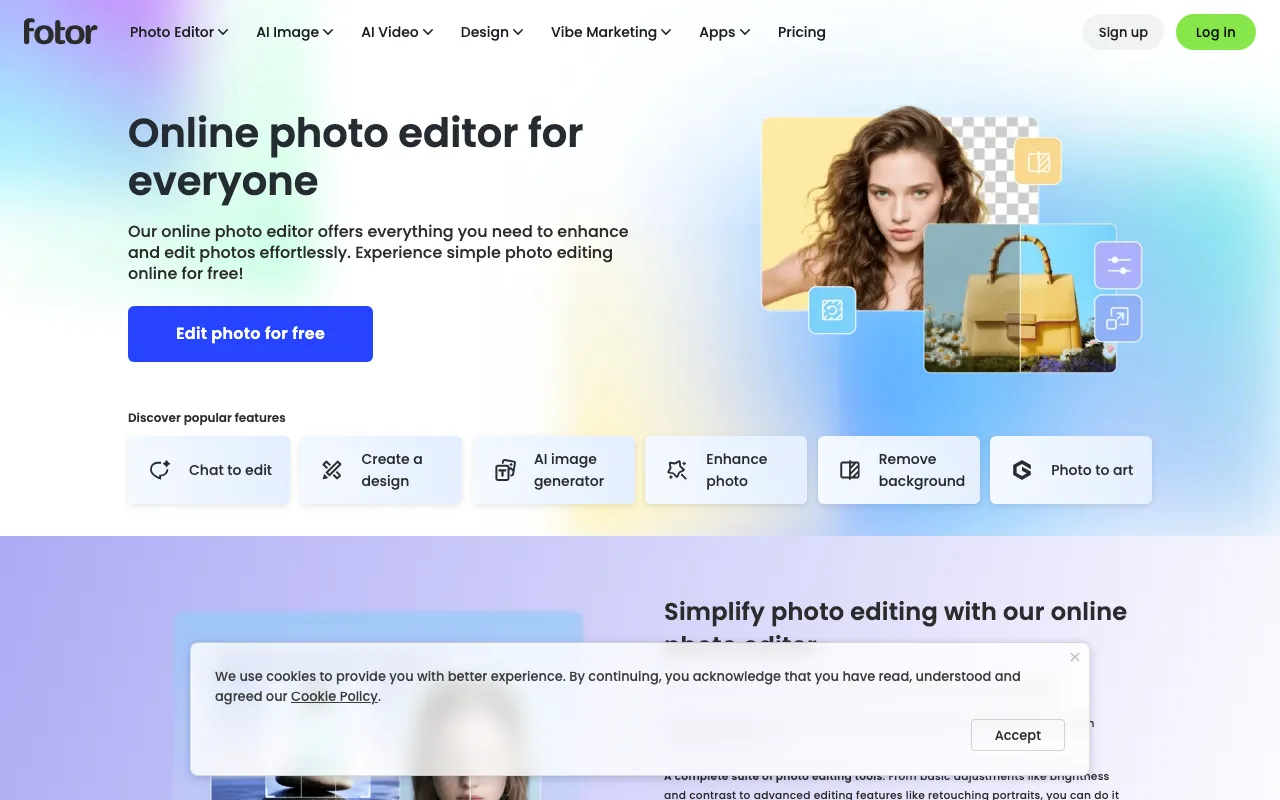
All-in-one AI photo editor and design suite with generation, background removal, and enhancement
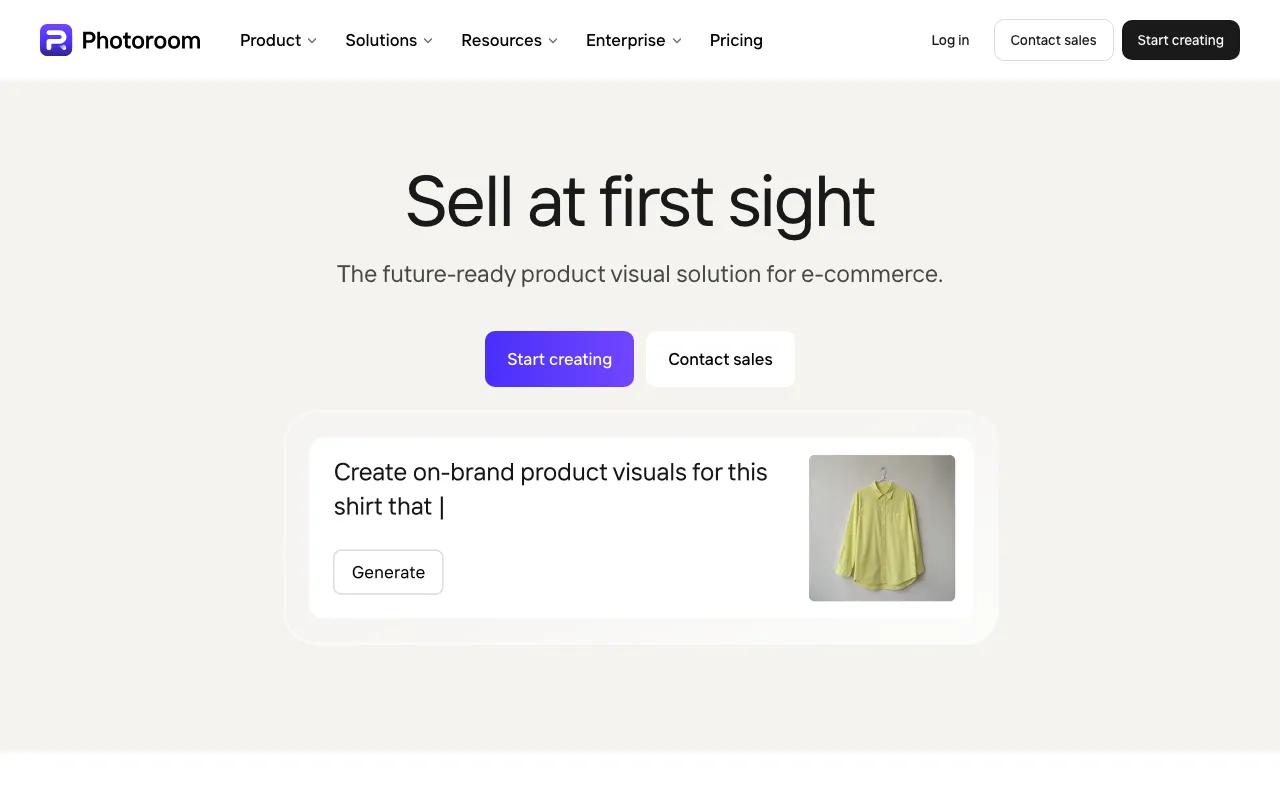
AI photo editor for e-commerce — background removal, AI product backgrounds, and batch editing
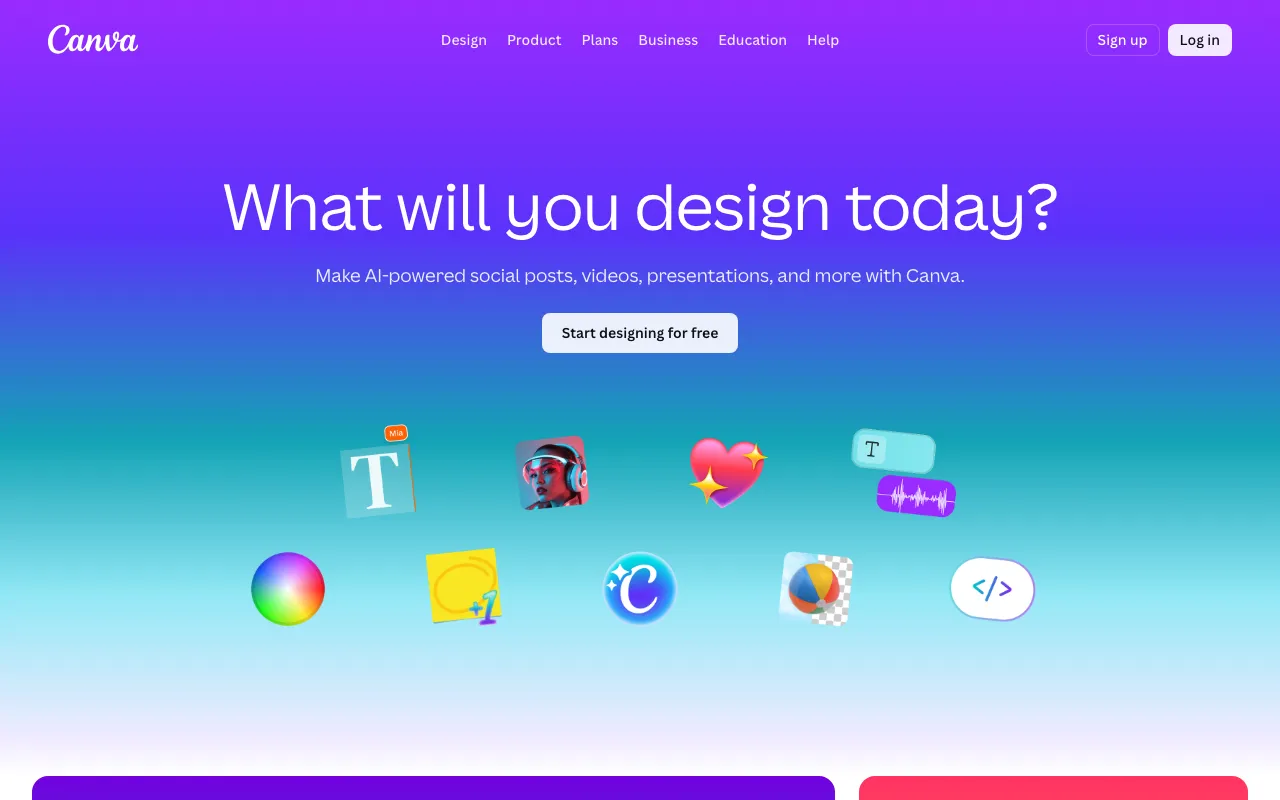
AI-powered design platform with templates, image generation, and Magic Studio tools
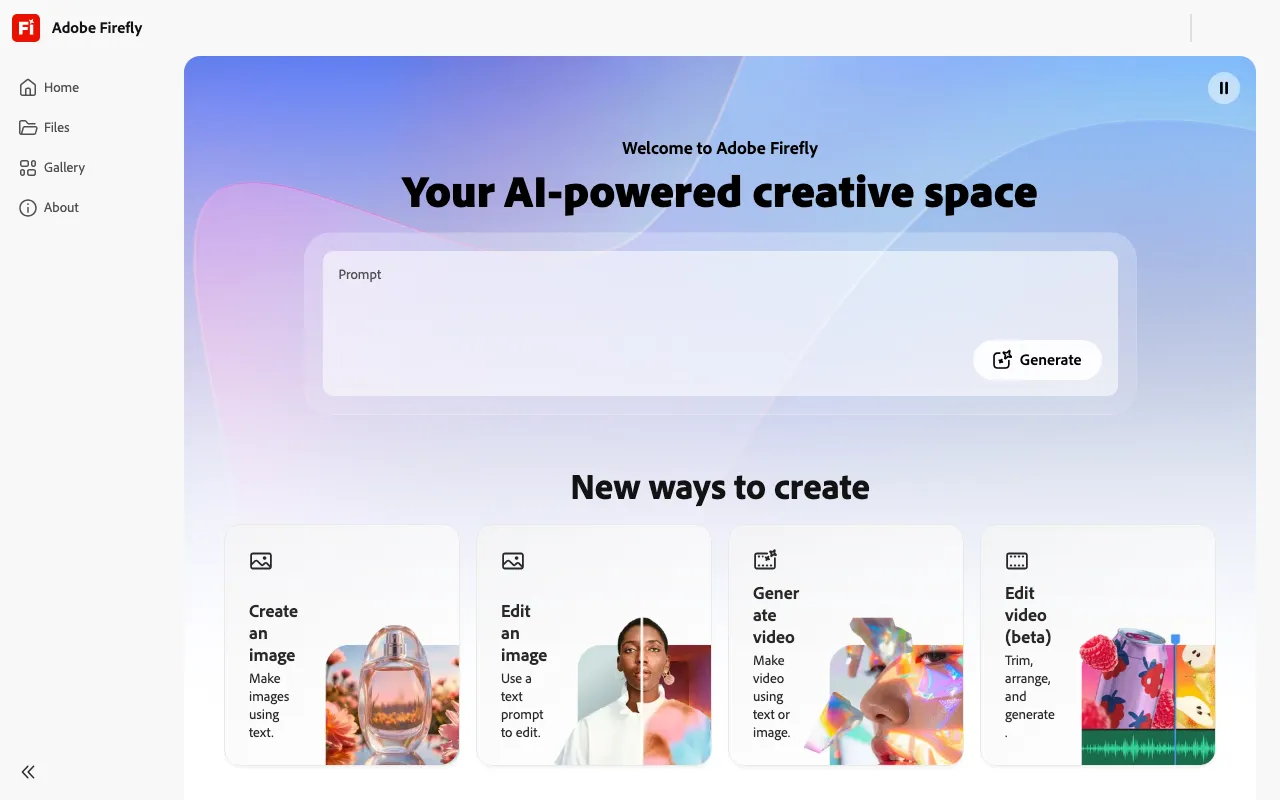
Commercially safe AI image generator trained on licensed content with Creative Cloud integration
AI photo and video enhancer that upscales, unblurs, and restores old images in one tap — mobile and web, by Bending Spoons
Every tool in this list has a full profile in our directory with pricing verified against its official pricing page on the date shown on its stamp. Ranking reflects verified pricing, free-tier generosity, platform coverage, and documented capabilities. Rank is not for sale: a sponsor can buy only a separate slot marked Sponsored, outside the ranking. Read the full methodology.
Yes — 6 of the 6 tools here have a free tier: Pixlr, Fotor, Photoroom, Canva, Adobe Firefly, Remini. Pricing verified Jul 12, 2026.
Pixlr has the lowest verified monthly starting price in this list at $2.49/mo, checked against its official pricing page on Jul 12, 2026.
4 of the 6 tools list an API: Pixlr, Photoroom, Canva, Adobe Firefly.