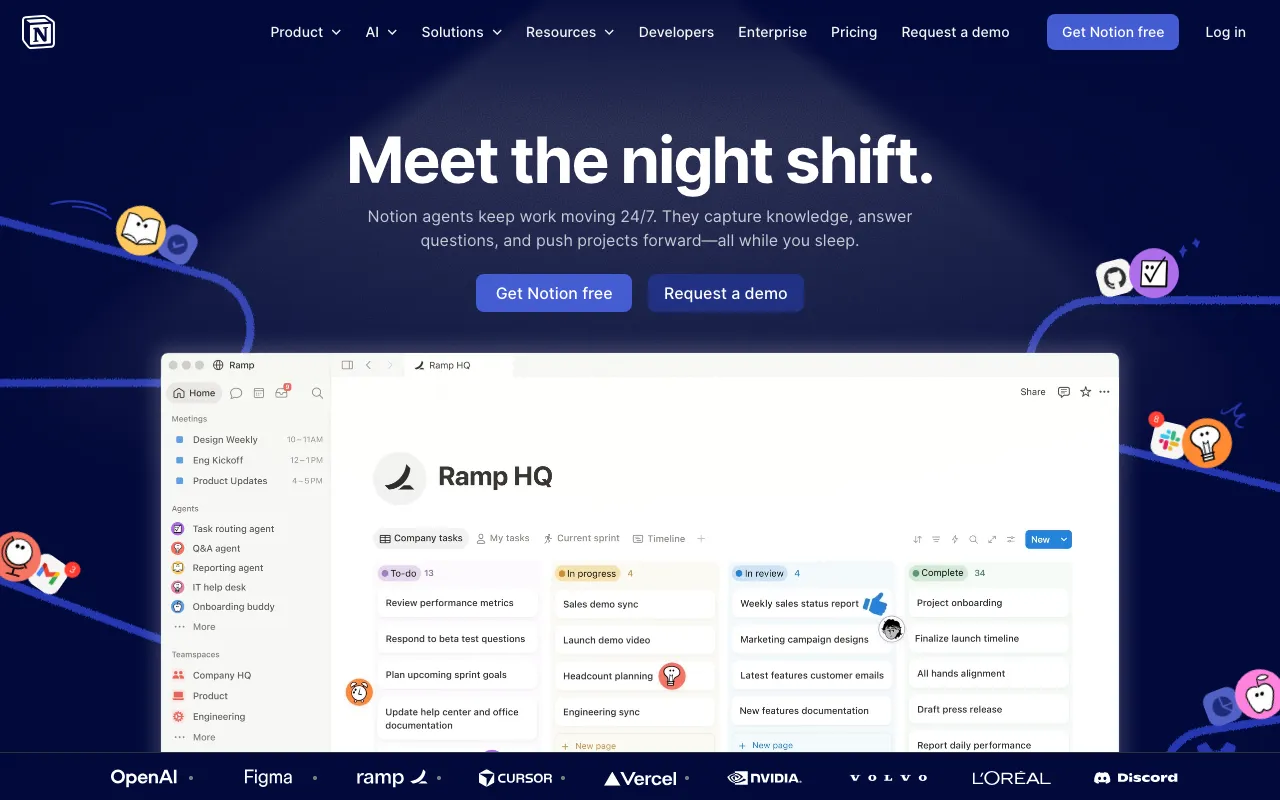
Notion
AI workspace combining docs, databases, projects, and autonomous agents in one platform
FREEMIUM Verified AUG 27, 2026
6 tools ranked · last updated Jul 17, 2026 · how we picked
The best AI tool for product managers in 2026 is Notion, whose Business plan at $20/member/month adds an autonomous agent and AI meeting notes to the docs, roadmaps, and databases PM work already lives in. Granola ($14/user/month) captures back-to-back meetings without sending a bot, and Visily turns a sketch or screenshot into an editable mockup on a free 300-credit monthly tier.
Prices last verified Oct 23, 2026 against official pricing pages.
Notion is where product management’s paper trail already lives — PRDs, roadmaps, research databases, sprint docs — and its AI layer now works that material for you: Q&A across the workspace, AI meeting notes, and on the Business plan an autonomous Agent that handles repetitive cross-database tasks without code. The free tier is genuinely unlimited for individual use; Plus is $10/member/month, and Business at $20/member/month unlocks the Agent, full AI meeting notes, and enterprise search across connected apps. One platform replacing docs, wiki, project tracking, and a separate AI layer is precisely the tool-sprawl reduction PMs get asked to justify. The caveats: the autonomous Agent and meeting notes are locked to the Business tier, the free plan block-limits teams of 2 or more, and large workspaces degrade into a junk drawer without deliberate organizational discipline.
Granola was practically designed for the PM calendar: it captures your computer’s audio directly — no bot joins the call, so customer interviews and stakeholder 1:1s stay natural — and merges the transcript with the rough notes you type, producing summaries that reflect what you flagged as important rather than a generic recap. AI chat within and across past meetings turns months of customer calls into a queryable research archive. The Basic plan is free with history reported at about 25 meetings; Business is $14/user/month for unlimited history and Notion, Slack, and HubSpot integrations. The caveats: the free history cap forces an upgrade once you actually rely on it, recording participants without a visible bot raises consent considerations that vary by jurisdiction and company policy, and it augments rather than replaces note-taking — you still type during the call to get the best summaries.
Visily exists for the exact gap PMs fall into: you need a concrete mockup to align stakeholders before design capacity frees up. It turns text prompts, screenshots, and hand-drawn sketches into editable wireframes and hi-fi mockups — no Figma skills required, and its own positioning names product managers first — and it handles flowcharts and diagrams too. The free Starter plan includes 300 AI credits a month, 2 editable boards, and up to 50 workspace members; Pro is $11 per editor per month billed annually, cheap enough to expense without a meeting. The caveats: it is not a Figma replacement — developer handoff, design specs, and complex design systems are weaker — AI-generated layouts usually need manual cleanup before they look production-ready, and free-plan exports carry a watermark, so anything customer-facing needs Pro.
Gamma generates a presentable deck — layout, images, structure — from a prompt or an uploaded document in under two minutes, which maps directly onto PM life: roadmap reviews, kickoff decks, and exec updates that deserve an hour of thought but not an evening of formatting. Paste the PRD, get the review deck, then edit. The free tier includes 400 one-time AI credits, roughly 10–15 decks; Plus at $9/month adds 1,000 monthly credits and watermark removal, and Pro at $18/month raises limits with custom branding and API access. The caveats: free credits never refresh, so regular use means paying; PowerPoint export can break layouts because Gamma’s card format does not map cleanly to fixed 16:9 slides; and it is fully cloud-based with no offline mode — a real risk during live presentations on conference Wi-Fi.
Perplexity is the research assistant for the questions PMs field weekly — market sizing, competitor moves, standards, pricing norms — answering from live web search with a citation on every claim, so findings can go into a doc with sources attached rather than “per ChatGPT.” The free tier allows unlimited standard searches and about 5 Pro Search queries a day; Pro at $20/month makes Pro Search unlimited and adds Deep Research reports and file uploads up to 40 MB. Since the February 2026 subscription-only shift, no ads influence results. The caveats: the free Pro Search cap is exhausted quickly on real competitive-analysis days, it cannot browse paywalled sources — where much of the best industry analysis lives — and generated summaries can miss nuance in underlying documents, so the citations it provides still deserve clicks.
ClickUp covers the delivery half of the PM job — tasks, docs, dashboards, sprints, whiteboards — at aggressive base pricing: Unlimited is $7/user/month billed annually and Business is $12, undercutting most rivals. Its AI layer, ClickUp Brain, is a $9/user/month add-on with unlimited AI chat across Claude, ChatGPT, and Gemini plus an @Brain agent inside your workspace, and the Free Forever plan is permanent with unlimited tasks and members. For a team consolidating trackers, docs, and AI into one bill, the math works. The caveats are the fine print: AI is not bundled, so a Business seat with Brain really costs $21/user/month and the fuller Everything AI tier pushes it to $40; the free plan’s AI access is trial-level only; and the platform’s breadth is also its bloat — it is widely reported as slow to load and steep to learn.
We ranked by covering each core PM job with the strongest catalog tool for it — documentation and roadmaps, customer and stakeholder meetings, mockups, presentation decks, market research, and delivery tracking — rather than listing six overlapping workspaces. Position reflects how central the job is to most PM weeks and how decisively each tool wins its slot, weighed against free-tier usefulness and verified price. Pricing was verified against each vendor’s official pricing page between June 11 and July 17, 2026, and matches each tool’s full profile on this site. No tool paid or provided incentives to appear, and rankings cannot be bought.
AI workspace combining docs, databases, projects, and autonomous agents in one platform
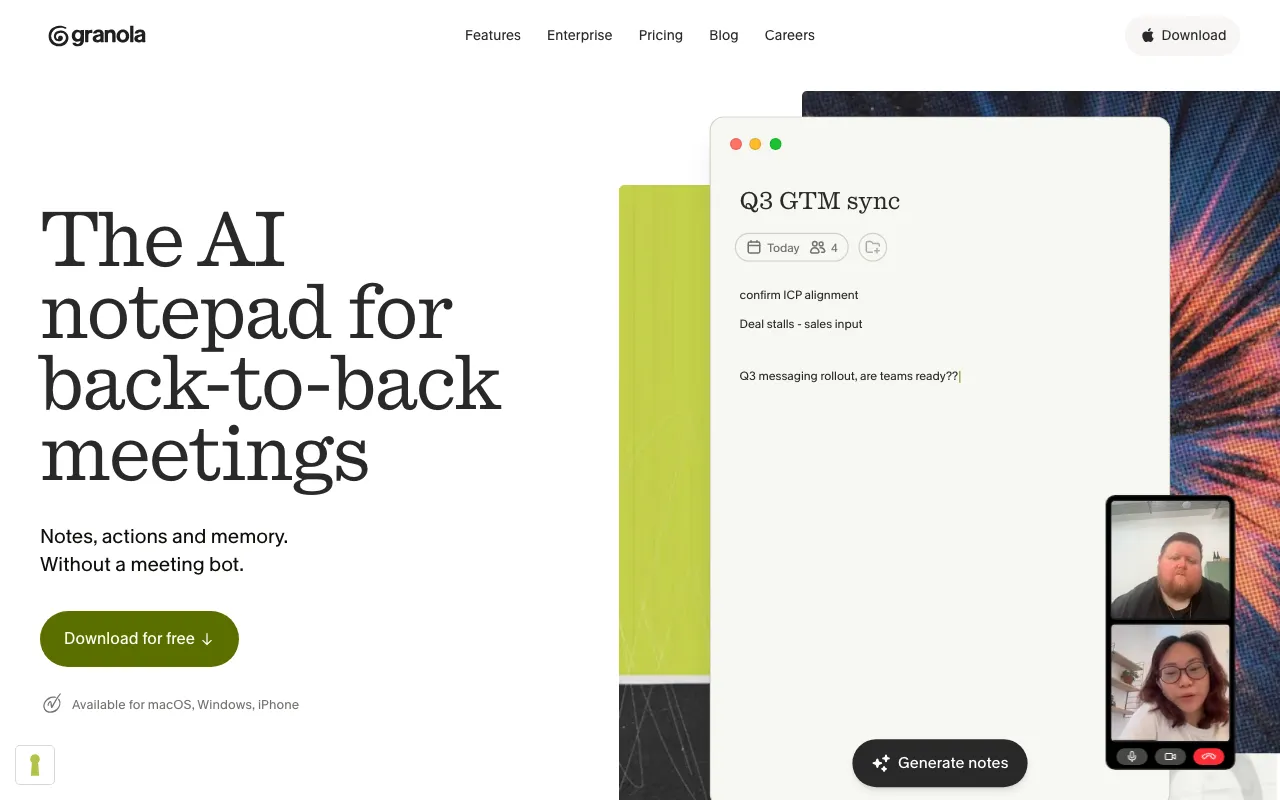
AI notepad that transcribes meetings without a bot and augments your own typed notes into clean summaries
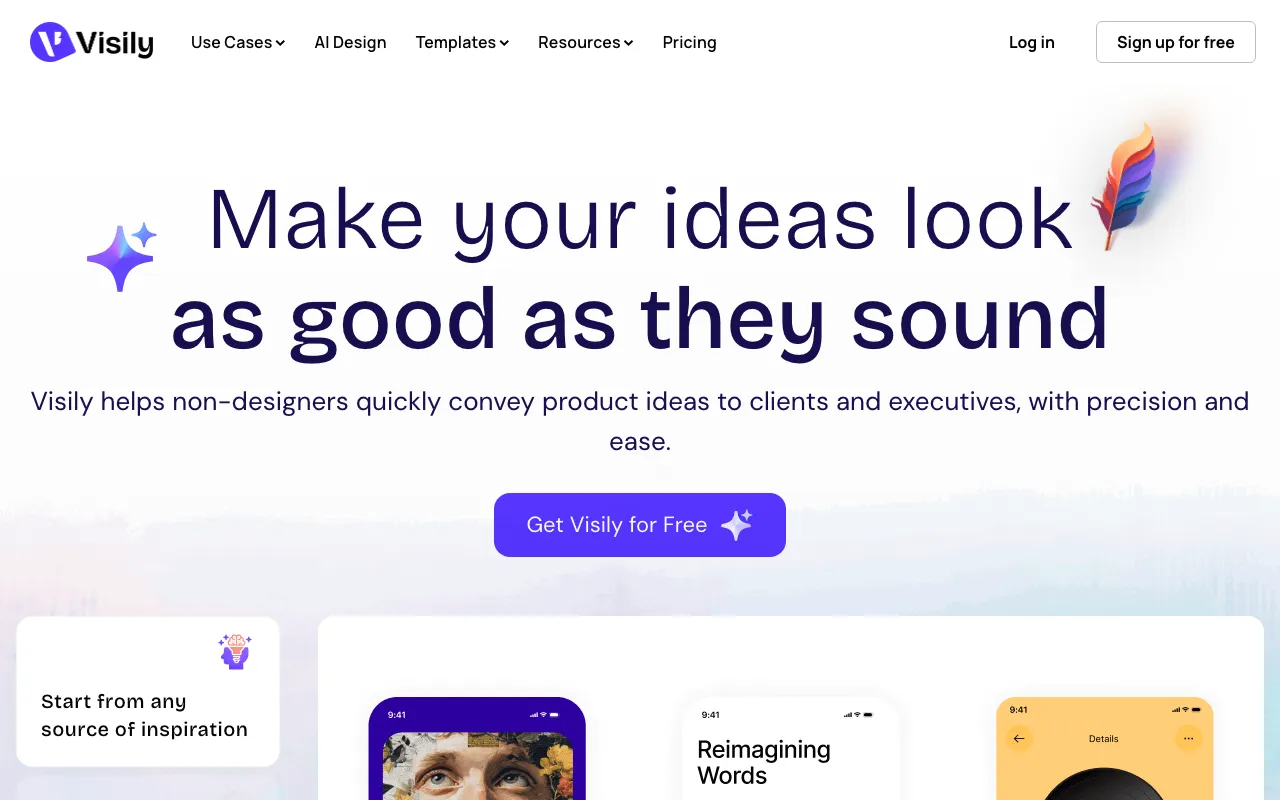
AI-powered UI/UX design tool that turns text prompts, screenshots, and sketches into editable wireframes and mockups for non-designers
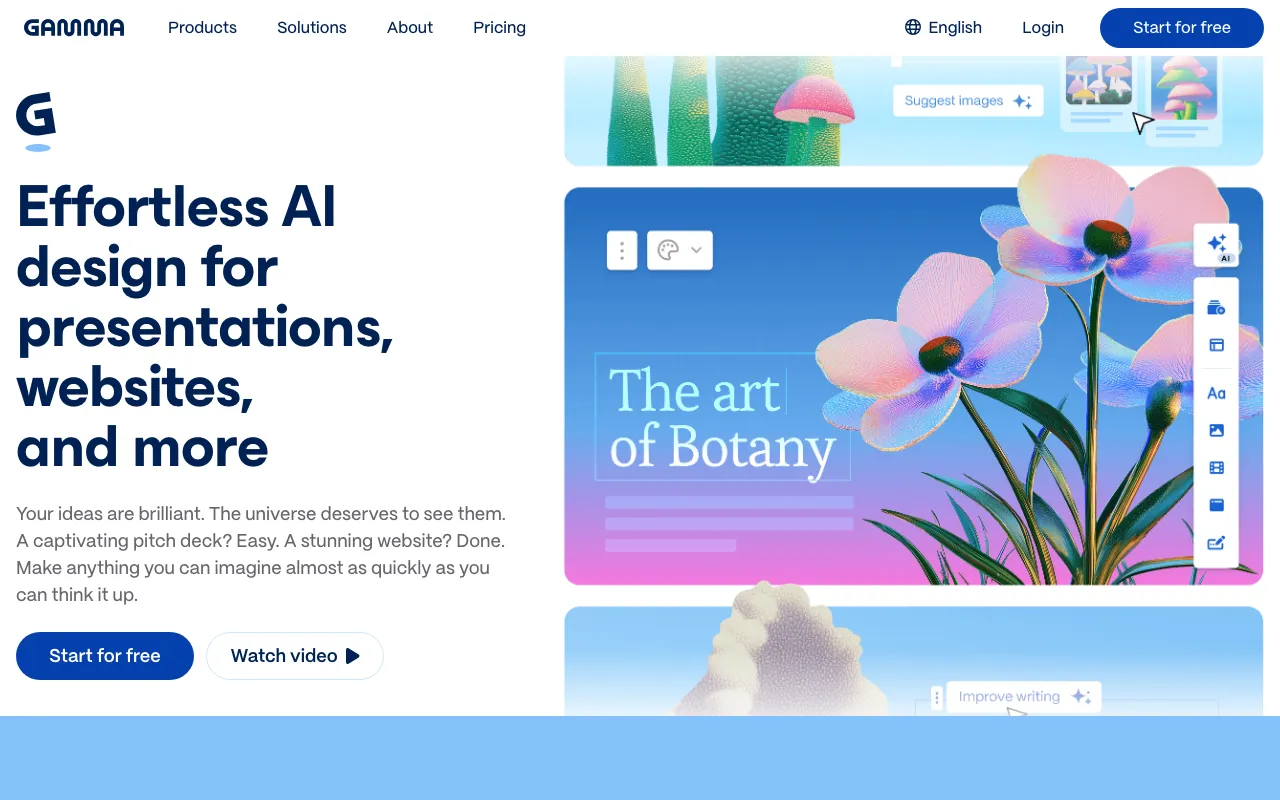
AI presentation and document builder that generates slides, docs and web pages from a prompt
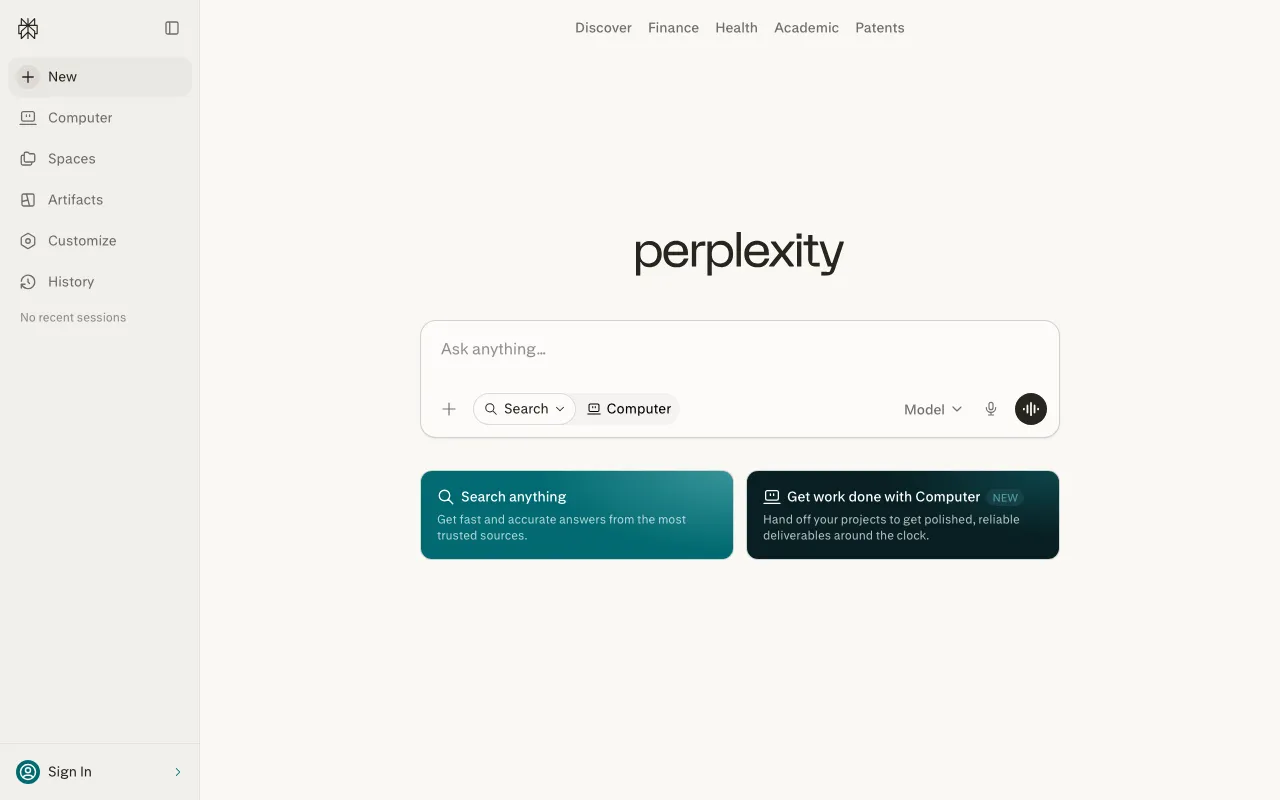
AI-powered answer engine that searches the live web and cites every source
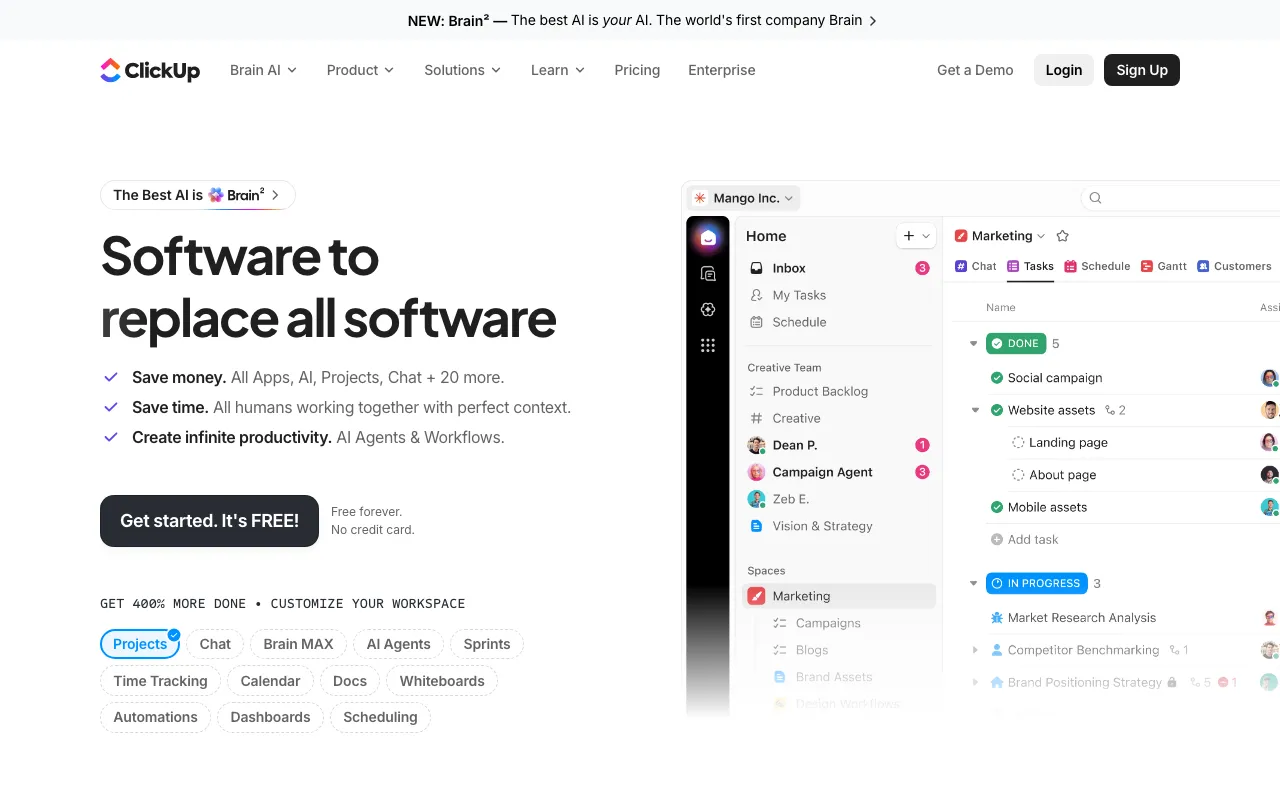
All-in-one work platform whose ClickUp Brain AI layer is sold separately as a per-user add-on
Every tool in this list has a full profile in our directory with pricing verified against its official pricing page on the date shown on its stamp. Ranking reflects verified pricing, free-tier generosity, platform coverage, and documented capabilities. Rank is not for sale: a sponsor can buy only a separate slot marked Sponsored, outside the ranking. Read the full methodology.
Yes — 6 of the 6 tools here have a free tier: Notion, Granola, Visily, Gamma, Perplexity, ClickUp. Pricing verified Jul 17, 2026.
ClickUp has the lowest verified monthly starting price in this list at $7/user/mo, checked against its official pricing page on Jul 16, 2026.
5 of the 6 tools list an API: Notion, Granola, Gamma, Perplexity, ClickUp.