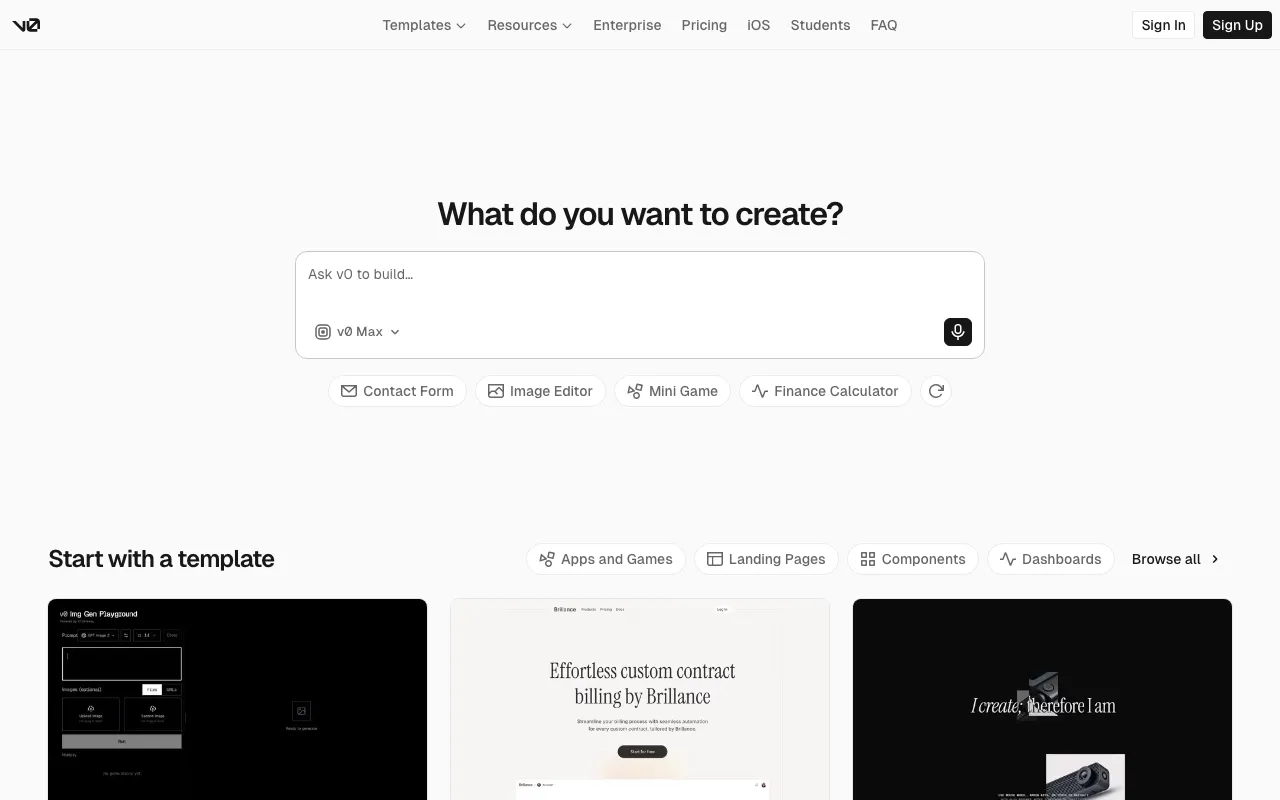
v0 by Vercel
Vercel's generative UI tool — turn a prompt, screenshot, or design into production React, Next.js, and Tailwind code
FREEMIUM Verified JUN 18, 2026
5 tools ranked · last updated Jul 14, 2026 · how we picked
The best AI UI design tool in 2026 is v0 by Vercel, which turns a prompt, screenshot, or design into production React and Tailwind code — free to start, $20/month for Premium. The best free option is Google's Stitch, which generates full UI screens at $0 with 400 design credits a day, and Uizard is the best value for multi-screen prototypes at $12/month.
Prices last verified Jul 11, 2026 against official pricing pages.
v0 by Vercel is the strongest AI UI tool because it doesn’t stop at a mockup: it turns a prompt, screenshot, or imported design into deployable React, Next.js, and Tailwind code you can ship. That code-first output is the real differentiator — you get working components with one-click deploy to Vercel rather than a static image to hand off. A free tier includes $5 in monthly credits (capped at 7 messages a day) to evaluate it, Premium is $20/month, Team is $30/user/month, and Business is $100/user/month. The honest caveat: it’s happiest inside the React/Next.js/Vercel stack and is less useful for other frameworks, and the credit-based billing can run out mid-month on heavy generation. For developers and product teams who want generated UI they can actually build on, v0 is the clear leader.
Stitch, from Google Labs, is the best pick when you want real UI screens for nothing: it turns text, image, or sketch prompts into mobile and web interfaces via Gemini, then exports to Figma or front-end code. It’s completely free — a Google account, no card, 400 design credits and 15 redesign credits per day — and it’s actively developed, with a 2.0 release adding an infinite canvas, multi-screen flows, and voice input. It ranks just under v0 because it outputs first-draft designs rather than production code, and because it’s an experimental Labs project that could change or shut down. The honest caveat is quality-related: reviewers report generated UIs frequently fail basic accessibility checks — low contrast, undersized touch targets, missing ARIA — so output needs review before use. For a free, fast way to get a usable UI draft, nothing else here matches it.
Uizard is the best fit for non-designers who need a clickable, multi-screen prototype rather than a single frame: its Autodesigner generates whole interactive flows from a text prompt, and it can scan screenshots or hand-drawn wireframes into editable designs. It’s cheap to start — a free tier offers 3 AI generations a month, and Pro at $12/month unlocks 500 generations, unlimited screens, and React/CSS handoff, with Business at $39/month. That combination of multi-screen output and low price is what earns it third place. The honest caveat: the free tier’s 3-generation cap runs out almost immediately during real iteration, output fidelity sits below Figma or Framer and usually needs manual polish, and it’s web-only with no API. For turning an idea into a navigable app prototype without design skills, Uizard is the most approachable value pick.
Relume is the specialist for the earliest stage of web design: its AI Site Builder turns a company description into a full sitemap, wireframes, and a style guide in minutes, then exports to Webflow, Figma, and React. With a library of 1,000+ maintained components, it’s less about generating a finished screen than about assembling and structuring a site’s information architecture fast. A free tier covers one project and one wireframe page, with Starter at $26/month, Pro at $40/month, and Team at $36/seat/month. It ranks below the app-UI tools because it produces web planning and component assembly rather than high-fidelity app mockups, leaning on Webflow or Figma to finish the job. The honest caveat is exactly that ecosystem dependence — you typically still need a Webflow and/or Figma subscription to ship — plus hard one-project gating on the lower tiers. For planning and wireframing a marketing site quickly, Relume is purpose-built.
Framer earns its spot because UI design and publishing often happen together: it’s a no-code website builder with genuine AI text-to-layout generation, plus a built-in CMS, hosting, and analytics, so a design goes live on a CDN with no separate deploy step. A usable free tier includes up to 1,000 pages (no custom domain), with Basic at $10/month — the cheapest paid entry here — Pro at $30/month, and Scale at $100/month. It ranks last for pure UI design because AI generation is one feature of a publishing platform rather than the core engine, and it’s aimed at marketing sites more than app-screen mockups. The honest caveat: extra editor seats run $20/month each and CMS item limits are low on cheaper tiers. When you want to design and immediately ship a live site in one tool, Framer is the strongest all-in-one.
We ranked these five by how well they actually generate user interfaces from a prompt — output usefulness (code vs mockup vs plan), free-tier generosity, verified price, and fit for the job — not by brand or popularity, and no tool paid or was incentivized to appear. v0 leads because it outputs production code you can deploy; Stitch is the best free screen generator; Uizard is the value pick for multi-screen prototypes; Relume specializes in web planning and wireframes; Framer is the choice when you also want to publish the result. We excluded pure image, vector, and 3D generators — they produce assets, not interfaces. Pricing was verified between June 11 and July 11 2026 against each product’s official pricing page.
Vercel's generative UI tool — turn a prompt, screenshot, or design into production React, Next.js, and Tailwind code
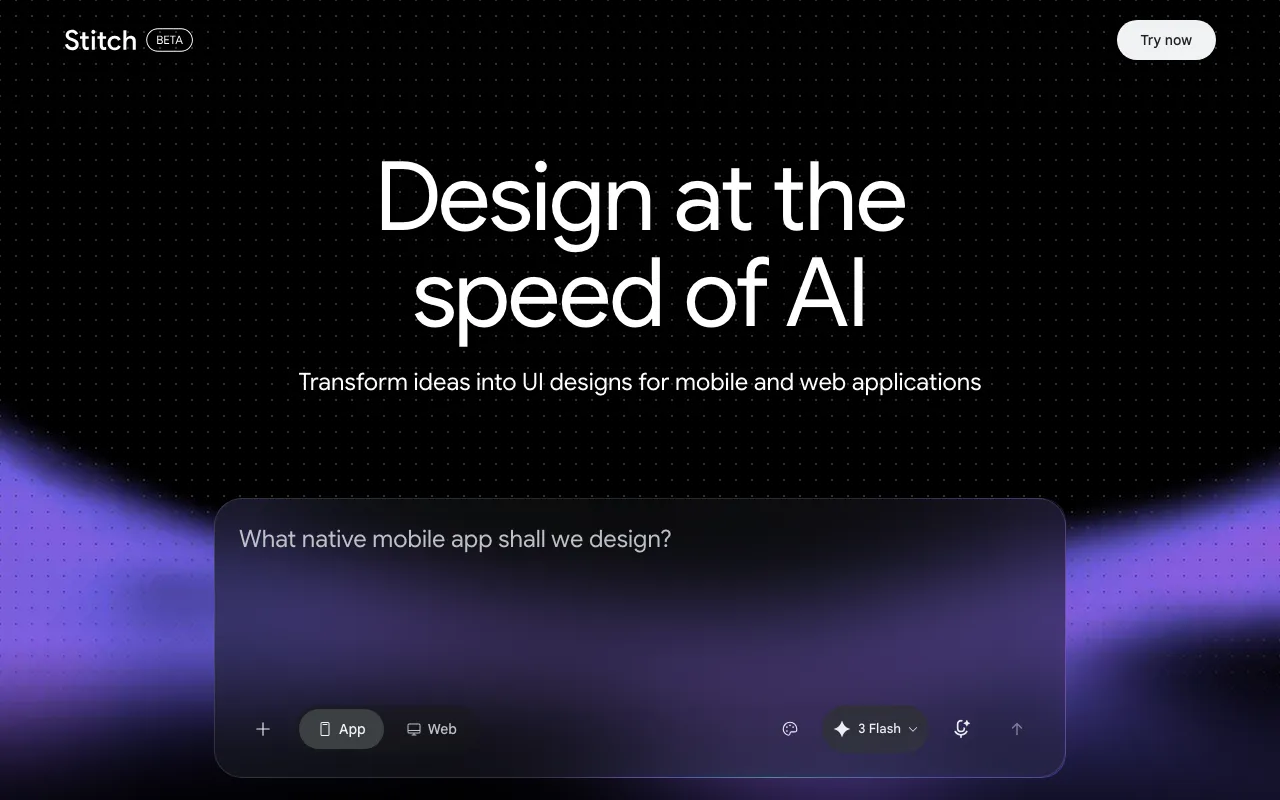
Google Labs' free AI design canvas that turns text prompts into UI screens, Figma exports, and front-end code
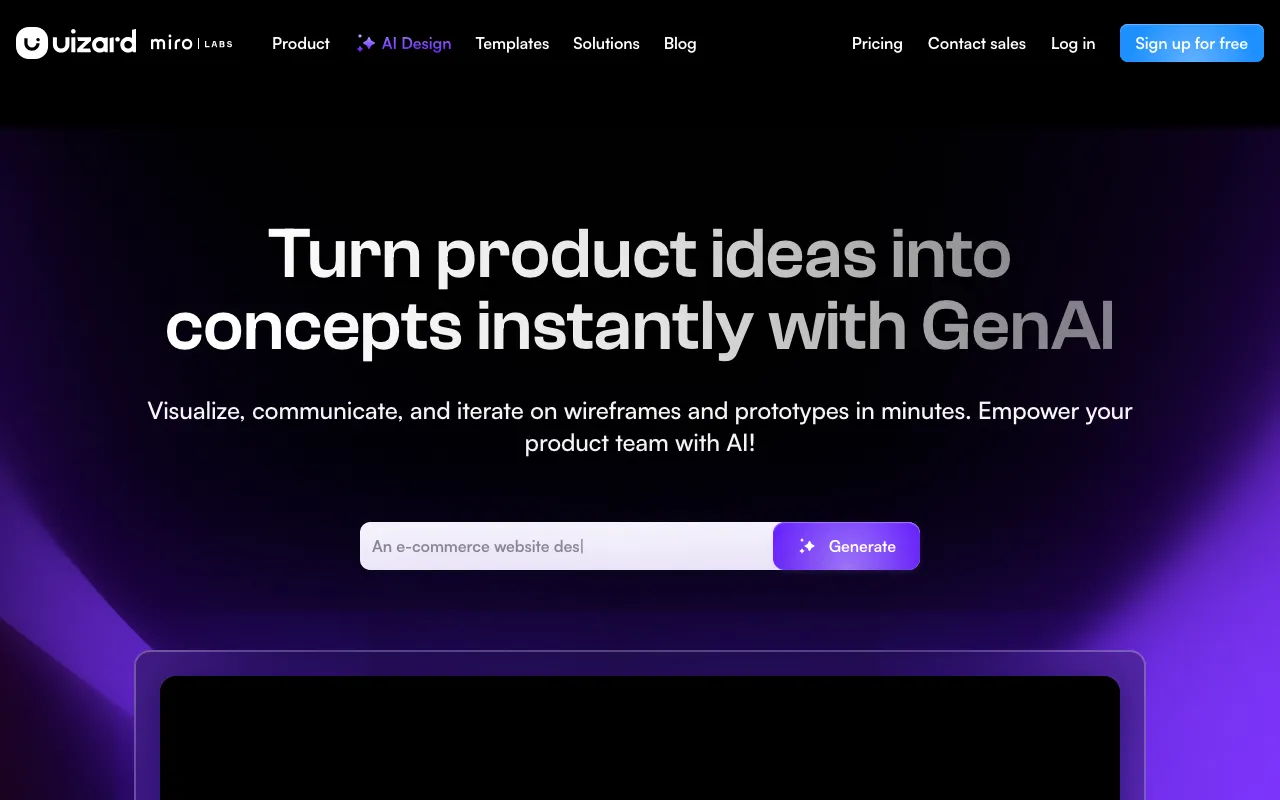
AI-powered UI design tool that generates multi-screen prototypes from text prompts
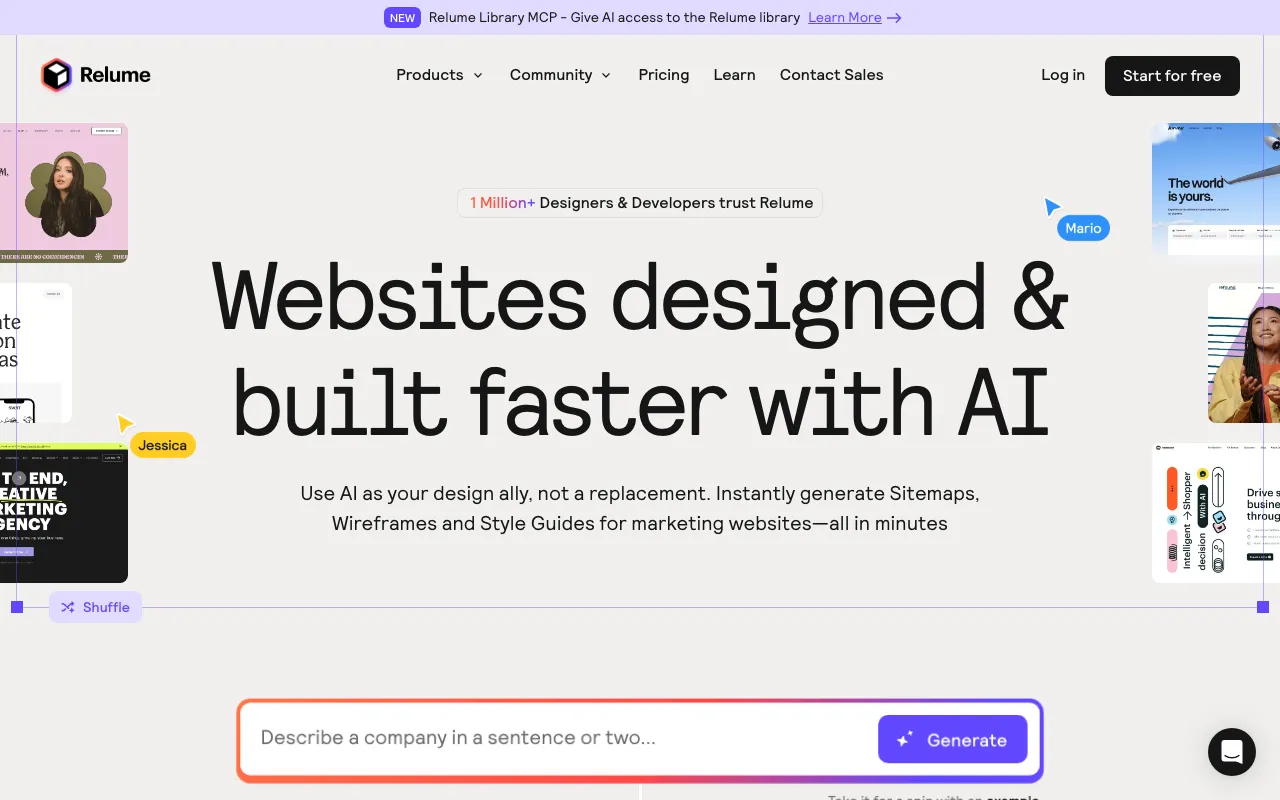
AI web-design tool that generates sitemaps and wireframes and exports to Webflow, Figma, and React
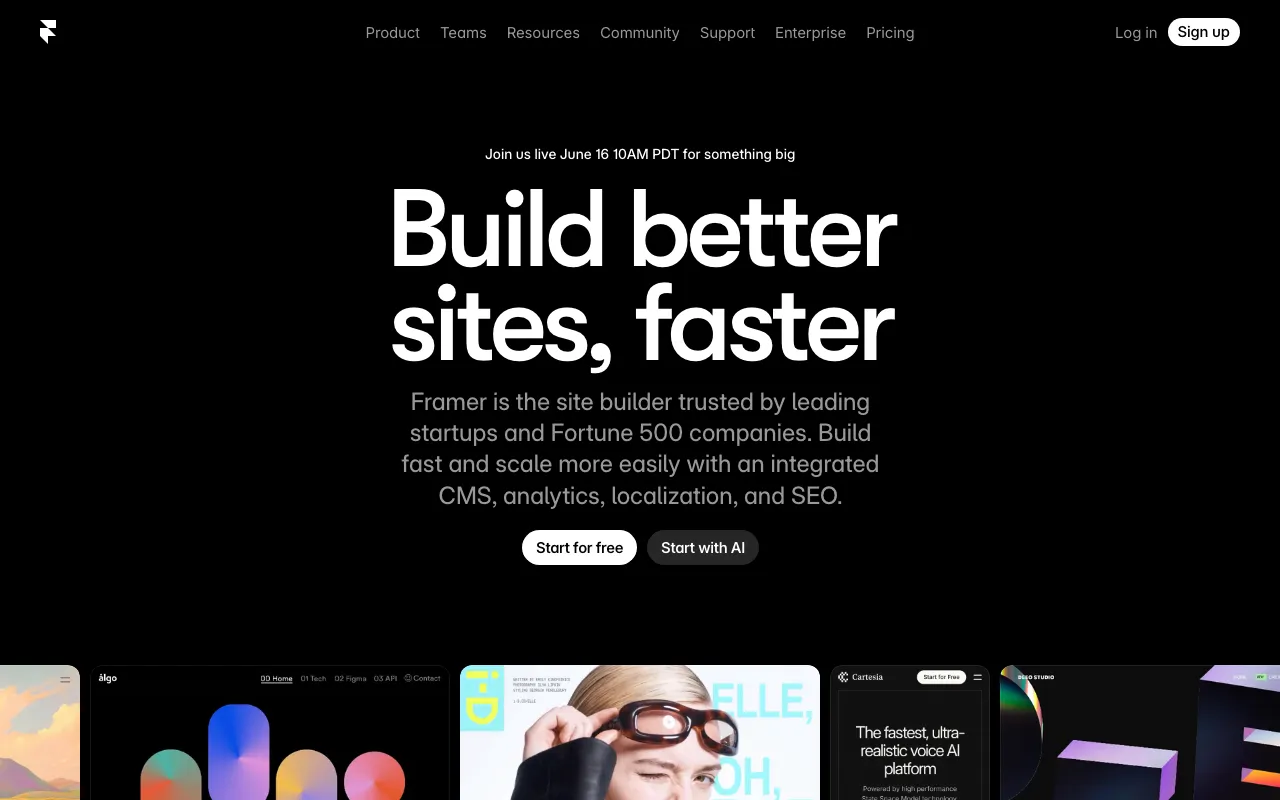
No-code website builder with AI design generation and built-in CMS, hosting and analytics
Every tool in this list has a full profile in our directory with pricing verified against its official pricing page on the date shown on its stamp. Ranking reflects verified pricing, free-tier generosity, platform coverage, and documented capabilities. Rank is not for sale: a sponsor can buy only a separate slot marked Sponsored, outside the ranking. Read the full methodology.
Yes — 5 of the 5 tools here have a free tier: v0 by Vercel, Stitch, Uizard, Relume, Framer. Pricing verified Jul 14, 2026.
Framer has the lowest verified monthly starting price in this list at $10/mo, checked against its official pricing page on Jul 3, 2026.
1 of the 5 tools list an API: v0 by Vercel.