GitHub Copilot
AI coding assistant with inline completions, chat, and autonomous agent mode across major IDEs
FREEMIUM Verified JUL 3, 2026
7 tools ranked · last updated Jul 5, 2026 · how we picked
The best free AI coding tool in 2026 is GitHub Copilot, whose free tier gives you 2,000 code completions and 50 chat requests a month at $0 inside VS Code, JetBrains, and Xcode with no setup. For unlimited free agentic coding, Cline is fully open-source at $0 — you only pay for the model tokens it uses, or nothing at all when paired with a local model.
Prices last verified Oct 23, 2026 against official pricing pages.
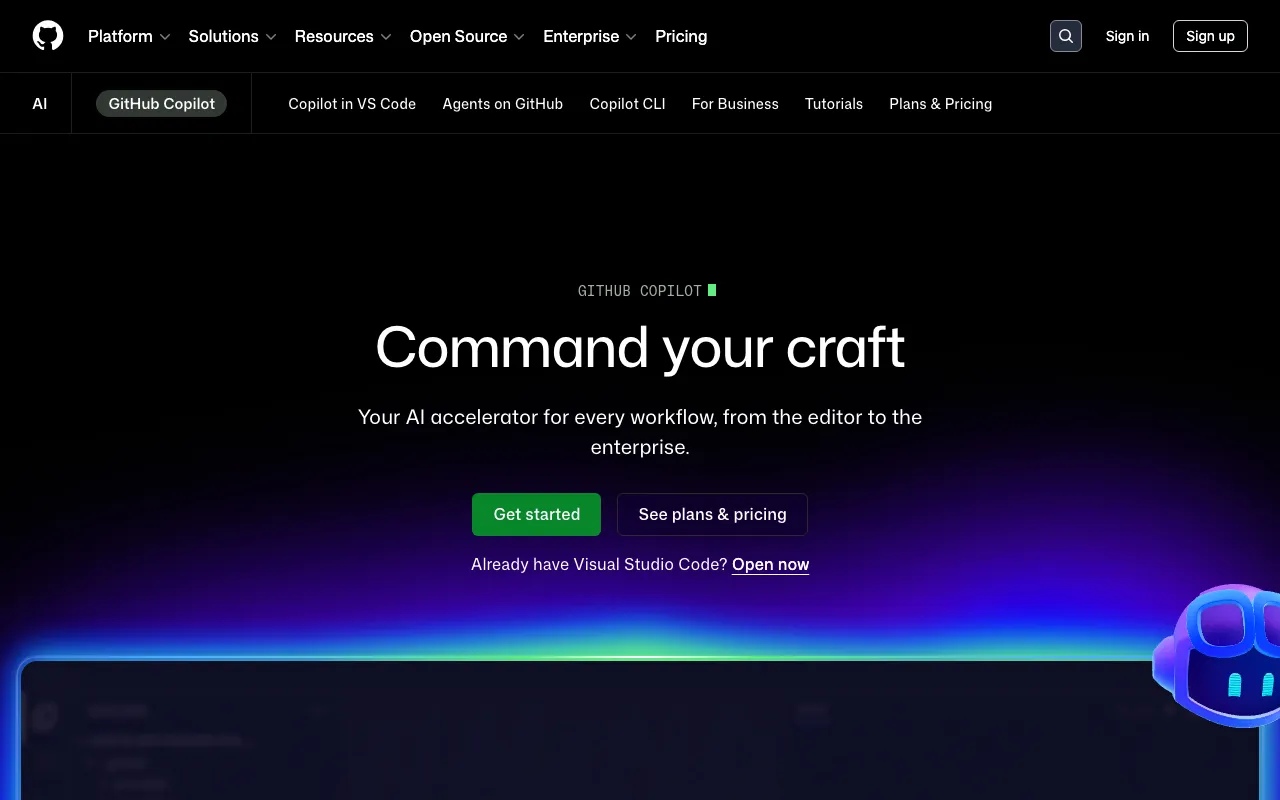
GitHub Copilot is the most accessible free AI coding assistant in 2026 because its free tier works out of the box with no API keys to wire up: 2,000 code completions and 50 chat requests every month at $0, inside VS Code, JetBrains, Xcode, Neovim, and Visual Studio. Its agent mode can scaffold and edit across multiple files, and completions draw on frontier models, so suggestions are genuinely useful rather than boilerplate. For a developer already living in GitHub, it is the simplest way to get real AI help without paying. When you outgrow the caps, Pro is $10/month for unlimited completions — the lowest paid entry among the integrated assistants here. The honest caveat: 2,000 completions and 50 chats go quickly if you code all day, and premium models plus higher usage limits are locked behind the $39/month Pro+ tier, so heavy users will hit the free ceiling within the first week or two.
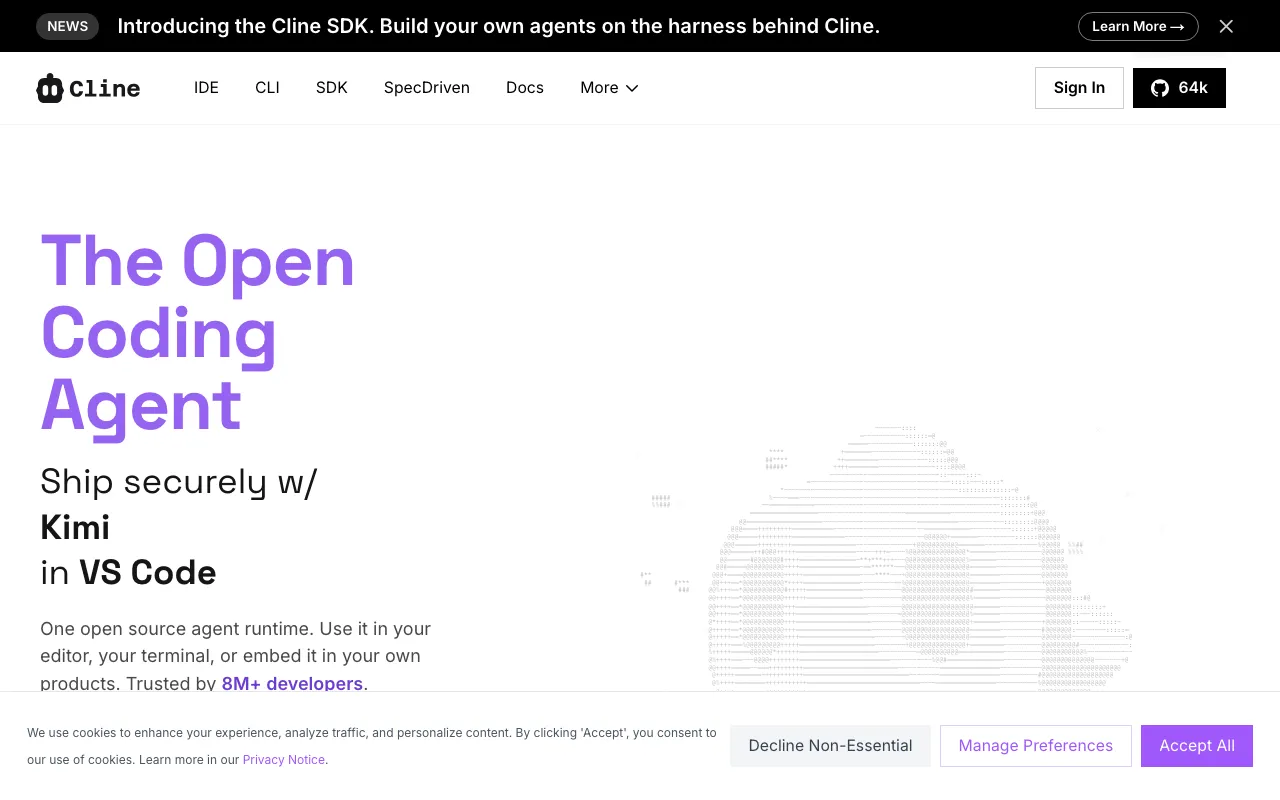
Cline is the most powerful genuinely-free coding tool on this list — an open-source (Apache-2.0) VS Code extension with 8M+ installs that plans and executes multi-file changes, runs terminal commands, and works through MCP servers. The software itself costs $0 forever; there is no subscription for solo use. Because you bring your own API key, each task bills model tokens directly to Anthropic, OpenAI, or Google — but point it at a local model through Ollama and the whole loop runs at $0. It suits developers who want a fully autonomous agent without a monthly fee and don’t mind managing an API key. The honest caveat: “free software” is not “free to run” — frontier-model tasks can rack up real token costs quickly, so without a local model you are paying per task even though the extension is free, and there is no built-in spend cap to protect you from a surprise bill.
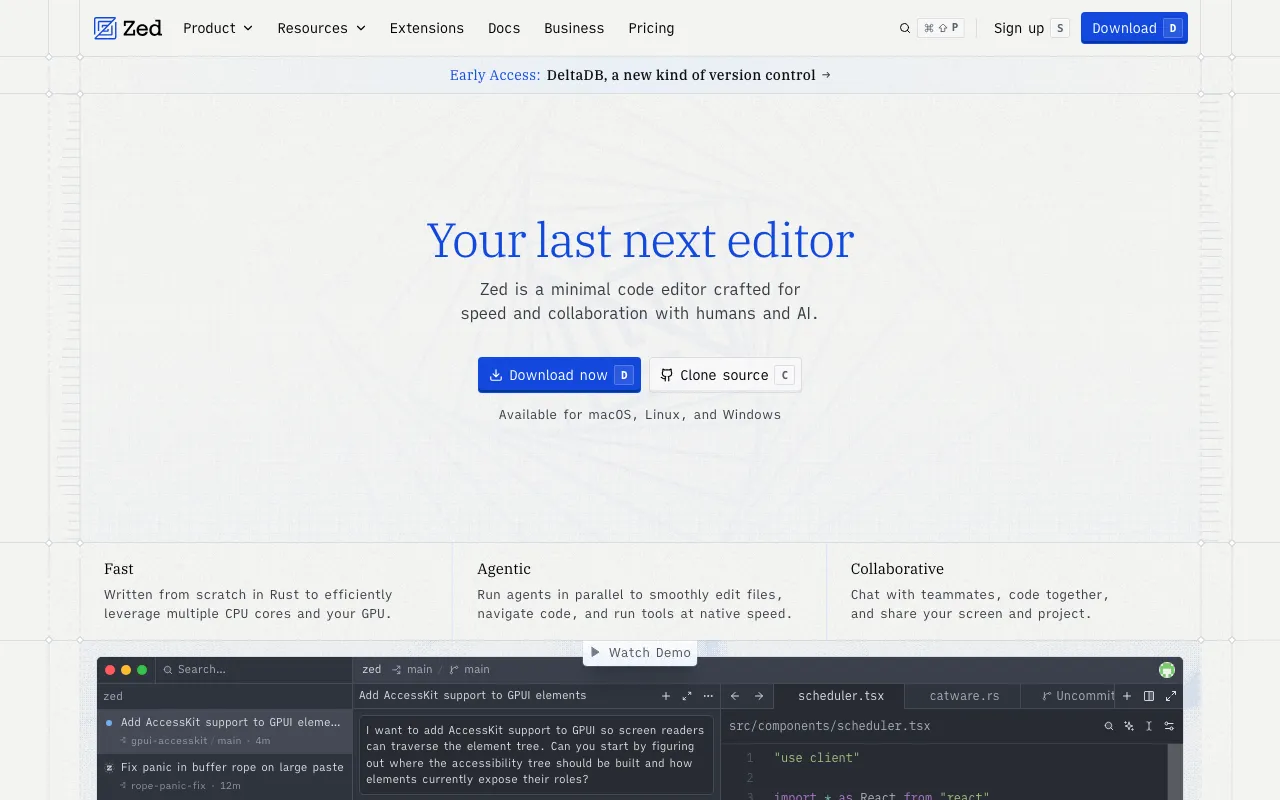
Zed is a free, open-source code editor written from scratch in Rust for GPU-accelerated speed, with a built-in AI agent panel and agentic editing. The free Personal tier includes 2,000 edit predictions a month at $0, and you can bring your own API key for unlimited model use at no additional Zed cost. It is the best pick for developers who want a fast, native editor rather than another Electron app, with AI built in rather than bolted on. Pro is $10/month and adds $5 of token credits for those who don’t want to manage keys. The honest caveat: Zed is a newer editor with a smaller extension ecosystem than VS Code, so if you depend on niche plugins you may find gaps, and the 2,000 free edit predictions are modest — serious AI use means either supplying your own API key or moving to the paid tier.
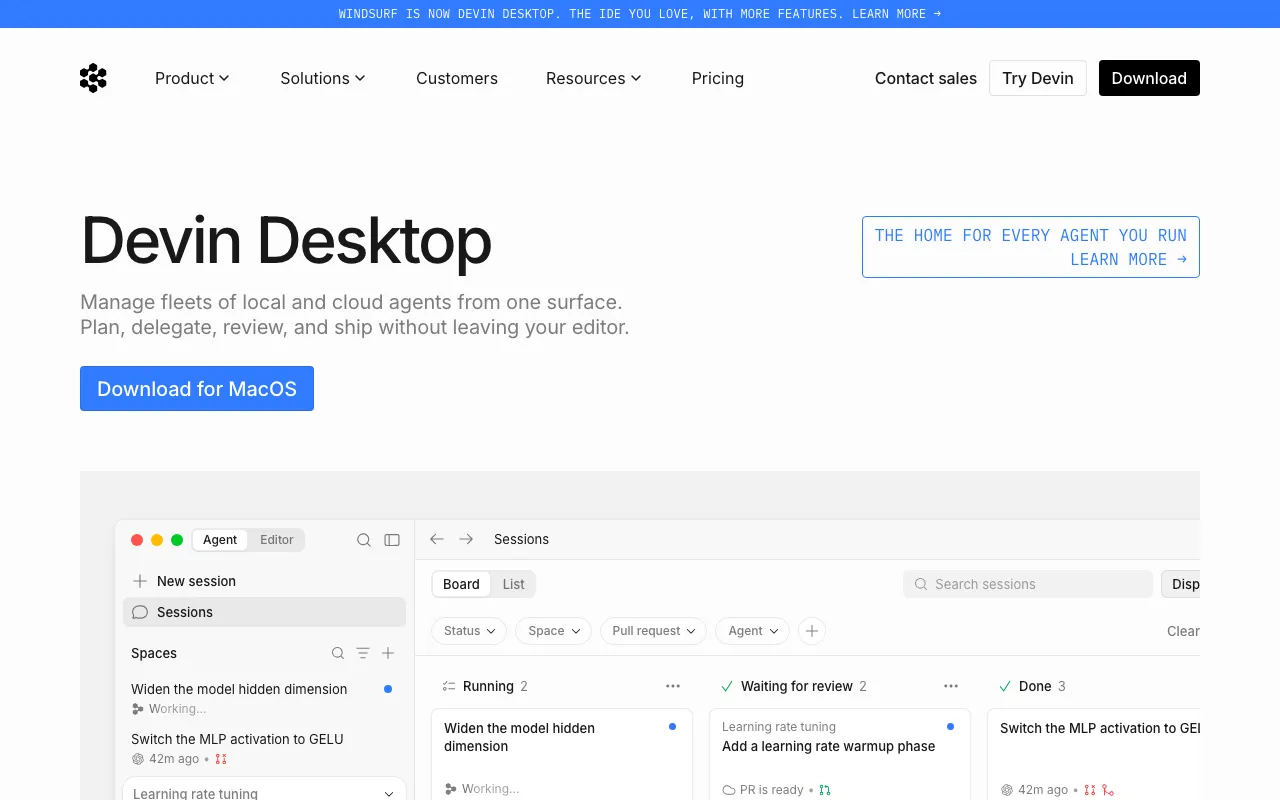
Windsurf is the most generous free autocomplete in this category: its free tier includes unlimited Tab completion plus 25 prompt credits a month at $0, backed by the Cascade agent that plans multi-step tasks and reads codebase context. For developers who mostly want fast, unlimited inline suggestions and only occasionally need a full agentic run, that free allowance goes further than most. Pro is $15/month for 500 credits and premium models including SWE-1.5. The honest caveat: Windsurf was acquired by Cognition in 2026 and is being rebranded as Devin Desktop, which creates real product-identity uncertainty for new users, and its 25 monthly prompt credits are exhausted fast on frontier-model work — the “unlimited” part is autocomplete, not agentic tasks. This profile also carries lower pricing-verification confidence, so reconfirm the current free limits before committing.
Aider is a free, open-source AI pair programmer that runs in your terminal and edits files directly in your local git repository, auto-committing each change so every AI edit is tracked and reversible. The tool costs $0; you bring your own LLM API key, so the only cost is model usage — or nothing at all if you run a local model. It is model-agnostic across Claude, GPT, DeepSeek, and others, and its git-native workflow makes it a favorite for developers who want AI edits they can review and roll back like any other commit. It suits terminal-first developers comfortable with the command line. The honest caveat: there is no graphical interface — everything happens in the terminal, a steep adjustment for developers used to inline diffs and a GUI — and, as with any bring-your-own-key tool, frontier-model usage still costs money even though Aider itself is free.
Warp is an AI-powered terminal and agentic development environment where the command line itself becomes the interface for AI — command autocomplete, an AI agent mode, and cloud agents that run tasks in the background. The terminal is free at $0, and on the free plan its AI runs on your own API keys or on pay-as-you-go agent usage. The Build plan is $20/month with $20 of agent usage included. It is the best free pick for developers who spend their day in the terminal and want AI woven into the shell rather than a separate app or editor. The honest caveat: the free plan no longer includes any agent usage of its own, so without your own keys every AI request is paid, and regular use points to the $20/month plan, and Warp replaces your existing terminal — a bigger commitment than adding an extension to the editor you already use.
Ollama is a free, open-source runtime for running open-weight LLMs entirely on your own machine through one CLI, desktop app, or REST API — Llama, Qwen, Gemma, DeepSeek-R1, and more, all offline and unlimited at $0 with no per-token cost. For coding, it pairs with agents like Cline, Aider, or Zed to give you a fully local, private, zero-cost AI setup where no data leaves your computer. An optional Ollama Cloud adds remote inference for larger models at $20/month (Pro), but the core local runtime stays free forever. It suits privacy-conscious developers and anyone who wants unlimited AI coding without a subscription. The honest caveat: local models that run comfortably on consumer hardware are meaningfully weaker than frontier cloud models, so the quality gap versus Copilot or a Claude-powered agent is real, and running the larger, more capable models demands a powerful GPU and plenty of RAM.
We ranked these seven by the quality and generosity of what you get for $0 — because this is a list of the best coding tools you can actually use without paying, not the best paid subscriptions. GitHub Copilot leads on zero-setup accessibility; the open-source agents (Cline, Aider) and the local runtime (Ollama) lead on unlimited use when you bring your own model. Note that “free software” like Cline and Aider still bills model tokens unless you run a local model — genuinely $0 only when paired with Ollama or similar. Ranking is editorial and weighs free-tier value over popularity; no tool paid or could pay to appear. Pricing and free-tier details were verified against each tool’s profile between June 11 and July 3, 2026; Windsurf carries the lowest verification confidence, so reconfirm its current free limits first.
AI coding assistant with inline completions, chat, and autonomous agent mode across major IDEs
Open-source autonomous coding agent for VS Code that edits files, runs commands, and brings your own model
Fast, open-source code editor written in Rust with a built-in AI agent panel and agentic editing
Agentic AI IDE with Cascade that writes, edits and runs code autonomously inside your editor
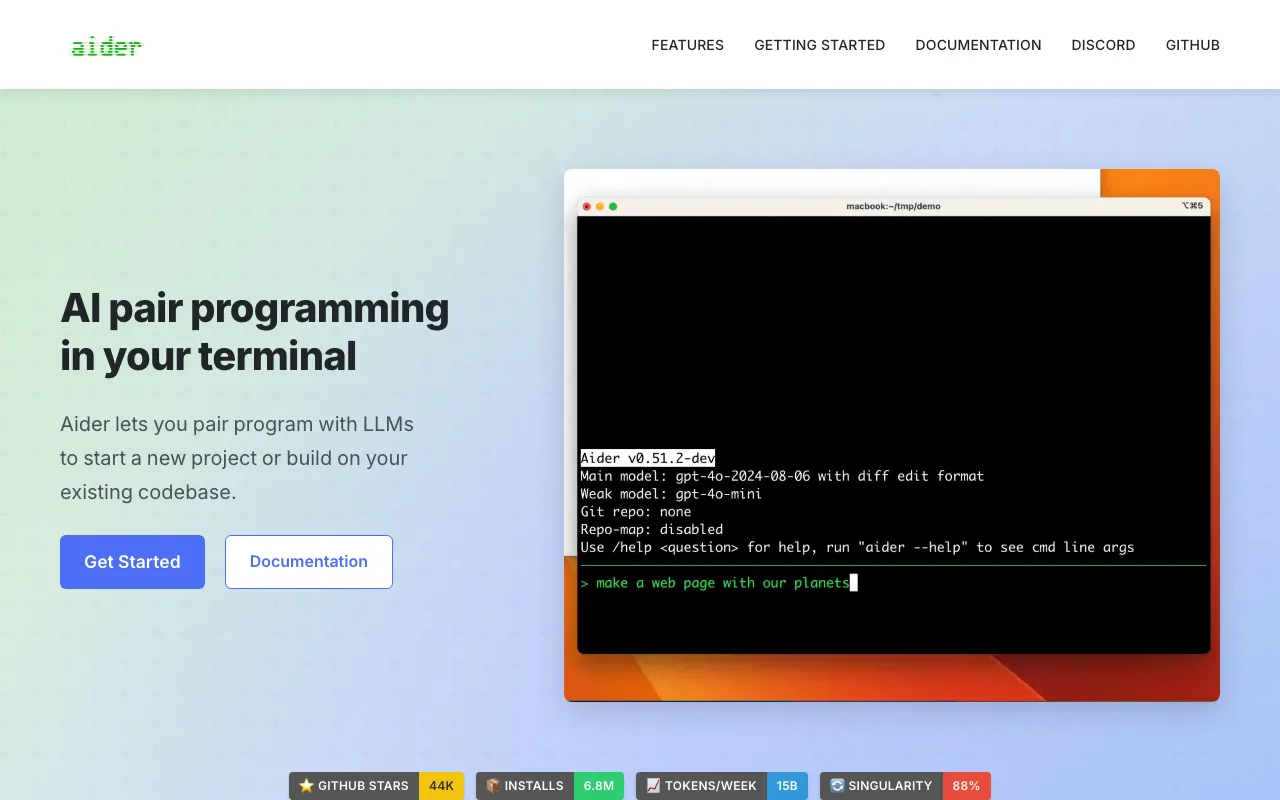
Open-source AI pair programming in your terminal — bring your own LLM key and edit your git repo
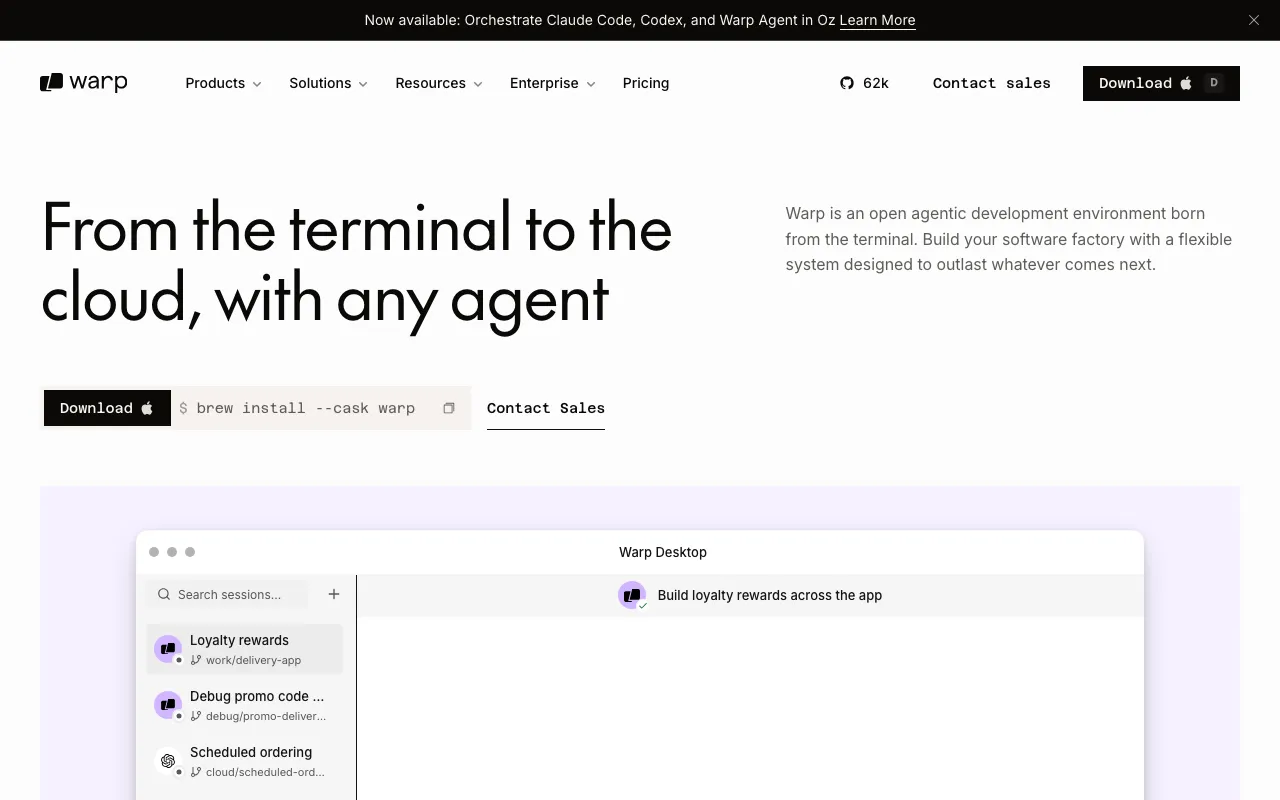
AI-powered terminal and agentic development environment with autocomplete and cloud agents
Free, open-source tool to run open-weight LLMs locally via CLI, desktop, or API — with an optional paid cloud for larger models
Every tool in this list has a full profile in our directory with pricing verified against its official pricing page on the date shown on its stamp. Ranking reflects verified pricing, free-tier generosity, platform coverage, and documented capabilities. Rank is not for sale: a sponsor can buy only a separate slot marked Sponsored, outside the ranking. Read the full methodology.
Yes — 7 of the 7 tools here have a free tier: GitHub Copilot, Cline, Zed, Windsurf, Aider, Warp, Ollama. Pricing verified Jul 5, 2026.
GitHub Copilot has the lowest verified monthly starting price in this list at $10/mo, checked against its official pricing page on Jul 3, 2026.
2 of the 7 tools list an API: Cline, Ollama.