Claude
Anthropic's AI assistant built for long-context analysis, coding, and safe reasoning
FREEMIUM Verified JUL 3, 2026
7 tools ranked · last updated Jul 17, 2026 · how we picked
The best free AI tool in 2026 is Claude, whose free tier includes chat, code execution, file analysis, and web search at $0 with no credit card required. The best free meeting notetaker is Fathom, with unlimited call recordings and transcriptions, and the best free research tool is NotebookLM, whose free tier covers 100 notebooks with 50 sources each. Every pick on this page has a permanent free tier — none is a time-limited trial.
Prices last verified Oct 23, 2026 against official pricing pages.
Claude is Anthropic’s AI assistant, and its free tier is the most capable starting point in this list: web and mobile chat, code generation with execution, file analysis, and web search, all at $0 with no credit card required. Usage has no stated daily cap but resets every 5–8 hours, which is generous for reading long documents, drafting, and everyday coding questions. When you outgrow it, Pro at $20/month adds roughly 5x usage plus Claude Code, the terminal-based agentic coding tool, and heavy professional workloads scale to Max at $100/month. The free tier’s honest limitation is predictability: limits are not expressed as fixed message counts, so capacity is hard to plan around, and Claude has no native image generation — it can analyze images but not create them. For text-first work — research, writing, analysis, code — it is the strongest free assistant available.
NotebookLM is Google’s source-grounded research assistant: upload documents and it answers questions using only what you gave it, with inline citations that jump to the exact passage. The free tier is unusually generous — 100 notebooks, 50 sources per notebook, and 50 chat queries per day, no credit card required — and includes Audio Overviews, which turn a document set into a podcast-style discussion no rival replicates at this quality. Paid access starts at $7.99/month via Google AI Plus, raising limits to 200 notebooks and 200 daily queries. The caveat is scope: it is web-only, it cannot draw on outside knowledge unless you add a web source, and paywalled or scraping-protected sites cannot be imported at all. For students and analysts working from a defined pile of documents, that constraint is precisely the point.
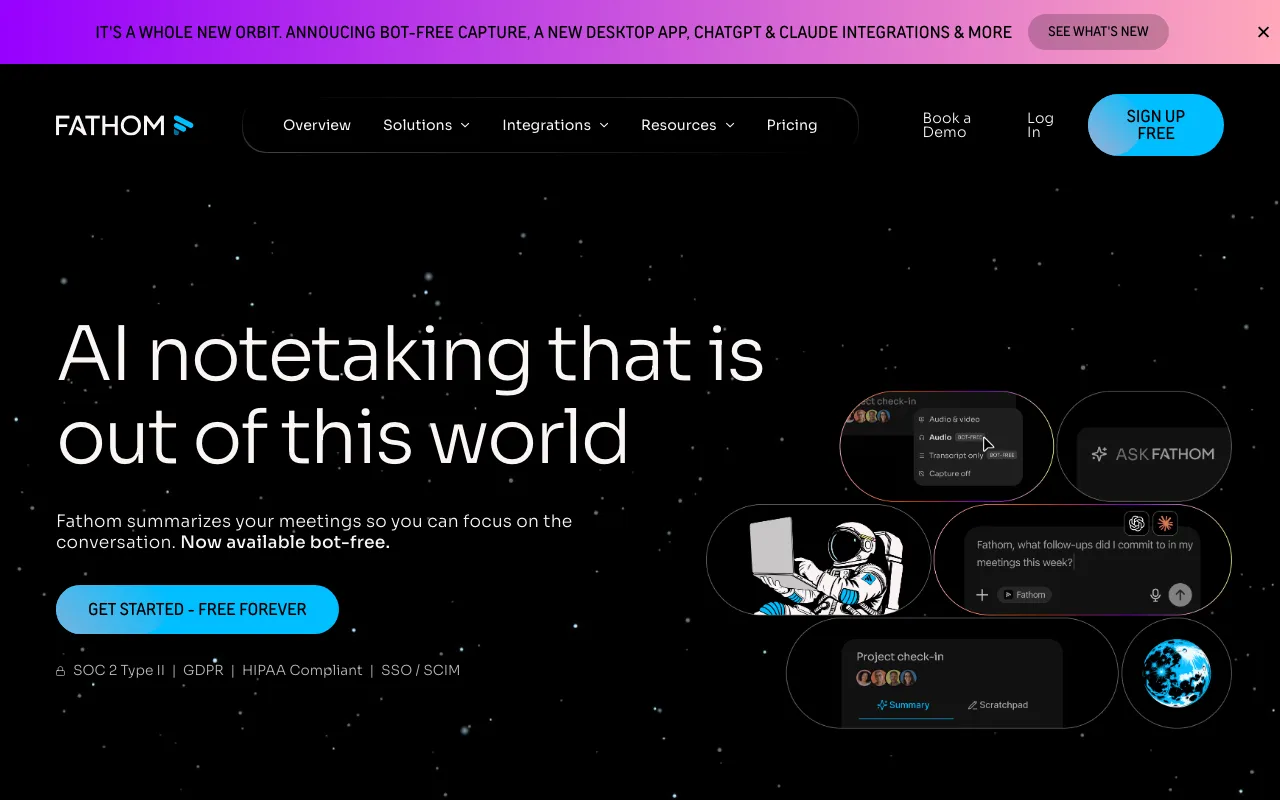
Fathom records, transcribes, and summarizes Zoom, Google Meet, and Microsoft Teams calls, and its free plan is genuinely free: unlimited recordings and transcriptions with instant AI summaries, action items, and search across your call history. That combination — unlimited at $0 — is rare in a category where most rivals cap free minutes. Premium is $20/user/month ($16 billed annually) for advanced summaries and the Ask Fathom assistant, and the Business tier at $34/user/month adds CRM field sync and AI scorecards for sales teams. Compliance is strong for a free tool, with SOC 2 Type II, GDPR, and HIPAA coverage. The caveat: advanced AI summaries on the free plan are reportedly limited to the first few calls each month, so heavy users get full transcripts but not premium-grade summaries on every call, and Team plans require a minimum of 2 users.
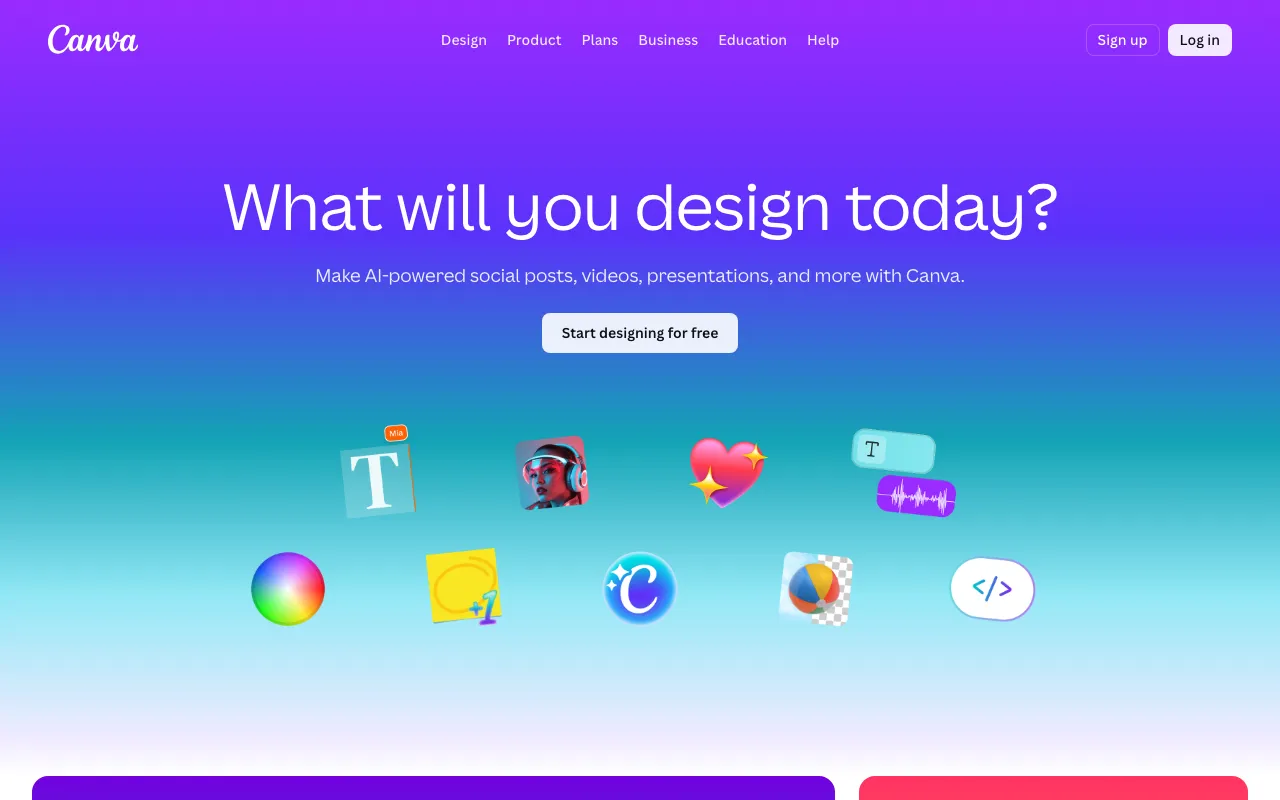
Canva’s free tier is a full design suite, not a teaser: over 1.6 million templates, 5 GB of storage, and a drag-and-drop editor that needs no design experience, plus limited monthly AI credits for Magic Studio tools like image generation and copywriting. It runs in the browser, on iOS and Android, and as a desktop app, so the free plan covers social posts, decks, and flyers end to end. Pro at roughly $15/month adds 3.6 million premium templates, 100 GB of storage, and full Magic Studio access. Two honest limits on free: background removal and premium stock assets require Pro, which professionals will miss quickly, and the AI credit allowance is not clearly published, so you can hit an unexpected block mid-workflow. For general-purpose visual work at $0, nothing in the catalog comes close.
Ollama runs open-weight language models entirely on your own hardware, and the core tool is free, open source, and unlimited — no quota, no account, and no data leaving your machine. One command installs it; a CLI, desktop app, and REST API expose whatever model you pull, from small assistants to coding models, with a full offline mode for private work. That makes it the only entry here where “free” has no meter attached at all. An optional Ollama Cloud adds remote inference for models too large for your machine, at $20/month for Pro. The caveat is physics: performance depends entirely on your hardware, and large models are impractical without a capable GPU and plenty of RAM — a laptop happily runs small models but will not touch the frontier-scale ones, and the cloud tier that works around this is a paid subscription that buys usage credits at per-token rates.
Microsoft Copilot is the cheapest way to use GPT-5-family models: the free tier includes web-grounded chat, roughly 15 image-generation boosts per day, and Copilot in Edge, at $0. For a general assistant — questions, drafting, summaries, images — that is a lot of frontier capability without a subscription. The paid value is Office: Microsoft 365 Personal at $9.99/month puts Copilot inside Word, Excel, PowerPoint, and Outlook, and business plans run $30/user/month with Copilot Studio for building custom agents. Two caveats. The free tier cannot touch Word, Excel, or Outlook at all — the thing most people actually want Copilot for — and it throttles the top models to off-peak hours. The pricing is also genuinely confusing: consumer Copilot Pro was retired and folded into Microsoft 365 Premium at $19.99/month, so older guides cite a dead $20 tier.
Perplexity replaces a page of blue links with a synthesized answer that cites every source, and its free tier allows unlimited standard searches with no login wall. For everyday factual questions — comparisons, current events, quick research — it is the strongest free search upgrade in the catalog, and since the February 2026 move to subscription-only revenue there are no ads influencing results. The free plan also includes about 5 Pro Search queries per day, the multi-step reasoning mode; Pro at $20/month makes those unlimited and adds Deep Research reports, model choice, and 40 MB file uploads. The caveats: the roughly 5-per-day Pro Search cap is quickly exhausted if you are doing real research rather than casual lookups, free users cannot upload files, and summaries can miss nuance in the underlying sources — the citations are right there, so check them.
We ranked on what you can actually do at $0 forever: every tool here has a permanent free tier rather than a trial, and position reflects how much genuine capability that tier delivers across the jobs people hire AI for — assistant work, research, meetings, design, local models, and search. Where free tiers were comparable, verified paid-upgrade value broke the tie. Pricing and free-tier limits were verified against each vendor’s official pricing page between June 11 and July 3, 2026, and every figure here matches the tool’s full profile on this site. No tool paid or provided incentives to appear, and nobody can buy a placement in this ranking.
Anthropic's AI assistant built for long-context analysis, coding, and safe reasoning
Google's AI research assistant that answers questions grounded in your own uploaded sources
AI meeting notetaker that auto-records, transcribes, and summarizes Zoom, Google Meet, and Microsoft Teams calls with action items and searchable highlights
AI-powered design platform with templates, image generation, and Magic Studio tools
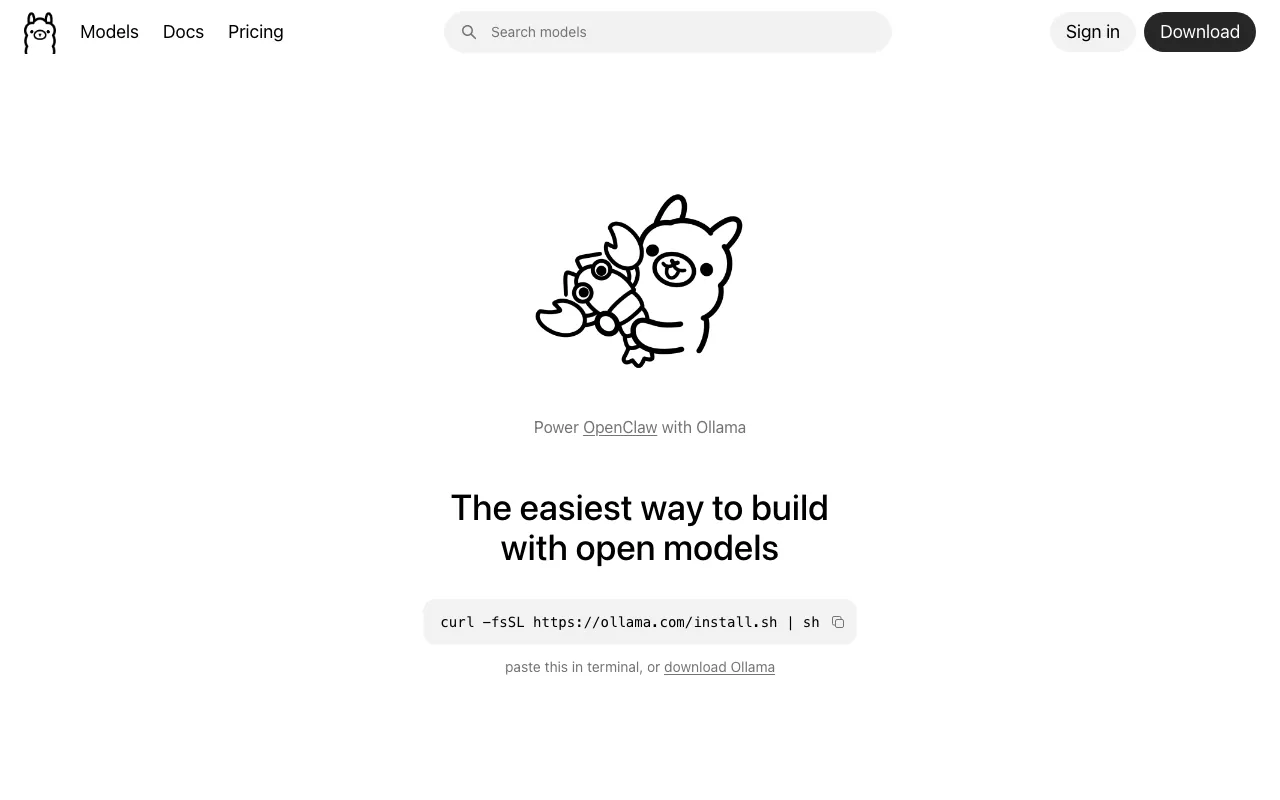
Free, open-source tool to run open-weight LLMs locally via CLI, desktop, or API — with an optional paid cloud for larger models
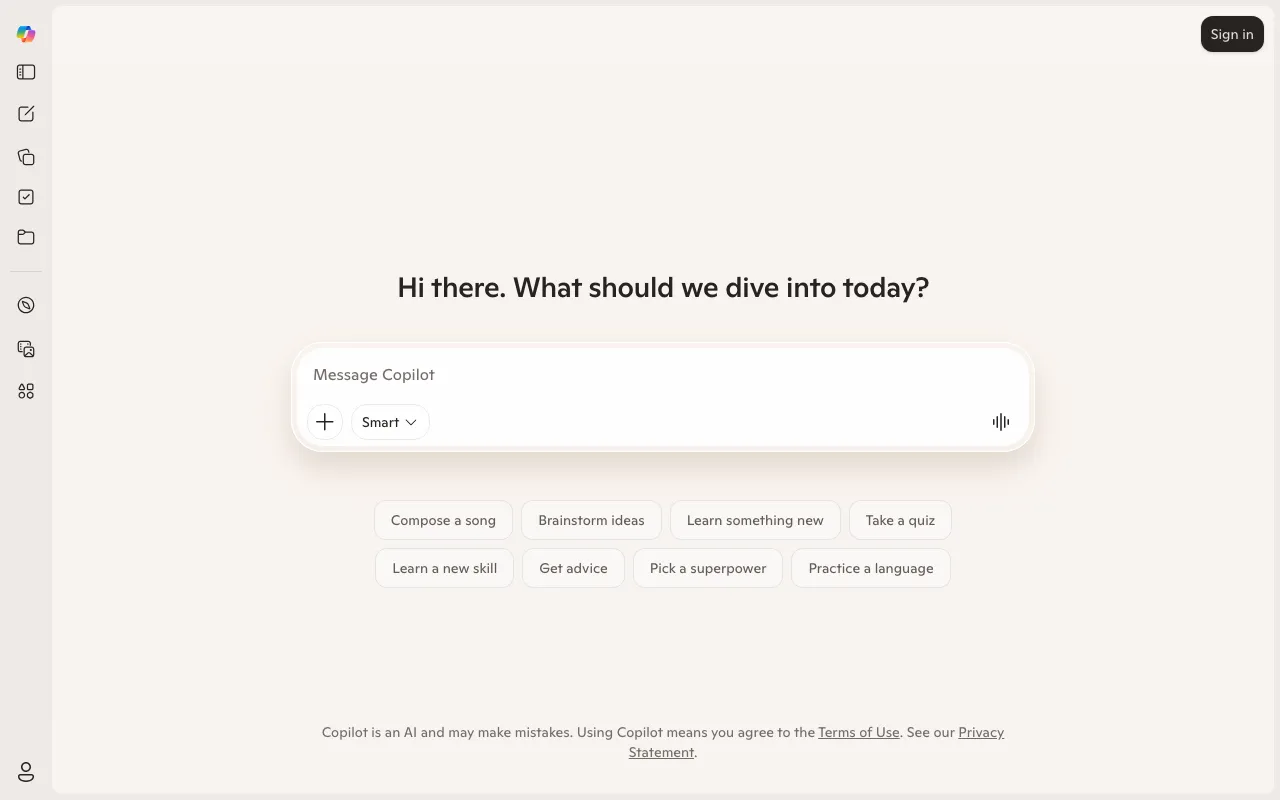
Microsoft's GPT-5-powered AI assistant for chat, search, and AI inside Word, Excel, and Teams
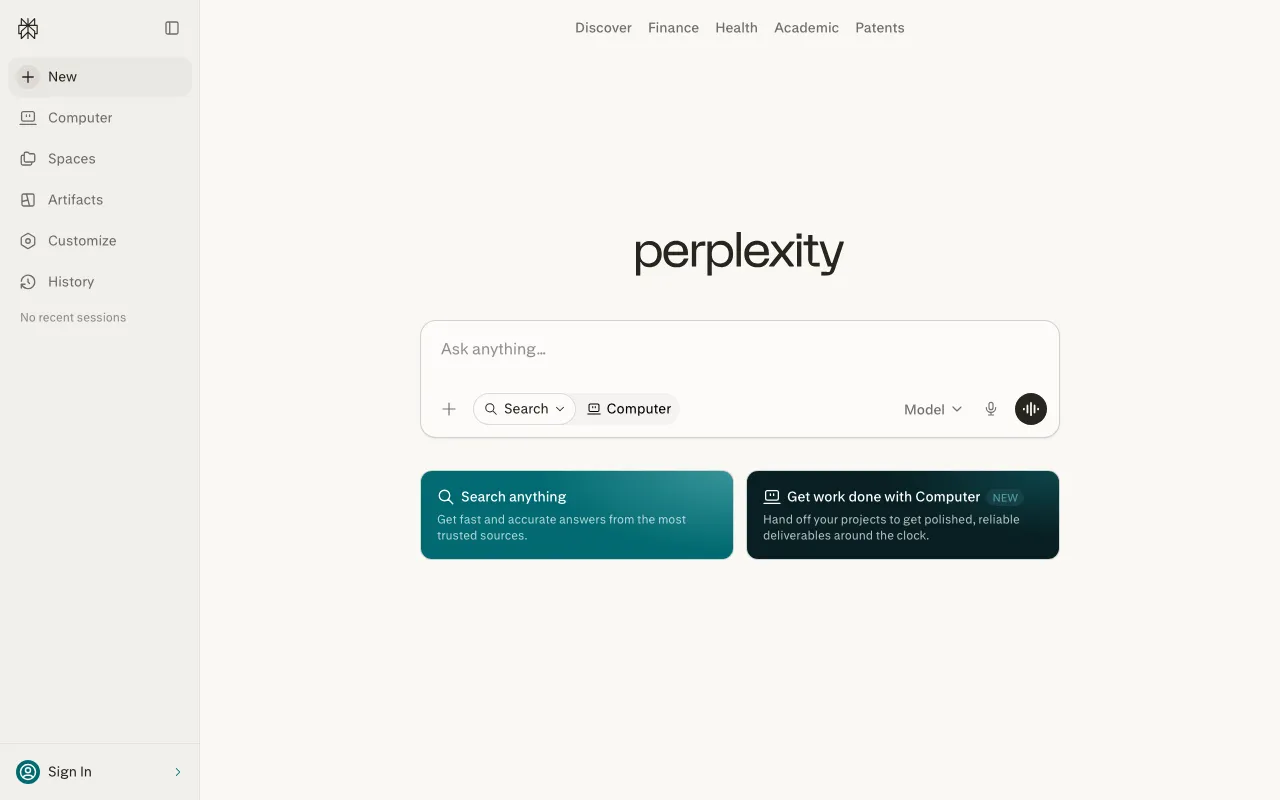
AI-powered answer engine that searches the live web and cites every source
Every tool in this list has a full profile in our directory with pricing verified against its official pricing page on the date shown on its stamp. Ranking reflects verified pricing, free-tier generosity, platform coverage, and documented capabilities. Rank is not for sale: a sponsor can buy only a separate slot marked Sponsored, outside the ranking. Read the full methodology.
Yes — 7 of the 7 tools here have a free tier: Claude, NotebookLM, Fathom, Canva, Ollama, Microsoft Copilot, Perplexity. Pricing verified Jul 17, 2026.
NotebookLM has the lowest verified monthly starting price in this list at $7.99/mo, checked against its official pricing page on Jun 11, 2026.
6 of the 7 tools list an API: Claude, Fathom, Canva, Ollama, Microsoft Copilot, Perplexity.