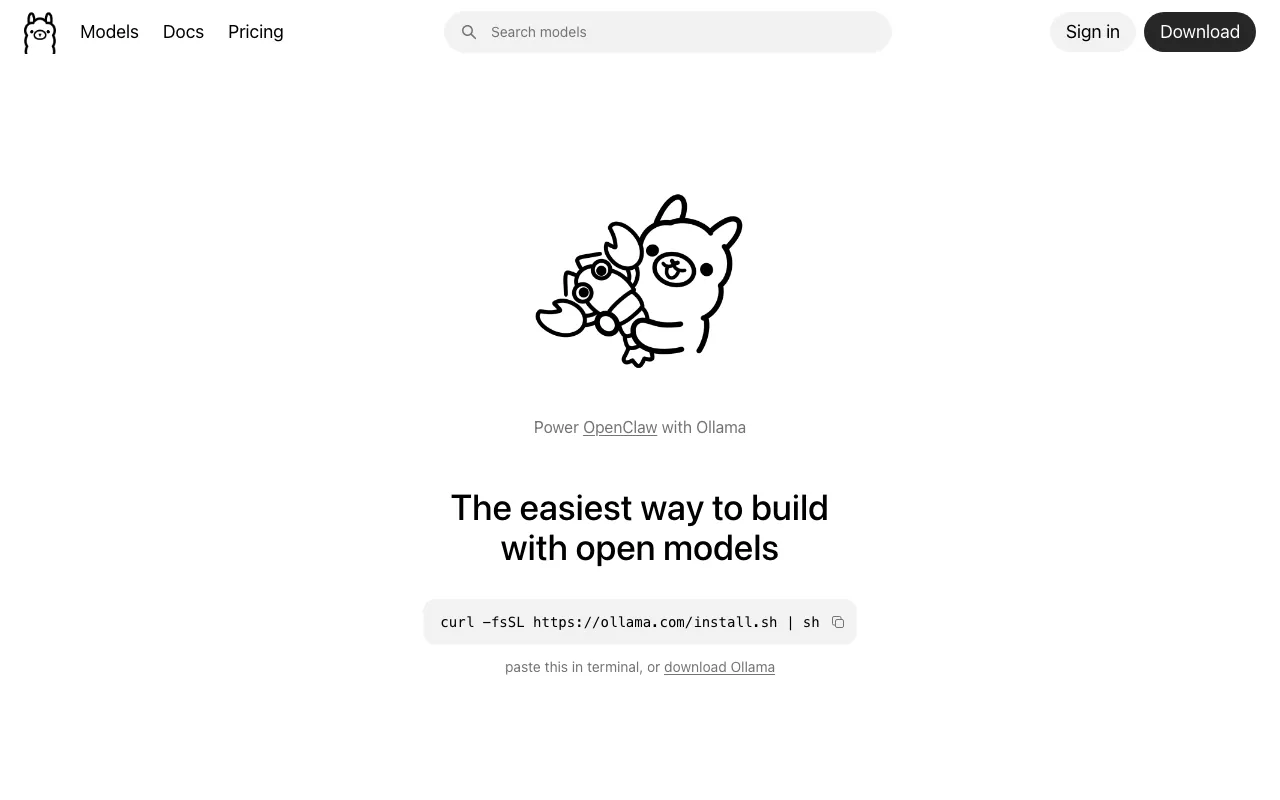
Ollama
Free, open-source tool to run open-weight LLMs locally via CLI, desktop, or API — with an optional paid cloud for larger models
FREEMIUM Verified OCT 13, 2026
6 tools ranked · last updated Jul 17, 2026 · how we picked
The best open-source AI tool in 2026 is Ollama, which runs open-weight language models on your own hardware at $0 with no usage limits. Every pick here has a free self-hosted path: n8n's Community Edition automates workflows with no execution caps, Aider pair-programs in your terminal for only the cost of your own API key, and Langfuse's MIT-licensed core covers LLM tracing and evals end to end.
Prices last verified Oct 13, 2026 against official pricing pages.
Ollama is the standard way to run open-weight LLMs on your own machine: one command installs it, then a CLI, desktop app, and REST API serve whatever model you pull — unlimited, offline, and free, with no account required and no data leaving your hardware. It is the piece almost every local-AI stack starts with, and the privacy stance is genuine: nothing is logged or trained on, and a full offline mode is available. An optional Ollama Cloud adds remote inference for models too large to run locally, at $20/month for Pro or $100/month for Max, but the core runtime costs nothing forever. The caveat is physics: performance depends entirely on your hardware, large models are impractical without a serious GPU and plenty of RAM, and the cloud tier that works around this meters usage credits at per-token rates, so a subscription buys a fixed amount of inference.
n8n is workflow automation you can own: a visual canvas for wiring AI agents and multi-app integrations, with JavaScript and Python code nodes for everything the no-code layer cannot express, and 500+ integrations out of the box. The self-hosted Community Edition is free with no execution caps — the decisive advantage over per-task cloud automation pricing at scale — and the transparent agent execution trace makes debugging AI workflows practical rather than forensic. Cloud hosting starts at €20/month for 2,500 executions if you would rather not run it yourself. Two caveats worth knowing: the licence is FairCode rather than a classic OSI licence, which restricts embedding n8n inside commercial products without a separate agreement, and self-hosting genuinely requires Docker familiarity — plus cloud pricing jumps sharply from €50 to €667/month with no tier in between.
Aider is open-source AI pair programming in the terminal: point it at a git repository and it edits files directly, auto-committing each change so every AI edit is reviewable and reversible — the deepest git integration of any coding agent. The tool itself costs $0 with no account or subscription; you bring your own LLM API key, which means total model freedom across Claude, GPT, DeepSeek, or a local model via Ollama at literally zero cost. Its public polyglot leaderboard, where top models score around 88%, doubles as honest guidance for which model to plug in. The caveats: “free” describes the tool, not the usage — frontier-model API costs add up quickly on large refactors — it is terminal-only with no GUI and a steeper learning curve than editor-based tools, and output quality depends entirely on the model you supply.
Dify is an open-source platform for shipping LLM applications — agents, RAG pipelines, and multi-step workflows — through a visual drag-and-drop builder, with bring-your-own-model flexibility across the major providers. The self-hostable core gives full data control with no per-seat platform fee, which is why it shows up wherever teams want AI features without handing their knowledge base to a SaaS vendor. If you prefer managed hosting, the cloud Sandbox tier is free with 200 one-time message credits, and Professional is $59/month with 5,000 monthly credits and 500 knowledge documents. The caveats: the cloud subscription covers the platform only, so model-provider token costs are always a separate bill; lower tiers cap credits, documents, and storage tightly enough to constrain a growing app; and enterprise pricing is contact-only with no public figures.
Browser Use is the open-source Python library that lets an AI agent drive a real browser — clicking, typing, and extracting structured data from any website via natural-language tasks. The library is free and model-agnostic, pairing with Claude or any frontier LLM, and it has become the default answer for automating the majority of the web that has no API. Browser Use Cloud handles the operationally painful parts — stealth browsers, proxies, and CAPTCHA solving — with a free tier of 3 concurrent sessions, Dev at $29/month for 25 sessions, and usage billing at $0.02 per browser-hour. The caveats: self-hosting means owning proxy and anti-detection headaches yourself, cloud costs stack (plan fee plus browser-hours plus $5/GB proxy bandwidth), and browser automation is inherently brittle — a site redesign can break a working agent overnight.
Langfuse is the engineering layer the rest of this list eventually needs: open-source tracing, evals, prompt management, and datasets for LLM applications, used by 2,300+ companies. The MIT-licensed core has no functional gating — every core feature is free when self-hosted, with unlimited usage and users — and it is framework-agnostic via OpenTelemetry, integrating natively with LangChain, LlamaIndex, and the OpenAI SDK. If you would rather not operate it, Langfuse Cloud has a free Hobby tier with 50k units a month, Core at $29/month, and Pro at $199/month with SOC 2 reports and 3-year retention. The caveats: production self-hosting is not a single-container toy — it wants Postgres, ClickHouse, and Redis — cloud billing is unit-based with overages at $8 per 100k units, and some enterprise features like SCIM and audit logs sit behind the commercial licence despite the MIT core.
We ranked on whether the free self-hosted path is genuinely production-usable — not a crippled community edition — then on the absence of feature gating in the open core, operational maturity, and what the optional paid cloud honestly adds. The list deliberately covers one tool per job (local runtime, workflow automation, coding, app-building, web agents, observability) rather than five entries in one category; open-weight models themselves, like Qwen and DeepSeek, are ranked separately in our open-source LLM guide. Pricing and licence details were verified against each vendor’s official pages between June 22 and July 15, 2026, and match each tool’s full profile on this site. No tool paid or provided incentives to appear.
Free, open-source tool to run open-weight LLMs locally via CLI, desktop, or API — with an optional paid cloud for larger models
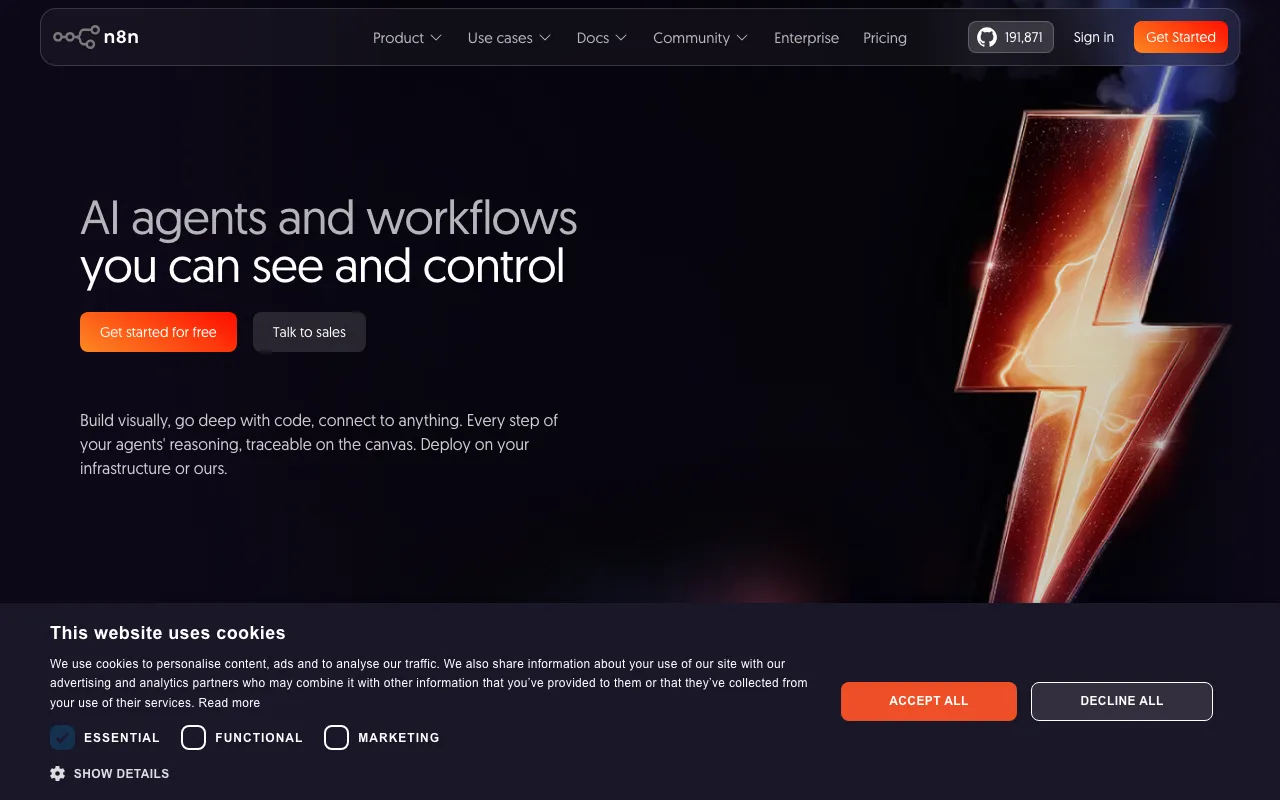
Open-source workflow automation platform for building AI agents and multi-app integrations
★ 195.2k as of Jul 5, 2026
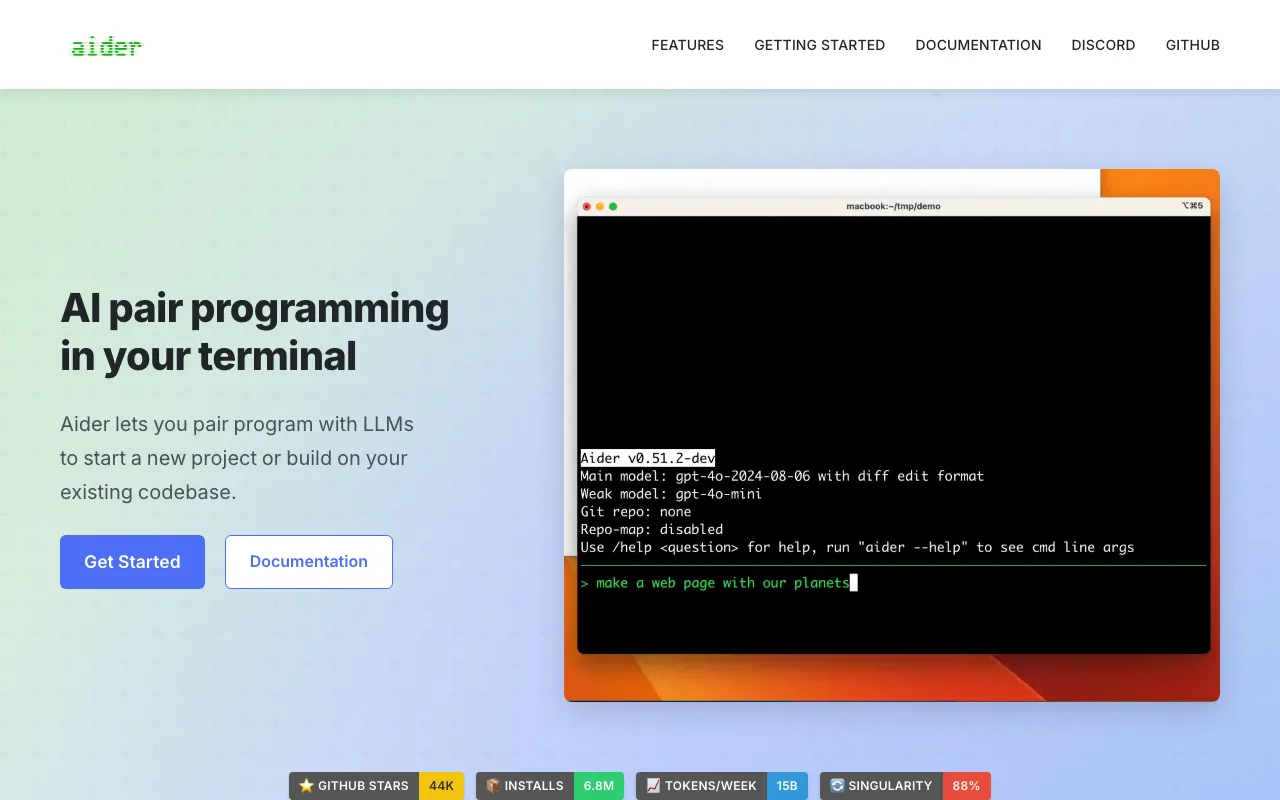
Open-source AI pair programming in your terminal — bring your own LLM key and edit your git repo
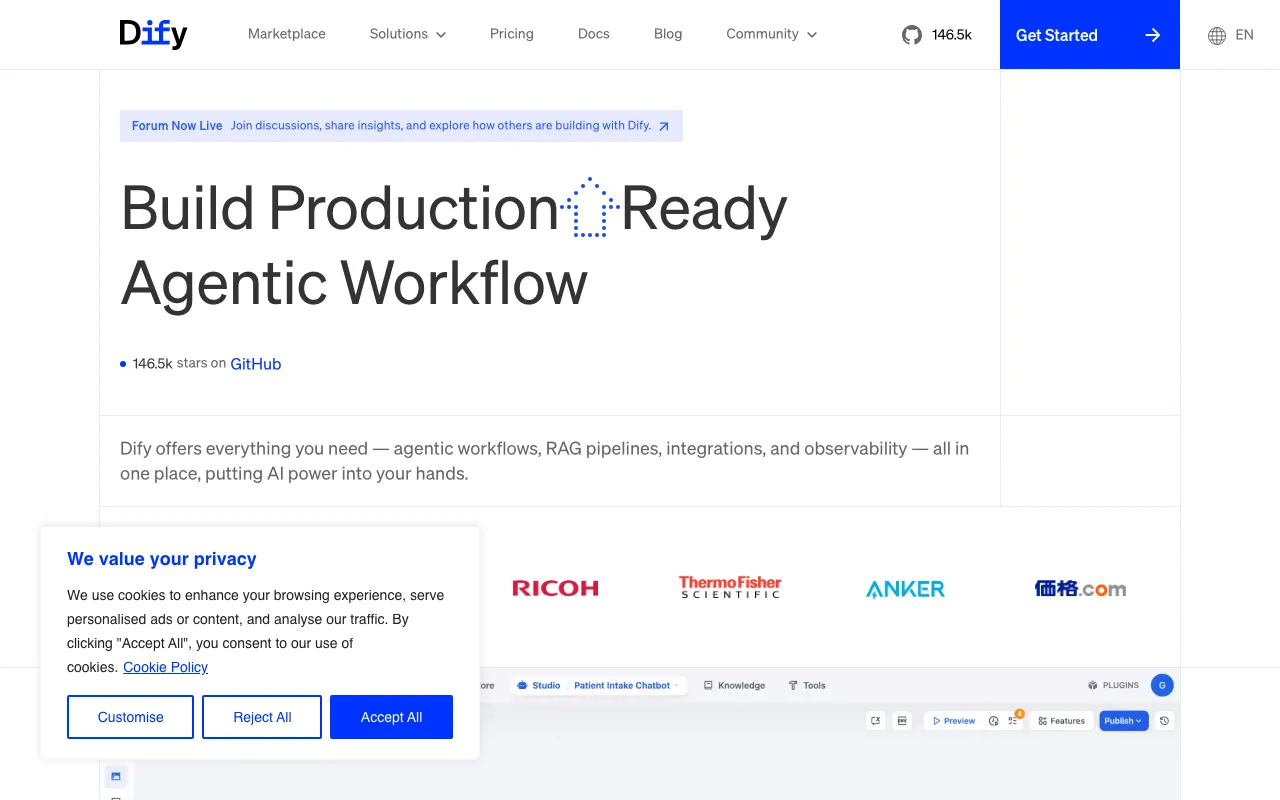
Open-source LLM app platform for building agentic workflows, RAG pipelines, and AI agents with a visual no-code builder
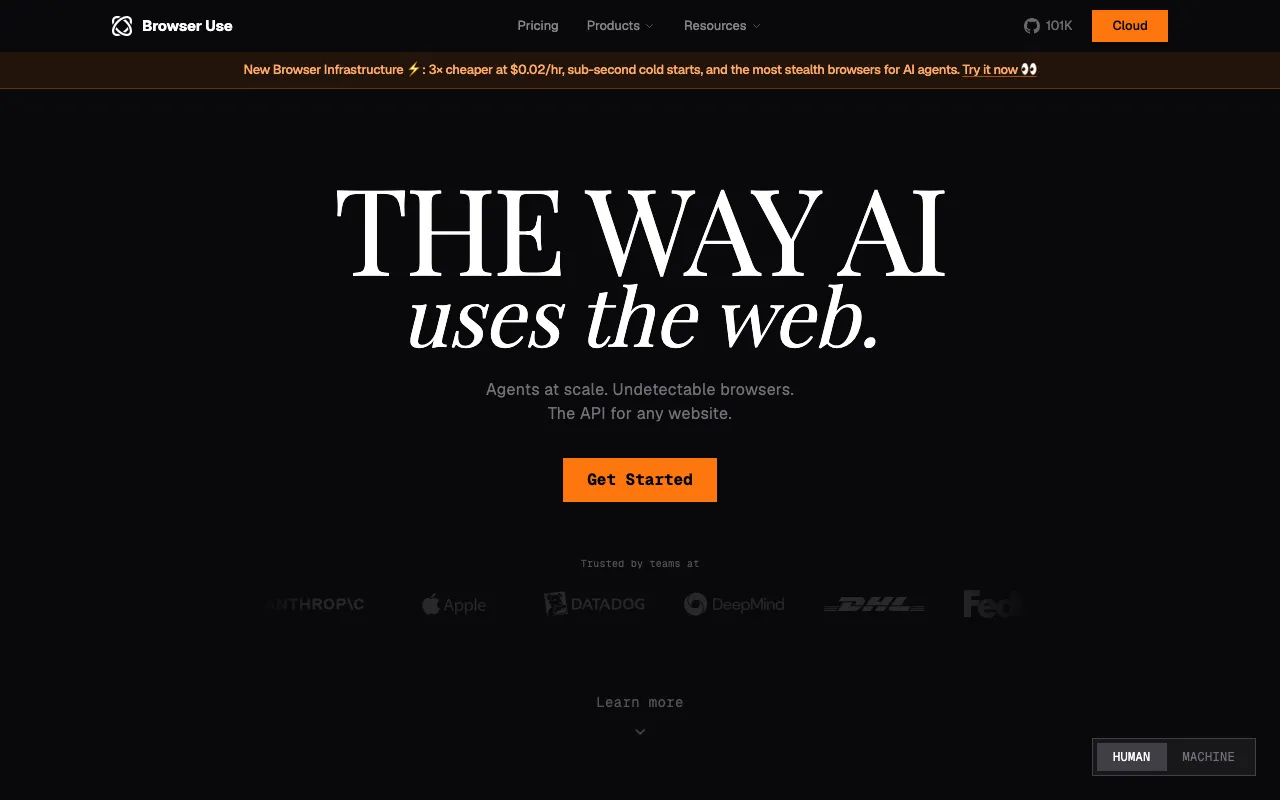
Open-source library that lets AI agents control a real browser to automate and extract from any site
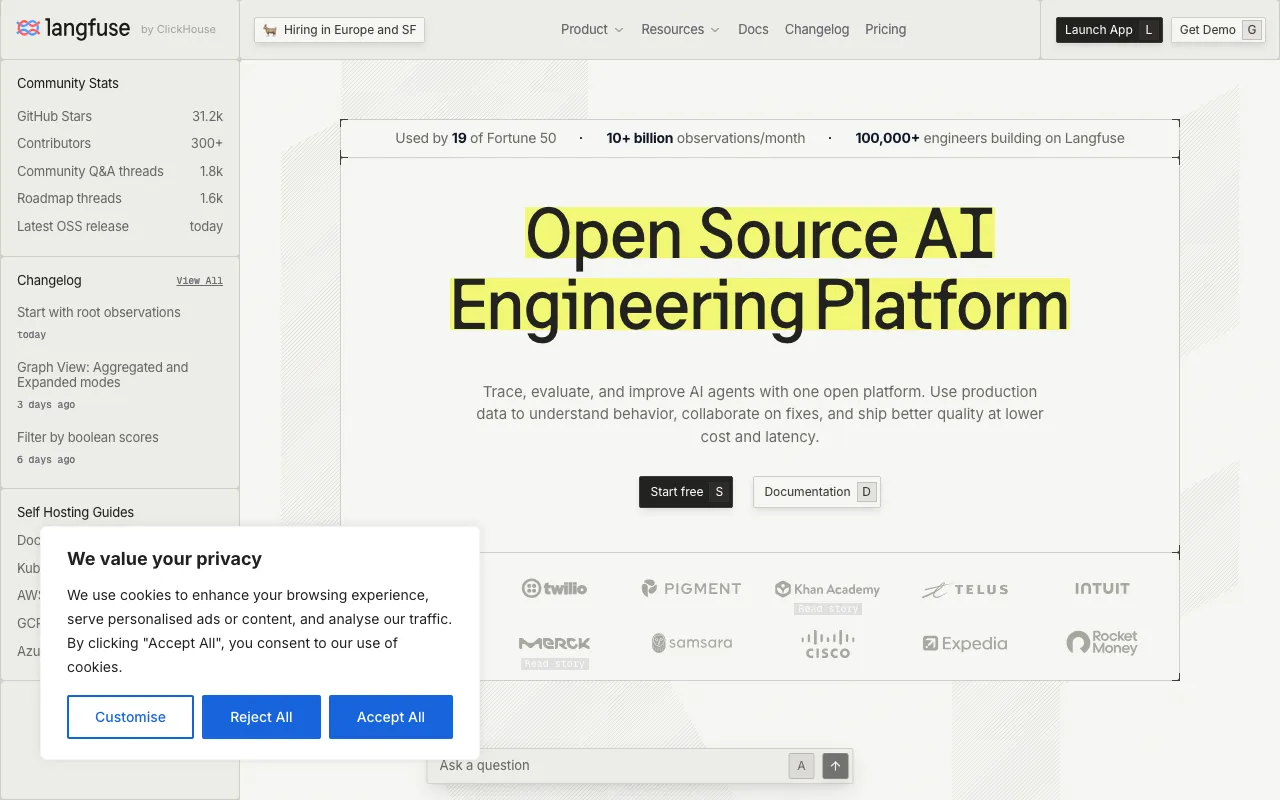
Open-source LLM engineering platform for tracing, observability, evals, and prompt management — self-host free or run on Langfuse Cloud
Every tool in this list has a full profile in our directory with pricing verified against its official pricing page on the date shown on its stamp. Ranking reflects verified pricing, free-tier generosity, platform coverage, and documented capabilities. Rank is not for sale: a sponsor can buy only a separate slot marked Sponsored, outside the ranking. Read the full methodology.
Yes — 6 of the 6 tools here have a free tier: Ollama, n8n, Aider, Dify, Browser Use, Langfuse. Pricing verified Jul 17, 2026.
5 of the 6 tools list an API: Ollama, n8n, Dify, Browser Use, Langfuse.