
Arcade
Actions runtime that lets AI agents call 7,500+ authenticated tools on a user's behalf, with per-action authorization, governance and audit logs
Arcade sits between AI agents and the business systems they act on: it handles OAuth and user tokens, enforces per-action authorization, and serves a catalog of more than 7,500 agent-ready tools across 81 MCP servers. Pricing is by tool call, not by seat: the free plan includes 2,000 calls a month, and Team costs $25/month plus $0.01 per call. Best for developers shipping agents that act as real users in Gmail, Slack or Salesforce; self-hosting and SSO are Enterprise-only.
Free tier
What is Arcade?
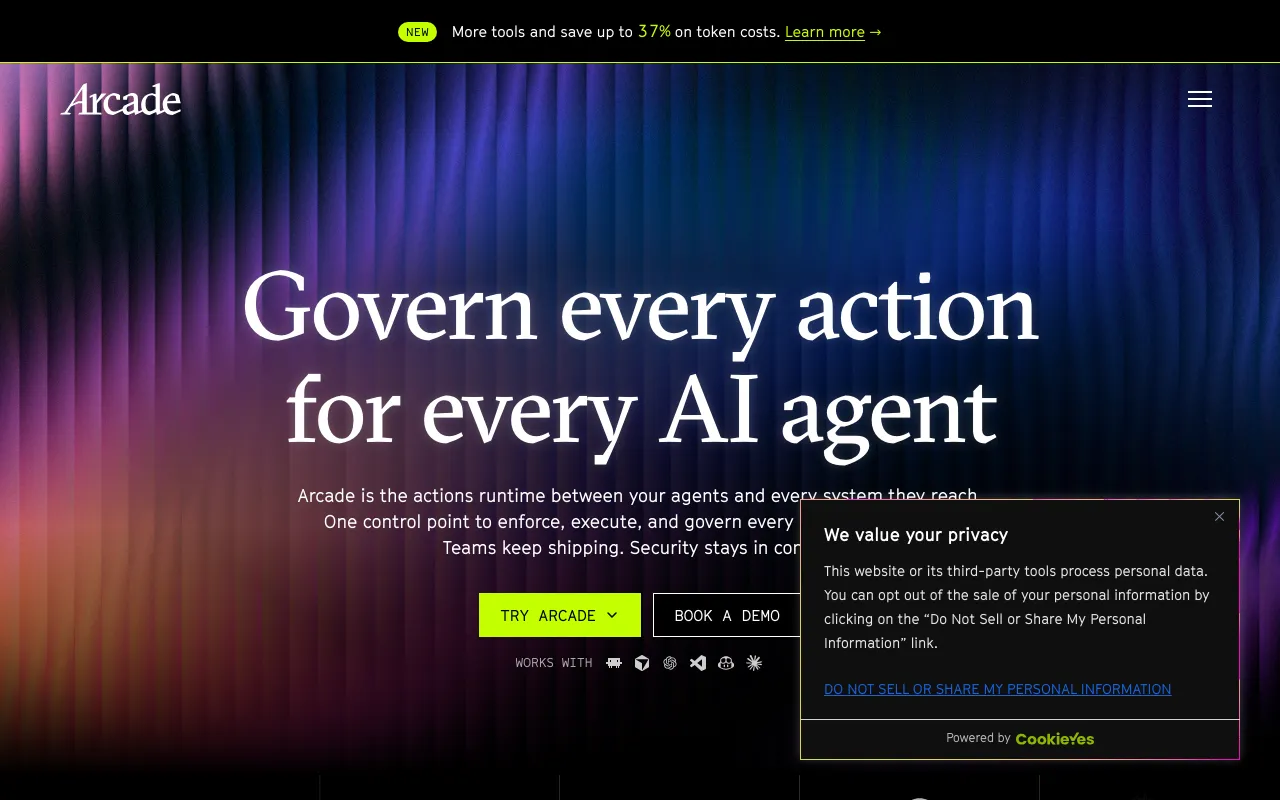
Arcade is an actions runtime for AI agents: the layer that sits between an agent and the business systems it needs to act on. When an agent wants to send an email, update a CRM record or open a GitHub issue, Arcade runs the OAuth sign-in for that specific user, stores and refreshes their tokens, checks the action against the company’s identity provider and access rules, executes the call, and writes an audit record naming the agent, the user and the system. Authorization is delegated, so the agent acts as its user and never beyond that user’s granted scope, rather than through a shared service account with broad permissions.
On top of that authorization layer Arcade ships a catalog of more than 7,500 agent-optimized tools across 81 MCP servers, covering services such as Gmail, Slack, GitHub, Salesforce, Asana and Atlassian, and a Tool Recommendation feature that it says cuts token costs by up to 37% by showing the model only the relevant tools. Teams can build their own MCP servers with the open-source arcade-mcp framework (MIT, about 1,000 GitHub stars) and manage every tool from one control plane with versioning, group-based access through Okta, Microsoft Entra ID or SailPoint, rate limits, and OpenTelemetry audit logs. Pricing is per tool call, not per seat: a free plan with 2,000 calls a month, Team at $25/month plus $0.01 per call, and a custom Enterprise plan that adds VPC or air-gapped deployment, SSO and RBAC.
Who is it for?
Arcade fits engineering and platform teams putting agents into production where those agents must take real actions in user accounts, and where a security team will ask who did what. It is a developer product: agents reach it through Python or JavaScript/TypeScript client libraries, an MCP endpoint, or plugins for coding agents, and there is no no-code builder. The free plan is enough to build a working prototype, and the Team plan’s low fixed fee suits small teams, but high-volume agents should model per-call costs first. Teams comparing integration layers should look at Composio; teams that want to wire up workflows without code are better served by Zapier or n8n.
- Product engineers building customer-facing agents that must read and write in each user’s own Gmail, Slack or CRM account.
- Platform and security teams standardising how internal agents authenticate, which tools each group may call, and where audit logs go.
- Developers using coding agents such as Claude Code, Cursor or Codex who want governed access to company tools through one MCP server.
- Framework users on LangChain, the OpenAI Agents SDK, Google ADK or Mastra who want a managed tool and auth layer.
- Regulated enterprises that need VPC or air-gapped deployment, SSO and RBAC, which Arcade offers on its Enterprise plan.
How much does Arcade cost?
Starting price: $25/mo · Free tier: yes · Model: freemium
Price history tracked from June 2026
| Plan | Price | Includes |
|---|---|---|
| Free | $0 | 2,000 tool calls per month · No platform fee and no credit card required · Fully managed on Arcade Cloud · Community support on Discord and GitHub |
| Team | $25/mo | $25/month platform fee plus usage · Tool calls billed at $0.01 each · Fully managed on Arcade Cloud · Next-business-day email support |
| Enterprise | Custom | Annual bundles of tool calls with discounted additional rates · Deploy on Arcade Cloud, in your VPC, or fully air-gapped · SSO, RBAC, audit logs and private registry access · 24/7 SLA-backed support with a dedicated FDE and account team |
Paying for more than one AI tool? Add Arcade to the stack cost calculator and see the monthly total.
What are Arcade's key features?
- Agent authorization: Arcade runs the OAuth flows and stores user tokens, API keys and secrets so the agent acts within the user's granted scope
- Catalog of more than 7,500 agent-optimized tools across 81 MCP servers, including Gmail, Slack, GitHub, Salesforce, Asana and Atlassian
- Tool Recommendation, which Arcade says cuts token costs by up to 37% by surfacing only the relevant tools from the catalog
- Contextual access rules with group-based tool access backed by Okta, Microsoft Entra ID or SailPoint, plus built-in rate limiting
- Central control plane to grant, revoke and version tools, with OpenTelemetry audit logs
- Open-source arcade-mcp framework (MIT) for building custom MCP servers in Python
- Client libraries for Python and JavaScript/TypeScript, plus guides for LangChain, OpenAI Agents SDK, Google ADK and Mastra
- Self-hosted deployment on Kubernetes via Helm, and hybrid MCP servers that run on your own network while connecting to Arcade Cloud
What people use Arcade for
- 01 Letting a support or sales agent send email, update CRM records and post to Slack as the signed-in user, not a shared service account
- 02 Giving coding agents such as Claude Code, Cursor or Codex governed access to company tools through one MCP endpoint
- 03 Building custom MCP servers for internal systems and publishing them to a private, versioned tool registry
- 04 Enforcing an identity provider's group rules and rate limits on every agent tool call before it runs
- 05 Streaming one audit record per agent action, naming the agent, user and system, into an existing SIEM
Pros and cons
| Pros | Cons |
|---|---|
| Usage pricing with no per-seat fee: the Team plan's fixed cost is only $25/month, so small teams pay mostly for what their agents actually do | Spend scales with agent activity: at $0.01 per call, every 100,000 tool calls adds about $1,000 a month on top of the Team platform fee, and agents that loop or retry can run that up quickly |
| Delegated user authorization means each action runs as a real user within that user's scope, which keeps audit trails tied to people rather than a shared bot account | VPC and air-gapped deployment, SSO, RBAC, audit logs and private registry access are listed only on the custom-priced Enterprise plan |
| Free plan includes 2,000 tool calls a month with no credit card, enough to build and test a working agent | Support below Enterprise is limited to Discord and GitHub on Free and next-business-day email on Team |
| Works across clients and frameworks, with install steps for Claude Code, Cursor, Codex, VS Code and Copilot CLI and SDK guides for LangChain, OpenAI Agents and Mastra | A developer platform with no no-code builder; non-technical teams automating workflows will find Zapier or n8n easier to start with |
What are the best Arcade alternatives?
Composio is the closest Arcade alternative in our directory: it covers the same category (AI Agents & Automation), starts at $0, has a free tier.
Ranked by category overlap with Arcade, then free-tier availability, then lowest verified starting price — computed from our verified data, never from sponsorships.
| Alternative | What it is | Starting price | Free tier | Price verified |
|---|---|---|---|---|
 Composio | Integration and tool-calling infrastructure that gives AI agents authenticated access to 1,000+ apps like Gmail, Slack, GitHub, and Notion | $0 | yes | Nov 15, 2026 |
| n8n | Open-source workflow automation platform for building AI agents and multi-app integrations | €20/mo | yes | Nov 20, 2026 |
 Zapier | No-code automation platform that connects 7,000+ apps to build multi-step workflows without writing code | $29.99/mo | yes | Nov 16, 2026 |
 LangChain | Open-source frameworks for building LLM agents, plus the commercial LangSmith platform for tracing, evaluation, and deployment | $39/seat/mo | yes | Nov 16, 2026 |
 Pipedream | Integration layer for AI agents: managed auth, 10,000+ prebuilt tools across 3,000+ APIs, MCP servers and an API proxy, free until production | $150/mo | yes | Nov 18, 2026 |
 Lindy | No-code AI agents that handle email, calendar, meetings, and 100+ app integrations | $49.99/mo | no | Jun 21, 2026 |
How people make money with Arcade
- Build agents for clients that act inside their own Gmail, Slack, Salesforce or HubSpot accounts, charging a setup fee plus a monthly retainer that passes through the per-call platform cost
- Package custom MCP servers for a niche internal system, such as a vertical CRM or ERP, using the MIT-licensed arcade-mcp framework, and sell implementation and maintenance to companies standardising on Arcade
Frequently asked questions
Is Arcade free?
Arcade has a free plan with no platform fee and no credit card required. It includes 2,000 tool calls per month on the fully managed Arcade Cloud, with community support on Discord and GitHub. The arcade-mcp framework for building your own MCP servers is also open source under the MIT license.
How much does Arcade cost?
The Team plan costs a $25 monthly platform fee plus $0.01 per tool call, runs on Arcade Cloud and includes next-business-day email support. Enterprise pricing is custom and is built around annual bundles of tool calls with discounted rates for additional calls. Arcade does not charge per seat on any plan.
What does Arcade actually do for an AI agent?
Arcade is the layer between an agent and the systems it acts on. It runs the OAuth sign-in for each user, stores and refreshes their tokens, checks per-action authorization against your identity provider and policies, executes the tool call, and records an audit log entry naming the agent, the user and the system touched.
How is Arcade different from Composio?
Both give agents authenticated access to third-party apps through tool calling and MCP. Arcade bills per tool call from a $25 monthly platform fee and leans hard on enterprise governance: delegated user authorization, identity-provider group rules, a versioned private registry, and VPC or air-gapped deployment on Enterprise.
Can Arcade be self-hosted?
Yes, on Enterprise. Arcade documents a self-hosted platform installed on Kubernetes with Helm, including fully internal networking and air-gapped deployment. The Free and Team plans run only on the managed Arcade Cloud, although hybrid MCP servers let you keep a custom server on your own network while connecting it to Arcade Cloud.
Which agents and frameworks work with Arcade?
Arcade publishes install steps for Claude Code, Cursor, Codex, VS Code, Copilot CLI and Claude Desktop, plus a remote MCP server URL for any client that supports HTTP MCP. For custom agents it offers Python and JavaScript/TypeScript client libraries and guides for LangChain, the OpenAI Agents SDK, Google ADK and Mastra.
Can I build my own tools on Arcade?
Yes. The open-source arcade-mcp framework, MIT-licensed with over 1,000 GitHub stars, provides a FastAPI-like way to build MCP servers in Python. Custom servers can run in Arcade Cloud, on your own Kubernetes cluster through Arcade Deploy, or as hybrid servers on your network, and they share the same authorization and audit layer.