Composio
Integration and tool-calling infrastructure that gives AI agents authenticated access to 1,000+ apps like Gmail, Slack, GitHub, and Notion
Composio is tool-calling infrastructure that lets AI agents take real actions across 1,000+ apps through managed OAuth and function calling. The SDK is open source (MIT), and the hosted platform meters by tool call: 20,000 free per month, then $29/mo for 200,000 or $229/mo for 2 million, with per-1,000 overage. Pricing is set to change August 15, 2026. Best for developers building agents that act, not just chat.
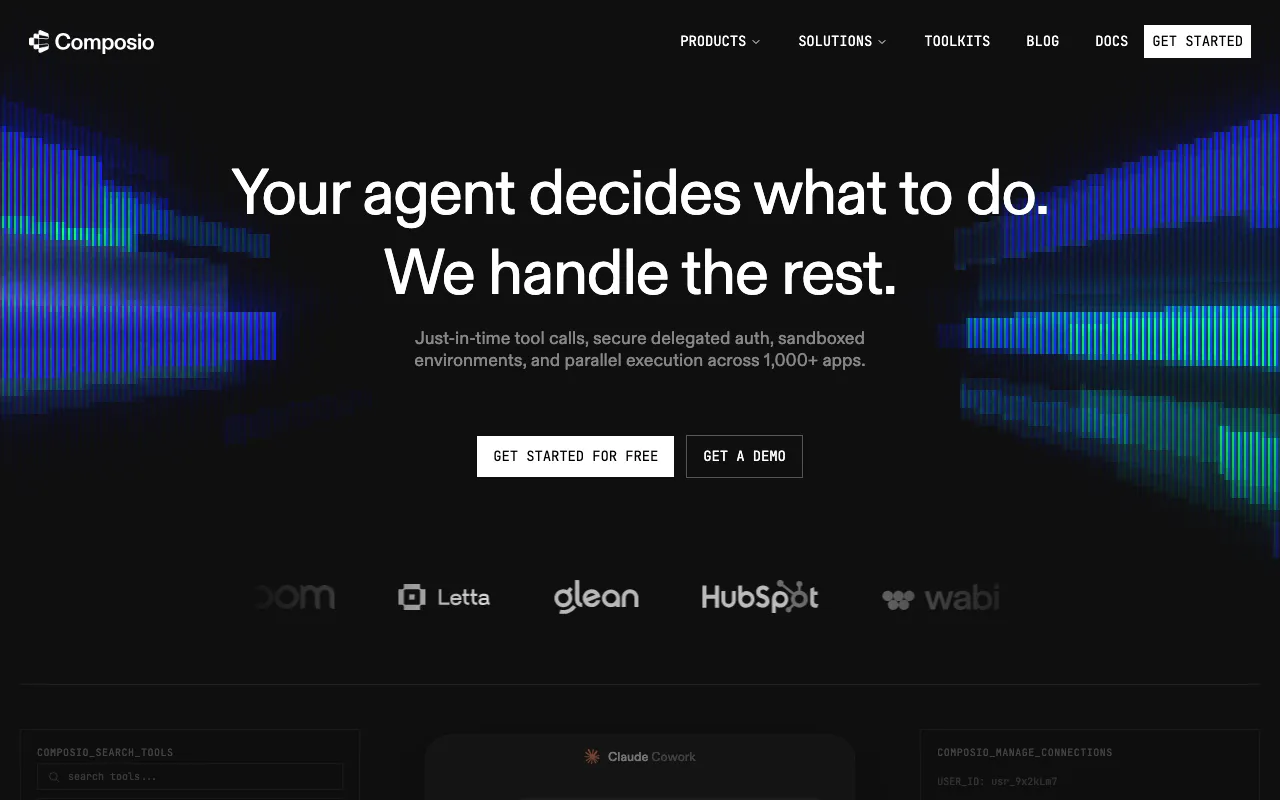
What is Composio?
Composio is tool-calling infrastructure that lets AI agents take real actions in outside applications instead of only generating text. When an agent needs to send an email, post to a Slack channel, open a GitHub issue, or update a Notion page, Composio supplies the function definitions the model calls and handles the authenticated connection behind them. It ships over 1,000 prebuilt toolkits across apps like Gmail, Slack, GitHub, Notion, Linear, Sentry, and Stripe, and it manages the OAuth and API-key flows so you never build or store per-app credentials yourself.
The product is consumed two ways. Developers install the open-source SDK — Python or TypeScript, MIT-licensed — with provider adapters for OpenAI, Anthropic, LangChain, LangGraph, CrewAI, and the Vercel AI SDK, then let their agents search for and call the relevant tools at runtime. Non-coders can point Claude Desktop, Cursor, or VS Code at Rube, Composio’s hosted MCP server, to reach hundreds of apps without writing anything. Tools can run as code inside remote sandboxes, and the platform is SOC 2 and ISO 27001 certified. Billing is metered by tool call — 20,000 free each month, scaling to 2 million on paid plans — with a pricing change scheduled for August 15, 2026.
Who is it for?
Composio fits developers and teams building agents that need to do things, not just answer questions. If your agent’s value depends on reliably reaching third-party apps with proper authentication, Composio removes the integration and credential-management work that would otherwise dominate the project. It is less relevant if you only need chat or a single hard-coded integration.
- AI engineers building action-taking agents who want managed OAuth and function calling instead of writing auth flows for every service.
- Startups and product teams adding integrations quickly across Gmail, Slack, GitHub, and hundreds of other apps without a dedicated integrations team.
- Developers using MCP clients like Claude Desktop, Cursor, or VS Code who want to connect their assistant to real apps through Rube without code.
- Framework users on LangChain, CrewAI, LlamaIndex, or the OpenAI Agents SDK who need a model-agnostic tool layer that works across providers.
How much does Composio cost?
Starting price: $0 · Free tier: yes · Model: usage-based
Price history tracked from June 2026
| Plan | Price | Includes |
|---|---|---|
| Totally Free | $0 | 20,000 tool calls per month · Community support · No credit card required · Full access to 1,000+ toolkits |
| Ridiculously Cheap | $29/mo | 200,000 tool calls per month · Email support · Additional calls at $0.299 per 1,000 |
| Serious Business | $229/mo | 2,000,000 tool calls per month · Slack support (1,000+ calls/month) · Additional calls at $0.249 per 1,000 |
| Enterprise | Custom | Custom tool-call volume · Dedicated SLA and SOC 2 · VPC / on-premises deployment · Custom user accounts and access controls |
What are Composio's key features?
- Managed authentication — Composio handles OAuth and API-key flows so agents connect to external services without custom auth code
- 1,000+ prebuilt toolkits across apps like Gmail, Slack, GitHub, Notion, Linear, Sentry, and Stripe
- Model-agnostic function calling with provider packages for OpenAI, Anthropic, LangChain, LangGraph, CrewAI, and the Vercel AI SDK
- MCP support via Rube, a hosted Model Context Protocol server that connects AI clients to hundreds of apps
- Tool search and context management to resolve relevant tools by intent and reduce context bloat
- Remote sandboxed execution where tools run as code with file-system access and session state
- Open-source SDKs (MIT) for Python 3.10+ and TypeScript, plus a CLI
- SOC 2 and ISO 27001:2022 certification with granular access controls and bring-your-own-cloud options
What people use Composio for
- 01 Giving an AI agent authenticated access to a user's Gmail, Slack, or GitHub so it can send email, post messages, or open issues on their behalf
- 02 Adding OAuth-connected tool calling to an agent without building and maintaining per-app authentication flows in-house
- 03 Connecting Claude Desktop, Cursor, or VS Code to hundreds of apps through the Rube MCP server without writing code
- 04 Running tools as code inside remote sandboxed environments for research, SQL queries, or error-triage workflows
- 05 Dynamically searching and resolving relevant tools at runtime to keep agent context lean
Pros and cons
| Pros | Cons |
|---|---|
| Free tier includes 20,000 tool calls per month with no credit card required | Developer-focused — using Composio requires writing code against its SDK or wiring up the MCP server; it is not a no-code product |
| Core SDK and self-hosted MCP server are open source under the MIT license, avoiding lock-in | Usage-based tool-call billing can scale unpredictably; premium tools like search, sandboxes, and inference bill at roughly 3x the standard rate, and overage runs about 2x the bundled rate |
| One integration layer replaces building and maintaining OAuth flows for each connected app | Pricing is scheduled to change on August 15, 2026, so current tier quotas and rates may not hold |
| Works across major agent frameworks and LLM providers rather than tying you to one stack | Newer and smaller than incumbent automation platforms like Zapier or n8n, with a less mature ecosystem |
What are the best Composio alternatives?
E2B is the closest Composio alternative in our directory: it covers the same category (AI Agents & Automation), starts at $150/mo, has a free tier.
Ranked by category overlap with Composio, then free-tier availability, then lowest verified starting price — computed from our verified data, never from sponsorships.
| Alternative | What it is | Starting price | Free tier | Price verified |
|---|---|---|---|---|
| E2B | Open-source cloud sandboxes that let AI agents run untrusted code in isolated Firecracker microVMs | $150/mo | yes | Oct 18, 2026 |
| CrewAI | Open-source multi-agent framework for orchestrating collaborative AI agent teams | $0 | yes | Jul 3, 2026 |
| Zapier | No-code automation platform that connects 7,000+ apps to build multi-step workflows without writing code | $19.99/mo | yes | Jun 11, 2026 |
| n8n | Open-source workflow automation platform for building AI agents and multi-app integrations | €20/mo | yes | Jul 3, 2026 |
| LangChain | Open-source frameworks for building LLM agents, plus the commercial LangSmith platform for tracing, evaluation, and deployment | $39/seat/mo | yes | Jul 12, 2026 |
Head-to-head comparisons
Frequently asked questions
Is Composio free?
Yes. The Totally Free plan costs $0 per month and includes 20,000 tool calls with community support and no credit card required. The core SDK and the self-hosted MCP server are also open source under the MIT license, so you can run them yourself at no cost.
How does Composio pricing work?
Composio meters usage by tool call. The free plan covers 20,000 calls monthly, Ridiculously Cheap is $29 per month for 200,000 calls, and Serious Business is $229 per month for 2 million. Overage is charged per 1,000 calls, and premium tools bill at about three times the standard rate. Enterprise pricing is custom.
Is Composio open source?
The Composio SDK is open source under the MIT license, with official Python and TypeScript libraries plus a CLI on GitHub. The Rube MCP server can also be self-hosted. The hosted platform that manages authentication and usage across 1,000+ apps is the commercial product layered on top of that open codebase.
What apps does Composio connect to?
Composio provides over 1,000 prebuilt toolkits covering apps such as Gmail, Slack, GitHub, Notion, Linear, Sentry, and Stripe. Agents call these tools through managed OAuth, so they can send email, post messages, open issues, or query services without you building each authentication flow by hand.
Does Composio support MCP?
Yes. Composio offers Rube, a hosted Model Context Protocol server that lets AI clients like Claude Desktop, Cursor, and VS Code connect to hundreds of apps without writing code. Developers can also use the open-source SDK to build custom MCP agents with the same underlying toolkits.
Who is Composio for?
Composio is for developers and teams building AI agents that need to take real actions in external apps rather than only generate text. It suits engineers adding tool calling to agents, teams that want to avoid maintaining per-app OAuth, and anyone wiring LLM clients to services through MCP.