Crush
Charm's terminal coding agent, with its own subscription inference provider or bring-your-own API key
Crush is Charm's agentic coding tool for the terminal, running on macOS, Linux, Windows, Android, and the BSDs. The client itself costs nothing and works with your own Anthropic, OpenAI, Gemini, or OpenRouter keys. Charm's own provider, Hyper, gives everyone 100 free credits a month, with a $20/month subscription for 250 credits refreshing daily or prepaid bundles from $5. Licensed FSL-1.1-MIT — source-available, not OSI open source. Claude ranks above it for coding work.
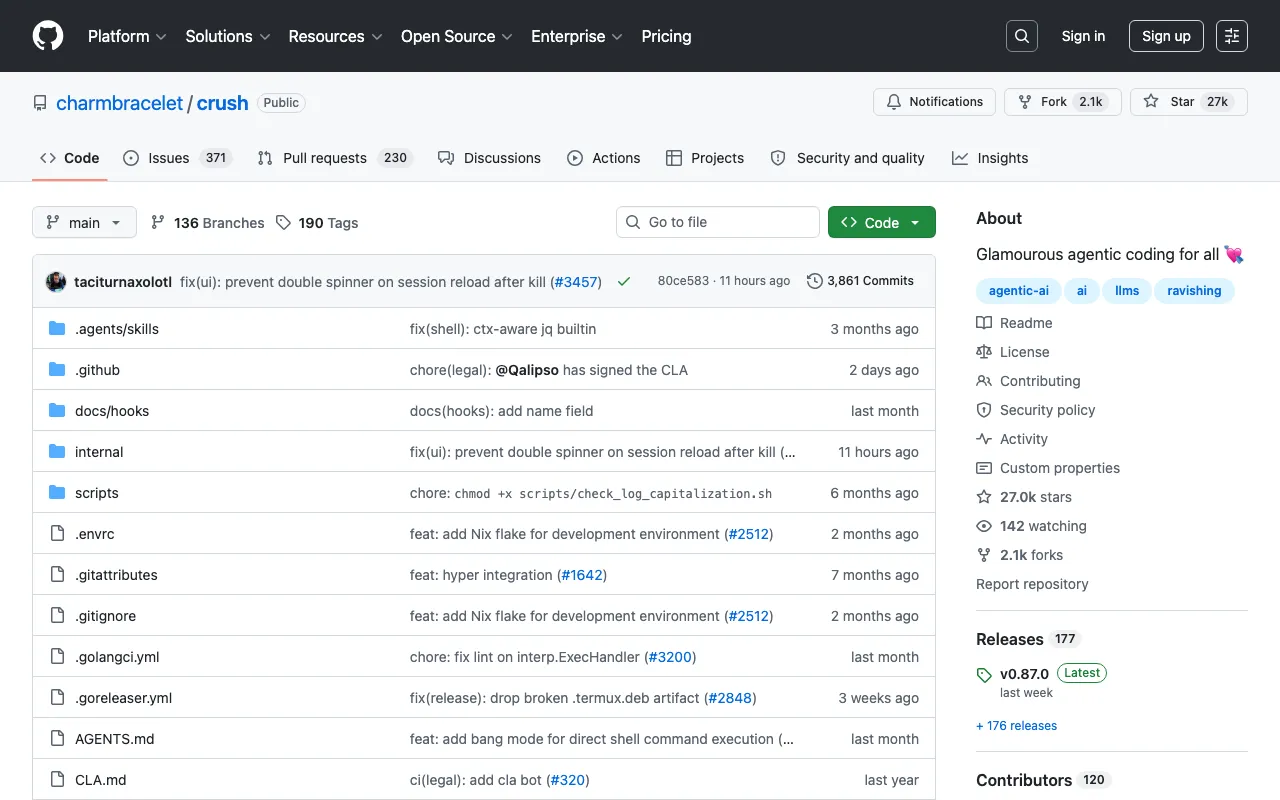
What is Crush?
Crush is an agentic coding tool that lives in the terminal, built by Charm — the team behind the Bubble Tea, Lip Gloss, and Glow terminal libraries. It edits code across multiple files, runs tools, and works through tasks rather than just answering questions, and it does so on an unusually wide set of platforms: macOS, Linux, Windows via PowerShell and WSL, Android, and FreeBSD, OpenBSD, and NetBSD. The client is free and provider-agnostic; a model picker lets you paste a key for Anthropic, OpenAI, Gemini, OpenRouter, or Vertex AI, or set environment variables for a preferred provider.
The commercial layer is a separate product called Hyper, Charm’s own inference provider tuned for Crush and running coding-optimised open-weight models with zero data retention and GDPR compliance. Hyper meters usage in Hypercredits, which Charm states are currently worth five cents each. Every account gets 100 credits a month free; a $20 monthly subscription supplies 250 credits that refresh daily; and prepaid bundles cost $5 for 100 credits, $10 for 500, or $20 for 2,000, never expiring. Team governance features — master keys and sub-keys, per-model and per-user usage reports — sit on the paid side. One licensing detail matters: Crush is FSL-1.1-MIT, meaning source-available with restrictions on competing use until each release converts to MIT, so it should not be described as open source outright.
Who is it for?
Crush suits developers who already work primarily in a terminal and want an agent there rather than in an editor. For coding work generally, Claude ranks above it in this catalogue; Crush’s argument is portability, provider freedom, and a pricing model that does not require a subscription.
- Terminal-native and remote developers working over SSH or on servers where installing a graphical editor is impractical.
- BSD and Android users who are simply not served by editor-based agentic tools, since Crush publishes binaries for those platforms.
- Developers with existing API credits who want an agent that consumes keys they already pay for instead of adding another seat fee.
- Irregular users better served by prepaid credits that never expire than by a monthly subscription whose daily allowance resets whether or not it was used.
How much does Crush cost?
Starting price: $20/mo · Free tier: yes · Model: freemium
Price history tracked from June 2026
| Plan | Price | Includes |
|---|---|---|
| Crush client | Free | No cost for the terminal client itself · Bring your own API key for Anthropic, OpenAI, Gemini, OpenRouter and others · Binaries for macOS, Linux, Windows, Android, FreeBSD, OpenBSD, NetBSD · Source-available under FSL-1.1-MIT |
| Hyper Free | Free | 100 Hypercredits per month for everyone · Zero data retention · Coding-optimised open-weight models |
| Hyper Subscription | $20/mo | 250 Hypercredits, refreshing daily · Zero data retention and GDPR compliance · Master keys and sub-keys for team governance · Per-model and per-user usage reports |
| Hyper Prepaid Bundles | $5 | $5 for 100 Hypercredits · $10 for 500 Hypercredits · $20 for 2,000 Hypercredits · Prepaid Hypercredits never expire |
What are Crush's key features?
- Agentic coding in the terminal with tool use and multi-file edits
- First-class support across macOS, Linux, Windows PowerShell and WSL, Android, and three BSDs
- Model picker covering Anthropic, OpenAI, Gemini, OpenRouter, and Vertex AI
- Hyper, Charm's own inference provider, optimised for Crush with zero data retention
- Master key and sub-key management for delegating team access
- Per-model and per-user usage reporting on Hyper
- Prepaid credit bundles that do not expire, as an alternative to subscribing
What people use Crush for
- 01 Running an agentic coding session entirely inside a terminal or over SSH
- 02 Delegating a multi-file refactor and reviewing the diff before accepting it
- 03 Working on machines where installing a graphical editor is impractical
- 04 Switching between model providers per task without changing tools
- 05 Keeping code and prompts on a zero-data-retention provider for privacy reasons
Pros and cons
| Pros | Cons |
|---|---|
| The client is free and provider-agnostic, so existing API keys work without a subscription | FSL-1.1-MIT is source-available, not OSI open source — competing commercial use is restricted until each release converts to MIT under the future-licence terms |
| Unusually broad platform support — including Android and the BSDs — for an agentic coding tool | Subscription credits refresh daily rather than accumulating, so unused daily allowance is simply lost |
| Hyper's free tier gives every account 100 credits a month, enough to trial the workflow at no cost | Prepaid bundle rates are wildly uneven: $5 buys 100 credits while $20 buys 2,000, so small top-ups are poor value |
| Prepaid credits never expire, which suits irregular use better than a monthly plan | Terminal-only — there is no graphical interface, inline diff view, or IDE integration comparable to an editor-based agent |
| Zero data retention is the stated default on Hyper rather than a paid upgrade | Both product names collide with unrelated software: 'Crush' is a generic term and 'Hyper' is also a well-known terminal emulator |
What are the best Crush alternatives?
Aider is the closest Crush alternative in our directory: it covers the same category (AI Coding), starts at $0, has a free tier.
Ranked by category overlap with Crush, then free-tier availability, then lowest verified starting price — computed from our verified data, never from sponsorships.
| Alternative | What it is | Starting price | Free tier | Price verified |
|---|---|---|---|---|
| Aider | Open-source AI pair programming in your terminal — bring your own LLM key and edit your git repo | $0 | yes | Jun 22, 2026 |
| Amp | Sourcegraph's agentic coding tool — autonomous agents across CLI, editors, and web with zero-markup usage billing | $0 | yes | Jun 28, 2026 |
| OpenCode | Open-source terminal AI coding agent that works with 75+ model providers, plus an optional Zen gateway and Go subscription | $0 | yes | Oct 13, 2026 |
| Warp | AI-powered terminal and agentic development environment with autocomplete and cloud agents | $0 | yes | Oct 13, 2026 |
| Claude | Anthropic's AI assistant built for long-context analysis, coding, and safe reasoning | $20/mo | yes | Jul 3, 2026 |
How people make money with Crush
- Take on terminal-first automation and refactoring contracts for teams on legacy Unix or BSD systems, where a CLI agent runs in places GUI editors cannot be installed
- Package repeatable migration work as a fixed-price engagement and keep inference cost predictable by buying prepaid credit bundles rather than a seat subscription
Frequently asked questions
Is Crush free to use?
The Crush client is free and can run against your own API keys for Anthropic, OpenAI, Gemini, OpenRouter, and others. Charm's own provider, Hyper, also has a free tier giving every account 100 Hypercredits a month. Paying only becomes necessary when you exceed that free allowance.
How much does Charm Hyper cost?
Hyper offers a free tier with 100 Hypercredits monthly, a $20 per month subscription providing 250 Hypercredits that refresh daily, and prepaid bundles at $5 for 100 credits, $10 for 500, and $20 for 2,000. Prepaid credits never expire, unlike the subscription's daily refresh.
What is a Hypercredit worth?
Charm states that one Hypercredit is currently five cents, and credits map to underlying token costs. That reference rate makes the prepaid bundles worth comparing carefully, since the $20 bundle supplies 2,000 credits while the $5 bundle supplies only 100 for the same nominal five-cent rate.
Is Crush open source?
Not in the OSI sense. It is published under the Functional Source License 1.1 with an MIT future licence, which makes the source readable and usable but restricts competing commercial use until each release converts to MIT after the stated period. GitHub classifies the licence as non-standard.
Do I have to use Hyper with Crush?
No. Hyper is described as the official provider and is optimised for Crush, but the model picker supports Anthropic, OpenAI, Gemini, OpenRouter, and Vertex AI among others. You can paste an API key or set environment variables for a preferred provider and never touch Hyper.
Which platforms does Crush run on?
Binaries are published for Linux, macOS, Windows including PowerShell and WSL, FreeBSD, OpenBSD, and NetBSD, and the project also claims first-class terminal support on Android. That range is wider than most agentic coding tools, which typically target macOS, Linux, and Windows only.