Filmora
Wondershare's beginner-friendly video editor with AI text-to-video, auto-captions, and smart short clips — free to use, watermarked until you pay
Filmora is Wondershare's consumer video editor with AI layered on top. The free version watermarks every export; the Basic cross-platform plan runs $49.99/year, Advanced adds 1,000 monthly AI credits at $59.99/year, and a device-specific Perpetual license is $79.99 one-time (reported — official page renders prices inconsistently). AI tools like Veo 3.1 text-to-video consume separate credits, so heavy AI use costs extra on any plan. Best for casual creators and social-media editing.
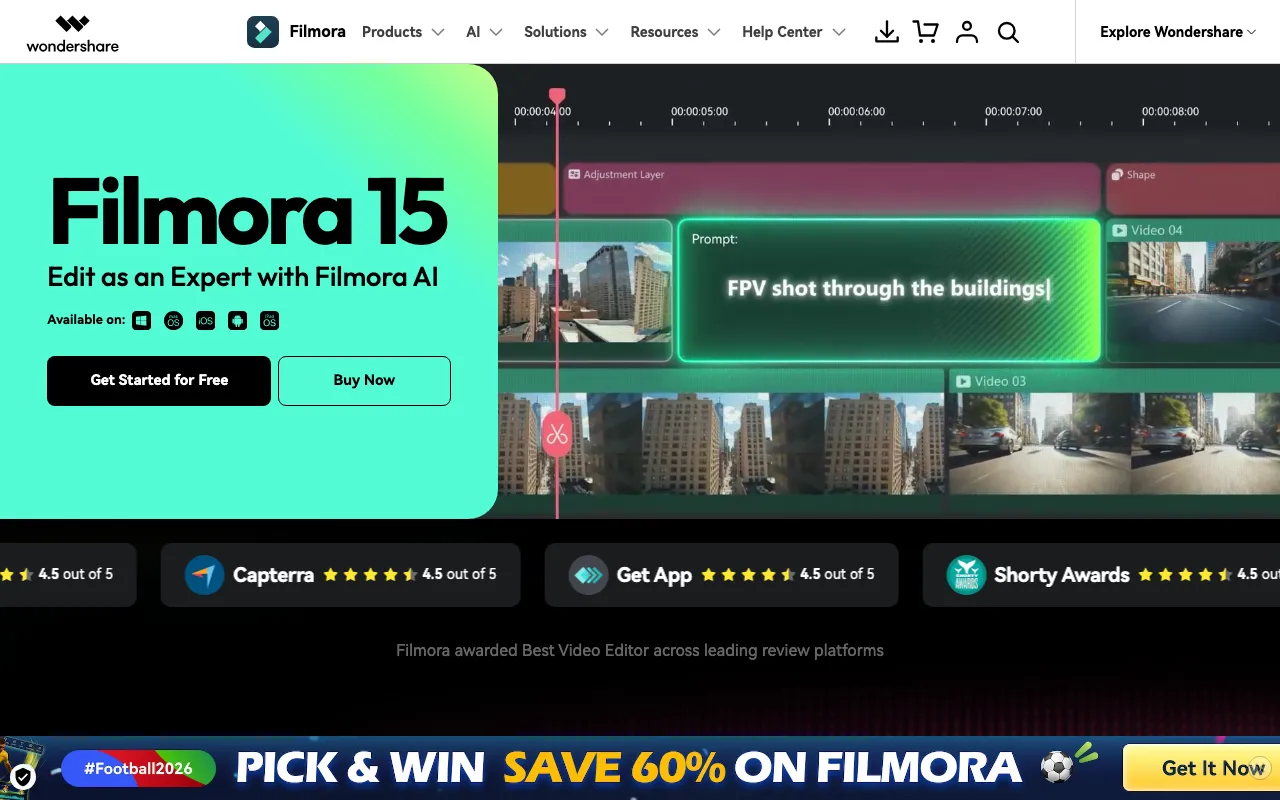
What is Filmora?
Filmora is Wondershare’s consumer video editor for Windows, Mac, iOS, and Android, aimed at people who find professional NLEs like Premiere Pro overkill. The core editor covers timeline editing, transitions, titles, and 4K export, and since the 2025–2026 releases Wondershare has layered on an unusually large AI toolset: text-to-video and image-to-video generation powered by Google’s Veo 3.1, Smart Short Clips that auto-extract vertical highlights from long footage, auto-captioning with translation, AI object removal, portrait cutout, audio denoise, and AI music and sound-effect generators. Paid plans also unlock a library of 2.9M+ creative assets.
The pricing structure is the main thing to untangle. Desktop plans come in two shapes: auto-renewing annual subscriptions (Basic at $49.99/year, Advanced at $59.99/year) that are cross-platform across Windows and Mac, and a Perpetual license ($79.99 one-time, reported) that is locked to one platform and one major version. AI generation features consume a separate currency of AI credits — Advanced includes 1,000 per month, Perpetual includes 1,000 total, and Basic includes none, billing AI use pay-per-use instead. The free version has no time limit but watermarks every export, and mobile apps carry their own in-app subscriptions.
Who is it for?
Filmora suits creators who edit regularly but do not need professional post-production depth — the pitch is speed from raw footage to published clip, with AI handling captions, cutdowns, and cleanup. Anyone planning to lean on the generative features should price in the AI-credit system before choosing a tier, because Basic’s lack of monthly credits makes the cheapest plan the wrong buy for AI-heavy workflows. If a mobile-first workflow matters more than desktop, /tools/capcut is the closer fit; for transcript-based editing, see /tools/descript.
- YouTubers and hobbyist creators who want watermark-free 4K exports, templates, and stock assets at $49.99/year instead of a pro-suite subscription.
- Social-media managers and short-form editors using Smart Short Clips and Auto Caption to turn long recordings into vertical clips for TikTok, Reels, and Shorts.
- Small businesses and marketers producing promo videos in-house, generating b-roll from text prompts instead of buying stock footage.
- One-time-purchase holdouts who prefer the Perpetual license — accepting that it covers one platform and one major version only.
How much does Filmora cost?
Starting price: $49.99/yr · Free tier: yes · Model: freemium
Price history tracked from June 2026
| Plan | Price | Includes |
|---|---|---|
| Free | Free | Full editing feature set for evaluation · Watermark on every exported video · AI features gated behind pay-per-use credits |
| Basic (Cross-Platform) | $49.99/yr | One license covers both Windows and Mac · Watermark-free export up to 4K · 2.9M+ Filmora creative assets and 1GB cloud storage · No monthly AI credits — AI features are pay-per-use · Auto-renewing annual subscription |
| Advanced (Cross-Platform) | $59.99/yr | Everything in Basic · 1,000 Filmora AI credits per month · Larger cloud storage (10GB reported) · Auto-renewing annual subscription |
| Perpetual | $79.99 | One-time payment, no renewal · Device-specific: Windows or Mac license, not both · Locked to the purchased major version — no free upgrades to later versions · 1,000 AI credits included one-time, not monthly · Some trackers report $99.99 — price varies by promotion and region |
What are Filmora's key features?
- AI Text to Video and Image to Video powered by Google Veo 3.1, billed in AI credits
- Smart Short Clips — automatic highlight extraction from long videos into vertical shorts
- Auto Caption with AI speech-to-text and AI video translation
- AI Video Object Remover and AI Portrait Cutout for background and object cleanup
- AI Audio Denoise, Audio Enhancer, plus AI music and sound-effect generators
- 2.9M+ built-in creative assets (titles, effects, stock) on paid plans
- Cross-platform desktop apps (Windows, Mac) plus iOS and Android mobile apps
What people use Filmora for
- 01 Editing YouTube videos with cuts, transitions, titles, and 4K export without a pro-NLE learning curve
- 02 Repurposing long-form video into vertical shorts automatically with Smart Short Clips
- 03 Auto-captioning social clips via AI speech-to-text, with translation for multilingual audiences
- 04 Generating b-roll or filler footage from a text prompt using the built-in Veo 3.1 text-to-video model
- 05 Cleaning up voiceovers with AI audio denoise and enhancement before publishing
Pros and cons
| Pros | Cons |
|---|---|
| Far cheaper than pro editors — $49.99/year versus hundreds for subscription NLE suites | Free version watermarks every export — it is a trial in practice, not a usable free tier |
| One Basic or Advanced license covers both Windows and Mac | AI features consume separate AI credits; Basic includes none monthly, so AI use adds pay-per-use costs on top of the subscription |
| Unusually wide AI toolset for a consumer editor, including frontier text-to-video (Veo 3.1) | Perpetual license is device-specific (Windows or Mac, not both) and locked to one major version — later versions cost again |
| Gentle learning curve; usable for a first video project the same day | Add-ons pile up: premium Filmstock asset packs, AI Portrait, and extra cloud storage are all billed separately |
| Annual plans auto-renew by default; pricing differs by platform, region, and promotion, making the real cost hard to pin down |
What are the best Filmora alternatives?
InVideo AI is the closest Filmora alternative in our directory: it covers the same category (AI Video), starts at $0, has a free tier.
Ranked by category overlap with Filmora, then free-tier availability, then lowest verified starting price — computed from our verified data, never from sponsorships.
| Alternative | What it is | Starting price | Free tier | Price verified |
|---|---|---|---|---|
| InVideo AI | Prompt-to-video AI that assembles edited videos with stock footage, voiceover, and music | $0 | yes | Jun 22, 2026 |
| CapCut | AI video editor with auto-captions, text-to-video, and AI avatars across web, desktop, and mobile | $9.99/mo | yes | Jun 21, 2026 |
| VEED | Browser-based AI video editor: auto-subtitles, AI avatars, text and image-to-video, dubbing, translation, plus background and noise removal in one web app | $10/mo | yes | Jun 23, 2026 |
| Runway | AI video generation platform for cinematic clips, world simulation, and conversational video agents | $12/mo | yes | Jun 11, 2026 |
| Descript | Text-based video and podcast editor with AI transcription, voice cloning, and filler-word removal | $16/mo | yes | Jul 3, 2026 |
How people make money with Filmora
- Freelance short-form repurposing on Fiverr or Upwork — Smart Short Clips plus Auto Caption turns client podcasts and webinars into vertical clips fast; the Advanced plan's monthly AI-credit pool covers recurring client work without per-job AI fees
Frequently asked questions
Is Filmora free?
There is a free version with the full editing feature set, but every export carries a Filmora watermark. Removing the watermark requires a paid plan, so the free version works as an unlimited-length trial rather than a genuinely free editor.
How much does Filmora cost in 2026?
The Basic cross-platform plan is $49.99/year, Advanced is $59.99/year with 1,000 monthly AI credits, and a Perpetual license is $79.99 one-time (some trackers report $99.99). Prices vary by region and frequent promotions, and mobile apps are priced separately in-app.
What are Filmora AI credits?
AI-heavy features — text-to-video (Veo 3.1), image-to-video, AI music, and similar generation tools — consume AI credits. Advanced includes 1,000 credits/month, Perpetual includes 1,000 credits one-time, and Basic includes none, so Basic users pay per use. Regular editing features do not consume credits.
Is the Filmora Perpetual license really lifetime?
It is lifetime access to the major version you buy, not to Filmora forever. Upgrading to a later major version requires paying again. It is also device-specific: a Windows Perpetual license does not work on Mac, unlike the cross-platform annual plans.
Does one Filmora license work on both Windows and Mac?
The Basic and Advanced annual plans are cross-platform and cover both Windows and Mac under one license. The Perpetual license is locked to a single platform. iOS and Android apps use separate mobile subscriptions.
Is Filmora good enough for professional editing?
Filmora targets casual and social-media creators, not professional post-production. It exports up to 4K and covers cuts, titles, and effects well, but it lacks the color grading depth, audio mixing, and collaboration workflow of professional NLEs. For quick-turnaround social content it is one of the fastest options.