Fyxer
AI email assistant that drafts replies in your voice, organizes your inbox, and writes meeting notes
Fyxer AI is an email assistant that drafts replies in your voice, auto-organizes and labels your inbox, and takes meeting notes across Gmail and Outlook. There is no permanent free tier — only a 7-day trial, then Starter at $30/user/month or Professional at $50/user/month. Users report saving around 3.45 hours weekly. Best for busy professionals and client-facing teams drowning in email.
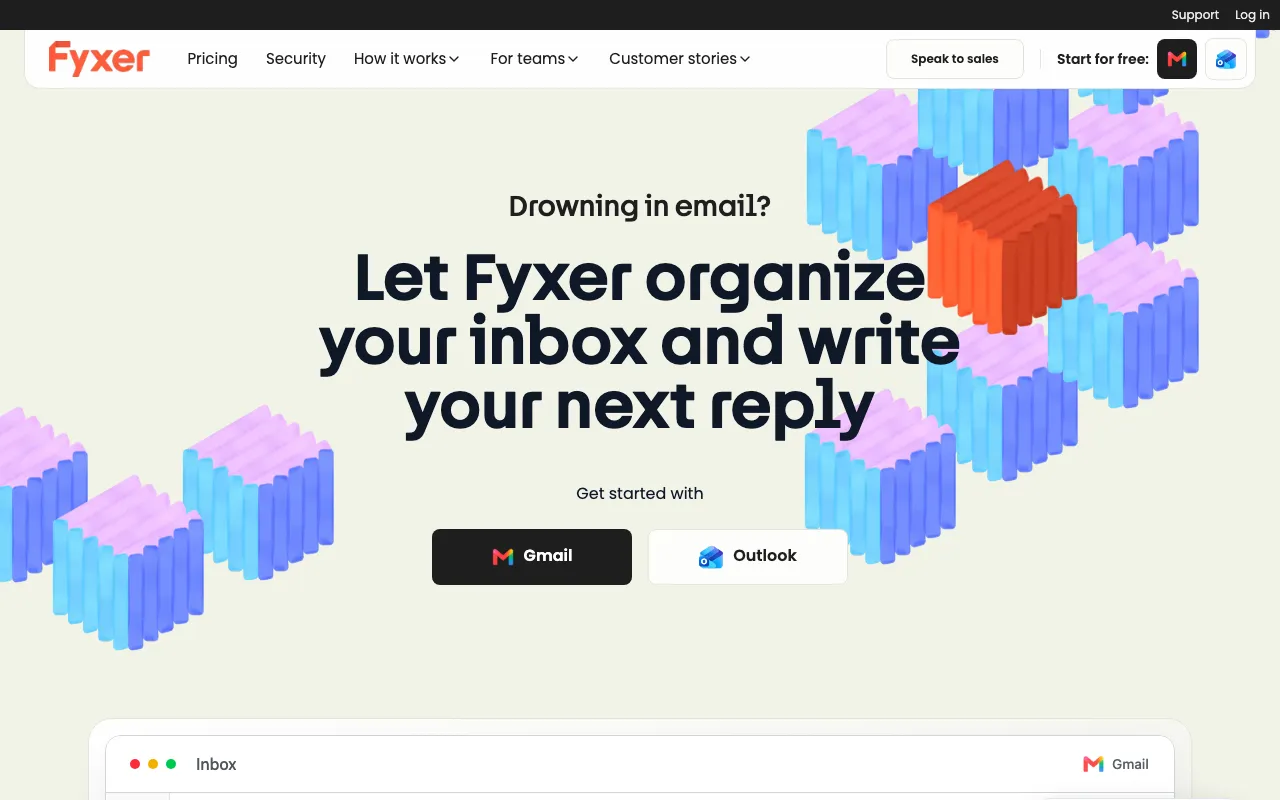
What is Fyxer?
Fyxer AI is an email assistant that lives inside your existing inbox and takes on the repetitive parts of email: it organizes and labels incoming mail so the urgent items surface first, drafts replies written in your own tone based on your past conversations, and joins your meetings to take crisp notes. Unlike many AI email tools that only work inside Gmail, Fyxer runs on both Gmail and Outlook, so mixed-provider teams can standardize on one assistant.
The drafting engine studies how you actually write and produces first-pass replies you review before sending — nothing leaves your outbox automatically. Alongside drafting and inbox triage, Fyxer includes an AI scheduling assistant, a meeting notetaker that summarizes calls into notes and action items, and — on the Professional plan — Fyxer Chat, a HubSpot integration, and file uploads to train the assistant on your own documents. Customers report saving around 3.45 hours per person each week, with one organization citing 640 recovered hours weekly across its team.
Who is it for?
Fyxer is aimed at people whose inbox is a genuine bottleneck — client-facing professionals, sales and support teams, founders, and executives who spend hours triaging and replying to email every day. Because pricing is a flat per-seat subscription starting at $30/user/month with no permanent free tier, it makes the most sense for users who send enough email that a few recovered hours a week clearly outweighs the cost.
- Founders and executives who want a drafted, on-tone reply waiting instead of a full inbox to compose from scratch.
- Sales and customer-facing teams that need fast, consistent responses at volume and can plug Fyxer into HubSpot on the Professional plan.
- Outlook-based organizations that most AI email assistants ignore, since Fyxer supports Outlook as a first-class client alongside Gmail.
- Anyone juggling meetings and email who wants automatic meeting notes feeding directly into the context Fyxer uses to draft follow-ups.
For meeting-note-heavy workflows, Granola is a focused alternative; for a premium Gmail/Outlook email client experience, see Superhuman; and for calendar-first scheduling, compare Reclaim and Motion.
How much does Fyxer cost?
Starting price: $30/user/mo · Free tier: no · Model: paid
Price history tracked from June 2026
| Plan | Price | Includes |
|---|---|---|
| Starter | $30/user/mo | 7-day free trial · Organization for 1 inbox and calendar · AI draft replies written in your tone · Meeting notetaker · $22.50/user/mo billed annually (25% off) |
| Professional | $50/user/mo | Everything in Starter, plus multiple inboxes and calendars · Cross-team scheduling · Fyxer Chat · HubSpot integration and file uploads for training · Specialist onboarding session · $37.50/user/mo billed annually (25% off) |
| Enterprise | Custom | Minimum 50 users · Dedicated account manager and customized onboarding · SSO / SCIM provisioning · Customized security controls · Marketing and rollout support |
What are Fyxer's key features?
- AI reply drafting trained on your past emails to match your writing voice
- Automatic inbox organization and labeling with urgency-based prioritization
- Meeting notetaker that joins calls and produces summaries plus action items
- Native support for both Gmail and Outlook, not just one provider
- AI scheduling assistant for booking and coordinating meetings
- Fyxer Chat for querying inbox context (Professional plan)
- HubSpot CRM integration and document uploads for training (Professional plan)
What people use Fyxer for
- 01 Drafting first-pass replies to routine client, sales, and support emails in your own tone for quick review and send
- 02 Auto-labeling and prioritizing a high-volume inbox so urgent messages surface first
- 03 Capturing meeting notes and action items automatically while Fyxer joins your calls
- 04 Managing multiple inboxes and calendars from a single assistant on the Professional plan
- 05 Cutting back-and-forth scheduling emails with the built-in AI scheduling assistant
Pros and cons
| Pros | Cons |
|---|---|
| Works on both Gmail and Outlook, unlike Gmail-only rivals like Superhuman | No permanent free tier — only a 7-day trial before a paid plan is required |
| Drafts learn your tone from past emails, cutting the time spent composing routine replies | Per-seat cost of $30–$50/user/month adds up quickly for larger teams |
| Flat per-seat pricing with no usage metering makes monthly cost predictable | Requires broad inbox access to read and send mail, a privacy consideration for sensitive accounts |
| Combines reply drafting, inbox sorting, and meeting notes in one assistant instead of three separate tools | AI drafts still need human review — tone and facts can miss on nuanced or high-stakes threads |
What are the best Fyxer alternatives?
Reclaim is the closest Fyxer alternative in our directory: it covers the same category (AI Productivity), starts at $10/seat/mo, has a free tier.
Ranked by category overlap with Fyxer, then free-tier availability, then lowest verified starting price — computed from our verified data, never from sponsorships.
| Alternative | What it is | Starting price | Free tier | Price verified |
|---|---|---|---|---|
| Reclaim | AI calendar that auto-schedules tasks, habits, and meetings on Google Calendar or Outlook, defending focus time and finding meeting slots | $10/seat/mo | yes | Jun 30, 2026 |
| Granola | AI notepad that transcribes meetings without a bot and augments your own typed notes into clean summaries | $14/mo | yes | Oct 23, 2026 |
| Motion | AI calendar and project manager that auto-schedules tasks and runs AI meeting notes | $19/seat/mo | no | Jun 21, 2026 |
| Superhuman | Fast, keyboard-first AI email client for Gmail and Outlook, now part of Grammarly | $30/mo | no | Jul 1, 2026 |
How people make money with Fyxer
- Offer inbox-management and email-triage setup as a service for founders and executives — onboard clients onto Fyxer, configure labels, tone, and reply templates, then bill a recurring retainer for ongoing tuning
- Client-facing sales and support teams can reinvest the reply time Fyxer saves into higher response volume, handling more leads and tickets per rep without adding headcount
Frequently asked questions
Is Fyxer AI free?
No. There is no permanent free tier. Fyxer offers a 7-day free trial, after which you must move to a paid plan — Starter at $30/user/month or Professional at $50/user/month, with 25% off on annual billing.
Does Fyxer work with Outlook as well as Gmail?
Yes. Fyxer supports both Gmail and Outlook natively, which sets it apart from AI email tools that only work inside Gmail. It organizes your inbox, drafts replies, and takes meeting notes across either provider.
How much does Fyxer cost?
Starter is $30/user/month and Professional is $50/user/month when billed monthly. Annual billing drops these to $22.50 and $37.50/user/month respectively (25% off). Enterprise pricing is custom with a 50-user minimum.
What is the difference between Starter and Professional?
Starter covers one inbox and calendar with draft replies and the meeting notetaker. Professional adds multiple inboxes and calendars, cross-team scheduling, Fyxer Chat, a HubSpot integration, file uploads for training, and a specialist onboarding session.
Does Fyxer write emails in my own voice?
Yes. Fyxer analyzes your past conversations to learn your writing tone, then generates draft replies in that voice. You review and edit each draft before it is sent, so nothing goes out automatically.
Can Fyxer take meeting notes?
Yes. The Fyxer notetaker joins your calls, captures crisp notes and action items, and can use that context — plus important documents — to inform the email drafts it writes for you afterward.