Motion
AI calendar and project manager that auto-schedules tasks and runs AI meeting notes
Motion is an AI productivity platform that auto-schedules your task list onto your calendar, plans projects, and takes meeting notes. It has no free tier — only a 7-day trial. Pro AI is $19/seat/month ($12.67/seat billed annually) with 7,500 AI credits, and Business AI is $29/seat/month ($19.43 annually) with 15,000 credits. Best for managers and teams losing hours to manual scheduling and status updates.
What is Motion?
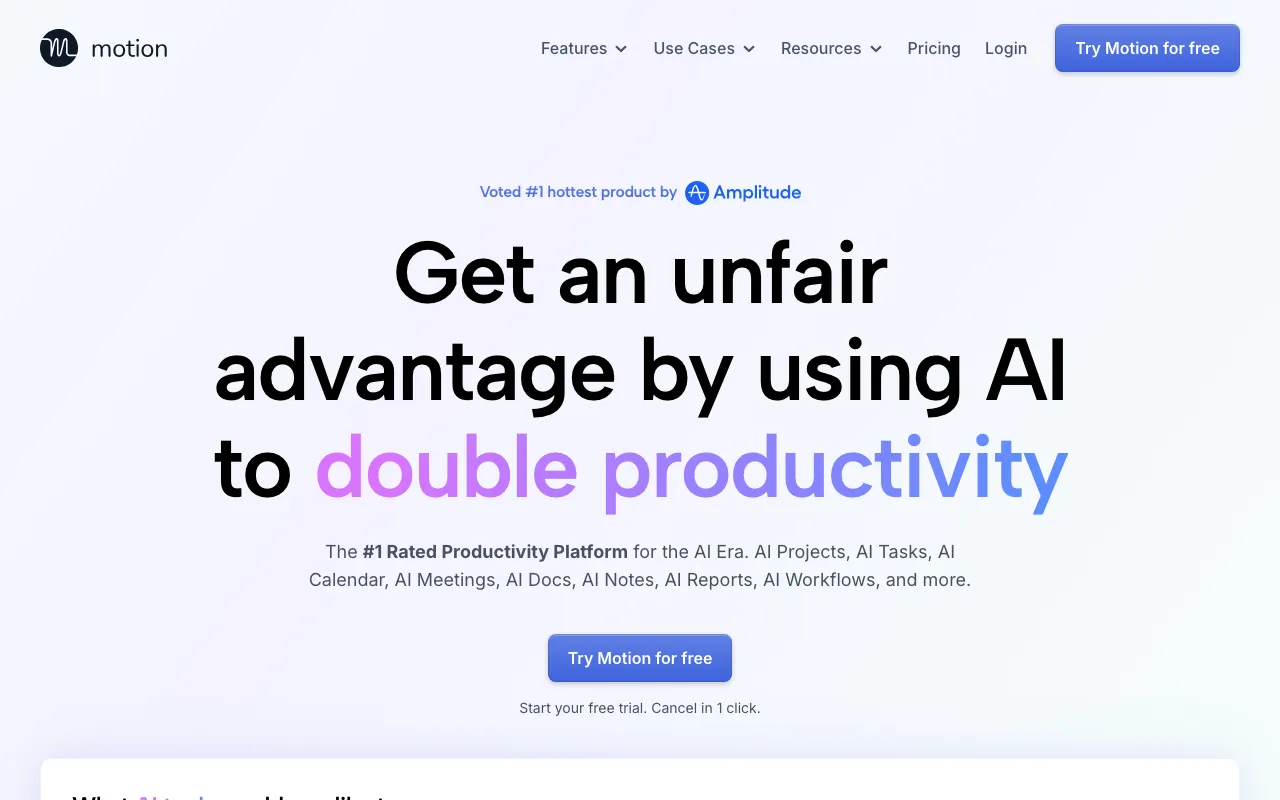
Motion is an AI productivity platform that tries to collapse a stack of separate tools — calendar, task manager, project planner, docs, and meeting-notes app — into one. Its signature feature is auto-scheduling: instead of you dragging tasks onto a calendar, Motion looks at every task’s priority, deadline, and estimated duration and automatically fills your open time slots, then reshuffles the plan whenever a meeting runs long or a new task arrives. On top of that sit an AI project manager that predicts completion dates, an AI meeting assistant that records notes and pulls out action items, and AI docs with a built-in writer and editor.
There is no free tier — Motion offers a 7-day trial and then charges per seat. Pro AI is $19/seat/month (about $12.67/seat when billed annually, a 33% discount) and includes 7,500 AI credits per seat per month that meter the AI actions. Business AI is $29/seat/month ($19.43 annually) and adds team capacity planning, Gantt timelines, and time tracking, plus 15,000 credits per seat. Enterprise pricing, with advanced permissions and custom allowances, is quoted individually. Native apps run on web, desktop, and mobile.
Who is it for?
Motion is aimed at people whose biggest daily friction is deciding what to work on and when — and at teams that lose time to status meetings and manual replanning. It rewards users willing to put their whole task list and calendar into one system, since that is what the auto-scheduler needs to work well. The trade-off is a learning curve and some lock-in.
- Busy managers and founders juggling many tasks and meetings who want the schedule built and rebuilt for them automatically.
- Small and mid-size teams that want capacity planning, project timelines, and shared scheduling without stitching together separate apps.
- Consultants and freelancers balancing multiple clients and deadlines who benefit from automatic prioritization.
- People consolidating tools who would rather run tasks, projects, calendar, docs, and meeting notes from a single platform.
How much does Motion cost?
Starting price: $19/seat/mo · Free tier: no · Model: paid
Price history tracked from June 2026
| Plan | Price | Includes |
|---|---|---|
| Pro AI | $19/seat/mo | ~$12.67/seat billed annually (33% off) · AI calendar, task planner, and projects · AI meeting notes, docs, and AI writer · 7,500 AI credits per seat per month |
| Business AI | $29/seat/mo | ~$19.43/seat billed annually (33% off) · Everything in Pro AI · Team capacity planning and advanced dashboards · Timeline/Gantt charts and time tracking · 15,000 AI credits per seat per month |
| Enterprise | Custom | Advanced permissions and access controls · Priority support and onboarding · Custom AI credit allowances |
What are Motion's key features?
- AI task planner that auto-builds and reorders your daily schedule
- AI calendar that blocks time for tasks and reschedules dynamically
- AI meeting assistant for notes and action-item extraction
- AI project manager with predicted completion dates
- AI docs, wiki, and notes with an AI writer and editor
- 7,500 (Pro AI) or 15,000 (Business AI) AI credits per seat per month
- Team capacity planning, Gantt charts, and time tracking on Business AI
What people use Motion for
- 01 Auto-scheduling a long task list onto open calendar slots by priority and deadline
- 02 Dynamically rescheduling the day when meetings or new tasks shift
- 03 Planning multi-person projects with predicted completion dates
- 04 Capturing meeting notes and action items automatically
- 05 Consolidating tasks, projects, calendar, and docs into one workspace
Pros and cons
| Pros | Cons |
|---|---|
| Auto-scheduling genuinely removes the daily chore of manual calendar planning | No free tier — only a 7-day trial, then a $19/seat/month minimum |
| Replaces several tools — calendar, task manager, project planner, meeting notes — in one app | AI features are metered by credits (7,500/15,000 per seat) that heavy users can exhaust |
| Annual billing cuts roughly 33% off the monthly price ($19 to $12.67 on Pro AI) | All-in-one design means a learning curve and some lock-in once your scheduling lives in Motion |
| Native apps span web, desktop, and mobile | Per-seat pricing adds up quickly for larger teams |
What are the best Motion alternatives?
Notion is the closest Motion alternative in our directory: it covers the same category (AI Productivity), starts at $10/member/mo, has a free tier.
Ranked by category overlap with Motion, then free-tier availability, then lowest verified starting price — computed from our verified data, never from sponsorships.
| Alternative | What it is | Starting price | Free tier | Price verified |
|---|---|---|---|---|
| Notion | AI workspace combining docs, databases, projects, and autonomous agents in one platform | $10/member/mo | yes | Aug 27, 2026 |
| Granola | AI notepad that transcribes meetings without a bot and augments your own typed notes into clean summaries | $14/mo | yes | Oct 23, 2026 |
| Zapier | No-code automation platform that connects 7,000+ apps to build multi-step workflows without writing code | $19.99/mo | yes | Jun 11, 2026 |
| Airtable | No-code app-building platform with relational databases, automations, and AI agents | $20/user/mo | yes | Jul 3, 2026 |
How people make money with Motion
- Productivity consulting for agencies and small teams — design Motion auto-scheduling and project workflows as a paid setup, plus ongoing optimization retainers
Frequently asked questions
Is Motion free?
No. Motion has no permanent free tier — just a 7-day free trial with no credit card required. After that, Pro AI is $19/seat/month and Business AI is $29/seat/month.
How much does Motion cost in 2026?
Pro AI is $19/seat/month monthly, or about $12.67/seat billed annually (33% off). Business AI is $29/seat/month, or about $19.43 billed annually. Enterprise pricing is custom.
What is the difference between Pro AI and Business AI?
Pro AI ($19/seat/month) includes the AI calendar, task planner, projects, and meeting notes with 7,500 AI credits per seat. Business AI ($29/seat/month) adds team capacity planning, Gantt charts, time tracking, and 15,000 credits.
What are Motion's AI credits?
Credits meter AI actions like scheduling, planning, and meeting summaries. Pro AI includes 7,500 per seat per month and Business AI includes 15,000. Heavy automation can use them up before month-end.
Does Motion replace my project management tool?
That is its goal. Motion combines tasks, projects, calendar, docs, and meeting notes in one app with AI auto-scheduling. Teams using Notion or Asana plus a separate calendar are its main switchers.
Does Motion have AI agents?
Yes. Motion markets AI agents that automate scheduling, project updates, and meeting follow-ups using your work data, drawing on the per-seat AI credit allowance.