Gumloop
No-code visual builder for AI agents and multi-step automations, priced on a monthly credit pool
Gumloop is a no-code canvas for building AI agents and multi-step workflows from nodes, run on a monthly credit pool. The free tier includes 5,000 credits, 1 seat, and 1 scheduled trigger; Pro is $37/month with 20,000+ credits, unlimited seats, and API access; Enterprise is custom with SAML and audit logs. Best for ops and growth teams automating work without engineers.
What is Gumloop?
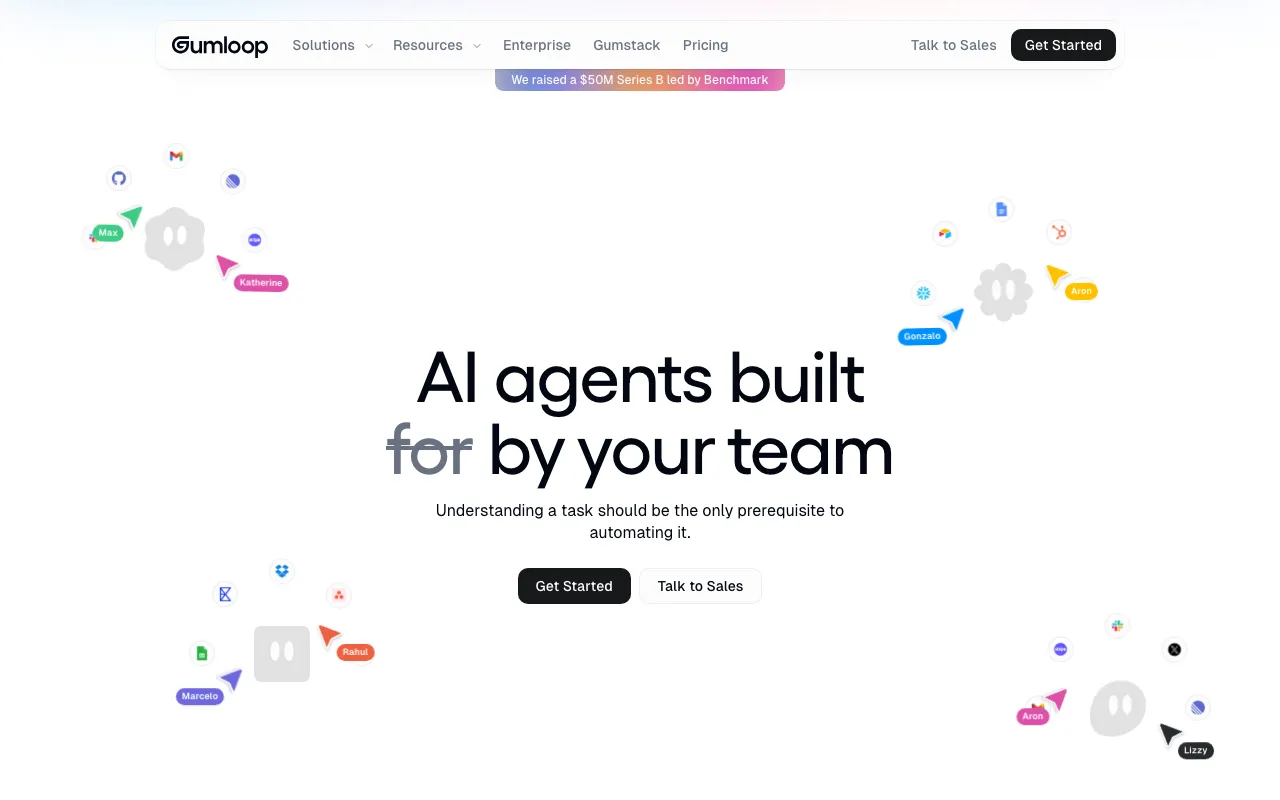
Gumloop is a no-code platform for building AI agents and multi-step automations on a visual canvas. Instead of writing scripts, you drag and connect nodes — AI steps, web-scraping and data steps, and integrations with tools like Slack, Gmail, and Airtable — into a workflow that runs end-to-end. Its stated premise is that understanding a task should be the only prerequisite to automating it, so the builder targets operations and growth people rather than developers. Scheduled triggers let those workflows run unattended in the background.
The platform runs on a credit model: each node consumes credits when it executes, with simple AI calls costing a couple of credits and heavier enrichment or expert-model calls costing far more. Gumloop is deliberately model-agnostic — a single flow can route different steps to Anthropic, OpenAI, Gemini, or DeepSeek — and a bring-your-own-key option lowers per-node cost for teams that already pay for model access. Agents can be exposed through Slack, Microsoft Teams, or Gmail so non-technical colleagues can trigger them by chatting, and a REST API lets developers call flows from their own systems.
Who is it for?
Gumloop is aimed at people who have a clear, repeatable task to automate but do not want to maintain code to do it. The free tier is fine for evaluation and light personal use, but the credit pool and team features only become practical on Pro, and large organizations with compliance needs are pushed toward custom-priced Enterprise.
- Operations and growth teams automating lead enrichment, reporting, and content pipelines without pulling in engineering.
- Marketing and content teams repurposing transcripts, briefs, and research into multiple finished assets on a schedule.
- Automation consultants and agencies who build reusable workflow templates and sell setup as a service to SMB clients.
- Small companies that want unlimited-seat, flat-rate automation and are comfortable tuning credit usage to stay inside the monthly pool.
How much does Gumloop cost?
Starting price: $37/mo · Free tier: yes · Model: usage-based
Price history tracked from June 2026
| Plan | Price | Includes |
|---|---|---|
| Free | $0 | 5,000 credits per month · 1 seat, 1 active scheduled trigger · 2 concurrent runs, 5 concurrent agent interactions · Unlimited agents, flows, and teams · Community forum support |
| Pro | $37/mo | 20,000+ credits per month · Unlimited seats · Unlimited active triggers, 5 concurrent runs · REST API access and 1 hosted MCP server · Bring-your-own-key cuts AI node cost to 1 credit · 20% off on annual billing |
| Enterprise | Custom | Custom credits and concurrency · RBAC, SCIM/SAML SSO, admin dashboard · Audit logs, data retention rules, usage analytics · AI model access control and VPC deployment · 5 hosted MCP servers and workflow queuing |
What are Gumloop's key features?
- Visual node-and-canvas builder for multi-agent, multi-step workflows with no code
- Scheduled and event triggers that run agents in the background
- Multi-model support with no lock-in: Anthropic, OpenAI, Gemini, and DeepSeek
- 25+ native integrations including Slack, Gmail, GitHub, Linear, Stripe, Airtable, HubSpot, and Notion
- Bring-your-own-key (BYOK) to drop standard AI node cost to 1 credit
- Hosted MCP servers and custom nodes for extending workflows
- Chat surfaces in Slack, Microsoft Teams, and Gmail for agent interaction
- REST API with bearer-token auth for triggering flows programmatically
What people use Gumloop for
- 01 Enriching inbound leads by chaining web scraping, company lookups, and AI summarization into one scheduled flow
- 02 Automating content repurposing — turning a long transcript into social posts, a newsletter, and SEO drafts
- 03 Routing and triaging support tickets or Slack messages to the right owner with an AI classification node
- 04 Running recurring research agents that monitor sources and post digests to Slack or Gmail on a schedule
- 05 Wiring an AI agent into Slack or Microsoft Teams so non-technical teammates can trigger automations by chatting
Pros and cons
| Pros | Cons |
|---|---|
| Genuinely no-code — non-engineers can assemble working multi-step agents on a visual canvas | Credit consumption is variable and hard to predict — enrichment nodes cost 60 credits each and expert AI calls 30, so heavy workflows burn the pool fast |
| Free tier includes a usable 5,000 credits with unlimited agents and flows | API access and the BYOK discount are gated behind Pro; the free tier's 1 trigger and 2 concurrent runs are tight for real team use |
| Model-agnostic, so you can route each node to the cheapest or best model and bring your own key | Only one self-serve paid tier ($37 Pro) before jumping to custom-priced Enterprise, and the Pro credit figure is advertised as a fuzzy '20,000+' |
| Unlimited seats on Pro at a flat $37/month rather than per-user pricing |
What are the best Gumloop alternatives?
Flowise is the closest Gumloop alternative in our directory: it covers the same category (AI Agents & Automation), starts at $0, has a free tier.
Ranked by category overlap with Gumloop, then free-tier availability, then lowest verified starting price — computed from our verified data, never from sponsorships.
| Alternative | What it is | Starting price | Free tier | Price verified |
|---|---|---|---|---|
| Flowise | Open-source low-code platform to build LLM apps and AI agents with a drag-and-drop visual flow builder | $0 | yes | Jun 24, 2026 |
| Make | Visual automation platform connecting 3,000+ apps with no-code workflows and AI agents | $9/mo | yes | Jul 3, 2026 |
| Relevance AI | No-code platform for building and deploying autonomous AI agents for business workflows | $19/mo | yes | Jun 11, 2026 |
| Zapier | No-code automation platform that connects 7,000+ apps to build multi-step workflows without writing code | $19.99/mo | yes | Jun 11, 2026 |
| n8n | Open-source workflow automation platform for building AI agents and multi-app integrations | €20/mo | yes | Jul 3, 2026 |
| Lindy | No-code AI agents that handle email, calendar, meetings, and 100+ app integrations | $49.99/mo | no | Jun 21, 2026 |
How people make money with Gumloop
- Build and resell pre-made Gumloop workflow templates — lead enrichment, content pipelines, support triage — to small agencies as a no-code automation consultant
- Offer done-for-you AI automation setup on Upwork or Contra: recurring workflow builds plus credit-tuning so SMB clients stay inside their monthly pool
Frequently asked questions
Is Gumloop free?
Yes. The free plan includes 5,000 credits per month, 1 seat, 1 active scheduled trigger, and 2 concurrent runs, with unlimited agents and flows. It is enough to evaluate the builder, though heavier or AI-intensive workflows will exhaust the credits quickly.
How much does Gumloop Pro cost?
Gumloop Pro is $37 per month, with 20% off if you pay annually. It raises the allotment to 20,000+ credits, adds unlimited seats, unlimited triggers, 5 concurrent runs, REST API access, and one hosted MCP server.
How do Gumloop credits work?
Every node you run consumes credits. A standard AI call costs about 2 credits, an advanced call 20, and an expert call 30, while contact or company enrichment nodes cost 60 each. Bringing your own API key drops a standard AI node to 1 credit.
Does Gumloop have an API?
Yes. Gumloop exposes a REST API with bearer-token authentication so you can trigger workflows from your own code or other services. API access requires the Pro plan or above; it is not available on the free tier.
Which AI models does Gumloop support?
Gumloop is model-agnostic and supports Anthropic, OpenAI, Google Gemini, and DeepSeek among others. You can pick a different model per node and bring your own API key to cut node costs, avoiding lock-in to a single provider.
Who is Gumloop best for?
Gumloop suits operations, growth, and marketing teams that want to automate multi-step work without hiring engineers. It also fits consultants who build and sell workflow templates. Engineering-heavy teams may prefer a code-first tool like n8n.