Klap
Turns long videos into vertical short-form clips with auto-reframing, captions, and virality scoring
Klap converts long videos into vertical clips for TikTok, Reels, and Shorts, adding captions, auto-reframing, and a virality score per clip. Plans are billed by clip volume: Basic is $29/month for 100 clips, Pro $79/month for 300, and Pro+ $189/month for 1,000, each roughly halving to $14, $39, and $94 on annual billing. There is a no-card trial but no permanent free tier. Best for creators posting short-form daily from existing long footage.
What is Klap?
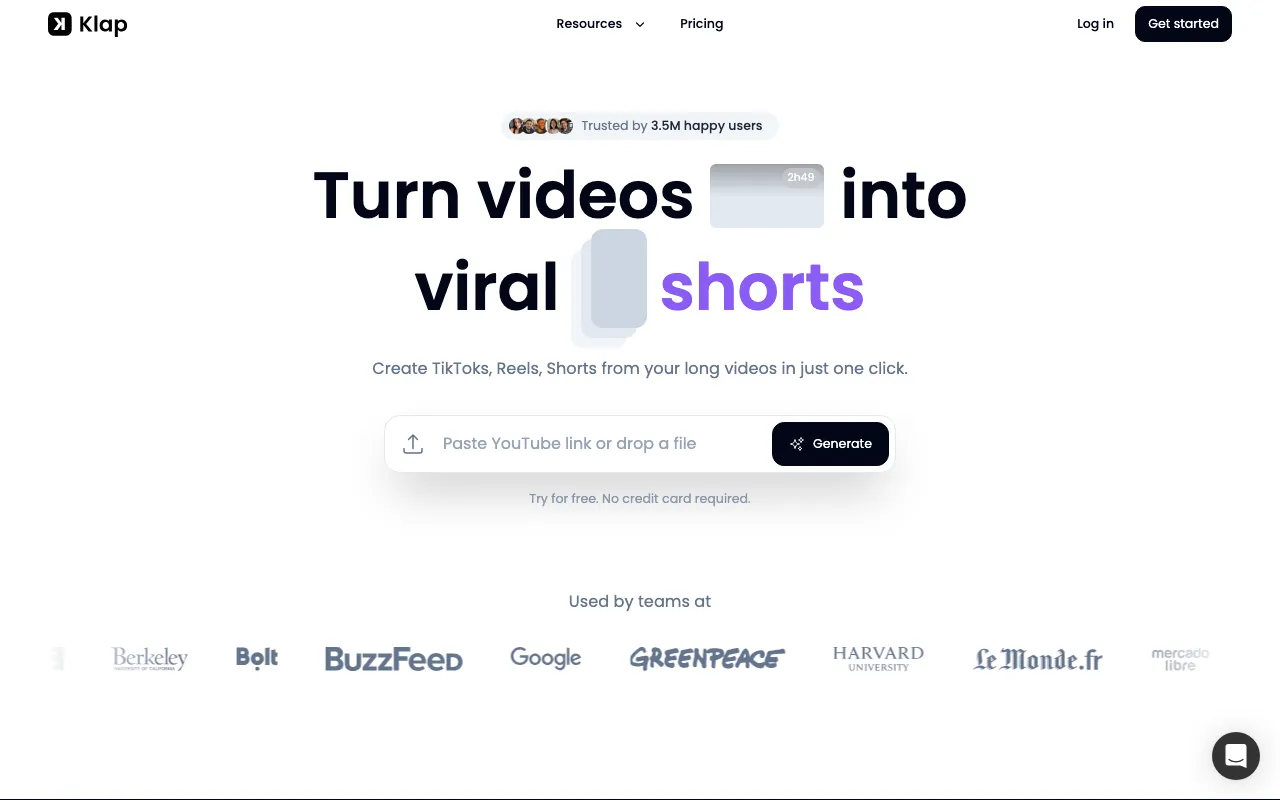
Klap takes a long video — a podcast episode, webinar, or YouTube upload — and produces vertical short-form clips for TikTok, Reels, and Shorts. You paste a link or upload a file, and it selects moments, reframes them to vertical, burns in captions, generates text for the accompanying post, and scores each clip for likely reach. The reframing component, AI Reframe 2, analyses each scene and applies a layout rather than cropping to the centre of frame, with presets including split screen, screencast, and gaming. Finished clips can be published directly to connected social accounts, and there is a REST API for anyone wanting to run the process programmatically.
Pricing is denominated in clips per month rather than minutes or abstract credits, which makes capacity planning unusually direct: Basic is $29/month for 100 clips, Pro $79/month for 300, and Pro+ $189/month for 1,000. Annual billing is a genuine half-price discount rather than the customary 15–20%, bringing those to $14, $39, and $94 per month. Every tier includes unlimited connected social accounts and analytics, so the ladder buys volume rather than features. There is a trial that requires no credit card, but no permanent free tier. The vendor’s own rule of thumb — roughly five clips per minute of source video — is the number to plan against, since it means the 100-clip entry plan covers about 20 minutes of source footage a month.
Who is it for?
Klap is aimed at people who already produce long-form video and need a steady supply of vertical clips from it. The clip-based pricing rewards anyone with a predictable publishing cadence and penalises sporadic bulk processing, so matching your tier to actual upload length matters more than with credit-based rivals.
- Podcasters and long-form YouTubers who want a week of short-form posts out of each episode without editing them by hand.
- Social media managers handling several channels at once, since unlimited connected accounts are included even on the entry plan.
- Agencies and freelancers offering clipping as a service, who can use the REST API to wire it into an existing production pipeline.
- Course creators and coaches repurposing webinars into promotional clips, where captions and generated post text remove the copywriting step.
How much does Klap cost?
Starting price: $29/mo · Free tier: no · Model: paid
Price history tracked from June 2026
| Plan | Price | Includes |
|---|---|---|
| Basic | $29/mo | 100 clips per month · $14/mo billed yearly · AI clipping and reframing · Unlimited connected social accounts · Analytics |
| Pro | $79/mo | 300 clips per month · $39/mo billed yearly · AI clipping and reframing · Unlimited connected social accounts · Analytics |
| Pro+ | $189/mo | 1,000 clips per month · $94/mo billed yearly · Aimed at teams · Unlimited connected social accounts · Analytics |
| Custom | Custom | For volumes above the Pro+ clip allowance · Arranged by contacting the vendor |
What are Klap's key features?
- AI clipping that selects moments from a long video and scores their potential reach
- AI Reframe 2, which analyses scenes and applies layouts including split screen, screencast, and gaming
- AI-generated captions burned into clips, plus generated text for the accompanying post
- Accepts a pasted YouTube link or a direct file upload
- Publishing to connected social platforms from inside the tool
- Unlimited connected social accounts on every plan
- Analytics on published clips
- REST API for programmatic clipping
What people use Klap for
- 01 Cutting a podcast episode into vertical clips for TikTok, Reels, and Shorts
- 02 Repurposing a webinar or long YouTube upload into a week of short-form posts
- 03 Reframing horizontal footage to vertical without manually keyframing the subject
- 04 Adding burned-in captions to clips before publishing
- 05 Publishing finished clips straight to connected social accounts
Pros and cons
| Pros | Cons |
|---|---|
| Annual billing is roughly half the monthly rate — a genuine 50% reduction rather than the usual 15–20% | There is no permanent free tier — only a no-card trial — so ongoing use requires a paid plan |
| Unlimited social accounts are included on every tier, including the entry plan | The advertised $14 headline is annual-only; paying monthly doubles it to $29, and the same applies at every tier |
| A REST API is available rather than being reserved for an enterprise tier | Monthly clip caps bind hard: at 100 clips, Basic covers roughly one long video's output per week given the vendor's own rule of thumb of about 5 clips per minute of source video |
| Clip allowances are stated plainly in clips per month, which is easier to budget than an abstract credit system | Output quality depends on the source — talking-head footage reframes far better than multi-subject or fast-cut video |
| The vendor is a small operation, publicly credited to two founders, which is a continuity consideration for anyone building a service business on top of it |
What are the best Klap alternatives?
Captions is the closest Klap alternative in our directory: it covers the same category (AI Video), starts at $9.99/mo, has a free tier.
Ranked by category overlap with Klap, then free-tier availability, then lowest verified starting price — computed from our verified data, never from sponsorships.
| Alternative | What it is | Starting price | Free tier | Price verified |
|---|---|---|---|---|
| Captions | AI video creation app for talking-head and social content, with AI avatars (Mirage) and a chat-based editor | $9.99/mo | yes | Jun 20, 2026 |
| VEED | Browser-based AI video editor: auto-subtitles, AI avatars, text and image-to-video, dubbing, translation, plus background and noise removal in one web app | $10/mo | yes | Jun 23, 2026 |
| Opus Clip | AI video repurposing tool that turns long videos into short, captioned vertical clips ranked by predicted virality | $15/mo | yes | Jun 20, 2026 |
| Vizard | AI video repurposing tool that turns long videos, podcasts, and webinars into short vertical clips with captions | $29/mo | yes | Oct 19, 2026 |
| Submagic | AI short-form video editor that adds animated captions, B-roll, zooms, and hook titles, and clips long videos into shorts | $19/mo | no | Jul 20, 2026 |
How people make money with Klap
- Run short-form clipping as a monthly retainer service for podcasters and YouTubers, where one long episode yields enough vertical clips to cover a week of posting
- Bundle clipping with social scheduling for coaches and course sellers, charging per channel managed rather than per clip produced
Frequently asked questions
Is Klap free?
No. Klap advertises a trial you can start without a credit card, but the plan table lists no permanent free tier. Continued use requires a paid plan starting at $29 per month for 100 clips, or $14 per month if you pay for a year upfront.
How much does Klap cost?
Basic is $29 per month for 100 clips, Pro is $79 per month for 300 clips, and Pro+ is $189 per month for 1,000 clips. Annual billing cuts each roughly in half, to $14, $39, and $94 per month respectively. Higher volumes are handled through a custom arrangement.
How many clips does one video produce?
Klap's published rule of thumb is that a one-minute source video yields about five clips. On that basis the 100-clip Basic plan covers roughly 20 minutes of source footage per month, which is worth checking against your own upload length before choosing a tier.
Does Klap reframe horizontal video automatically?
Yes. The feature is called AI Reframe 2, and it analyses each scene to pick a layout rather than simply cropping to centre. Published layout options include split screen, screencast, and gaming presets, which matters for footage with more than one subject or with on-screen content.
Does Klap have an API?
Yes, Klap offers a REST API for programmatic clipping, documented alongside the product. This is unusual at this price point, since comparable short-form tools often gate API access behind an enterprise agreement, and it makes Klap viable as a backend for an agency workflow.
Can Klap post clips to social media directly?
Yes. Finished clips can be published to connected social platforms from within the tool, and every plan allows unlimited connected accounts. Klap also generates caption text for the accompanying post, so scheduling across several channels does not require a separate publishing tool.