Vizard
AI video repurposing tool that turns long videos, podcasts, and webinars into short vertical clips with captions
Vizard is an AI video repurposing tool that turns long videos, podcasts, and webinars into short vertical clips with captions and highlight detection. The Free plan gives 60 credits per month (one credit per uploaded minute) but exports at 720p with a watermark. Creator costs $29/month and Business $39/month, both with 600 credits, 4K exports, and no watermark. Annual billing equals six months free.
What is Vizard?
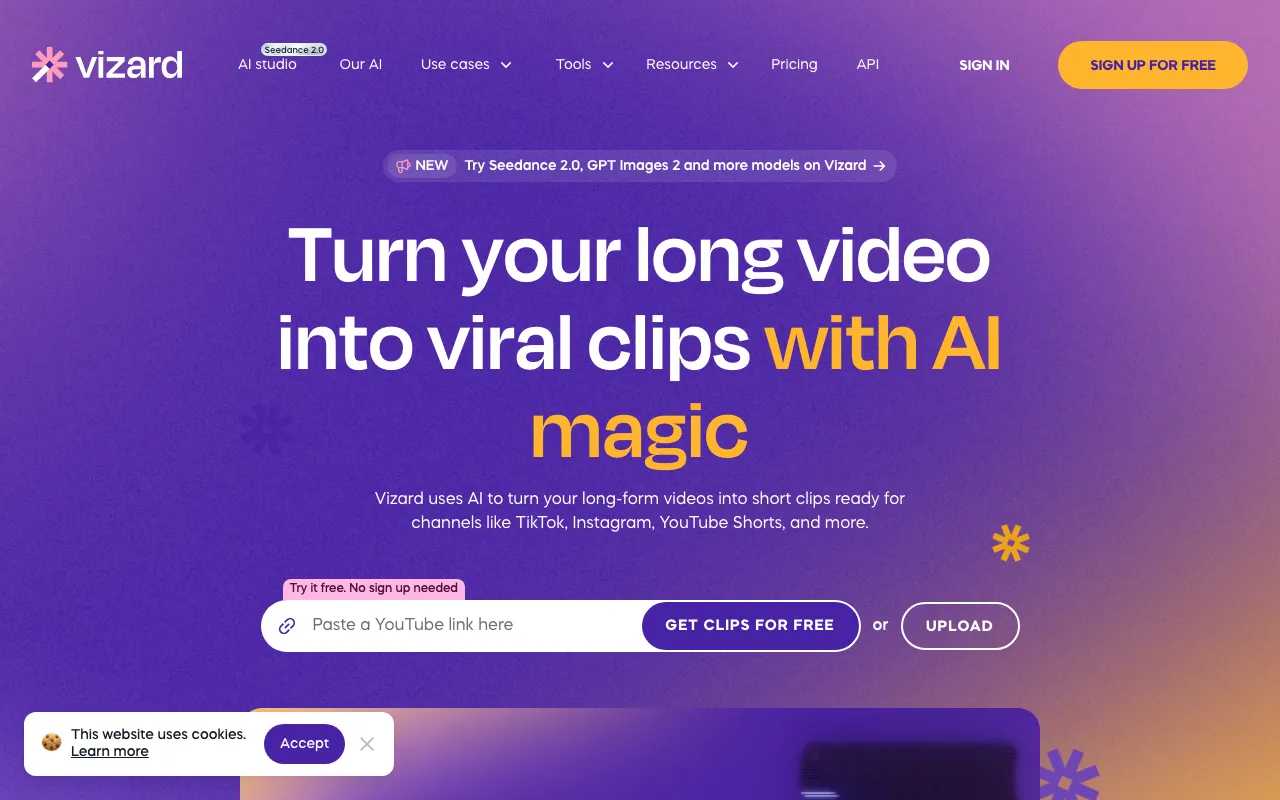
Vizard is a web-based AI video repurposing tool that takes a long recording — a podcast, webinar, interview, or YouTube upload — and automatically cuts it into short vertical clips built for TikTok, Instagram Reels, and YouTube Shorts. It scores the source video for the most engaging moments, reframes them to a 9:16 aspect ratio, adds animated captions, and can translate those captions into more than 100 languages. Instead of scrubbing a timeline by hand, you upload a file or paste a link and get a set of captioned clips back.
Pricing runs on a credit system where one credit equals one minute of uploaded source video. The free plan includes 60 credits per month but exports at 720p with a watermark and connects a single social account. The paid Creator ($29/month) and Business ($39/month) plans both include 600 credits, 4K exports, and no watermark; credits roll over month to month. The difference between the two paid tiers is collaboration — Business adds team seats, brand kits, and more connected accounts — not clipping capacity. A developer API is available on every plan, including Free, so clip generation can be automated from code.
Who is it for?
Vizard fits anyone who produces long-form video or audio and needs to spin it into short social clips without editing each one manually. The free plan is enough to evaluate the workflow, but the watermark and 720p cap mean serious publishing starts at the Creator plan; teams that need shared branding and multiple seats move to Business. Because credits are billed per uploaded minute, it suits creators with a steady but not enormous volume of long recordings — very high-volume publishers should check that 600 monthly credits cover their input length.
- Podcasters and interviewers turning full episodes into dozens of captioned highlight clips for social distribution.
- Coaches, consultants, and course creators repurposing webinars and long talks into Shorts and Reels.
- YouTubers who want Shorts cut automatically from existing long-form uploads rather than editing them by hand.
- Marketing teams and agencies that need the Business plan’s brand kits, team seats, and multi-account management to produce on-brand clips for several clients. Solo creators comparing options may also want to look at Opus Clip.
How much does Vizard cost?
Starting price: $29/mo · Free tier: yes · Model: freemium
Price history tracked from June 2026
| Plan | Price | Includes |
|---|---|---|
| Free | Free | 60 credits per month (one credit per uploaded minute) · Exports capped at 720p with a watermark · One connected social account · Developer API access included · Short storage retention for generated clips |
| Creator | $29/mo | 600 credits per month · 4K exports with no watermark · Up to 6 connected social accounts · Credits roll over month to month · $174/year on annual billing (six months free) |
| Business | $39/mo | 600 credits per month (same clipping capacity as Creator) · Team collaboration, brand kits, and shared workspace · Up to 20 connected social accounts · Additional team seats billed separately · $234/year on annual billing (six months free) |
What are Vizard's key features?
- AI highlight detection that scores and extracts the most engaging moments from a long video
- Auto-generated animated captions with emoji and keyword highlighting
- One-click reframing to vertical, square, and horizontal aspect ratios
- Caption translation into 100+ languages
- Text-based editing — trim clips by editing the transcript
- Brand templates and brand kits for consistent styling (Business)
- Developer API for programmatic clipping, available on every plan including Free
- AI-suggested social captions and hashtags for each generated clip
What people use Vizard for
- 01 Turning a long podcast or webinar recording into a batch of short vertical clips ready to post on social media
- 02 Repurposing YouTube long-form videos into Shorts without manual editing
- 03 Adding auto-generated animated captions and translating them into other languages for wider reach
- 04 Producing branded clips at scale for a marketing team or agency managing multiple accounts
Pros and cons
| Pros | Cons |
|---|---|
| Fast automated clipping — upload one long video and get multiple ready-to-post clips with captions | Free plan caps exports at 720p and adds a watermark; 4K and watermark-free output require a paid plan |
| Free tier and developer API access are available on every plan, including Free | Credits are consumed per uploaded minute, so long source videos burn through the 600-credit monthly allowance quickly |
| Annual billing equals six months free ($174/year Creator, $234/year Business) | The $10/month gap between Creator and Business buys collaboration and brand features, not more clipping minutes — both include 600 credits |
| Credits roll over month to month, so unused minutes are not immediately lost | AI moment-detection still needs review; not every auto-selected clip is post-ready |
What are the best Vizard alternatives?
Captions is the closest Vizard alternative in our directory: it covers the same category (AI Video), starts at $9.99/mo, has a free tier.
Ranked by category overlap with Vizard, then free-tier availability, then lowest verified starting price — computed from our verified data, never from sponsorships.
| Alternative | What it is | Starting price | Free tier | Price verified |
|---|---|---|---|---|
| Captions | AI video creation app for talking-head and social content, with AI avatars (Mirage) and a chat-based editor | $9.99/mo | yes | Jun 20, 2026 |
| VEED | Browser-based AI video editor: auto-subtitles, AI avatars, text and image-to-video, dubbing, translation, plus background and noise removal in one web app | $10/mo | yes | Jun 23, 2026 |
| Opus Clip | AI video repurposing tool that turns long videos into short, captioned vertical clips ranked by predicted virality | $15/mo | yes | Jun 20, 2026 |
| Descript | Text-based video and podcast editor with AI transcription, voice cloning, and filler-word removal | $16/mo | yes | Jul 3, 2026 |
| Submagic | AI short-form video editor that adds animated captions, B-roll, zooms, and hook titles, and clips long videos into shorts | $19/mo | no | Jul 20, 2026 |
How people make money with Vizard
- Run a short-form clipping service for podcasters, coaches, and consultants — upload long episodes on the Creator plan and deliver batches of captioned vertical clips for TikTok, Reels, and YouTube Shorts as a monthly retainer
- Agencies can use the Business plan's team seats and brand kits to produce on-brand clips for multiple clients under one workspace, then upsell social scheduling and caption localization around the delivered clips
Frequently asked questions
Is Vizard free?
Yes. Vizard has a permanent free plan with 60 credits per month, where one credit equals one uploaded minute of video. Free exports are limited to 720p, carry a watermark, and connect one social account. Higher resolution, watermark-free clips, and more credits require the Creator or Business plan.
How much does Vizard cost?
The Creator plan is $29/month and the Business plan is $39/month when billed monthly. Annual billing drops these to $174 and $234 per year respectively — exactly six months free. Both paid plans include 600 credits per month, 4K exports, and no watermark.
What is the difference between Creator and Business?
Both include 600 credits per month, so clipping capacity is identical. The extra $10/month for Business buys team collaboration, brand kits, additional team seats, and more connected social accounts. Creator suits solo creators; Business fits teams and agencies managing multiple brands.
How do Vizard credits work?
One credit equals one minute of uploaded source video. The free plan includes 60 credits monthly and paid plans include 600. Credits roll over to the following month, so unused minutes are not immediately lost. A long source video consumes credits quickly, since billing is based on input length rather than output clips.
Does Vizard have an API?
Yes. Vizard offers a developer API for programmatic video clipping, and API access is available on every plan, including the free tier. This lets developers integrate automated clip generation into their own apps or workflows rather than using only the web dashboard.
What platforms does Vizard export clips for?
Vizard optimizes clips for vertical short-form platforms including TikTok, Instagram Reels, and YouTube Shorts, and can reframe to square or horizontal formats. It auto-generates captions, supports translation into 100+ languages, and suggests social captions and hashtags for each clip.