Submagic
AI short-form video editor that adds animated captions, B-roll, zooms, and hook titles, and clips long videos into shorts
Submagic is an AI editor for vertical short-form video: auto-captions in 50+ languages, AI B-roll, auto-zoom, silence and bad-take removal, and hook titles. Plans are per member and billed by video count, not minutes — Starter is $19/month for 15 videos capped at 2 minutes each, Pro $39 for 40 videos up to 5 minutes, Business + API $69 for 100 videos up to 30 minutes. Annual billing cuts those to $12, $23, and $41. Magic Clips, the long-video clipping feature, is a separate $19/member add-on. No permanent free plan — only a 3-video watermarked trial.
What is Submagic?
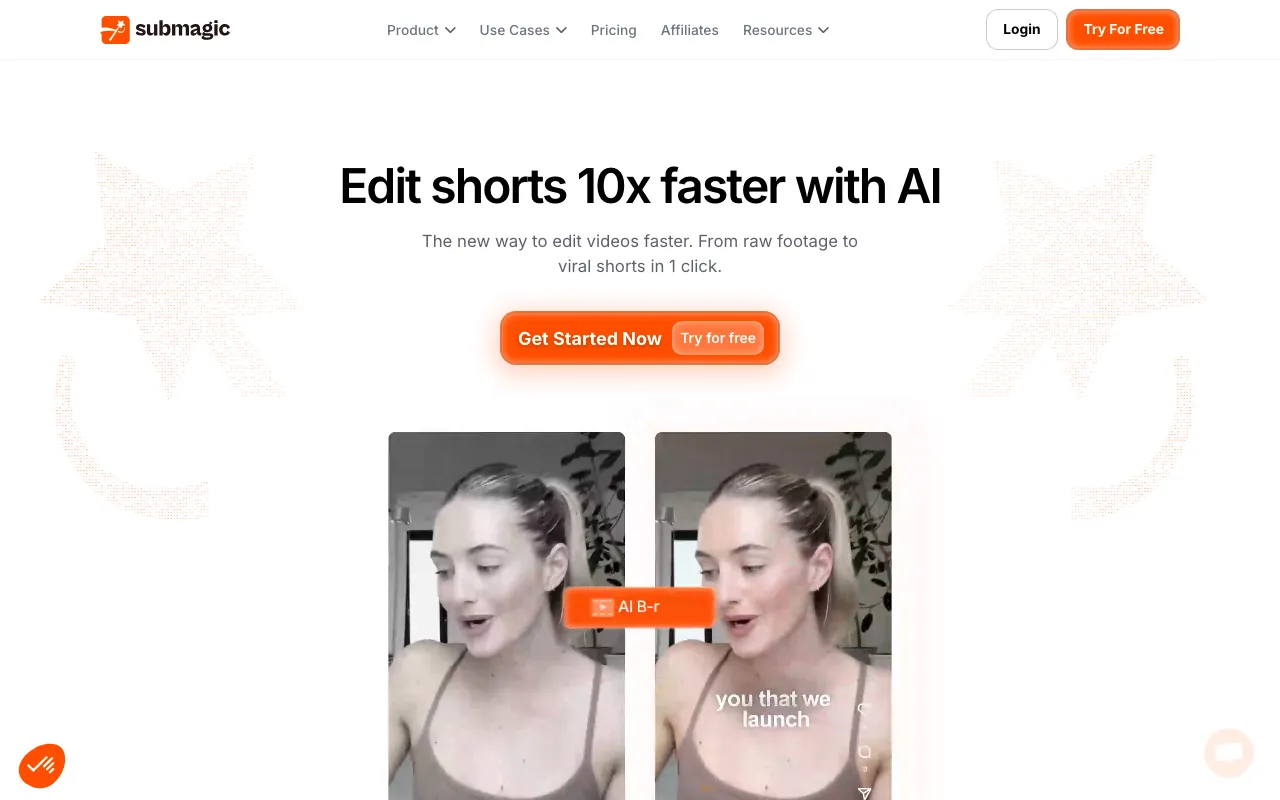
Submagic is a browser-based editor for vertical short-form video. You upload a clip and it transcribes the audio, lays animated captions over the footage in one of a set of trend-styled templates, and then applies the edits that short-form video conventionally needs: auto-zoom cuts on emphasis, matching B-roll, sound effects, background music, transitions, and emoji. A set of cleanup passes strips silences, filler words, and bad takes, corrects eye contact toward the lens, and cleans the audio. It also writes hook titles and descriptions, and can translate captions so one recording can be republished for other language audiences. Publishing straight to TikTok, YouTube, and Instagram is available from the Pro tier upward.
The billing model is the thing to understand before comparing it to anything else. Submagic sells per member and meters in whole videos, not processing minutes — but each plan also caps how long a single video may be, and that cap usually binds first. Starter allows 15 videos a month at 2 minutes each, which is at most 30 minutes of finished output; Pro allows 40 videos at 5 minutes; Business + API allows up to 100 videos at 30 minutes. Separately, Magic Clips — the feature that ingests a podcast or webinar and returns 20 or more scored short clips — is not part of any base plan and costs extra per member. That makes Submagic primarily a captioning and finishing tool that can also clip, rather than a clipping tool first; buyers comparing it against Opus Clip should price the add-on in. Against a broad web editor like VEED, Submagic is narrower but does not watermark any paid tier, and it exposes a metered video editing API that most creator caption tools lack.
Who is it for?
Submagic suits people who already record talking-head or long-form footage and want the repetitive short-form finishing work — captions, zooms, B-roll, silence trimming — done automatically to a consistent house style. It is a poor fit for anyone who needs a mobile app, since the product is web-only, and the per-member pricing means it gets expensive as a team tool before it gets expensive as a solo one.
- Solo creators and coaches publishing a handful of captioned shorts a week, for whom Starter’s 15 videos at 2 minutes each is enough and the absence of a watermark at the entry price matters.
- Podcasters and webinar hosts who need the Magic Clips add-on to mine long recordings, and should budget for it on top of a Pro or Business subscription.
- Social and content teams that need Brand Kit consistency, custom templates, a shared word dictionary, and 4K/60 FPS delivery, which land on the Business tier.
- Agencies and product teams automating at volume, who want the video editing API and per-minute credit packs rather than clicking through an editor for every asset.
- Multilingual publishers repurposing one recording across regional accounts using caption translation.
How much does Submagic cost?
Starting price: $19/mo · Free tier: no · Model: paid
Price history tracked from June 2026
| Plan | Price | Includes |
|---|---|---|
| Starter | $19/mo | $12/member/month billed yearly · 15 videos per member per month, 2 minutes maximum per video · 3 AI credits per month for AI video and image generation · Export at 1080p and 30 FPS, no watermark · Auto captions, free b-rolls and audio, text-based trimming · API and integrations capped at 10 minutes per month |
| Pro | $39/mo | $23/member/month billed yearly · 40 videos per member per month, 5 minutes maximum per video · 6 AI credits per month · Export at 1080p and 2K, 30 or 60 FPS · Storyblocks b-roll and audio, AI hook titles, AI clean audio · AI removal of bad takes and silences, caption translation, Brand Kit · Publishing to TikTok, YouTube, and Instagram; 3 custom templates |
| Business + API | $69/mo | $41/member/month billed yearly · Up to 100 videos per member per month, 30 minutes maximum per video · 15 AI credits per month · Export at 1080p and 4K, 60 FPS · 5 custom templates, logos and brand assets, custom word dictionary · API and integrations at 100 minutes per month · Priority support and priority rendering |
| Magic Clips add-on | +$19/mo | +$12/member/month billed yearly · Turns 10 long videos per month into short vertical clips · Sold only as an add-on — not bundled into any base plan · Accepts YouTube URLs, file uploads, or public Google Drive links · Generates 20+ clips per source video, each with a virality score |
| API credit packs | from $75/mo | 500 minutes for $75/month at $0.15 per minute · 1,000 minutes for $150/month; 2,000 minutes for $300/month · 5,000 minutes for $500/month at $0.10 per minute · 10,000 minutes for $1,000/month at $0.10 per minute · Purchasable only after subscribing to a base plan |
| Custom | Custom | Custom videos per month and custom minutes per video · Custom member count and Magic Clips limits · Unlimited custom templates and custom API limits · Advanced security and SSO · Dedicated customer success |
What are Submagic's key features?
- AI auto-captions in 50+ languages with animated, trend-styled templates
- AI Auto Edit that applies zooms, transitions, sound effects, and music in one pass
- Magic Clips — long-form video to short clips with per-clip virality scores (paid add-on)
- AI B-roll insertion, with Storyblocks stock library on Pro and movie clips on Business
- AI removal of silences, filler words, and bad takes, plus studio-grade audio cleanup
- AI eye-contact correction and AI hook-title generation
- Brand Kit with custom fonts, logos, templates, and a custom word dictionary
- Direct publishing to TikTok, YouTube, and Instagram from Pro upward
- Video editing API with integrations, metered in minutes per month
What people use Submagic for
- 01 Adding animated, styled captions to vertical clips for TikTok, Reels, and YouTube Shorts without timing subtitles by hand
- 02 Cleaning up a talking-head recording by auto-removing silences, filler words, and bad takes
- 03 Cutting a podcast or webinar into short vertical clips ranked by a virality score, using the Magic Clips add-on
- 04 Inserting matching B-roll, sound effects, and auto-zoom cuts to keep a static piece-to-camera visually busy
- 05 Translating captions into other languages to republish one video across regional accounts
Pros and cons
| Pros | Cons |
|---|---|
| No watermark on any paid plan, starting at the $19/month Starter tier — watermarking is confined to the free 3-video trial | Magic Clips — the long-video clipping feature that competes most directly with dedicated repurposing tools — costs an extra $19/member/month and is in no base plan |
| Quota is counted in whole videos rather than processing minutes, which is easier to budget against a fixed publishing schedule | Per-video length caps are the real constraint: Starter's 15 videos are capped at 2 minutes each, so the plan buys at most 30 minutes of finished video a month |
| 4K and 60 FPS export is available on Business rather than being locked behind an enterprise contract | There is no permanent free plan; the free entry point is 3 videos that export with a Submagic watermark |
| Annual billing is a real 41% discount on Pro and Business, taking Pro from $39 to $23 per member per month | Pricing is per member, so a three-person team on Pro pays three times the headline figure |
| A documented video editing API with per-minute credit packs, which most creator-focused caption tools do not offer | Web only — the vendor states there is no native iOS or Android app, only browser access from a phone |
| The AI credit allowance for generating AI video and images is small at 3 to 15 credits per month depending on tier |
What are the best Submagic alternatives?
CapCut is the closest Submagic alternative in our directory: it covers the same category (AI Video), starts at $9.99/mo, has a free tier.
Ranked by category overlap with Submagic, then free-tier availability, then lowest verified starting price — computed from our verified data, never from sponsorships.
| Alternative | What it is | Starting price | Free tier | Price verified |
|---|---|---|---|---|
| CapCut | AI video editor with auto-captions, text-to-video, and AI avatars across web, desktop, and mobile | $9.99/mo | yes | Jun 21, 2026 |
| Captions | AI video creation app for talking-head and social content, with AI avatars (Mirage) and a chat-based editor | $9.99/mo | yes | Jun 20, 2026 |
| VEED | Browser-based AI video editor: auto-subtitles, AI avatars, text and image-to-video, dubbing, translation, plus background and noise removal in one web app | $10/mo | yes | Jun 23, 2026 |
| Opus Clip | AI video repurposing tool that turns long videos into short, captioned vertical clips ranked by predicted virality | $15/mo | yes | Jun 20, 2026 |
| Descript | Text-based video and podcast editor with AI transcription, voice cloning, and filler-word removal | $16/mo | yes | Jul 3, 2026 |
How people make money with Submagic
- Sell a done-for-you shorts service to podcasters, coaches, and B2B founders — the per-member video quota makes your cost per finished clip predictable, so you can bill a flat rate per short or a monthly content retainer
- Build a bulk captioning and subtitling pipeline on the Business plan's API minutes and resell it to agencies white-labelled, charging per finished minute or on a tiered monthly plan
Frequently asked questions
Is Submagic free?
There is no permanent free plan. Submagic offers a free entry point of 3 videos with no credit card required, but those exports carry a Submagic watermark. The vendor's support documentation describes this as a free trial and states that watermark-free downloads require a subscription. Paid plans begin at $19 per member per month.
How much does Submagic cost?
Billed monthly, Starter is $19 per member, Pro is $39, and Business + API is $69. Billed yearly those drop to $12, $23, and $41 per member per month, an advertised discount of up to 41%. A custom-priced plan is available for larger teams needing SSO and bespoke limits.
What is the difference between monthly and annual billing on Submagic?
Annual billing is substantially cheaper. Pro falls from $39 to $23 per member per month and Business + API from $69 to $41, both roughly 41% off. Starter falls from $19 to $12. The pricing page defaults to showing an annual-discount toggle, so check which billing period is selected before comparing figures.
How many videos does each Submagic plan include?
Starter includes 15 videos per member each month at up to 2 minutes each. Pro includes 40 videos at up to 5 minutes. Business + API includes up to 100 videos at up to 30 minutes. Quota is counted in whole videos rather than processing minutes, and the per-video length cap is often the binding limit.
Is Magic Clips included in a Submagic subscription?
No. Magic Clips, which turns long videos such as podcasts and webinars into short vertical clips, is sold separately as an add-on at $19 per member per month, or $12 billed yearly. It covers 10 long videos per month and generates 20 or more clips per source video, each with a virality score.
Does Submagic add a watermark?
Every paid plan exports without a watermark, including the entry-level Starter tier. Only the free 3-video entry point produces watermarked output, and the vendor confirms that choosing any subscription unlocks watermark-free downloads.
Does Submagic have an API?
Yes. A video editing API with integrations is included, metered in minutes: 10 minutes per month on Starter and 100 minutes per month on Business + API. Additional capacity is sold in credit packs ranging from 500 minutes at $75 per month to 10,000 minutes at $1,000 per month.
Does Submagic have a mobile app?
No. Submagic's support documentation states there is no native iOS or Android application; the product is focused on the web app for Windows and macOS. You can reach the site from a phone browser and upload footage, but editing is intended to happen on a computer.
What export resolutions does Submagic support?
Starter exports at 1080p and 30 FPS. Pro adds 2K and 60 FPS. Business + API supports 4K at 60 FPS. 4K delivery is available on a standard self-serve subscription rather than requiring an enterprise contract.