Read AI
AI meeting-intelligence copilot that transcribes, summarizes, and analyzes sentiment across Zoom, Google Meet, and Microsoft Teams calls
Read AI is a meeting-intelligence copilot that transcribes, summarizes, and extracts action items from Zoom, Google Meet, and Microsoft Teams calls, adds speaker sentiment and engagement analytics, and searches across meetings, email, and chat. The Free tier caps you at 5 meeting transcripts per month; Pro is $19.75/user/month, Enterprise $29.75, and Enterprise+ $39.75, with about 25% off on annual billing. Best for teams that want analytics, not just notes.
What is Read AI?
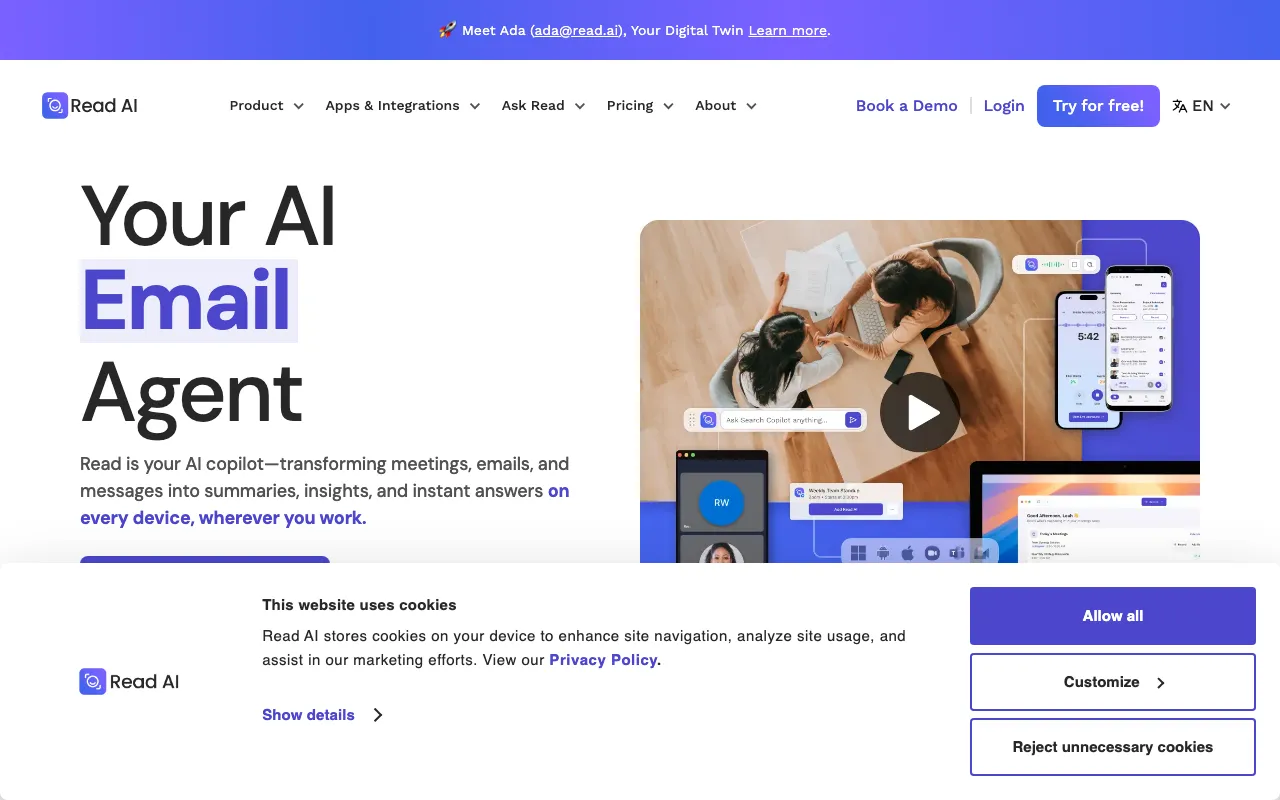
Read AI is a meeting-intelligence copilot that sits across your Zoom, Google Meet, and Microsoft Teams calls and turns each conversation into a transcript, an AI summary, a list of action items, and a set of highlights. What separates it from a plain notetaker is the analytics layer: it scores speaker sentiment, engagement, and talk-time, then feeds a personalized meeting coach that flags habits over time. It reaches beyond the call, too — connecting to Gmail and Outlook to summarize email threads and to Slack to capture messages, so a single “Ask Read” search returns cited answers drawn from meetings, mail, and chat.
The product is built around a workspace model. Ada, a digital-twin assistant, drafts and handles follow-up tasks, while audio and video playback with indexed recaps let teammates skim a call they missed. Pricing is a true freemium: the Free tier allows 5 meeting transcripts per month with a 1-hour cap but keeps enterprise search unlimited. Paid tiers unlock unlimited transcripts and scale up features and file-upload credits — Pro at $19.75/user/month, Enterprise at $29.75, and Enterprise+ at $39.75 (with roughly 25% off on annual billing), where Enterprise+ adds HIPAA, SAML/SCIM, domain capture, and custom data retention for regulated teams.
Who is it for?
Read AI fits people who run a lot of recurring video meetings and want more than a transcript — specifically the sentiment, engagement, and coaching signals that help teams run better calls. The free tier is enough to evaluate the analytics on a few meetings a month, but unlimited capture, integrations, and playback need a paid plan.
- Sales and customer-success teams who want call summaries, CRM-connected follow-ups, and coaching analytics to review rep performance across accounts.
- Managers and team leads who use engagement and sentiment metrics to improve how their teams run meetings and presentations.
- Distributed and hybrid teams who rely on searchable recaps, video highlights, and email summaries so people who miss a call can catch up asynchronously.
- Individual professionals who want notes, action items, and one search box spanning meetings, email, and Slack — starting on the free plan before upgrading for unlimited transcripts. Rivals worth comparing include Otter.ai, Fireflies.ai, and Fathom.
How much does Read AI cost?
Starting price: $0 · Free tier: yes · Model: freemium
Price history tracked from June 2026
| Plan | Price | Includes |
|---|---|---|
| Free | Free | 5 meeting transcripts per month (1-hour meeting cap) · Unlimited enterprise search and AI summaries · Personalized meeting coach and engagement metrics · Basic integrations and 20+ languages, no credit card |
| Pro | $19.75/mo | $19.75/user/month ($15 billed annually) · Unlimited meeting transcripts and reports · 100 file-upload credits per month · Premium integrations: Notion, Salesforce, HubSpot, Jira, Confluence, Zapier, webhooks |
| Enterprise | $29.75/mo | $29.75/user/month ($22.50 billed annually) · Audio and video playback plus video highlights · 200 file-upload credits per month · Premium support |
| Enterprise+ | $39.75/mo | $39.75/user/month ($29.75 billed annually), 5-license minimum · HIPAA compliance, SAML and SCIM · Domain capture and custom data-retention policy · 300 file-upload credits per month and workspace onboarding |
What are Read AI's key features?
- Automatic transcripts, summaries, action items, and highlights for every meeting
- Speaker-level sentiment and engagement analytics with a personalized meeting coach
- Ask Read enterprise search across meetings, email, and messages with cited sources
- Ada digital-twin assistant that drafts and handles follow-up tasks
- Email summaries for Gmail and Outlook plus Slack message capture
- Audio and video playback with indexed, searchable recaps (Enterprise and above)
- Integrations with Salesforce, HubSpot, Notion, Jira, Confluence, Zapier, webhooks, plus API and MCP
- 20+ languages and apps for Windows, macOS, iOS, Android, and a Chrome extension
What people use Read AI for
- 01 Auto-generating meeting summaries, transcripts, and action items across Zoom, Google Meet, and Microsoft Teams
- 02 Reviewing speaker sentiment and engagement analytics to coach meeting and presentation habits
- 03 Searching across past meetings, emails, and Slack messages with cited answers via Ask Read
- 04 Sharing recaps and video highlights so teammates who missed a call can catch up asynchronously
- 05 Summarizing long email threads in Gmail or Outlook without opening every message
Pros and cons
| Pros | Cons |
|---|---|
| Genuinely free tier with unlimited enterprise search and 5 meeting transcripts a month, no credit card | The auto-joining meeting bot is visible to other participants and raises consent and privacy questions in some organizations |
| Covers all three major meeting platforms (Zoom, Google Meet, Microsoft Teams) plus email and Slack in one copilot | Free tier is hard-capped at 5 meeting transcripts per month with a 1-hour meeting-length limit |
| Sentiment, engagement, and coaching analytics go beyond plain transcription | HIPAA compliance, SAML/SCIM, and custom data retention require the Enterprise+ tier with a 5-license minimum |
| Broad platform reach: web, desktop, mobile, Chrome extension, and API/MCP access | Sentiment and engagement scores are inferred and can misread tone, so treat the metrics as directional rather than exact |
| SOC 2 Type 2 and GDPR compliant, with HIPAA available on Enterprise+ |
What are the best Read AI alternatives?
Fathom is the closest Read AI alternative in our directory: it covers the same category (AI Productivity), starts at $0, has a free tier.
Ranked by category overlap with Read AI, then free-tier availability, then lowest verified starting price — computed from our verified data, never from sponsorships.
| Alternative | What it is | Starting price | Free tier | Price verified |
|---|---|---|---|---|
| Fathom | AI meeting notetaker that auto-records, transcribes, and summarizes Zoom, Google Meet, and Microsoft Teams calls with action items and searchable highlights | $0 | yes | Oct 23, 2026 |
| Otter.ai | AI meeting assistant that transcribes, summarizes and extracts action items from conversations | $8.33/user/mo | yes | Aug 27, 2026 |
| Fireflies.ai | AI meeting assistant that transcribes, summarizes, and searches your conversations | $10/mo | yes | Jul 3, 2026 |
| Granola | AI notepad that transcribes meetings without a bot and augments your own typed notes into clean summaries | $14/mo | yes | Oct 23, 2026 |
| tl;dv | AI meeting recorder and notetaker for Zoom, Google Meet, and Microsoft Teams with sales coaching | $18/user/mo | yes | Jul 5, 2026 |
How people make money with Read AI
- Offer a meeting-operations service for sales and customer-success teams — configure Read AI capture, CRM sync, and coaching analytics, then bill a monthly retainer for reviewing call sentiment and rep-performance reports
- Run a customer-research or UX practice that records interviews with Read AI, then packages tagged highlight reels, sentiment trends, and searchable transcripts as recurring deliverables for product teams
Frequently asked questions
Is Read AI free?
Yes. Read AI has a free tier with 5 meeting transcripts per month, unlimited enterprise search, AI summaries, a personalized meeting coach, and 20+ languages, with no credit card required. Free meetings are capped at 1 hour each.
How much does Read AI Pro cost?
Pro is $19.75 per user per month, or $15 per user per month billed annually. It adds unlimited meeting transcripts and reports, 100 file-upload credits per month, and premium integrations like Notion, Salesforce, HubSpot, Jira, and Zapier.
What is the difference between Enterprise and Enterprise+?
Enterprise is $29.75 per user per month ($22.50 annually) and adds audio and video playback, video highlights, and 200 upload credits. Enterprise+ is $39.75 per user per month ($29.75 annually), requires a 5-license minimum, and adds HIPAA compliance, SAML and SCIM, domain capture, custom data retention, and 300 credits.
What meeting platforms does Read AI support?
Read AI works with Zoom, Google Meet, and Microsoft Teams for meeting capture. It also connects to Gmail and Outlook for email summaries and to Slack for message capture, so search and summaries span calls, mail, and chat.
Does Read AI have an API?
Yes. Read AI offers an API and MCP support alongside native integrations with Salesforce, HubSpot, Notion, Jira, Confluence, Atlassian, Asana, Zapier, and webhooks, mostly on the Pro tier and above.
What are Read AI's sentiment and engagement analytics?
Beyond transcripts, Read AI scores each meeting for speaker sentiment, engagement, and talk-time, and offers a personalized meeting coach. These metrics are inferred by AI and should be read as directional signals rather than exact measurements.
Does Read AI record meetings with a bot?
Read AI typically joins calls as a visible participant to capture audio, video, and transcripts. Because the bot is visible to everyone on the call, some organizations set consent or notice policies before enabling automatic capture.