Spline
Collaborative browser-based 3D design tool with AI 3D generation and interactive embeds for Webflow, Framer, and Wix Studio
Spline is a browser-based collaborative 3D design tool for building interactive scenes that embed directly into websites and apps. The free plan watermarks web exports; Starter costs $12/month (annual) and removes them; Professional at $20/month adds code exports, unlimited projects, and the Hana 2D editor. AI 3D generation is a separate add-on at $5/month for 2,000 credits. Best for designers who want interactive 3D on the web without learning Blender.
What is Spline?
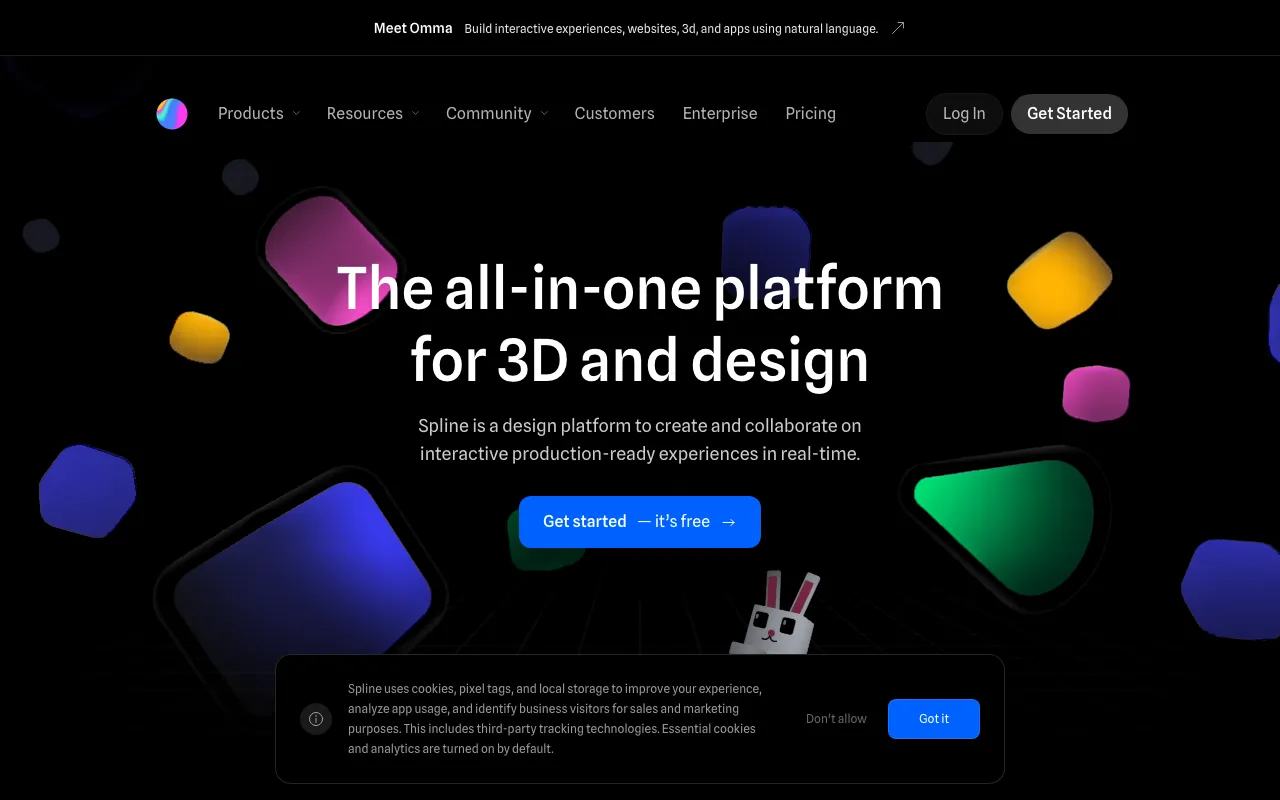
Spline is a collaborative 3D design tool that runs in the browser (with desktop apps for Mac and Windows) and focuses on shipping interactive 3D to the web rather than rendering stills or film. You model with primitives and parametric objects, apply layer-based materials from a ready-made library, then add interactivity through states, events, timeline animation, physics, particle systems, and game controls. Finished scenes export as JavaScript, React, Next.js, or HTML embeds, drop directly into Webflow, Framer, or Wix Studio, or compile to native iOS (Swift) and Android (Kotlin) code on the Professional plan.
The AI layer, Spline AI, is a metered add-on at $5 per seat per month with 2,000 credits: it generates 3D objects from text or image prompts, creates textures, and applies style transfer, and the results land in the same editable scene as hand-built geometry. Collaboration works like Figma — real-time multiplayer editing, in-canvas comments, and link sharing, with unlimited free viewers on every plan including Free. Professional scenes can also pull live data through variables, webhooks, and API connections, which turns embeds into functional product configurators or dashboards rather than static decorations.
Who is it for?
Spline is aimed at designers who need 3D on the web but have no interest in the Blender or Cinema 4D learning curve. The Free plan is enough to evaluate the editor, but the watermark on web exports and the file cap mean client work realistically starts at Starter ($12/seat/month annual), and code or GLTF export workflows need Professional ($20/seat/month annual).
- Web designers and agencies adding interactive 3D hero sections, product showcases, and configurators to Webflow, Framer, or Wix Studio sites without writing WebGL code.
- Product and brand teams that want real-time co-editing and in-canvas review of 3D assets, with stakeholders viewing for free on any plan.
- App developers exporting scenes as native Swift or Kotlin code, or connecting scenes to live data through variables and webhooks on Professional.
- Designers experimenting with AI 3D generation who want text-to-3D and texture generation inside an editor they can refine in, at 2,000 credits for $5/month instead of a standalone generator subscription.
How much does Spline cost?
Starting price: $12/mo · Free tier: yes · Model: freemium
Price history tracked from June 2026
| Plan | Price | Includes |
|---|---|---|
| Free | $0 | Limited number of files · Unlimited viewers · Watermark on web exports · Access to templates · No AI features |
| Starter | $12/seat/mo | $15/month billed monthly, $12/month billed annually · Unlimited 3D and 2D files · No watermark on web exports · Higher resolution image exports · Video upload, material and audio libraries · Limited folders and projects |
| Professional | $20/seat/mo | $25/month billed monthly, $20/month billed annually · Unlimited folders, projects, and scenes per file · Video, iOS (Swift), Android (Kotlin), code, and GLTF exports · No watermark on web embeds · Unlimited APIs and webhooks · Hana 2D editor included · Option to buy extra AI credits |
| AI Add-on | $5/seat/mo | 2,000 AI credits per month · AI 3D Generation (text-to-3D and image-to-3D) · AI Texture Generation · AI Style Transfer · Requires a paid Starter or Professional seat |
| Enterprise | Custom | Billed annually · SSO and file version history · Custom training and priority support · Optional Spline Expert Partners |
What are Spline's key features?
- Real-time collaborative 3D editor that runs in the browser, with desktop apps for Mac and Windows
- AI 3D Generation, AI Texture Generation, and AI Style Transfer, metered at 2,000 credits/month via the add-on
- States and events interactivity, timeline animation, physics, particle systems, and game controls
- Exports to JavaScript, React, Next.js, and HTML embeds, plus GLTF, video, and native iOS/Android code
- Variables, webhooks, and API connections for real-time data in scenes
- Layer-based materials with a ready-made material library, plus audio library and upload
- Hana 2D editor bundled with the Professional plan
- Spline Mirror app for viewing designs spatially on visionOS
What people use Spline for
- 01 Interactive 3D hero sections and product showcases embedded into Webflow, Framer, or Wix Studio sites
- 02 Prototyping 3D product configurators with states, events, physics, and game controls
- 03 Generating starter 3D models and textures from text or image prompts with the AI add-on, then refining them in the editor
- 04 Real-time team co-editing and in-canvas commenting on 3D scenes, with unlimited free viewers
- 05 Exporting scenes as native code for iOS (Swift) and Android (Kotlin) apps
- 06 Data-driven 3D scenes connected to live sources via variables, webhooks, and APIs
Pros and cons
| Pros | Cons |
|---|---|
| Design-tool interface aimed at designers rather than 3D specialists — no Blender-style learning curve for web-focused 3D work | AI features are excluded from every base plan — even paid users must add $5/seat/month, and heavy texture generation or style transfer can burn through the 2,000 monthly credits |
| Direct embed pipeline into Webflow, Framer, and Wix Studio, with unlimited viewers on every plan including Free | Free plan watermarks all web exports and caps the number of files, so anything client-facing effectively requires Starter or above |
| AI add-on is inexpensive at $5/seat/month for 2,000 credits compared to standalone AI 3D generators | Scenes render in real time in the viewer's browser, so complex projects with physics and particles depend on the visitor's hardware and add page weight |
| Real-time multiplayer editing and in-canvas comments work like Figma, so team review needs no file passing | Code, GLTF, video, and native iOS/Android exports are gated behind Professional at $20/seat/month; Starter only covers web and image exports |
| Modeling is built around primitives and parametric objects — it is not a replacement for Blender or Cinema 4D in high-poly sculpting or offline photoreal rendering pipelines |
What are the best Spline alternatives?
Meshy is the closest Spline alternative in our directory: it covers the same category (AI Design), starts at $0, has a free tier.
Ranked by category overlap with Spline, then free-tier availability, then lowest verified starting price — computed from our verified data, never from sponsorships.
| Alternative | What it is | Starting price | Free tier | Price verified |
|---|---|---|---|---|
| Meshy | AI 3D model generator that turns text or images into textured, riggable 3D models in seconds, with exports for game, film, AR/VR, and 3D-printing pipelines | $0 | yes | Jun 23, 2026 |
| Framer | No-code website builder with AI design generation and built-in CMS, hosting and analytics | $10/mo | yes | Jul 3, 2026 |
| Recraft | AI image and vector generator with custom styles, mockups, and design-ready output | $10/mo | yes | Jul 3, 2026 |
| Tripo | AI 3D model generator that turns text, images, or sketches into rigged, PBR-textured meshes for games, AR/VR, and 3D printing | $20/mo | yes | Oct 12, 2026 |
How people make money with Spline
- Freelance interactive 3D hero sections and product configurators for agency clients — Spline embeds drop into Webflow, Framer, and Wix Studio without custom WebGL code, so web designers can upsell 3D as a premium add-on to standard site builds
Frequently asked questions
Is Spline free?
Yes. The Free plan costs $0 and includes a limited number of files, unlimited viewers, and access to templates. Web exports carry a Spline watermark, and AI features are not included on the free tier.
How much does Spline cost in 2026?
Starter costs $12/seat/month billed annually ($15 billed monthly). Professional costs $20/seat/month billed annually ($25 monthly). Enterprise is custom-priced and billed annually. Viewers are unlimited and free on all plans.
How does Spline AI pricing work?
Spline AI is an add-on at $5 per seat per month on top of a paid plan. It includes 2,000 AI credits monthly, which cover AI 3D Generation, AI Texture Generation, and AI Style Transfer. Professional users can buy extra credits if they run out.
What can you export from Spline?
On Starter: web exports without watermark and higher-resolution images. On Professional: video, GLTF with color and texture, generated code, and native iOS (Swift) and Android (Kotlin) exports. Scenes also embed via JavaScript, React, Next.js, or HTML, and integrate with Webflow, Framer, and Wix Studio.
Does Spline have a desktop app?
Yes. Spline offers desktop apps for both Mac and Windows in addition to the browser editor. There is also Spline Mirror for visionOS, which lets you experience your designs spatially on Apple Vision Pro.
Does Spline remove the watermark?
The Starter plan ($12/seat/month annual) removes the watermark on web exports, and the Professional plan ($20/seat/month annual) removes it on web embeds. The Free plan always includes a watermark on web exports.
Is Spline good for teams?
Yes. Real-time collaborative editing, in-canvas commenting, team invitations, and link sharing are core features, and viewers are unlimited on every plan. Enterprise adds SSO, file version history, custom training, and priority support for larger organizations.