Raycast
Keyboard-first Mac launcher with built-in AI, extensions, and clipboard tools — free core, Windows beta, and an iOS companion app
FREEMIUM Verified OCT 21, 2026
7 tools ranked · last updated Jul 17, 2026 · how we picked
The best AI app for Mac in 2026 is Raycast, the keyboard-first launcher whose Pro plan bundles AI chat into the tool you already trigger a hundred times a day for $8/month billed annually. The best free pick is LM Studio, which runs open-source models entirely offline at $0, and superwhisper's $249.99 lifetime licence makes it the rare AI dictation app you can stop paying for.
Prices last verified Oct 23, 2026 against official pricing pages.
Raycast is the keyboard-first launcher that has become the default power-user surface on macOS, and its free tier is generous enough to live in: app launching, thousands of extensions, snippets, window management, and 3 months of clipboard history at $0, though Raycast AI itself needs a paid plan. Pro at $8/month billed annually ($10 monthly) adds Raycast AI with 500 monthly credits, cloud sync, and unlimited notes and clipboard history — cheaper than most standalone AI chat subscriptions, and attached to a launcher you would want anyway. One app replaces a launcher, clipboard manager, snippet expander, and window manager. The caveats: top-tier models require the Plus plan, so full-strength AI runs $16/month on annual billing, and the free plan includes no AI at all.
Granola is an AI notepad built for back-to-back meeting days: it captures your Mac’s audio directly — no bot joins the call — and merges the transcript with whatever rough notes you type, producing a clean summary and action items that reflect what you actually cared about. That bot-free design works for sensitive calls and in-person meetings where a visible recorder would change the room. The Basic plan is free with limited meeting history, widely reported at around 25 meetings; Business is $14/user/month for unlimited history plus Notion, Slack, and HubSpot integrations, and Enterprise at $35/user/month adds SSO. The caveats: the free history cap means heavy users hit a wall and must pay to keep older notes, capturing audio still means recording participants — a consent consideration that varies by jurisdiction — and Windows and iPhone support arrived later than macOS, so cross-platform parity is newer.
Wispr Flow turns speech into finished writing in any Mac app — email, docs, Slack, or an IDE — with automatic editing that strips filler words and formats to context, claiming 220 words per minute, roughly 4x typing speed, across 100+ languages. The difference from macOS’s built-in dictation is the cleanup: you get shaped prose, not a raw transcript. The free tier includes 2,000 words a week on desktop; Pro is $15/month, or $12/month billed annually, for unlimited dictation plus a command mode for voice editing. For anyone who writes all day, it is the fastest input upgrade on this list. The caveats: audio is processed in the cloud with OpenAI as a subprocessor and there is no offline mode — the privacy-sensitive should look one entry down — and the free 2,000 words a week runs out fast in real use.
superwhisper is Wispr Flow’s privacy-first counterpart: system-wide dictation into any text field using local Whisper-based models, so on an Apple Silicon Mac your audio never has to leave the machine — it works fully offline. Pricing is the other differentiator: Pro is $8.49/month or $84.99/year, but the $249.99 lifetime licence is the rare chance in this market to simply stop paying, and it covers Mac, Windows, and iOS. The free tier handles basic dictation with limited cloud models, and it is usable indefinitely rather than a timed trial. The caveats: the best offline performance is limited to Apple Silicon — Intel Macs get pushed toward cloud models — local models, unlimited cloud models, and speaker separation all require Pro, and it is a small bootstrapped company, so feature pacing depends on one team rather than a venture-backed roadmap.
Dia is the AI-first browser from The Browser Company, the team behind Arc, now owned by Atlassian after a reported $610M acquisition — and it is Mac-exclusive by design, requiring macOS 14+ on Apple Silicon. AI is native to the browsing surface rather than bolted on: a built-in chat assistant works across your tabs, Skills create custom AI shortcuts, and it synthesizes across work tools like Slack, Notion, Calendar, and Google Workspace. The free tier is usable for light AI work at a few queries a week; Dia Pro is a reported $20/month for unlimited AI usage. The caveats deserve weight: the pricing page is not public — the $20 figure comes from press coverage — free-tier caps were never officially published, and the post-acquisition roadmap is uncertain, with Arc, the company’s previous browser, already reduced to maintenance mode.
Warp is a GPU-accelerated terminal with AI woven through it: command autocomplete, an agent mode that plans and executes multi-step terminal work, and cloud agents, in a fast modern app that is fully usable before you touch the AI at all. The free tier includes the complete terminal, with agent usage at pay-as-you-go rates or bring-your-own-key model access; Build at $20/month includes $20 of agent usage across OpenAI, Anthropic, z.ai and other models. For Mac-based developers it upgrades the tool they already spend hours in daily. The caveats: pricing has been overhauled twice, so older reviews mislead, usage billed at API rates makes per-task cost hard to predict, and the heavy-use Max tier is a steep $200/month.
LM Studio is a free desktop app for discovering, downloading, and running open-source LLMs — Llama, Qwen3, Gemma, DeepSeek-R1 — entirely offline on your Mac, where Apple Silicon’s unified memory makes surprisingly large models practical. It is free for both personal and commercial use, with no per-seat fee, and exposes an OpenAI-compatible local server so existing code and tools work against your local model at zero per-token cost. Where Ollama serves the command line, LM Studio delivers the same local privacy with a full graphical interface for browsing and comparing models. The caveats: performance is capped by your hardware — big models want lots of RAM — the Enterprise tier is contact-sales only with no published pricing, and it is desktop-first, with no full web app and only a companion iPhone app on mobile.
We ranked on Mac-native quality, everyday utility, free-tier generosity, and verified price, and deliberately chose one strong app per job — launcher, meeting notes, dictation (cloud and on-device), browsing, terminal, and local models — rather than seven variations on a chatbot. Dictation appears twice because the cloud-versus-local trade-off is a real decision, not a tie we refused to break. Pricing was verified against each vendor’s official pricing page between June 20 and July 11, 2026, and matches each tool’s full profile on this site. No tool paid or provided incentives to appear, and placements cannot be bought.
Keyboard-first Mac launcher with built-in AI, extensions, and clipboard tools — free core, Windows beta, and an iOS companion app
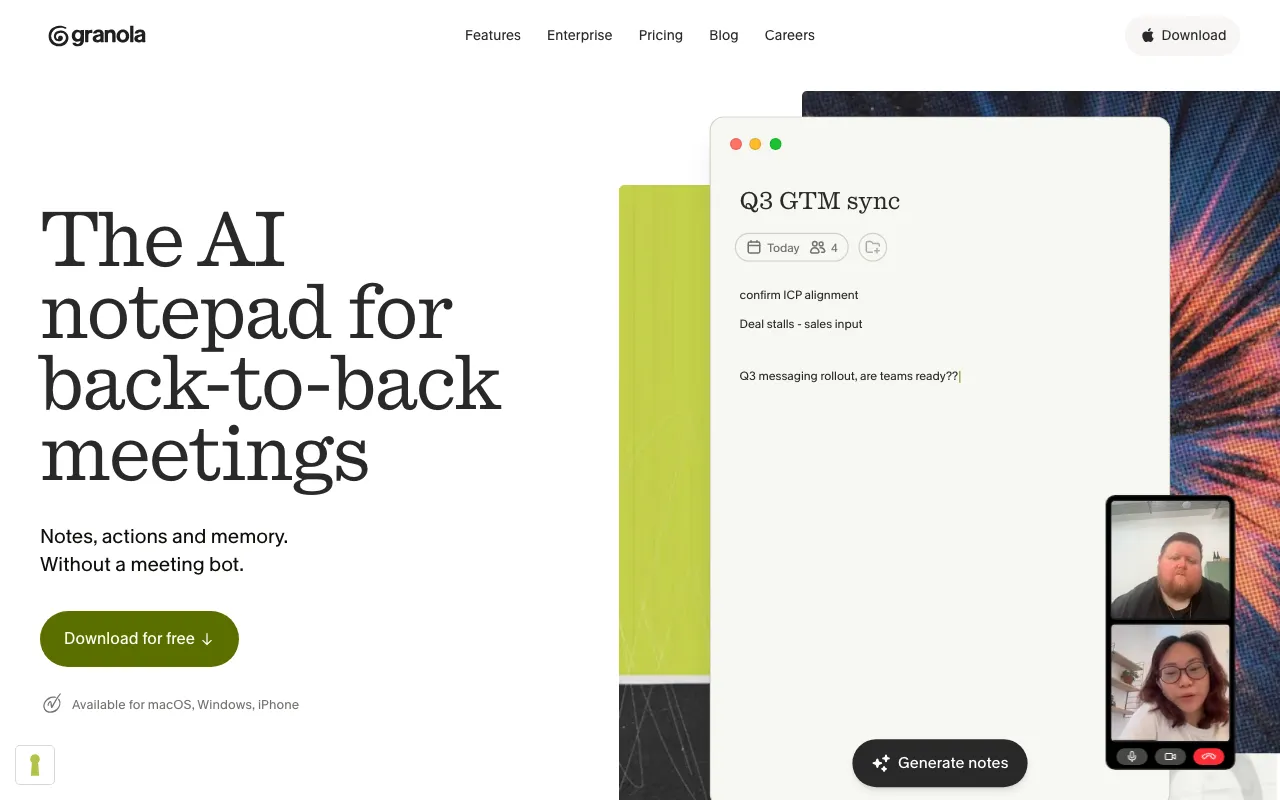
AI notepad that transcribes meetings without a bot and augments your own typed notes into clean summaries
AI dictation that types your speech into any app with automatic editing and formatting
On-device Whisper-based dictation app that types your speech into any Mac, Windows, or iOS app
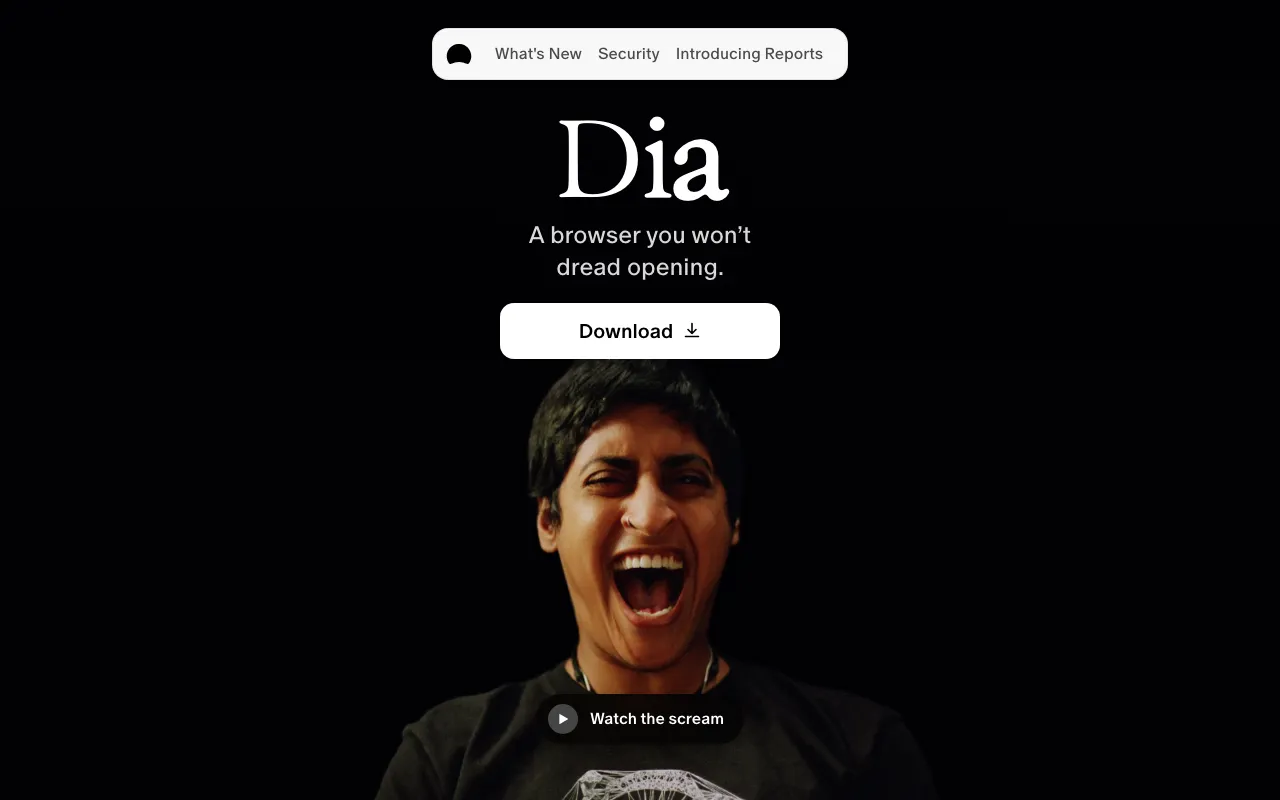
AI-first macOS browser from The Browser Company (makers of Arc) with a built-in chat assistant, Skills, and work-tool synthesis
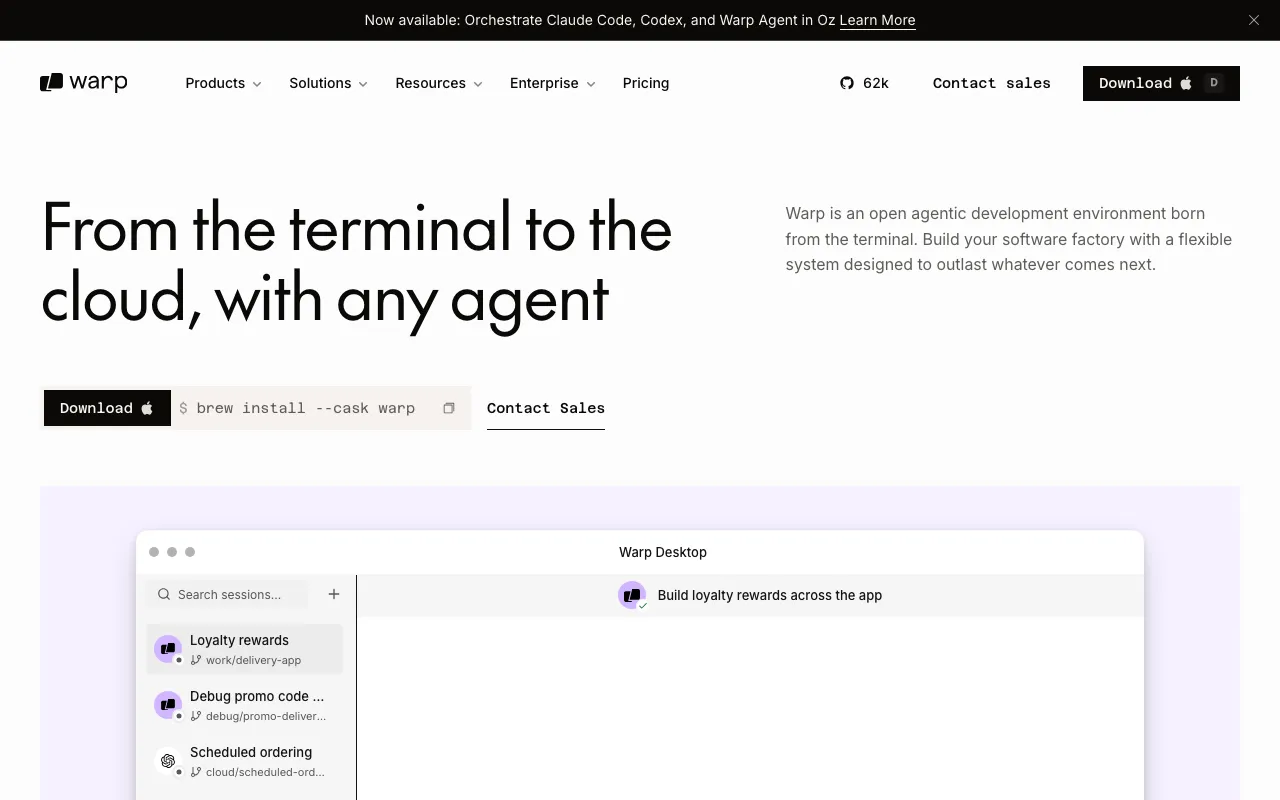
AI-powered terminal and agentic development environment with autocomplete and cloud agents
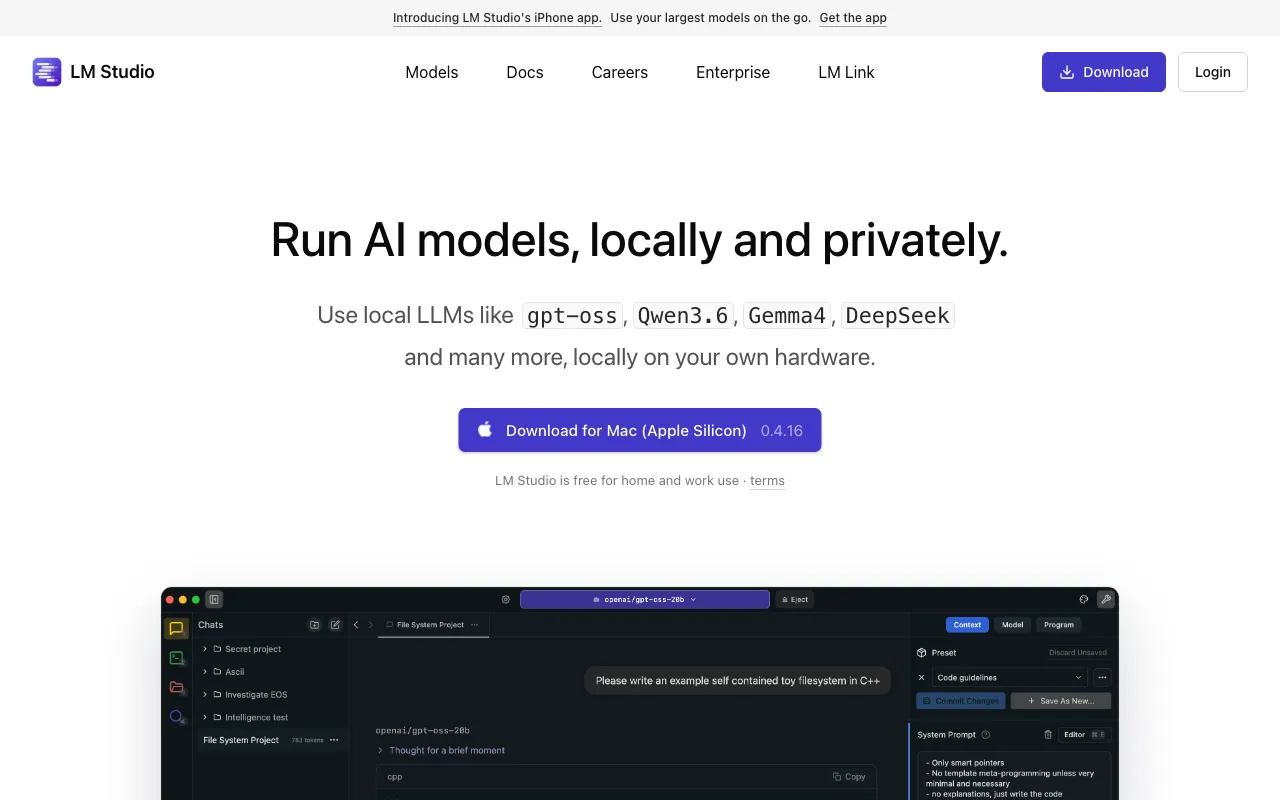
Desktop app to discover, download, and run open-source LLMs locally and privately, with an OpenAI-compatible local server
Every tool in this list has a full profile in our directory with pricing verified against its official pricing page on the date shown on its stamp. Ranking reflects verified pricing, free-tier generosity, platform coverage, and documented capabilities. Rank is not for sale: a sponsor can buy only a separate slot marked Sponsored, outside the ranking. Read the full methodology.
Yes — 7 of the 7 tools here have a free tier: Raycast, Granola, Wispr Flow, superwhisper, Dia, Warp, LM Studio. Pricing verified Jul 17, 2026.
Raycast has the lowest verified monthly starting price in this list at $8/mo, checked against its official pricing page on Oct 21, 2026.
2 of the 7 tools list an API: Granola, LM Studio.