Wispr Flow
AI dictation that types your speech into any app with automatic editing and formatting
FREEMIUM Verified JUL 5, 2026
7 tools ranked · last updated Jul 18, 2026 · how we picked
The best AI app for Windows in 2026 is Wispr Flow, a native dictation app that types your speech into any program, free up to 2,000 words a week and $15/month for unlimited use. The best free pick is LM Studio, which runs open-source models entirely offline at $0 — and on a Windows box with a discrete GPU it is a stronger proposition than on most laptops. We picked one strong app per job across 7 slots rather than seven variations on a chatbot.
Prices last verified Oct 27, 2026 against official pricing pages.
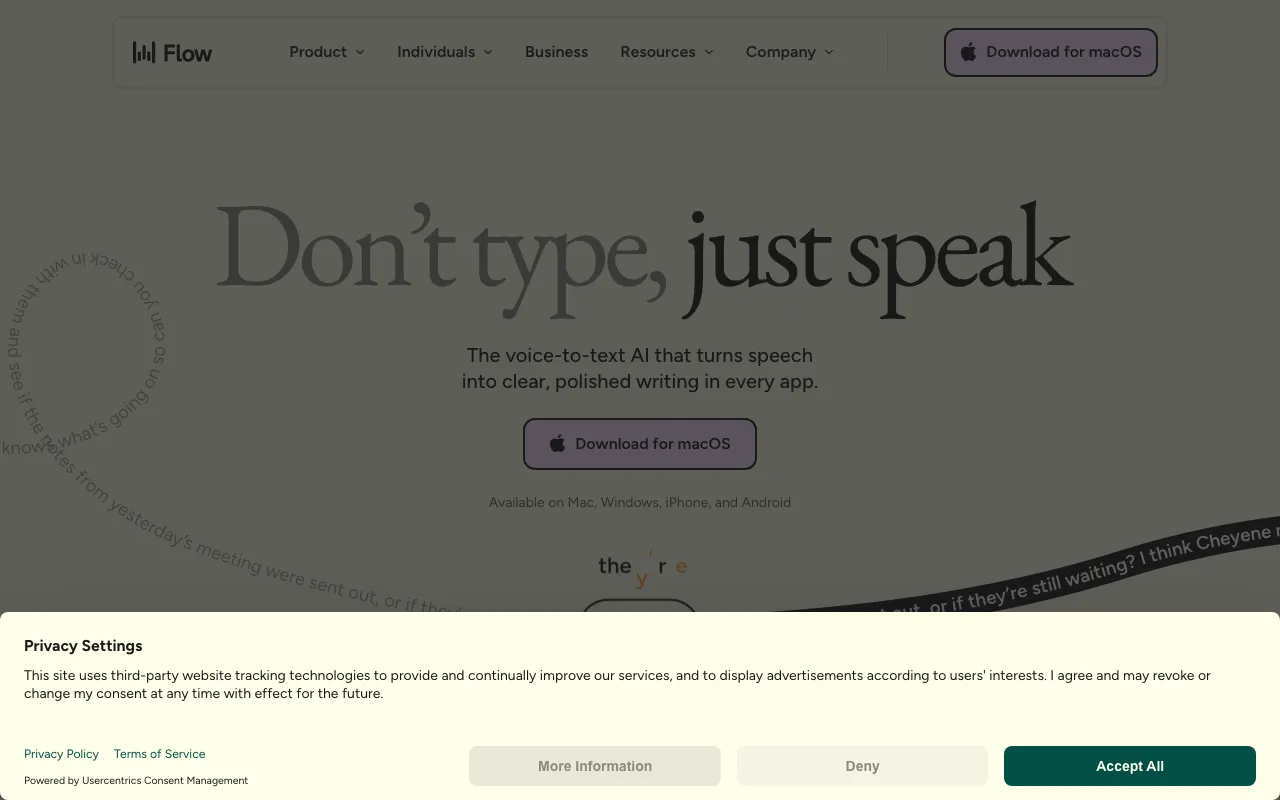
Wispr Flow ships a native Windows app and types your speech into whatever program has focus — Outlook, Word, Slack, a browser, an IDE — with automatic editing that strips filler words and formats to context. It claims 220 words per minute, roughly four times typing speed, across 100+ languages. It ranks first because it is the app whose benefit compounds across every other program on the machine rather than living inside one window, and because Windows gets full parity here: the free tier’s 2,000 words a week applies on Windows exactly as on Mac. Flow Pro is $15/month, or $12 billed annually, for unlimited dictation. Two caveats: audio is processed in the cloud with OpenAI as a subprocessor and there is no offline or local mode, and accuracy on heavy technical jargon leans on you maintaining a custom dictionary.
LM Studio is a free desktop app for finding, downloading and running open-weight models — Llama, Qwen3, Gemma, DeepSeek-R1, gpt-oss — entirely offline, with an OpenAI-compatible local server so existing code works against your own machine at zero per-token cost. It is free for personal and commercial use with no seat fee. On Windows this is a better story than on most other platforms: a desktop with a discrete NVIDIA GPU and plenty of VRAM runs models that a thin laptop cannot, so the hardware many Windows users already own becomes the reason to use it. The caveats are the honest limits of local inference: performance is capped entirely by your hardware, large models need substantial RAM and a strong GPU, and the Enterprise tier is contact-sales only with no published pricing.
Voicemod is the most Windows-native pick in this list — its own documentation describes it as historically Windows-first, with some macOS features and voices still trailing the Windows build. It installs a virtual microphone and transforms your voice in real time across 40+ apps and games including Discord, OBS, Twitch, Steam and Valorant, with 200+ professionally voiced, Fairly Trained effects and a Voicelab for building custom voices. The free tier rotates a limited voice set daily. Two caveats worth stating plainly: Voicemod’s official pricing sits behind an app and JavaScript wall, so publicly listed PRO figures come from third-party trackers and vary by region and promotion — verify in-app before buying — and real-time processing needs a reasonably modern CPU, since low-end machines add audible latency.
Warp is a native terminal for Windows rather than a plugin — its own documentation makes that distinction explicitly — with GPU-accelerated rendering, AI command autocomplete, an agent mode that runs multi-step work, and cloud agents. For anyone doing development, ops or scripting on a Windows machine, it replaces the shell you already live in rather than adding another window. The terminal is free, with agent usage at pay-as-you-go rates or your own keys; Build is $20/month with $20 of agent usage included, Max is $200/month with $200, and Business is $50/user/month with admin data controls and SAML SSO. Two caveats: usage is billed at API rates, so the real cost of a given task is hard to predict in advance, and the free plan includes no agent usage of its own.
ComfyUI is a node graph editor for image, video, audio and 3D generation whose core engine is GPL-3.0 open source and free forever on your own GPU, with more than 121,000 GitHub stars. Comfy Desktop installs on Windows and runs entirely offline once models are downloaded — nothing uploaded, no per-image cost, every sampler and parameter exposed. Like LM Studio, it cashes in on hardware Windows users disproportionately have. Comfy Cloud exists for those without a GPU: 5 free GPU runs for new users, then Standard at $20/month and Pro at $100/month. The caveats are real: the learning curve is steep, since a basic pipeline means wiring a checkpoint loader, CLIP encoders, a sampler and a VAE decoder by hand, and without a dedicated GPU with meaningful VRAM you are pushed onto the $20/month cloud anyway.
Cursor is an AI-native code editor built on VS Code, so existing extensions and keybindings carry over, and its agent mode writes, runs and tests code across multiple files while you review the diff. It is desktop-only by design — there is no web IDE, and Windows is a first-class target alongside macOS and Linux. Hobby is free with limited requests, Pro is $20/month with a credit pool covering frontier models including Claude, GPT and Gemini, Pro+ is $60/month and Ultra is $200/month. It sits below Warp here on nativeness — it is an Electron fork rather than a ground-up Windows app — but above it on how many people the job applies to. The caveat is review burden: autonomous edits can introduce subtle bugs across many files at once, and the Pro credit pool runs out mid-month on heavy agentic work.
Filmora is Wondershare’s consumer video editor with AI layered on top — text-to-video, auto-captions, smart short-clip generation, background removal — and it is a real installed application on Windows rather than a web app in a shell. It fills a job no other pick here covers, at the lowest annual cost in the list: Basic is $49.99/year cross-platform, Advanced is $59.99/year with 1,000 monthly AI credits, and a device-specific perpetual licence is reported at $79.99 one-time. One licence covers both Windows and Mac on the subscription plans. The caveats are how the money actually works: the free version watermarks every export, so it is a trial rather than a free tier; AI features consume separate credits that Basic does not include; and the perpetual licence is locked to one major version and one platform.
We ranked on whether the app is genuinely native on Windows, how useful it is day to day, free-tier generosity and verified price, and deliberately chose one strong app per job — dictation, local models, voice changing, terminal, image generation, coding and video editing. Two picks lean on the thing a Windows machine often has that a laptop does not: a discrete GPU with real VRAM, which is why LM Studio and ComfyUI make a stronger case here than on other platforms. We disqualified any tool whose own documentation does not evidence Windows support, which removed several strong candidates including Topaz Labs and Krisp — both probably do support Windows, but until their pages say so we treat it as unverified. Raycast is excluded because its Windows build is still a beta that ships without AI, and Dia because it is Apple Silicon only. Microsoft Copilot is not ranked because it is already in the operating system rather than an app you choose to install. Pricing was verified against each vendor’s official pricing page between June 22 and July 18, 2026. No app paid to appear, and placements cannot be bought.
AI dictation that types your speech into any app with automatic editing and formatting
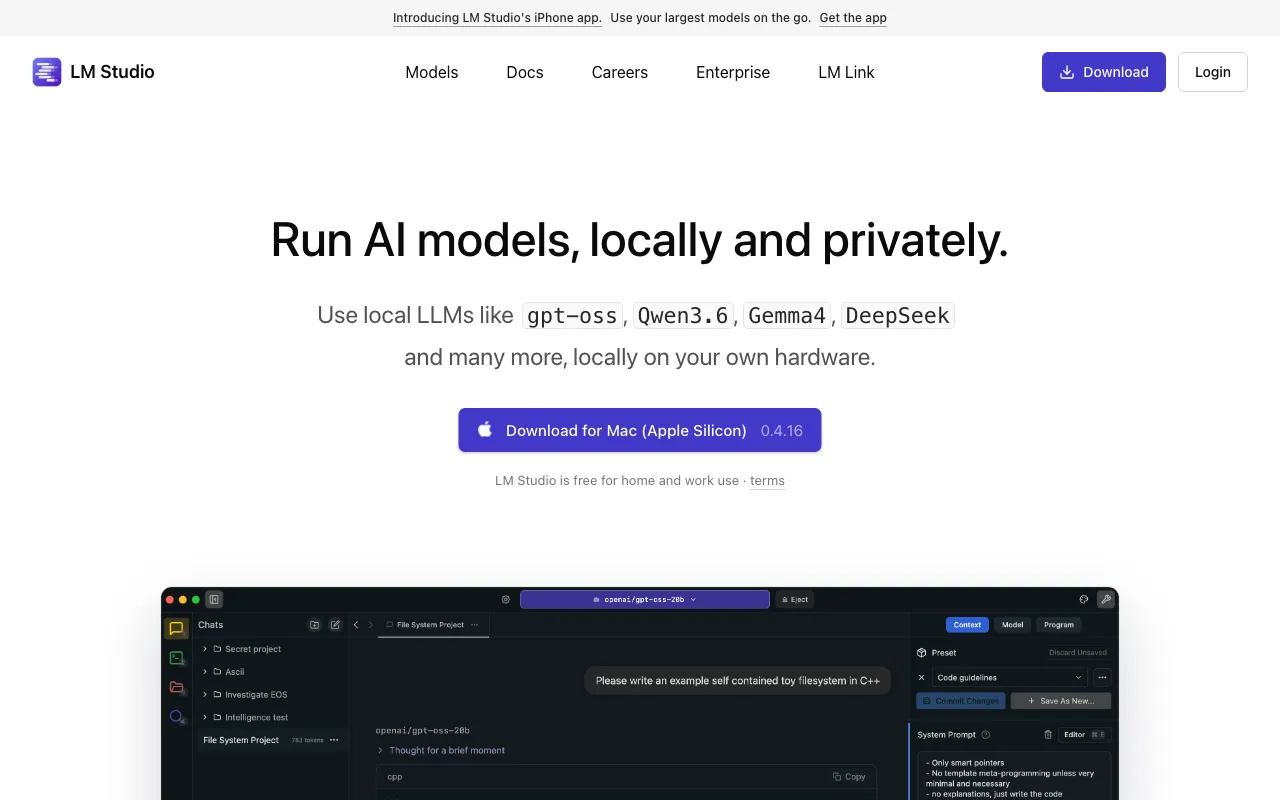
Desktop app to discover, download, and run open-source LLMs locally and privately, with an OpenAI-compatible local server
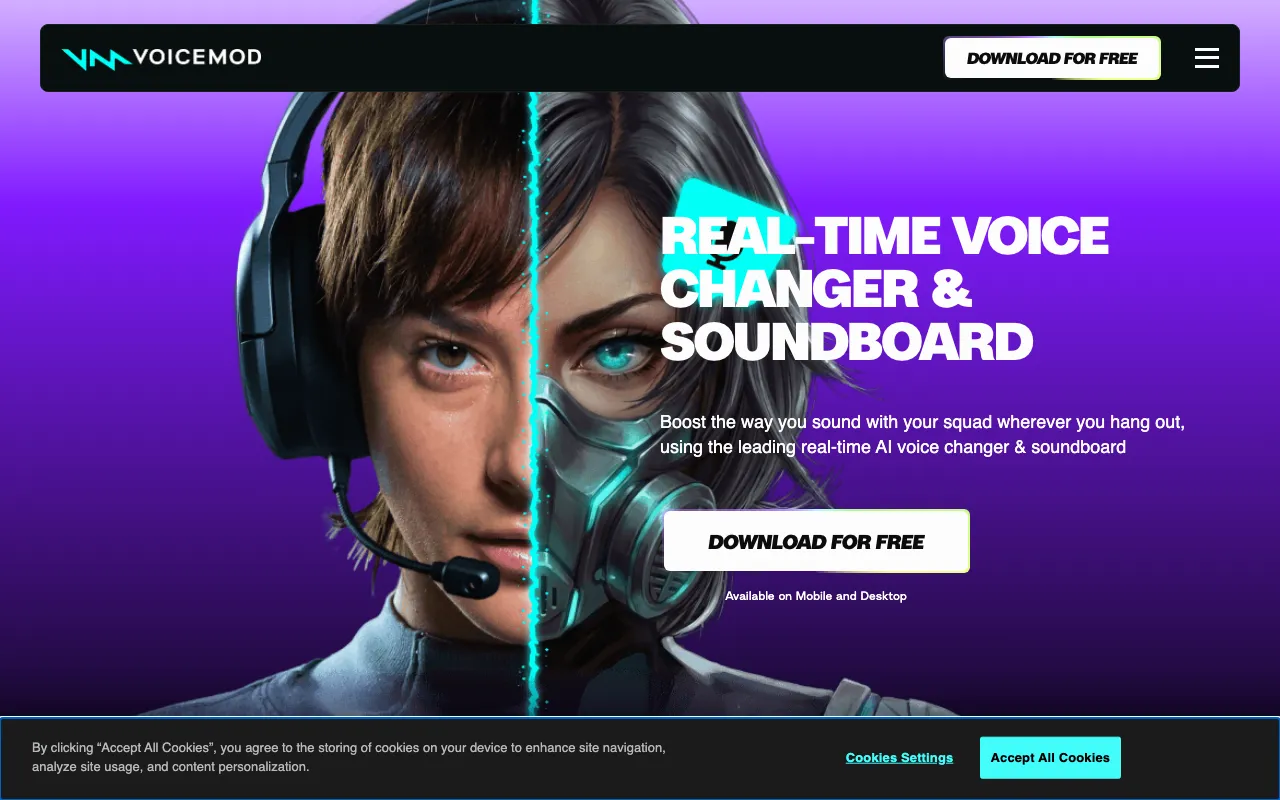
Real-time AI voice changer and soundboard with 200+ pro-voiced effects for gaming, streaming, and Discord
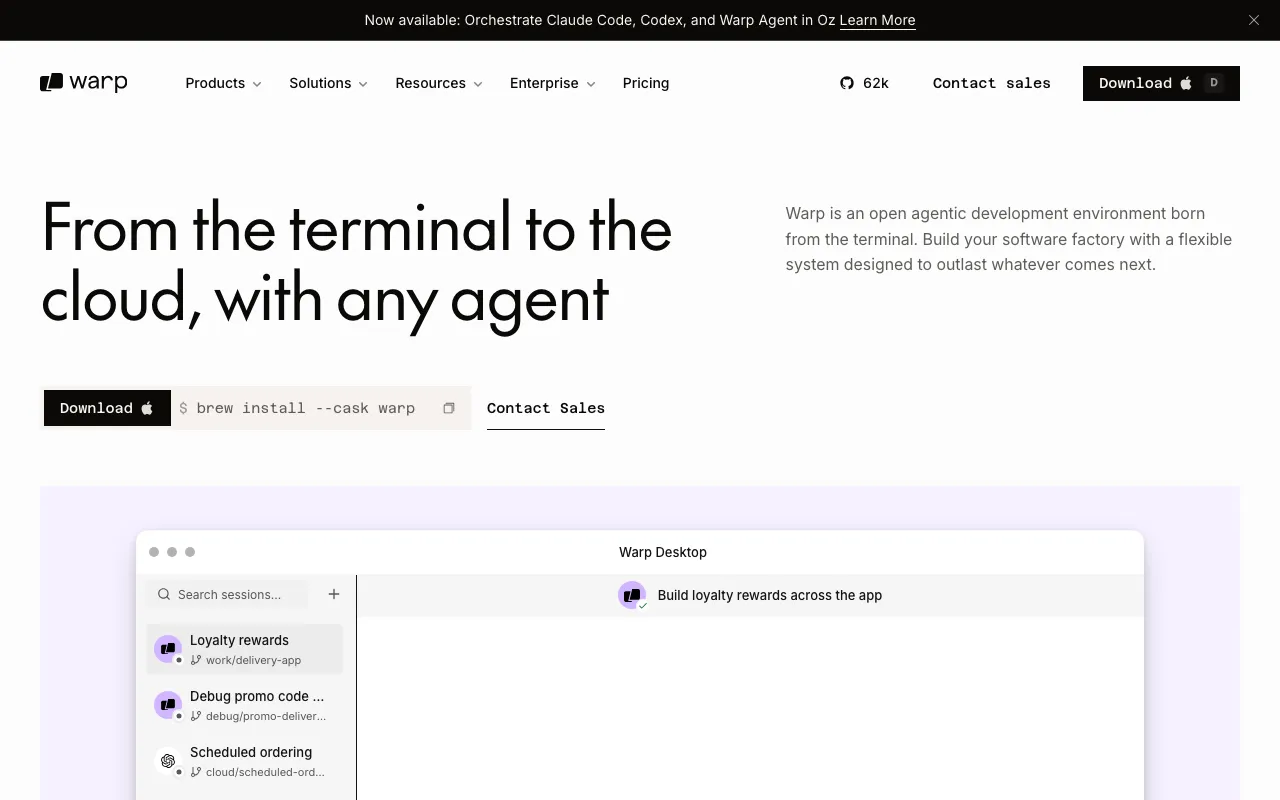
AI-powered terminal and agentic development environment with autocomplete and cloud agents
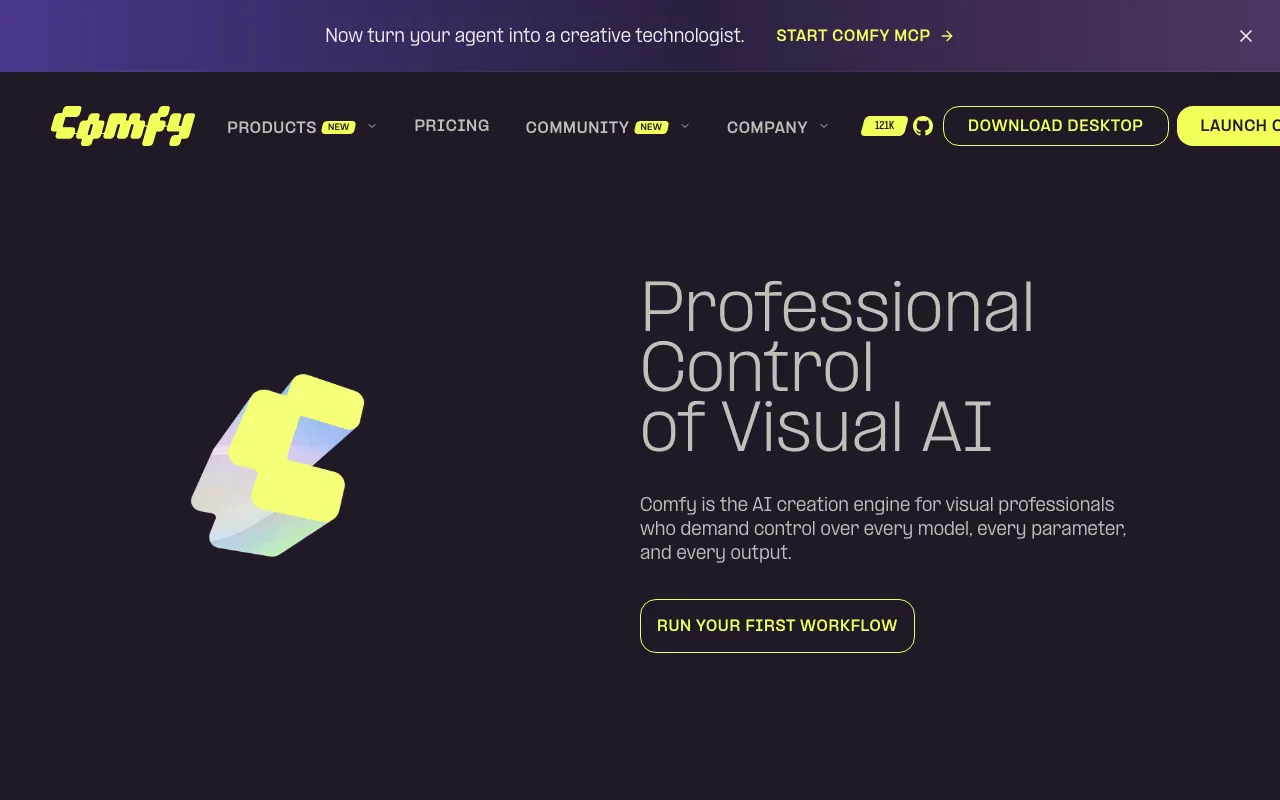
Node-based generative media app with an open-source local engine and a hosted Comfy Cloud tier
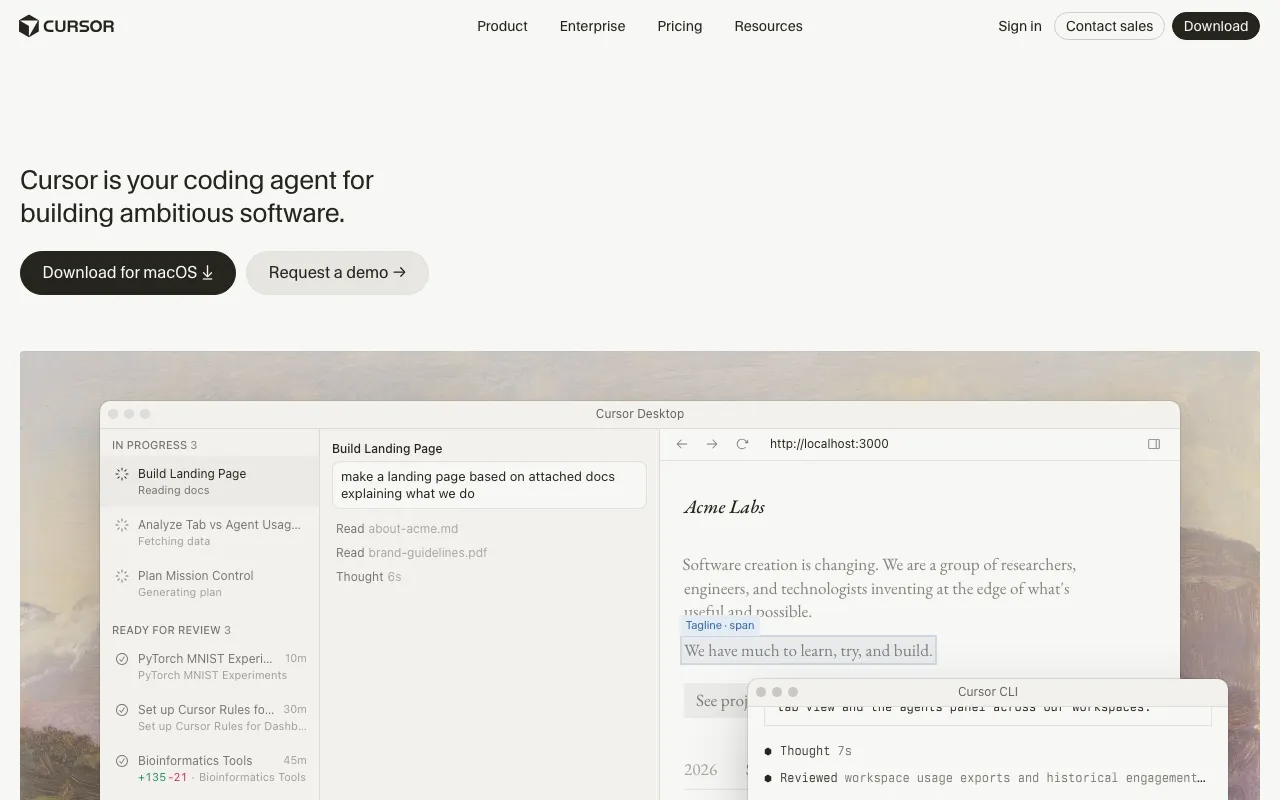
AI-native code editor that runs autonomous agents to build, test, and review code
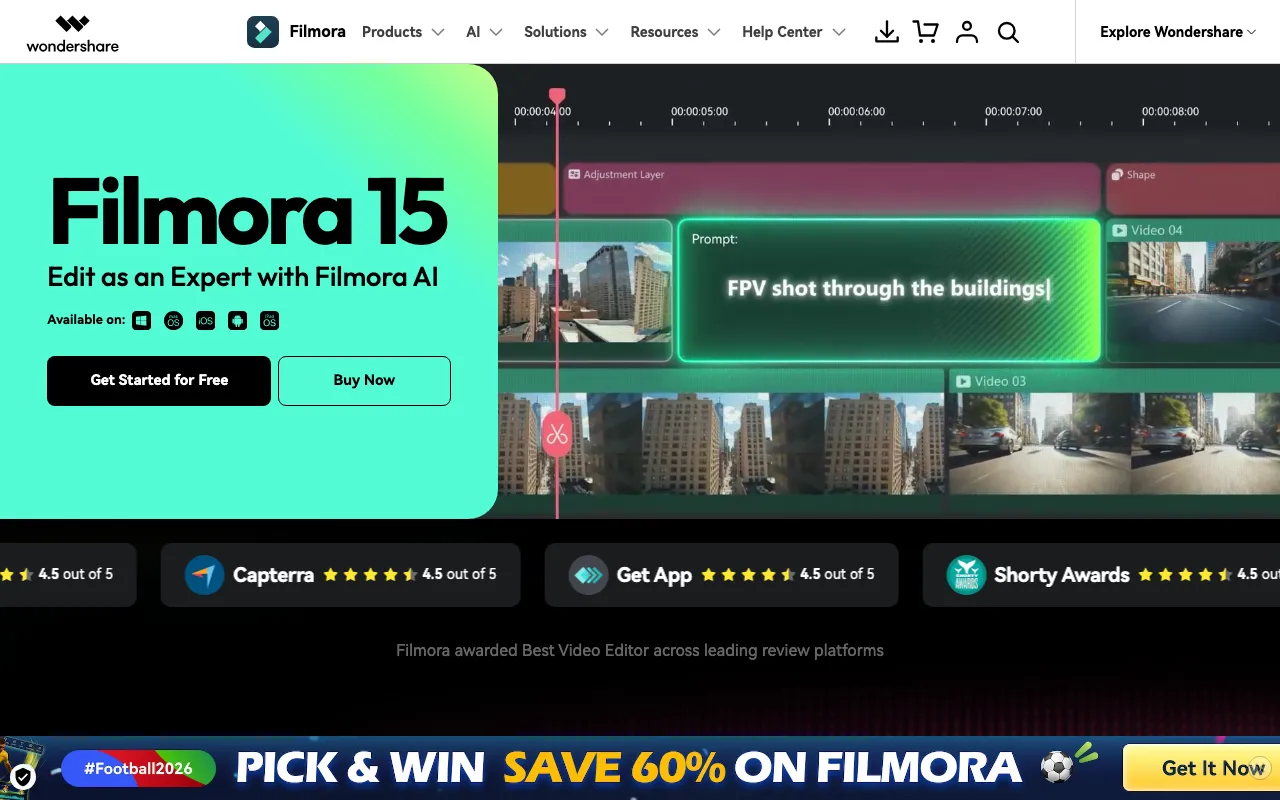
Wondershare's beginner-friendly video editor with AI text-to-video, auto-captions, and smart short clips — free to use, watermarked until you pay
Every tool in this list has a full profile in our directory with pricing verified against its official pricing page on the date shown on its stamp. Ranking reflects verified pricing, free-tier generosity, platform coverage, and documented capabilities. Rank is not for sale: a sponsor can buy only a separate slot marked Sponsored, outside the ranking. Read the full methodology.
Yes — 7 of the 7 tools here have a free tier: Wispr Flow, LM Studio, Voicemod, Warp, ComfyUI, Cursor, Filmora. Pricing verified Jul 18, 2026.
Wispr Flow has the lowest verified monthly starting price in this list at $15/mo, checked against its official pricing page on Jul 5, 2026.
2 of the 7 tools list an API: LM Studio, ComfyUI.