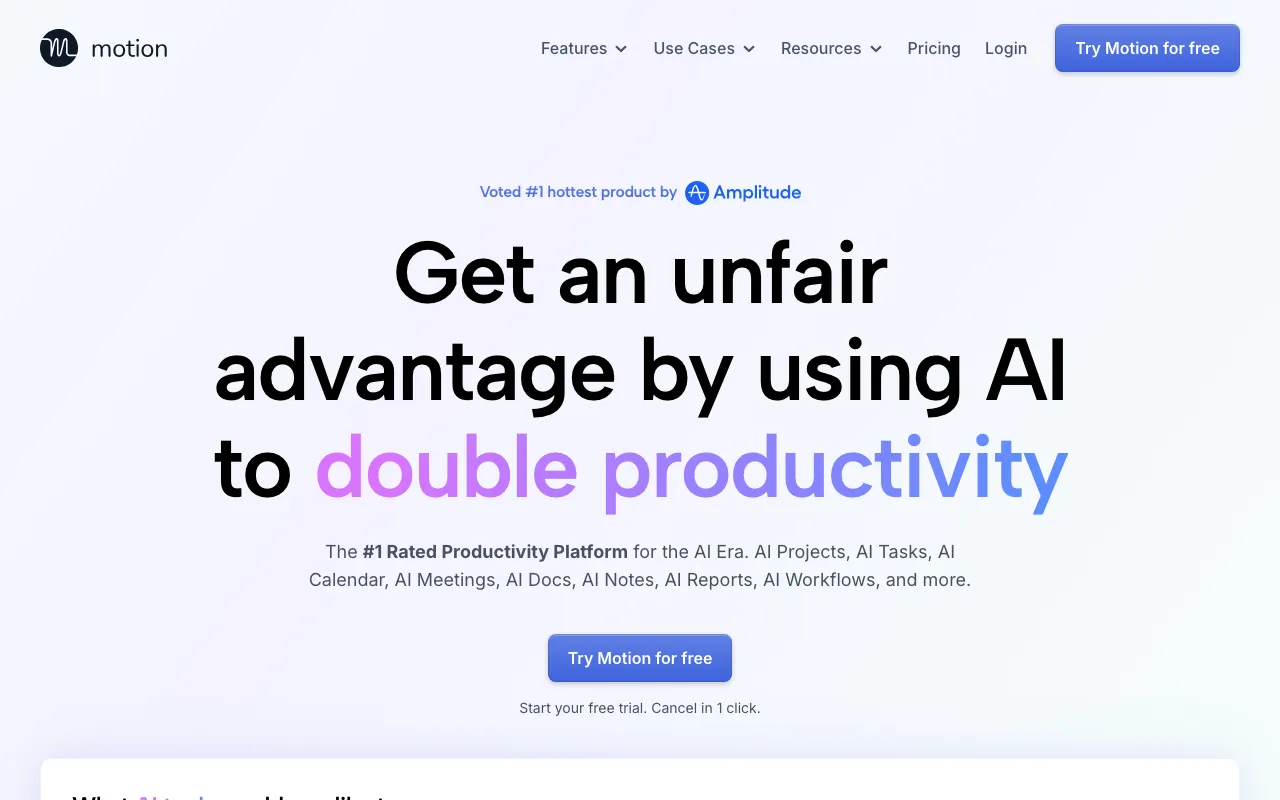
Motion
AI calendar and project manager that auto-schedules tasks and runs AI meeting notes
PAID Verified JUN 21, 2026
5 tools ranked · last updated Jul 17, 2026 · how we picked
The best AI calendar app in 2026 is Motion, which auto-schedules your entire task list onto your calendar at $19/seat/month ($12.67 billed annually). The best free pick is Reclaim, now a Dropbox product, whose Lite plan auto-schedules tasks, habits, and meetings on Google Calendar or Outlook at $0, and Sunsama at $17/month is the strongest guided daily planner for people who want to timebox deliberately rather than automatically.
Prices last verified Jul 17, 2026 against official pricing pages.
Motion treats your calendar as the output of an optimizer: give it tasks, deadlines, and priorities, and it schedules the work into open slots automatically, replanning as meetings land — plus project planning, AI meeting notes, docs, and an AI writer in the same app. It is the deepest auto-scheduler here and effectively replaces a calendar, task manager, and project tool at once. Pro AI is $19/seat/month, dropping to about $12.67/seat billed annually, with 7,500 AI credits; Business AI at $29/seat/month doubles the credits and adds team capacity planning. The caveats: there is no free tier, only a 7-day trial; the AI features are credit-metered, which heavy users can exhaust; and the all-in-one design carries a learning curve and lock-in — once your schedule lives in Motion, leaving costs real effort.
Reclaim, now a Dropbox product, auto-schedules tasks, habits, and meetings on top of Google Calendar or Outlook, defending focus time and finding meeting slots by priority and availability — and its free Lite plan is genuinely usable, covering a single user with 5 AI agents and a one-week scheduling range at $0. Paid plans are the cheapest in this ranking: Starter about $10/seat/month, Business about $15 with a 12-week scheduling range, and Enterprise about $22 with SSO. Deep integrations with Slack, Asana, Todoist, and Jira let it schedule around real work rather than a separate task list. Two caveats: it only works on Google Calendar and Outlook, and the per-seat prices were repriced recently on a promotion-driven pricing page — our verification found roughly $10/$15/$22 against older $8/$12/$18 figures — so confirm the exact number at signup.
Sunsama is the anti-autopilot pick: each morning it walks you through a guided ritual that pulls tasks from Todoist, Asana, Jira, Trello, Gmail, and Slack into a single timeboxed plan on your calendar. Its AI auto-estimates task durations and tags channels, but the product’s real value is the discipline — deciding what fits today rather than letting an algorithm decide for you, which is part of why NYT Wirecutter named it Best Scheduling Tool. One Pro plan costs $17/month billed yearly or $22 month-to-month, with a 14-day trial that needs no credit card. The caveats are the mirror of its philosophy: there is no free tier, the AI does not auto-schedule your day the way Motion and Reclaim do, and the ritual only pays off if you commit to it daily — skip it and Sunsama is an expensive task list.
Lindy is what scheduling looks like when you delegate it instead of doing it: no-code AI agents that watch your inbox, negotiate meeting times, put events on the calendar, take meeting notes, and hand off across 100+ integrations. Where the tools above optimize your calendar, a Lindy agent handles the back-and-forth that fills it — the “does Tuesday at 3 work?” threads. Plus is $49.99/month with up to 2 connected inboxes; Pro at $99.99/month triples usage and adds browser automation for booking systems with no API. The caveats scale with the autonomy: it is the most expensive entry here, usage is metered, there is no free tier beyond the 7-day trial, and an agent that sends real emails on your behalf needs genuine oversight before you trust it with clients.
Fyxer is an email-first assistant that earns its slot here because most scheduling actually happens in email: it organizes one inbox and calendar on the $30/user/month Starter plan, drafts replies in your tone, writes meeting notes, and on the $50/user/month Professional plan adds multiple inboxes and calendars plus cross-team scheduling. For someone whose calendar chaos is downstream of their inbox chaos — client-facing roles especially — fixing both in one tool beats bolting a scheduler onto an unmanaged inbox. It works on both Gmail and Outlook, and flat per-seat pricing means no usage metering. The caveats: there is no permanent free tier, only a 7-day trial; true cross-team scheduling requires the pricier Professional plan; and it needs broad read-and-send access to your mail, which is a privacy consideration on sensitive accounts.
We ranked on the depth of genuine auto-scheduling — whether the AI actually places work on your calendar or merely annotates it — then calendar-provider coverage, free-tier availability, and verified price. The list deliberately spans philosophies, from full autopilot (Motion, Reclaim) to guided manual planning (Sunsama) to delegated agents (Lindy, Fyxer), because the right answer depends on how much control you want to keep. Pricing was verified against each vendor’s official pricing page between June 21 and July 17, 2026, and matches each tool’s full profile on this site. No tool paid or provided incentives to appear, and nobody can buy a ranking.
AI calendar and project manager that auto-schedules tasks and runs AI meeting notes
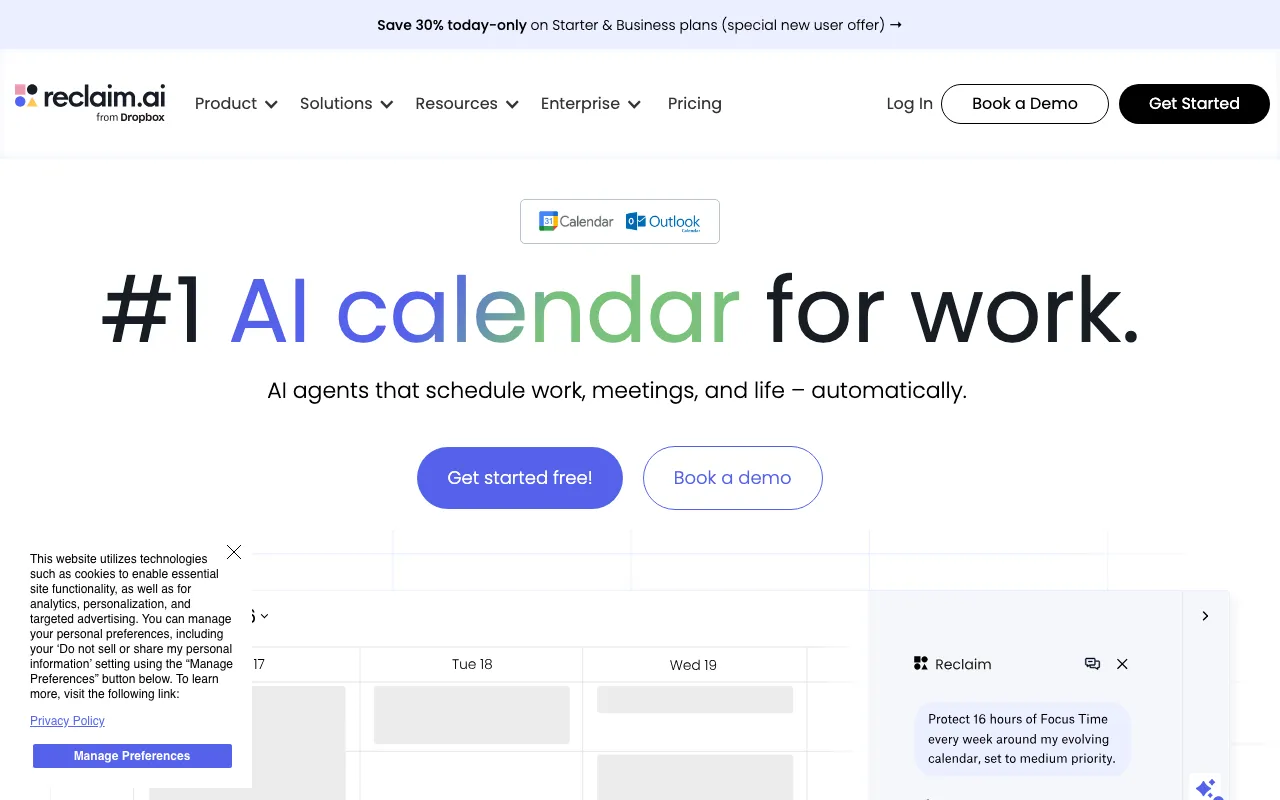
AI calendar that auto-schedules tasks, habits, and meetings on Google Calendar or Outlook, defending focus time and finding meeting slots
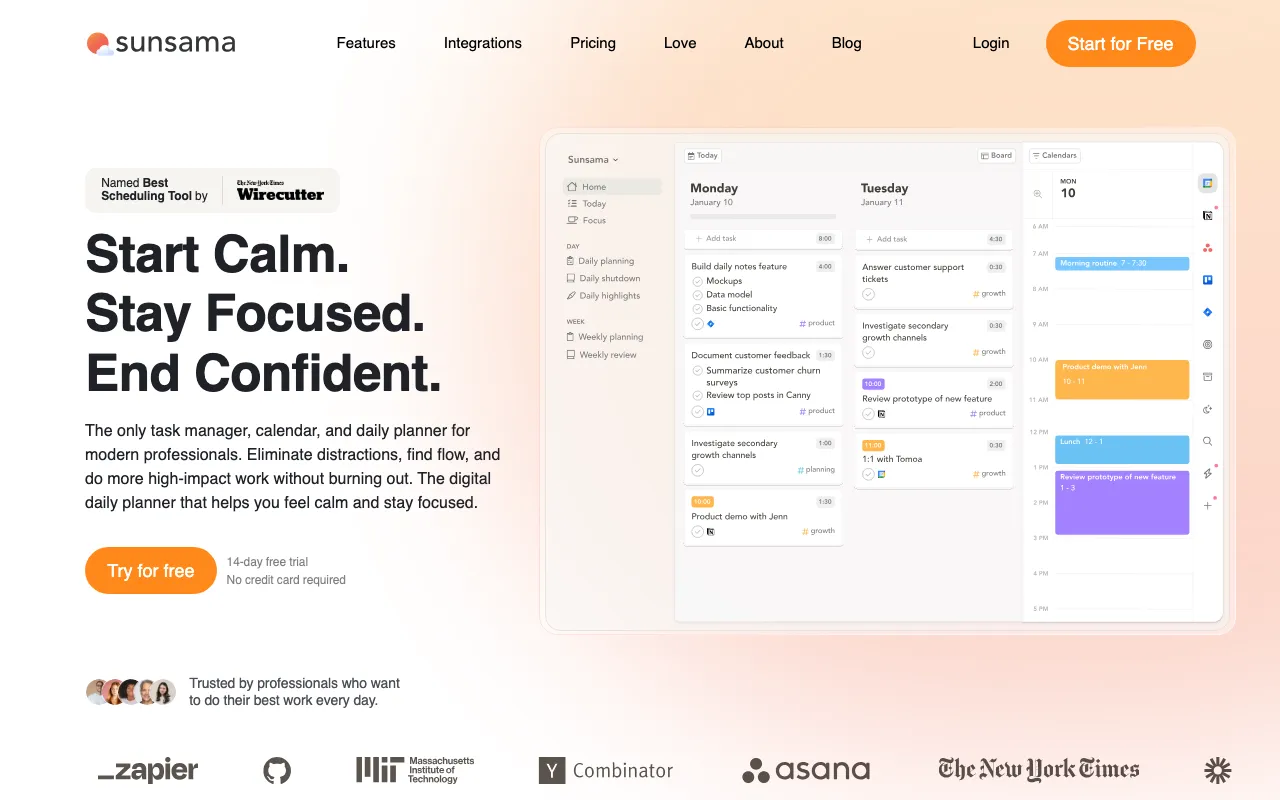
Daily planner that pulls tasks from Todoist, Asana, Jira, and Slack into a guided planning ritual with calendar timeboxing and AI time estimates

No-code AI agents that handle email, calendar, meetings, and 100+ app integrations

AI email assistant that drafts replies in your voice, organizes your inbox, and writes meeting notes
Every tool in this list has a full profile in our directory with pricing verified against its official pricing page on the date shown on its stamp. Ranking reflects verified pricing, free-tier generosity, platform coverage, and documented capabilities. Rank is not for sale: a sponsor can buy only a separate slot marked Sponsored, outside the ranking. Read the full methodology.
Yes — 1 of the 5 tools here have a free tier: Reclaim. Pricing verified Jul 17, 2026.
Reclaim has the lowest verified monthly starting price in this list at $10/seat/mo, checked against its official pricing page on Jun 30, 2026.
1 of the 5 tools list an API: Reclaim.