Descript
Text-based video and podcast editor with AI transcription, voice cloning, and filler-word removal
FREEMIUM Verified JUL 3, 2026
6 tools ranked · last updated Jul 8, 2026 · how we picked
The best AI video editor in 2026 is Descript, a text-based transcript editor that cuts spoken-word footage from $16/month (billed annually). The best free pick is CapCut, whose full timeline editor is free with watermark-free exports and AI captions, and the best long-form repurposer is Opus Clip, free for 60 minutes a month or $15/month to drop the watermark.
Prices last verified Oct 27, 2026 against official pricing pages.
Descript is a web-based video and podcast editor built on a text-first paradigm: it transcribes your footage, and deleting a sentence in the transcript removes the matching clip from the timeline, so editing spoken-word content feels like editing a document. Its AI layer, Underlord, suggests cuts and assembles rough edits, while Studio Sound cleans audio, the filler-word remover strips “um” and “uh” automatically, and Overdub clones your voice to fix mistakes without re-recording. The free tier includes 60 minutes of media per month, 100 one-time AI credits, and 720p export; the Hobbyist plan is $16/month billed annually ($24 month-to-month) for 10 media hours, 400 AI credits, and watermark-free 1080p, with Creator at $24/month adding 4K. It fits podcasters, course creators, and solo YouTubers who edit interview-style footage. The main caveat: AI credits do not roll over, and video dubbing into 30+ languages is locked to the $50/month Business tier.
CapCut is ByteDance’s video editor that pairs a full multi-track timeline with a deep AI toolkit — auto-captions synced to speech, text-to-speech narration, background removal without a green screen, and text-to-video generation — across web, desktop, and mobile with synced projects. Its biggest draw is that the editor itself is free and exports without a watermark for most features, which is why it became the default for social and short-form creators. In 2026 CapCut restructured its plans: Standard is $9.99/month, Pro is $19.99/month (or $179.99/year) with 4K export, the full AI toolkit, 1,200 monthly AI points, and 1TB of storage, and a Team plan is $24.99 per user/month. It suits TikTok, Reels, and Shorts editors who want editing and AI in one app. The caveat: AI tools are metered by AI points that can run out mid-month, and pricing varies by region, device, and promotion.
Opus Clip is an AI repurposing tool that takes one long video — a podcast, webinar, or YouTube upload — and cuts it into a batch of short vertical clips built for TikTok, Reels, and Shorts. Its ClipAnything model finds the most clippable moments by words, visuals, sound, and emotion, adds animated auto-captions, reframes 16:9 footage to 9:16 while keeping the speaker in frame, and ranks each clip by a predicted virality score. Billing runs on processing minutes, where one minute of source video equals one credit regardless of how many clips it produces. The free plan gives 60 processing minutes a month with watermarked 1080p exports; Starter is $15/month (about $9/month billed annually) for 150 minutes watermark-free; Pro is $29/month for 300 minutes plus the timeline editor, AI B-roll, and auto-posting. It fits long-form creators mining footage at volume. The caveat: the virality score is a prediction, not a guarantee, and top-ranked clips still flop.
VEED is an AI video editor that runs entirely in the browser, bundling a wide toolkit into one web app: automatic subtitles in many languages, AI avatars and talking-head generation, dubbing and translation, background removal, noise cleanup, eye-contact correction, and an automatic clip generator that turns long recordings into short cuts. Because there is no install, an edit can be picked up on any machine. The free plan is usable for testing but watermarks exports, caps resolution at 720p, and limits videos to 10 minutes. Paid tiers are per user and billed annually: Creator is about $10/month (roughly $20 month-to-month) with no watermark and 1080p, Pro is about $21/month for 4K and all AI tools, and Studio is about $35/month with unlimited storage. It suits caption-heavy, multilingual short-form work. The caveat: prices are approximate because VEED’s pricing page renders dynamically, and AI credits reportedly do not roll over between periods.
Captions is a mobile-first AI video app for talking-head and short-form content. Instead of a manual timeline, it auto-cuts scenes, adds B-roll and transitions, and lays in animated captions in 100+ languages; a chat-based editor lets you make changes by typing a prompt rather than dragging clips, and built-in tools handle eye-contact correction, filler-word removal, noise cleanup, and dubbing into 30+ languages. Its headline feature is AI avatars powered by an in-house model called Mirage, which generates talking-head video as a single performance rather than gluing text-to-speech onto animation. The free tier covers basic editing and multilingual captions with no credit card; Pro is about $9.99/month for 100+ caption templates and the chat editor, and the credit-driven Max tier is $24.99/month with 500 generative credits, scaling to $69.99–$279.99/month for 1,400–5,600 credits. It fits phone-first creators. The caveat: Max’s 500 credits burn fast on heavy avatar use, pushing you toward the pricier Scale tiers.
Filmora is Wondershare’s consumer video editor for Windows, Mac, iOS, and Android, aimed at people who find pro NLEs like Premiere overkill. The core editor covers timeline editing, transitions, titles, and 4K export, and recent releases added an unusually wide AI toolset: text-to-video and image-to-video via Google’s Veo 3.1, Smart Short Clips that auto-extract vertical highlights, auto-captioning with translation, object removal, portrait cutout, and audio denoise. The free version has no time limit but watermarks every export, so it works as a trial rather than a free tier. The Basic cross-platform plan is $49.99/year, Advanced is $59.99/year and adds 1,000 monthly AI credits, and a device-specific Perpetual license is $79.99 one-time. It suits casual YouTubers and social editors who want cheap watermark-free 4K. The caveat: AI generation consumes separate credits — Basic includes none monthly — so AI-heavy work costs extra on top of the subscription.
All six tools earn their place by handling a distinct part of the video-editing workflow: transcript-based spoken-word editing, free all-in-one social editing, long-form repurposing, browser-based captioning and localization, mobile talking-head production, and cheap desktop editing. We deliberately kept this list to tools that edit, caption, and repurpose real footage rather than pure text-to-video generators, which we cover separately. We weighed AI-editing capability, verified-price value, free-tier generosity, and fit for actual editing over marketing claims, and we do not publish fabricated star ratings. Pricing was verified on July 8 2026 against each product’s official pricing page; no tool paid or provided incentives to appear in this list.
Text-based video and podcast editor with AI transcription, voice cloning, and filler-word removal
AI video editor with auto-captions, text-to-video, and AI avatars across web, desktop, and mobile
AI video repurposing tool that turns long videos into short, captioned vertical clips ranked by predicted virality
Browser-based AI video editor: auto-subtitles, AI avatars, text and image-to-video, dubbing, translation, plus background and noise removal in one web app
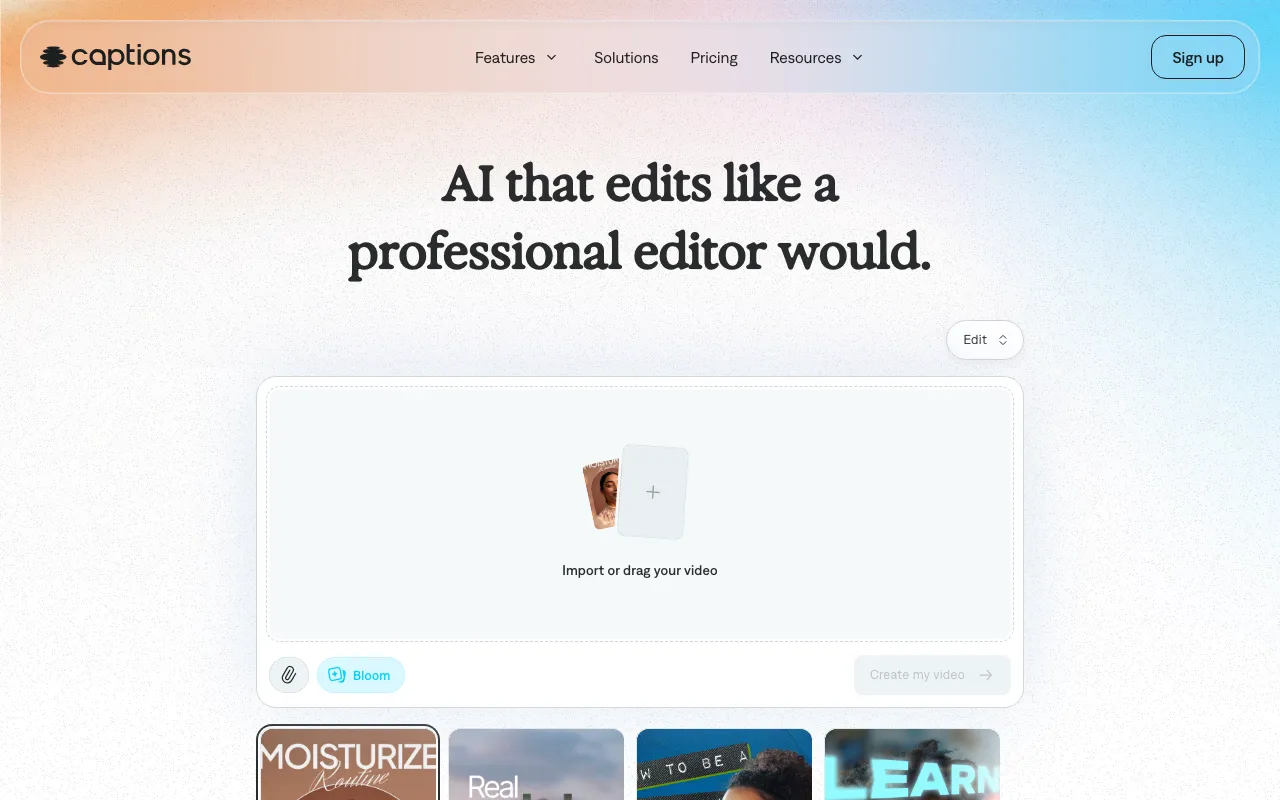
AI video creation app for talking-head and social content, with AI avatars (Mirage) and a chat-based editor
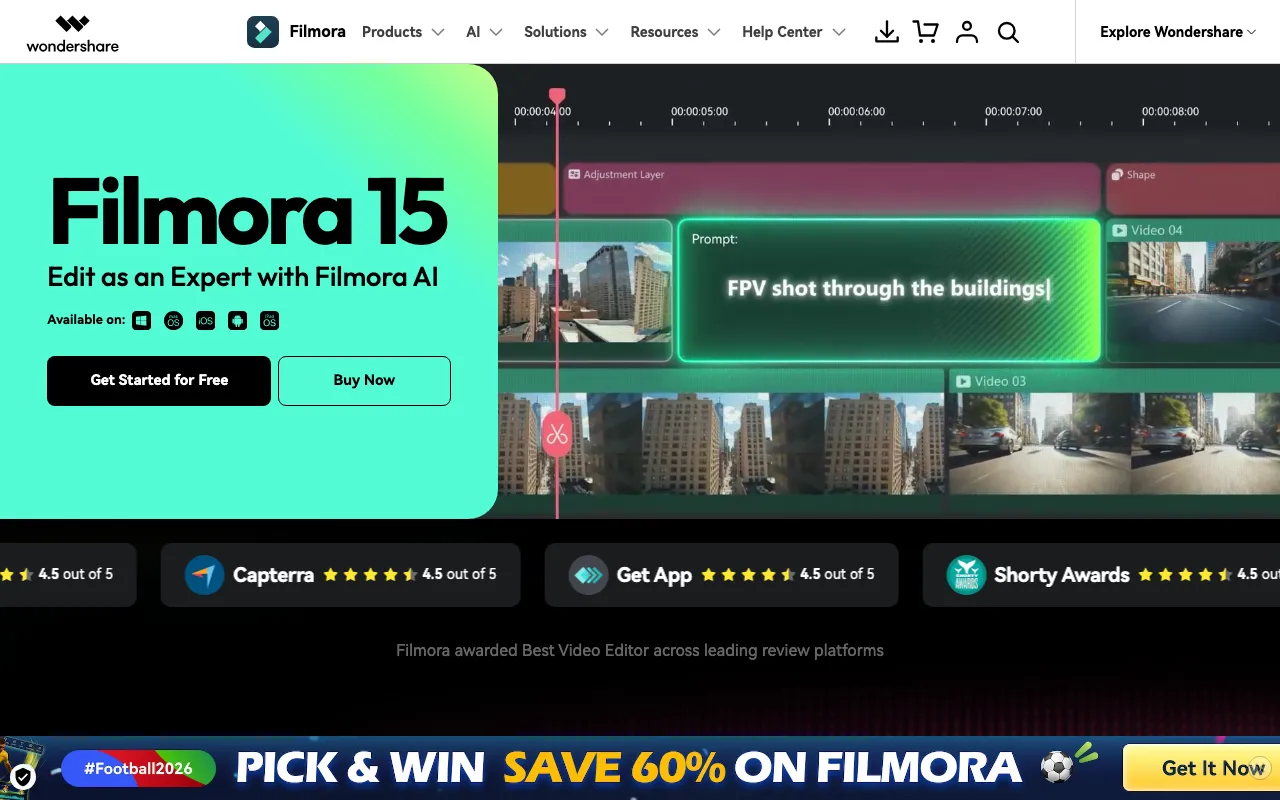
Wondershare's beginner-friendly video editor with AI text-to-video, auto-captions, and smart short clips — free to use, watermarked until you pay
Every tool in this list has a full profile in our directory with pricing verified against its official pricing page on the date shown on its stamp. Ranking reflects verified pricing, free-tier generosity, platform coverage, and documented capabilities. Rank is not for sale: a sponsor can buy only a separate slot marked Sponsored, outside the ranking. Read the full methodology.
Yes — 6 of the 6 tools here have a free tier: Descript, CapCut, Opus Clip, VEED, Captions, Filmora. Pricing verified Jul 8, 2026.
CapCut has the lowest verified monthly starting price in this list at $9.99/mo, checked against its official pricing page on Jun 21, 2026.
3 of the 6 tools list an API: Opus Clip, VEED, Captions.