Canva
AI-powered design platform with templates, image generation, and Magic Studio tools
FREEMIUM Verified JUN 11, 2026
7 tools ranked · last updated Jul 5, 2026 · how we picked
The best free AI design tool in 2026 is Canva, whose free plan bundles over 1.6 million templates and its Magic Studio AI suite at $0, with Pro around $15/month. For fully free graphic and social design, Microsoft Designer is entirely free with DALL·E 3-powered generation, and Recraft gives designers 50 AI credits a day at no cost.
Prices last verified Oct 21, 2026 against official pricing pages.
Canva is the most complete free design suite in 2026 — a browser platform with an integrated AI toolkit (Magic Studio) covering image generation, copywriting, background removal, and layout automation, and a free tier that includes over 1.6 million templates and 5 GB of storage at $0. For social posts, presentations, flyers, and quick graphics, most people never need to leave the free plan. Pro is approximately $15/month and unlocks premium templates, 100 GB storage, one-click background removal, and the full Magic Studio feature set. It suits marketers, small-business owners, students, and anyone who wants professional-looking design without learning Photoshop. The honest caveat: the most powerful AI features and the premium template library are gated to Pro, and free-tier AI generation is credit-limited — so while the free plan is genuinely usable, you’ll bump into the paywall as soon as you want premium assets or heavy AI use.
Microsoft Designer is a free, AI-powered design app for creating social posts, images, stickers, and quick edits from text prompts, with image generation powered by DALL·E 3 — and unlike most rivals, the core app is entirely free rather than freemium-with-heavy-caps. The free tier includes monthly AI credits (reported around 15) at $0, and the tool integrates with the wider Microsoft ecosystem. It is the best pick for someone who wants genuinely free AI image and social-graphic creation without a subscription. A Microsoft 365 subscription — Personal at $9.99/month or Premium at $19.99 — raises the AI credit allowance and adds Designer inside the Office apps. It suits Windows users, students, and anyone making social content on a budget. The honest caveat: the roughly 15 free monthly credits are modest, so heavy generation quickly requires a Microsoft 365 plan, and Designer is narrower than Canva — strong on images and social posts but not a full multi-format design suite.
Recraft is an AI image and vector design platform built for professional creatives, and the rare AI tool that generates true scalable vectors (SVG) rather than only raster images. The free tier gives 50 credits per day at $0 — a recurring daily allowance rather than a one-time pack — though free images are public and carry no commercial rights. Its differentiator is consistent, reusable brand styles and design-language control, which makes it a favorite for logos, icons, and on-brand illustration. Paid plans start at $10/month (annual) for 1,000 credits with full ownership and commercial rights. It suits designers, brand teams, and anyone who needs editable vector output. The honest caveat: on the free tier your generations are publicly visible and you do not own commercial rights, so anything client-facing or commercial requires a paid plan — the free tier is best treated as a generous sandbox rather than a production tool.
Photoroom is an AI photo editor built for e-commerce product shots — background removal and replacement, AI studio backgrounds, batch editing, and an API — and its free plan lets you remove backgrounds and create product images at $0, with monthly caps on exports and AI generations. For a small seller preparing listings, the free tier handles real work before any commitment. Pro is $12.99/month ($7.50 billed annually) and Max is $34.99/month, each adding more AI credits, higher-resolution exports, and batch processing. It is the best free pick for anyone turning phone photos into clean, consistent product images. The honest caveat: the free plan caps monthly exports and AI generations and limits output resolution, so a seller with a large catalog will hit the ceiling fast, and the most useful e-commerce features — batch editing and the API — are paid, making the free tier better for occasional shots than bulk work.
Playground is an AI design studio for generating images and graphics — logos, stickers, posters, social graphics, and print-ready merch — from text prompts or templates, backed by frontier models like GPT Image and Nano Banana Pro. The free tier allows up to 10 image generations per rolling three-hour window for personal use at $0, which is enough to iterate on a design idea without paying. Its strength is design-oriented output — graphics you can drop into a layout rather than just standalone art. Pro is $12/month and Pro Plus $36/month for higher volume and commercial use. It suits hobbyists, creators, and small businesses making their own graphics. The honest caveat: free generations are limited to personal use, so commercial projects require a paid plan, and the three-hour rolling window means a focused design session can stall waiting for the quota to reset.
Uizard is an AI UI design tool that generates multi-screen app and website prototypes from a text description in seconds, and can even turn a hand-drawn sketch or screenshot into an editable mockup. The free tier allows 3 AI generations and 2 projects per month at $0 — modest, but enough to see whether AI-generated UI fits your workflow. It is the best free pick for product managers, founders, and non-designers who need a clickable prototype without opening Figma. Paid plans start at $12/month (annual) and unlock 500 AI generations, unlimited screens, and React/CSS developer handoff. It suits early-stage product work and quick concept validation. The honest caveat: 3 AI generations a month is a genuinely tight free allowance — you’ll exhaust it in one sitting — so Uizard’s free tier works for evaluation more than ongoing use, and its output is a prototype to iterate on, not production-ready design.
Fotor is a long-established, all-in-one AI photo editor and design suite that claims 800M+ users, bundling an AI image generator, background remover, photo enhancer, object remover, and AI headshot tools alongside a full editor and template library. The free tier is genuinely broad — you can access most editing tools at $0 — though outputs are watermarked and storage is capped at 512 MB. It is the best free pick for someone who wants one tool that both edits existing photos and generates new images. Pro is $8.99/month (about $6 annually) and Pro+ is $19.99/month, removing watermarks and adding credits and storage. It suits casual creators and social media users. The honest caveat: free exports are watermarked, which rules out client or commercial use, the 512 MB storage fills quickly, and this profile carries mid-level pricing confidence — reconfirm the current plans before relying on them.
We ranked these seven by the quality and generosity of their free tiers, because this is a list of the best design tools you can use without paying — not the best paid subscriptions. Canva leads on breadth of free features; Microsoft Designer leads on being fully free; Recraft leads on recurring daily credits and vector output. Note that free tiers often restrict commercial rights (Recraft, Playground) or watermark outputs (Fotor), so check the license before using free work commercially. Ranking is editorial and weighs free-tier value over popularity; no tool paid or could pay to appear. Pricing and free-tier details were verified against each tool’s profile between June 11 and July 5, 2026.
AI-powered design platform with templates, image generation, and Magic Studio tools
Free AI graphic design app for images, social posts, stickers, and edits from text prompts, powered by DALL-E 3
AI image and vector generator with custom styles, mockups, and design-ready output
AI photo editor for e-commerce — background removal, AI product backgrounds, and batch editing
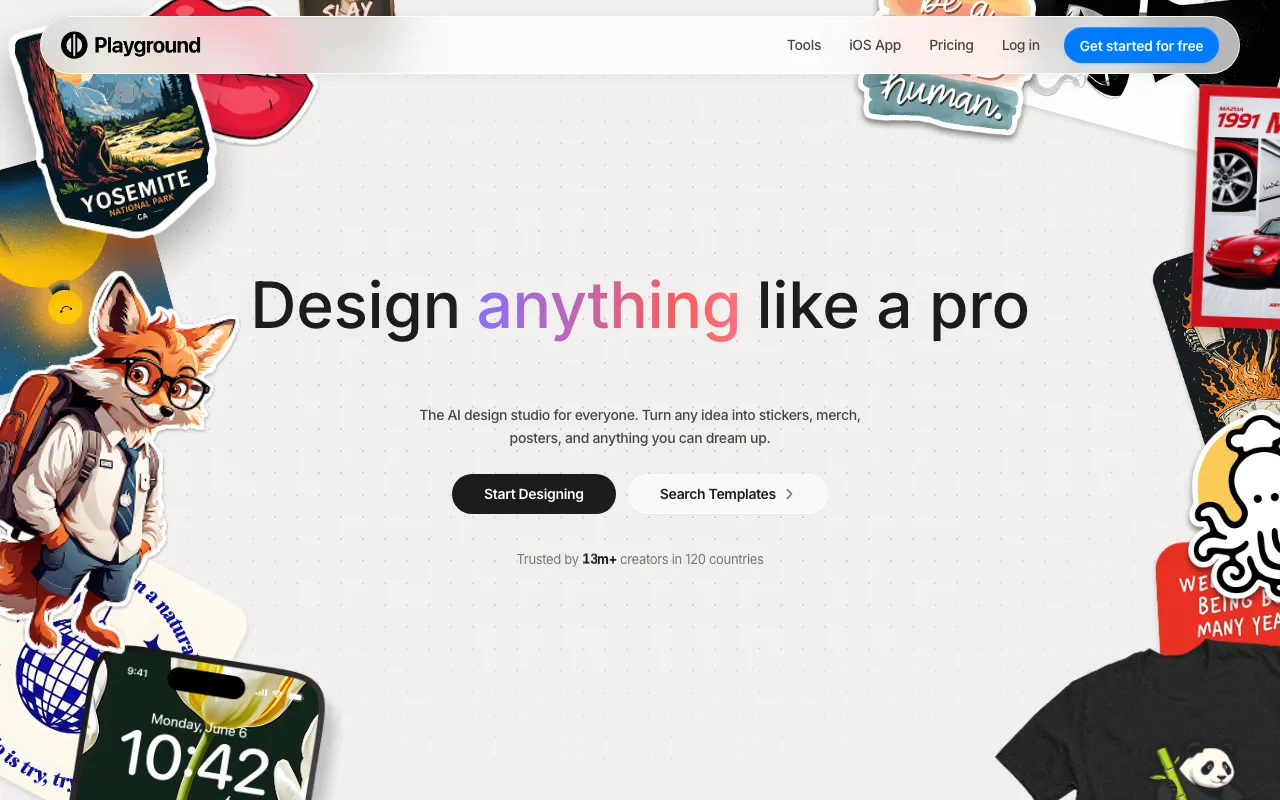
AI design studio for generating images, logos, posters, and print-ready merch from prompts or templates, backed by frontier image models
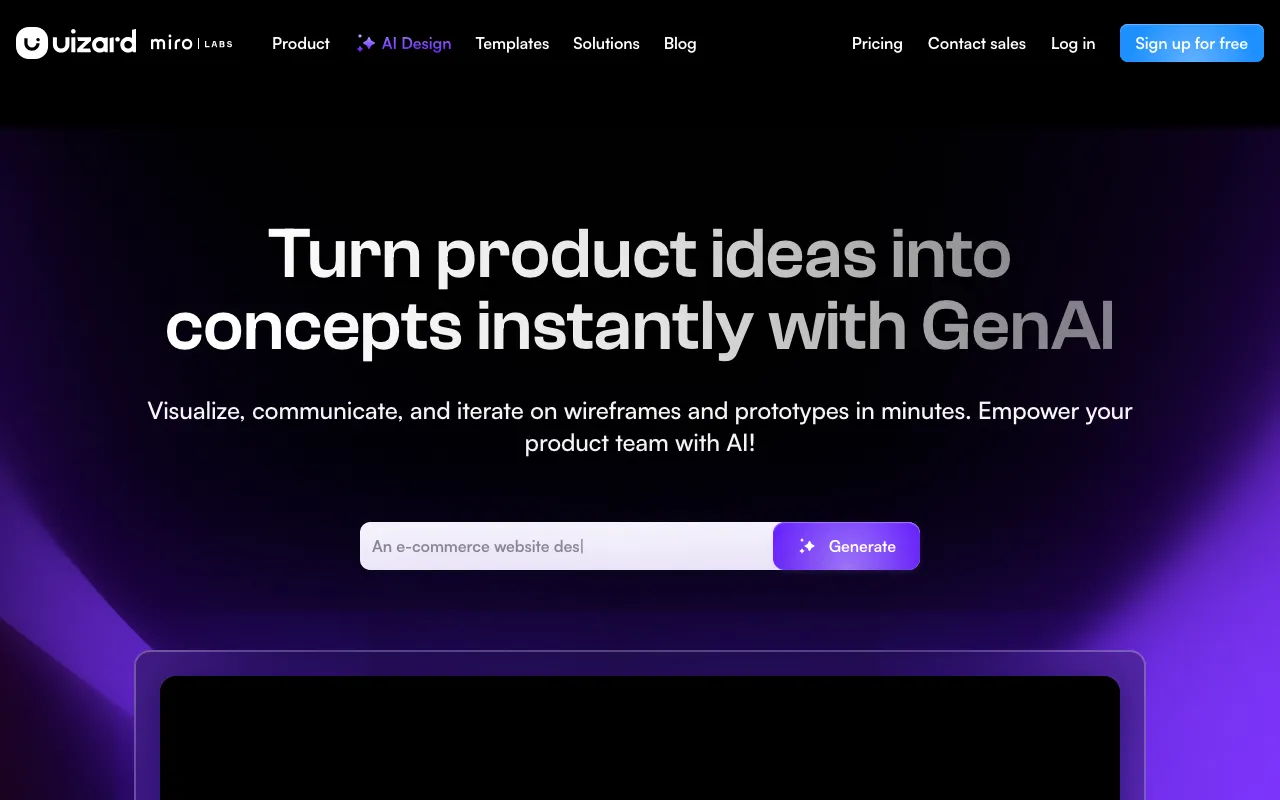
AI-powered UI design tool that generates multi-screen prototypes from text prompts
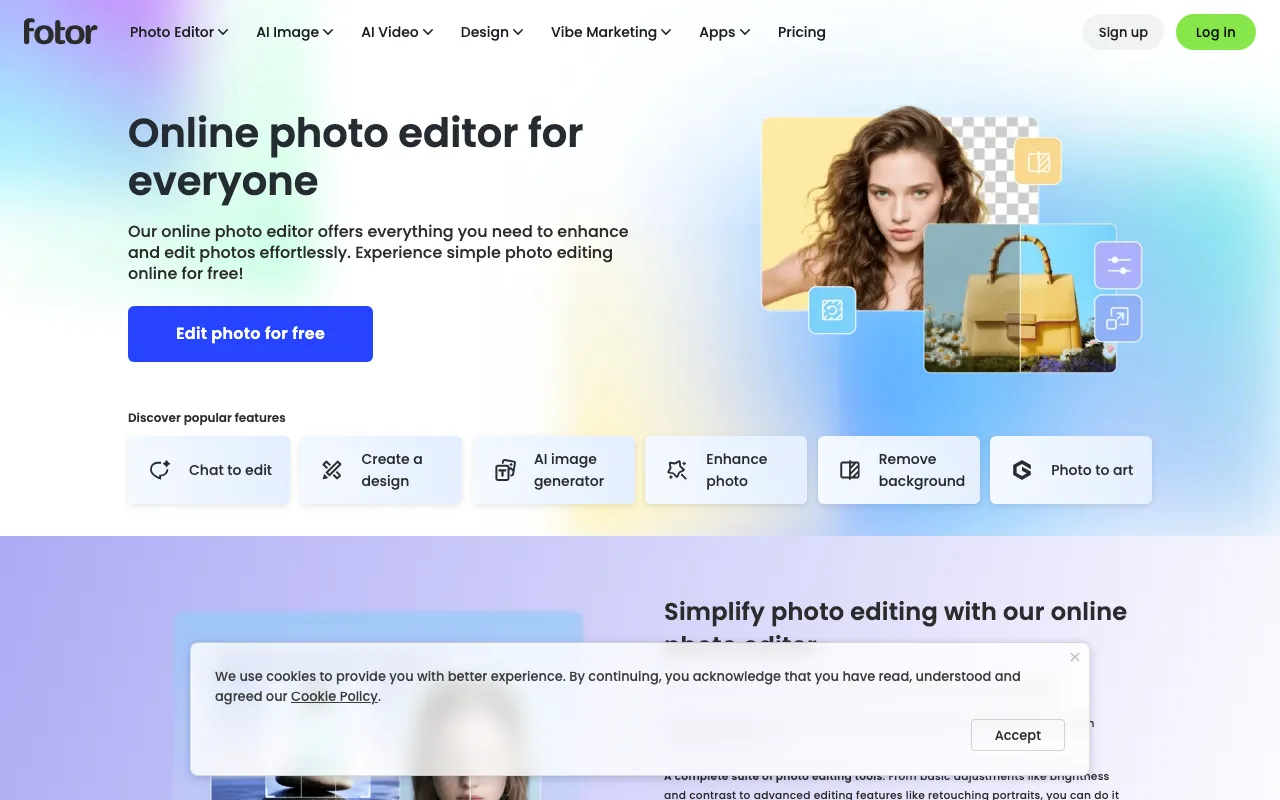
All-in-one AI photo editor and design suite with generation, background removal, and enhancement
Every tool in this list has a full profile in our directory with pricing verified against its official pricing page on the date shown on its stamp. Ranking reflects verified pricing, free-tier generosity, platform coverage, and documented capabilities. Rank is not for sale: a sponsor can buy only a separate slot marked Sponsored, outside the ranking. Read the full methodology.
Yes — 7 of the 7 tools here have a free tier: Canva, Microsoft Designer, Recraft, Photoroom, Playground, Uizard, Fotor. Pricing verified Jul 5, 2026.
Fotor has the lowest verified monthly starting price in this list at $8.99/mo, checked against its official pricing page on Jul 5, 2026.
4 of the 7 tools list an API: Canva, Recraft, Photoroom, Playground.