Vizcom
AI design tool that turns product and industrial design sketches into rendered concept images, animations, and 3D visuals
Vizcom converts hand-drawn sketches into photorealistic product renders, aimed squarely at industrial, automotive, and footwear designers rather than general image generation. The Starter tier is permanently free with 800 credits per month (roughly 200 images); Professional costs $49/user/month for 20,000 credits (roughly 5,000 images), 4K exports, and a priority render queue. Enterprise is custom-priced. Best for design teams that sketch first and need render fidelity without leaving the concept phase.
What is Vizcom?
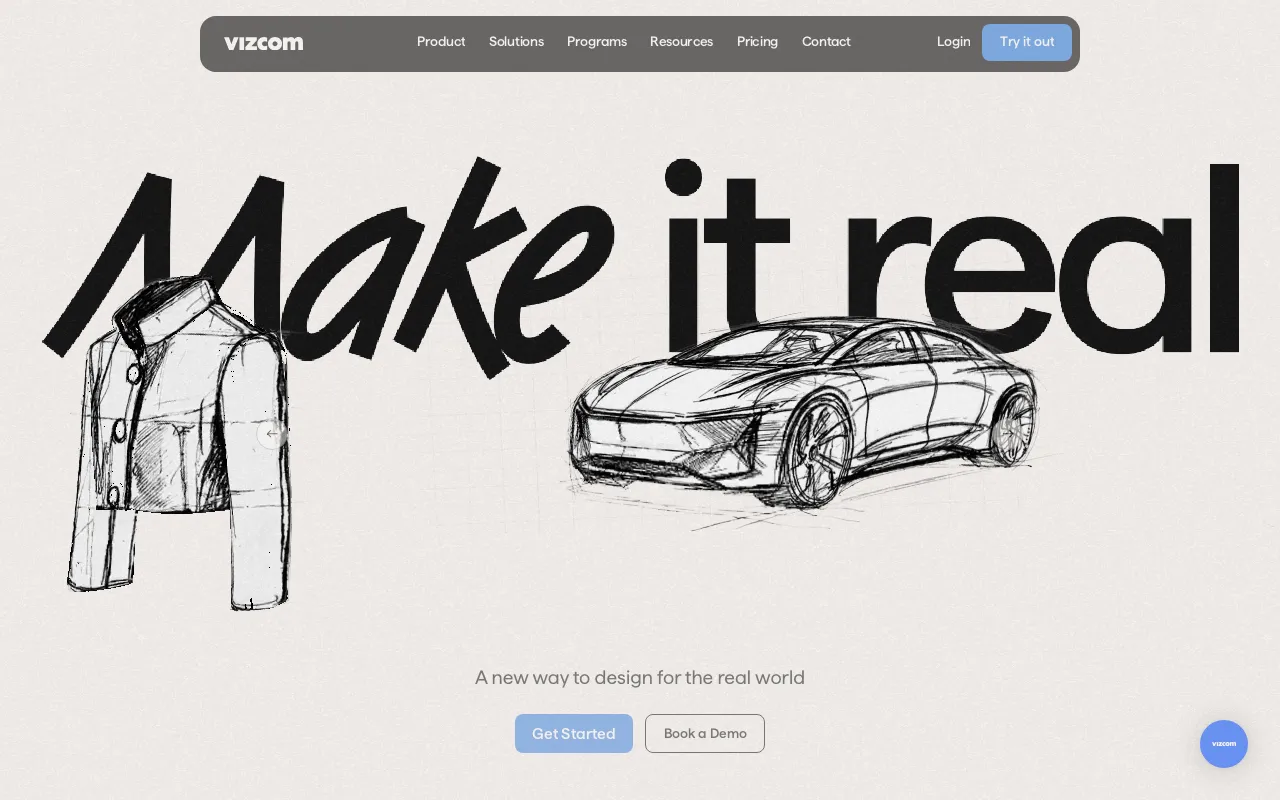
Vizcom is a web and desktop design platform that converts hand-drawn sketches into photorealistic renders. Unlike general text-to-image models, it treats the drawing as the source of truth: you sketch a form, and the render follows your linework and perspective rather than reinterpreting the prompt from scratch. From there you iterate with natural language — changing form, color, material, or style — and generate variations of the same concept without redrawing it. The platform also imports existing 3D models for instant material and colorway swaps, and generates short animations that place a concept in a real-world context.
Billing runs on credits rather than flat generation counts, which matters because costs vary sharply by output type. The free Starter tier’s 800 monthly credits stretch to roughly 200 images but only about 20 3D models; Professional’s 20,000 credits cover roughly 5,000 images or 500 3D models. Paid tiers add a priority render queue, Live Render for real-time feedback, 4K and 8K export, batch generation, and design privacy. Plan credits reset monthly and do not carry over, though separately purchased add-on credits do. Viewer seats are free on every plan, so bringing reviewers into a file costs nothing.
Who is it for?
Vizcom is built for designers who start with a sketch and need render fidelity during the concept phase — not for general illustration or marketing imagery. The free Starter tier is genuinely usable for evaluation and light work, but studios running real client volume will hit the credit ceiling quickly, and the value case depends on whether sketch-to-render actually replaces hours of manual visualization in your workflow.
- Industrial and product designers who need presentation-ready concept renders from rough sketches faster than manual visualization allows.
- Automotive and footwear design teams — the disciplines Vizcom targets most directly, with client names like Ford, Honda, Nissan, New Balance, and Brooks on its roster.
- Freelance concept renderers serving hardware clients, where the free tier covers evaluation and Professional’s 20,000 credits support paid project volume.
- Design students and educators who qualify for the free Education plan and its 15,000 monthly credits.
- In-house hardware teams needing SSO, audit logs, and centralized billing, which only appear on the quote-only Enterprise tier.
How much does Vizcom cost?
Starting price: $49/user/mo · Free tier: yes · Model: freemium
Price history tracked from June 2026
| Plan | Price | Includes |
|---|---|---|
| Starter | Free | 800 credits per month (~200 images, ~20 3D models) · Permanent free tier, no credit card required · Basic AI tools at standard render speeds · 1 seat, 25 GB storage · Unlimited free file viewers |
| Professional | $49/user/mo | 20,000 credits per month (~5,000 images, ~500 3D models) · Priority render queue and Live Render · 4K and 8K exports, upscaling, batch generation · Multi-image generation and full design privacy · 1 seat, 50 GB storage; credit add-ons purchasable · Annual billing advertised at 30% off |
| Education | Free | Free for qualified students and educators · 15,000 credits per month (~3,750 images) · Priority render queue included · Credit add-on purchases and student ambassador program |
| Enterprise | Custom | Unlimited seats and teams · Fastest renders and highest usage limits · SSO, audit logs, and custom security review · Centralized billing and team management · Dedicated onboarding and priority support |
What are Vizcom's key features?
- Sketch-to-render — converts hand drawings into full-fidelity visualizations while preserving the original linework
- Prompt-driven iteration on form, color, and style from a single base concept
- 3D model import with instant material and color swaps
- Animation generation for motion sequences and in-context product placement
- Live Render for real-time feedback as the sketch changes (Professional and above)
- Image editing and enhancement tools for both major edits and fine refinements
- 4K and 8K export with upscaling and batch generation on paid tiers
- Credit-based usage with monthly resets; purchased add-on credits roll over
What people use Vizcom for
- 01 Turning a rough automotive or footwear sketch into a photorealistic render for a client review the same day
- 02 Generating form, color, and material variations of one concept via natural language prompts instead of re-rendering each by hand
- 03 Importing an existing 3D model and swapping materials and colorways instantly for a lineup presentation
- 04 Creating short animations that place a product concept in a real-world context for pitch decks
- 05 Refining and upscaling an approved concept to 4K or 8K for stakeholder sign-off
Pros and cons
| Pros | Cons |
|---|---|
| Free Starter tier is permanent rather than a trial, with 800 monthly credits for real evaluation | Narrow by design — strong for product, automotive, and footwear concepting, but a poor fit for general illustration, marketing images, or graphic design work |
| Purpose-built for industrial design — respects sketch linework and perspective instead of reinterpreting the drawing like general image models | $49/user/month per seat adds up for studios, and Enterprise pricing is quote-only with no public figure |
| Free viewer seats on every plan, so reviewers and stakeholders cost nothing to add | Credit-based billing makes cost hard to predict; heavy 3D or animation runs drain credits far faster than still images |
| Education plan gives qualified students 15,000 credits per month at no cost | No public API, so it cannot be wired into an automated pipeline or an existing PLM/CAD toolchain |
| Sketch-to-render output still needs designer judgment — proportions and manufacturable detail are not guaranteed, and training-data provenance for commercial IP is not publicly documented |
What are the best Vizcom alternatives?
Meshy is the closest Vizcom alternative in our directory: it covers the same category (AI Design), starts at $0, has a free tier.
Ranked by category overlap with Vizcom, then free-tier availability, then lowest verified starting price — computed from our verified data, never from sponsorships.
| Alternative | What it is | Starting price | Free tier | Price verified |
|---|---|---|---|---|
| Meshy | AI 3D model generator that turns text or images into textured, riggable 3D models in seconds, with exports for game, film, AR/VR, and 3D-printing pipelines | $0 | yes | Jun 23, 2026 |
| Tripo | AI 3D model generator that turns text, images, or sketches into rigged, PBR-textured meshes for games, AR/VR, and 3D printing | $20/mo | yes | Oct 12, 2026 |
| Krea AI | Real-time AI creative suite for image, video, 3D, and lipsync generation with 150+ models in one canvas | $9/mo | yes | Oct 11, 2026 |
| Adobe Firefly | Commercially safe AI image generator trained on licensed content with Creative Cloud integration | $9.99/mo | yes | Aug 27, 2026 |
| Spline | Collaborative browser-based 3D design tool with AI 3D generation and interactive embeds for Webflow, Framer, and Wix Studio | $12/mo | yes | Jul 6, 2026 |
| Lovart | AI design agent that turns one prompt into full brand kits, posters, and videos by orchestrating multiple image and video models | $19.90/mo | yes | Jul 15, 2026 |
| Midjourney | AI image generator that creates high-quality art and photos from text prompts via web and Discord | $10/mo | no | Jun 11, 2026 |
How people make money with Vizcom
- Freelance concept rendering for product and industrial design clients — take a client's rough sketches or CAD exports and deliver presentation-ready render sets in a fraction of the time manual visualization takes, billing per concept board rather than per hour
- Sell design-team onboarding and prompt workflow training to hardware studios adopting sketch-to-render; the per-seat Professional plan and Enterprise tier give consultancies a natural retainer and referral path
Frequently asked questions
Is Vizcom free?
Yes. The Starter tier is permanently free with no credit card required and includes 800 credits per month — roughly 200 images, 14 animations, or 20 3D models. It covers basic AI tools at standard render speeds with 1 seat and 25 GB of storage.
How much does Vizcom Professional cost?
Professional is $49 per user per month, or about 30% less on annual billing. It includes 20,000 monthly credits (roughly 5,000 images or 500 3D models), a priority render queue, Live Render, multi-image generation, 4K and 8K exports, and full design privacy.
What happened to vizcom.ai?
The product is alive and active — it simply moved domains. Requests to vizcom.ai now redirect permanently to vizcom.com, which hosts the current site, app, and pricing. The older Organization tier naming has been replaced by Enterprise.
How do Vizcom credits work?
Every generation spends credits, with 3D models and animations costing far more than still images. Plan credits reset each month and do not carry over, but add-on credits purchased separately do roll over. Professional and Education users can buy add-on credits; Starter users cannot.
Does Vizcom have an API?
No public developer API is offered. Vizcom is used through its web app and a downloadable desktop version, so it cannot currently be scripted into an automated render pipeline or integrated directly with CAD or PLM systems.
Is Vizcom free for students?
Yes. Qualified students and educators get an Education plan at no cost with 15,000 credits per month — roughly 3,750 images — plus the priority render queue, the ability to buy add-on credits, and access to the student ambassador program.
Who actually uses Vizcom?
It targets industrial, automotive, footwear, apparel, and gaming designers. The company lists 50+ commercial clients including Ford, Honda, Nissan, New Balance, Brooks, Dell, and Hasbro, which reflects its focus on hardware and physical product teams rather than general creative work.