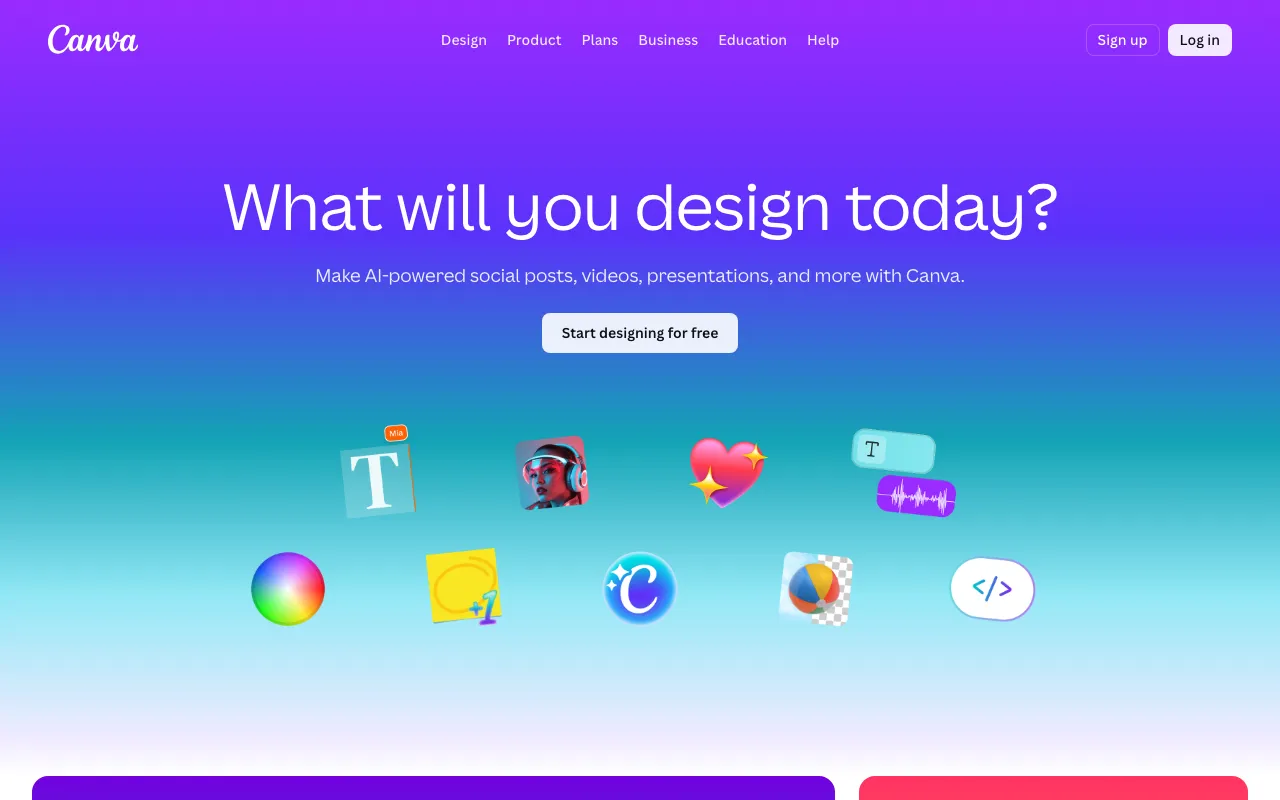
Canva
AI-powered design platform with templates, image generation, and Magic Studio tools
FREEMIUM Verified JUN 11, 2026
8 tools ranked · last updated Jun 28, 2026 · how we picked
The best AI design tool in 2026 is Canva, whose Magic Studio bundles image generation, copywriting, layout, and resizing inside one editor for about $15/month — backed by a genuinely usable free tier of 1.6 million templates and 5 GB storage at $0. The best free pick is Microsoft Designer, which generates and edits images from text prompts with DALL-E 3 at $0, and the strongest value for professional vector and brand work is Recraft at $10/month with 50 free credits per day.
Prices last verified Oct 21, 2026 against official pricing pages.
Canva is a browser-based design platform whose Magic Studio AI suite bundles five workflows in one editor: Magic Design generates full layouts from a prompt, Dream Lab produces images, Magic Write drafts copy, Magic Resize reformats one asset across platforms, and Magic Charts turns data into graphics. The free tier is genuinely usable — 1.6 million templates and 5 GB storage at $0 — and Pro is about $15/month, unlocking premium templates, 100 GB storage, background removal, and full Magic Studio access. It runs in the browser, on iOS and Android, and as a desktop app, with a Connect API for enterprise. It fits marketers, content creators, and small teams who need polished visuals without hiring a designer or learning Adobe. The honest caveat: Dream Lab’s image quality trails specialists like Midjourney for photorealism, and AI credit limits on free and Pro are not clearly published, so heavy use can hit unexpected blocks mid-workflow.
Recraft is an AI image and vector generator built for production designers: it outputs native vector graphics directly from text prompts — rare among AI generators — so icons and logos come out scalable without manual tracing in Illustrator. Its custom style system lets you upload reference images to define a reusable look that persists across dozens of assets, enforcing brand consistency without model fine-tuning. The free tier refreshes 50 credits per day (about 1,500 a month) but places images in a public gallery with no commercial rights; paid plans start at $10/month billed annually for 1,000 credits with full ownership and commercial use. It also generates product mockups at 2 credits each and offers an API. It fits brand and identity designers, e-commerce marketers, and stock contributors. The caveat: monthly subscription credits do not roll over, and Creative Upscale costs 20 credits per image, which depletes the Basic quota quickly.
Microsoft Designer is a free, AI-powered design app for social posts, images, stickers, cards, and quick edits from text prompts, with image generation powered by DALL-E 3. You describe an image, Designer creates it, and you drop it into templates or refine it with one-click AI edits like background removal, object erase, auto-crop, and restyle. It is free to start at $0, metered by a monthly allotment of AI credits (reported around 15 per month, one per interaction); a Microsoft 365 subscription unlocks up to 4x more credits — Personal $9.99/month, Family $12.99/month, or Premium $19.99/month — plus Copilot integration across Word, PowerPoint, and Photos. It fits non-designers who want presentable graphics fast, especially people already inside the Microsoft ecosystem. The honest caveat: the free tier’s roughly 15 credits exhaust quickly under heavy AI use, and in paid household plans the expanded AI features apply to the subscription owner rather than every member.
Framer is a no-code website builder that merges a visual design canvas with production hosting, a built-in CMS, and AI layout generation — what you design publishes straight to a CDN with no separate deploy step. The AI layer turns a plain-text description into a starting layout you refine visually, cutting blank-canvas time for landing pages and pricing tables. The free plan is usable for personal projects: 1,000 pages, 10 CMS collections, and AI design tools at $0, though without a custom domain. Paid plans start at $10/month (Basic, billed annually) for a custom domain, with Pro at $30/month adding staging, rollback, and relational CMS. It fits solo designers, freelancers, and early-stage SaaS teams shipping polished marketing sites without a front-end developer. The caveat: CMS item limits (1,000 on Basic, 2,500 on Pro) are low for content-heavy sites, and additional editors cost $20/seat/month, which raises team cost quickly.
Photoroom is an AI photo editor built for e-commerce: it takes a raw product photo, removes the background, drops the item onto an AI-generated studio or lifestyle scene, adds realistic shadows, and retouches blemishes — then does it in batch across an entire catalog in one pass. It spans web, iOS, Android, and a SOC 2 Type 2 certified API from one account. The free plan includes the background remover but caps monthly exports and AI generations, making it closer to a trial; Pro is $12.99/month (about $7.50/month billed annually) for 5x the AI credits, batch editing, HD exports, and 1,000+ templates, and Max is $34.99/month for triple the credits and faster models. It fits online sellers, resellers, and marketing teams producing listing images at volume. The caveat: it is focused on product and photo editing, not general text-to-image art, and the free tier’s low limit is more evaluation than working tier.
Napkin AI converts written text into visuals: paste a paragraph or outline, select it, and Napkin generates diagrams, flowcharts, infographics, mind maps, or charts that match the meaning — no prompt engineering. Crucially the output is not a flat image; every element stays editable, so you recolor, reshape, and swap icons until it fits your deck or document. The free plan is free forever at $0 with 500 AI credits per week and PNG/PDF export, though visuals carry Napkin branding; Plus is $9 per person/month (annual) for 10,000 monthly credits, unlimited PPT and SVG export, and watermark removal, and Pro is $22 for 30,000 credits and custom branding. It fits founders, writers, and product teams who write more than they design. The caveat: there is no public API, the mobile app is view-only, and the credit model (roughly one per word) is consumed quickly on long documents.
Looka is an AI logo maker: enter a business name and industry, pick visual styles, and it generates 40–60 logo concepts in under a minute, which you customize in an editor before paying. The design phase is free, but there is no free download — a single PNG costs $20 one-time, and the $65 Premium package adds vector files (SVG, EPS, PDF), transparent backgrounds, color variations, unlimited post-purchase edits, and full commercial ownership. Brand Kit subscriptions add 300+ branded templates — business cards, signatures, social images — at $96/year, or $129/year with an AI website builder. It fits solo founders, local service businesses, and side-project creators who need a functional brand identity fast without a $500–$2,000 design engagement. The honest caveat: AI logos share recognizable structural patterns that can look generic for creative or consumer brands, and Brand Kit subscriptions require emailing support to cancel rather than self-serve.
Uizard is an AI UI design tool whose Autodesigner turns a plain-text description into a multi-screen interactive prototype in seconds — structured, editable UI components rather than flat mockups. Two scanners extend it: Screenshot Scanner converts any app screenshot into an editable mockup, and Wireframe Scanner digitizes a hand-drawn sketch photographed on a phone. The free tier validates an idea with 3 AI generations per month, 2 projects, and up to 5 screens each; Pro is $12/month (billed annually) for 500 AI generations, unlimited screens, Autodesigner 2.0, and React/CSS developer handoff, while Business is $39/month for 5,000 generations and a custom brand kit. It fits product managers, founders, and non-designers who need a clickable prototype for testing or an investor meeting without Figma expertise. The caveat: output fidelity is lower than Figma or Framer and usually needs manual polish, and the free tier’s 3 generations run out fast during iteration.
All eight tools were selected because they cover distinct jobs in the AI design market: all-around marketing design, vector and brand assets, free image generation, AI web design, e-commerce product photos, text-to-diagram visuals, logo and brand identity, and UI prototyping. We ranked them on capability, verified-pricing value, free-tier generosity, and fit for the specific job — never popularity and never payment. We left out tools better classified elsewhere: Durable is an all-in-one website-and-business suite with template-driven design control, and v0 is a front-end code generator that belongs with coding tools. Pricing was verified 2026-06-28 against each product’s profile; no tool paid to appear.
AI-powered design platform with templates, image generation, and Magic Studio tools
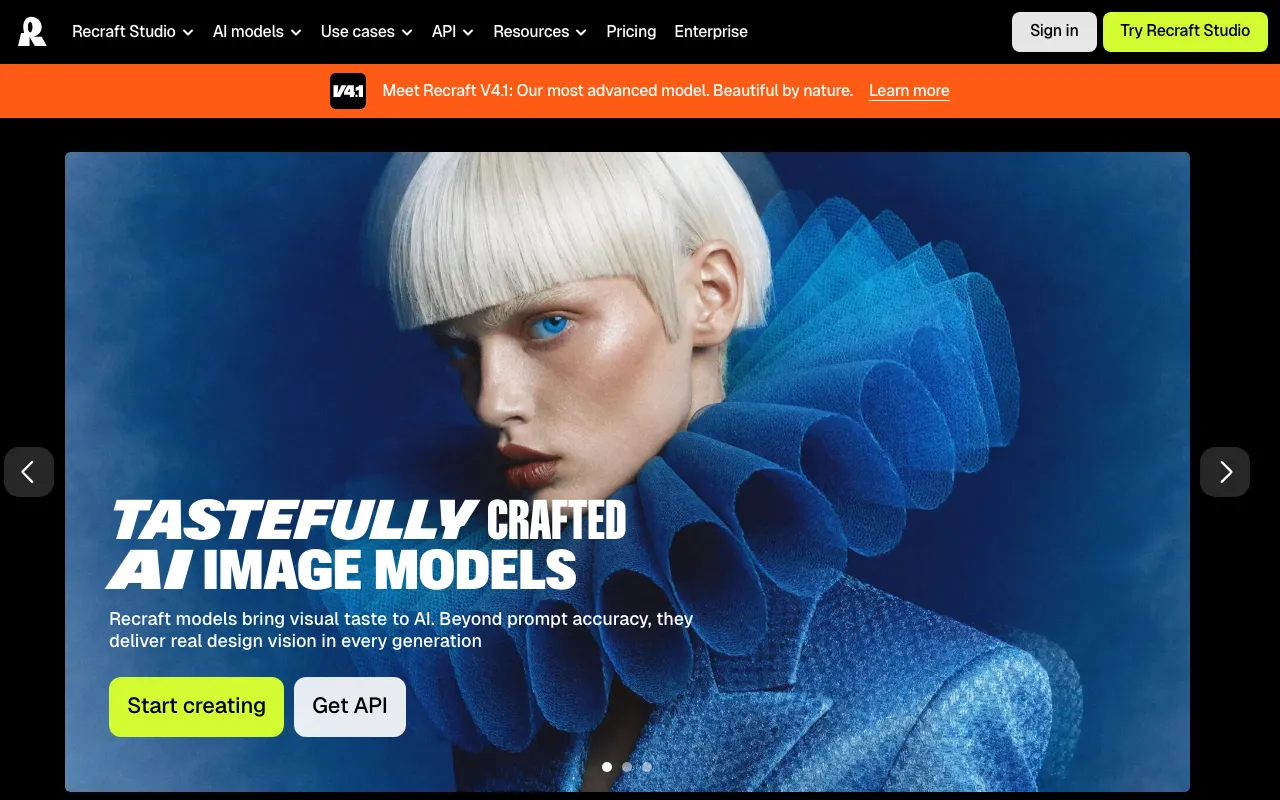
AI image and vector generator with custom styles, mockups, and design-ready output
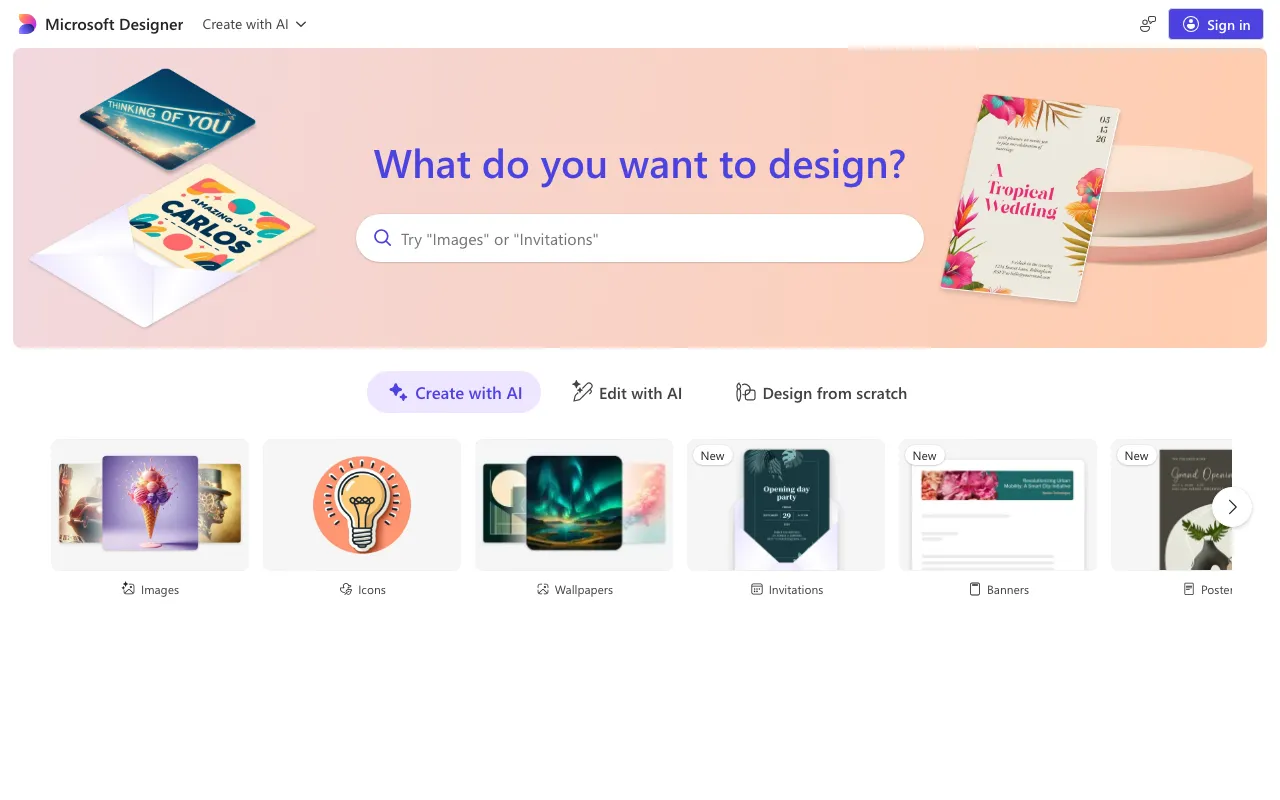
Free AI graphic design app for images, social posts, stickers, and edits from text prompts, powered by DALL-E 3
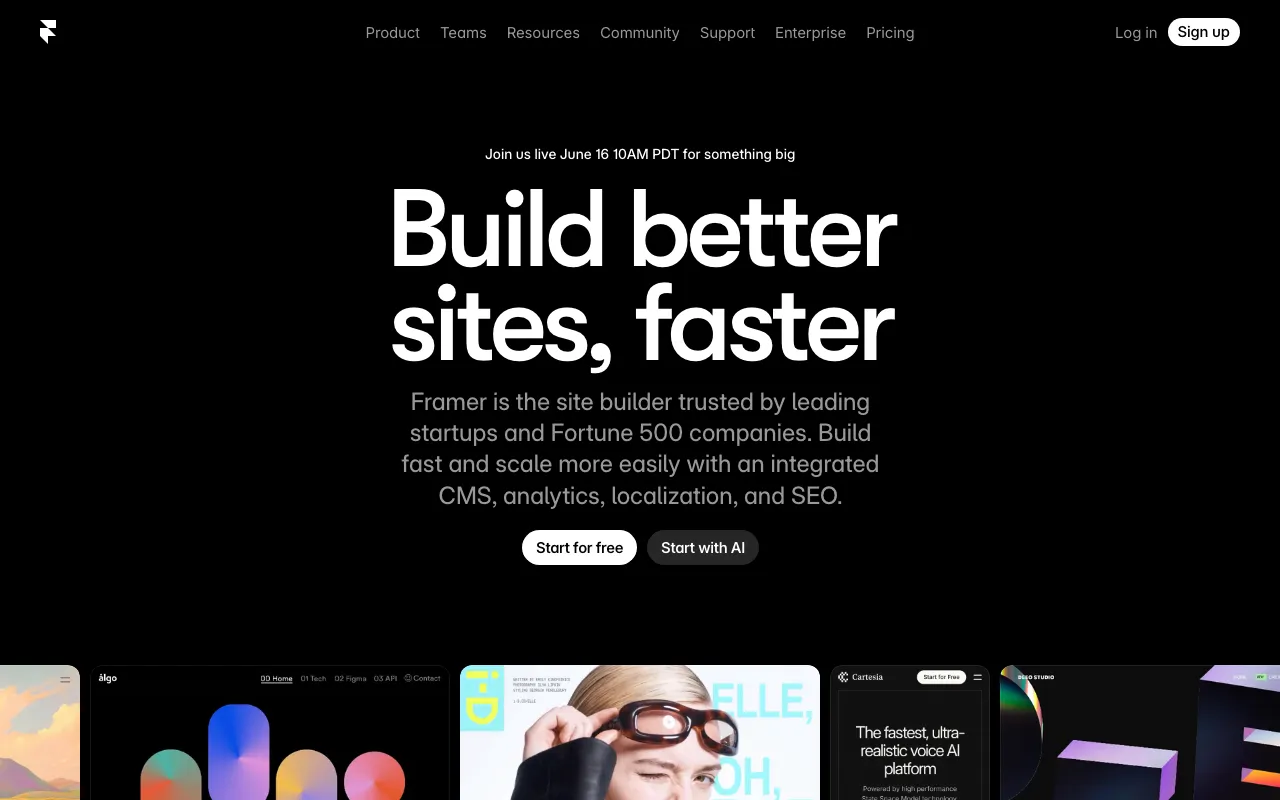
No-code website builder with AI design generation and built-in CMS, hosting and analytics
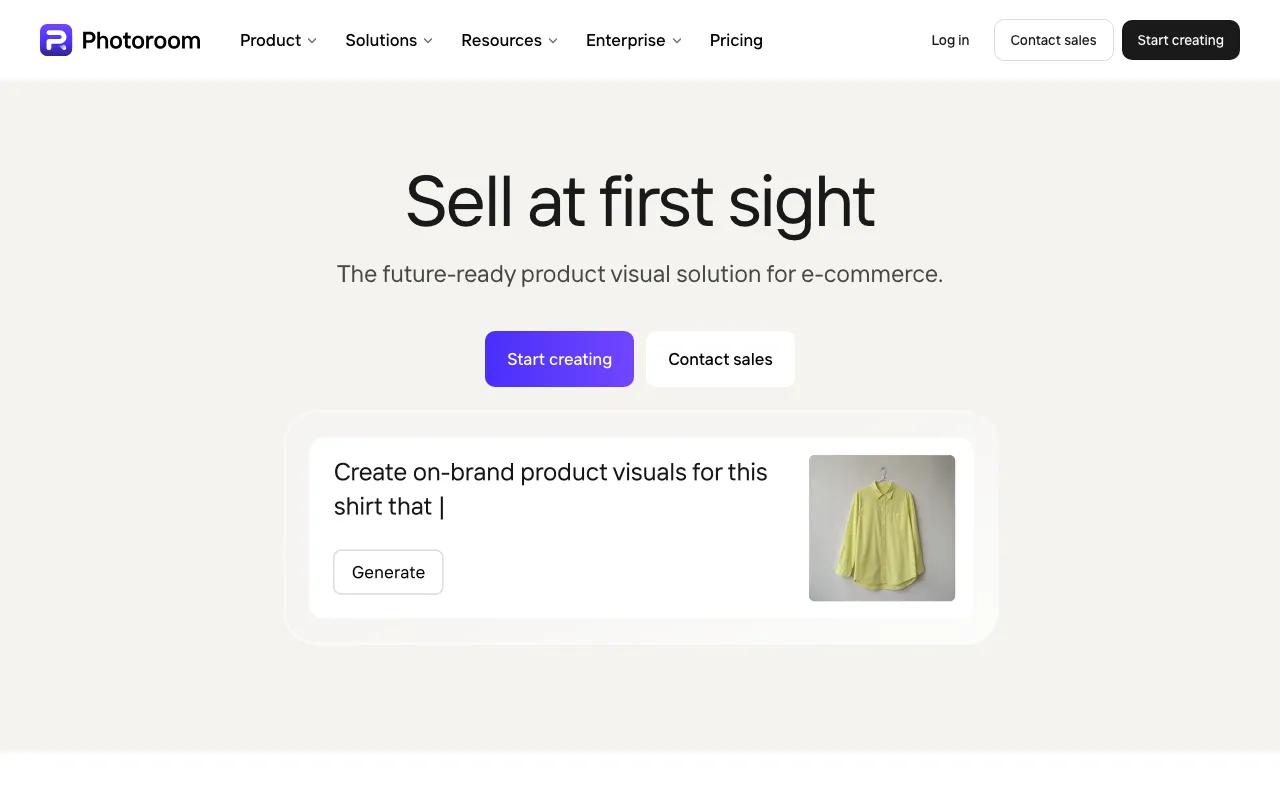
AI photo editor for e-commerce — background removal, AI product backgrounds, and batch editing
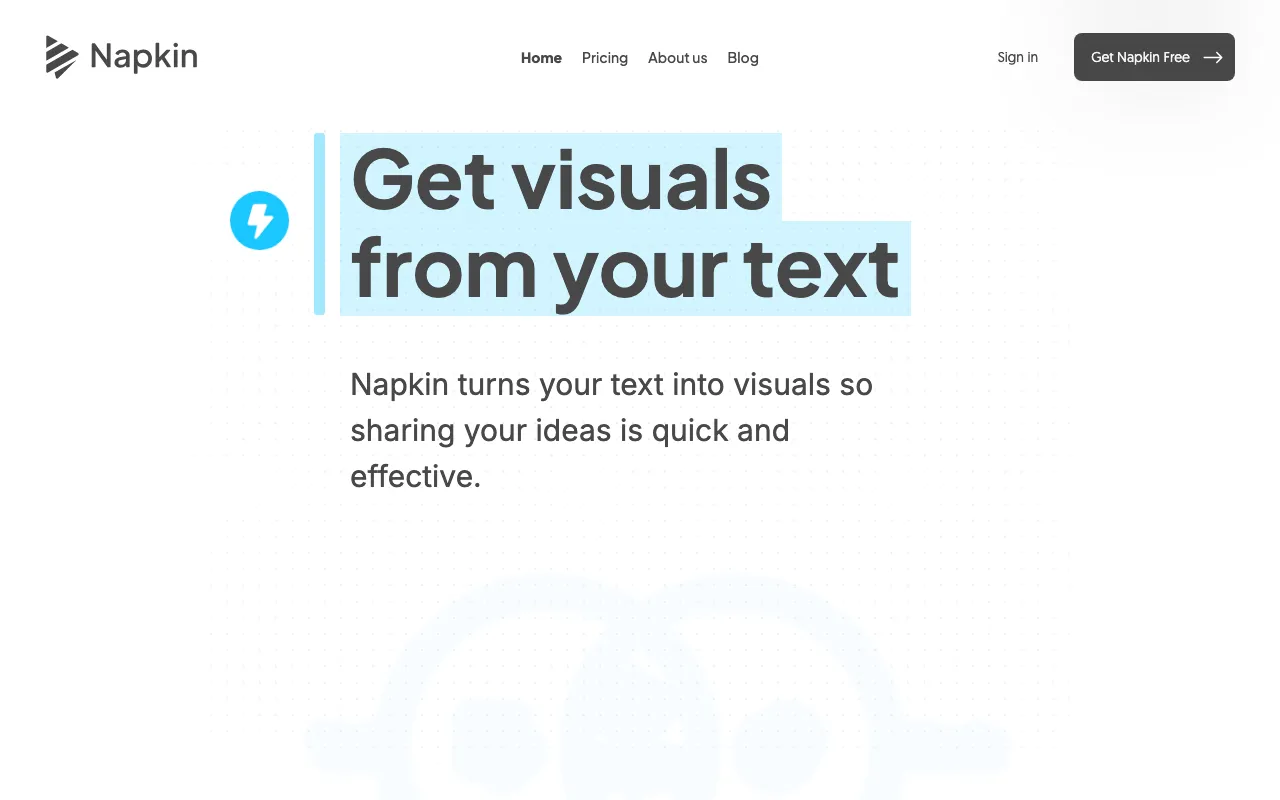
Turns plain text into editable diagrams, flowcharts, infographics, mind maps, and charts for presentations, docs, and social posts
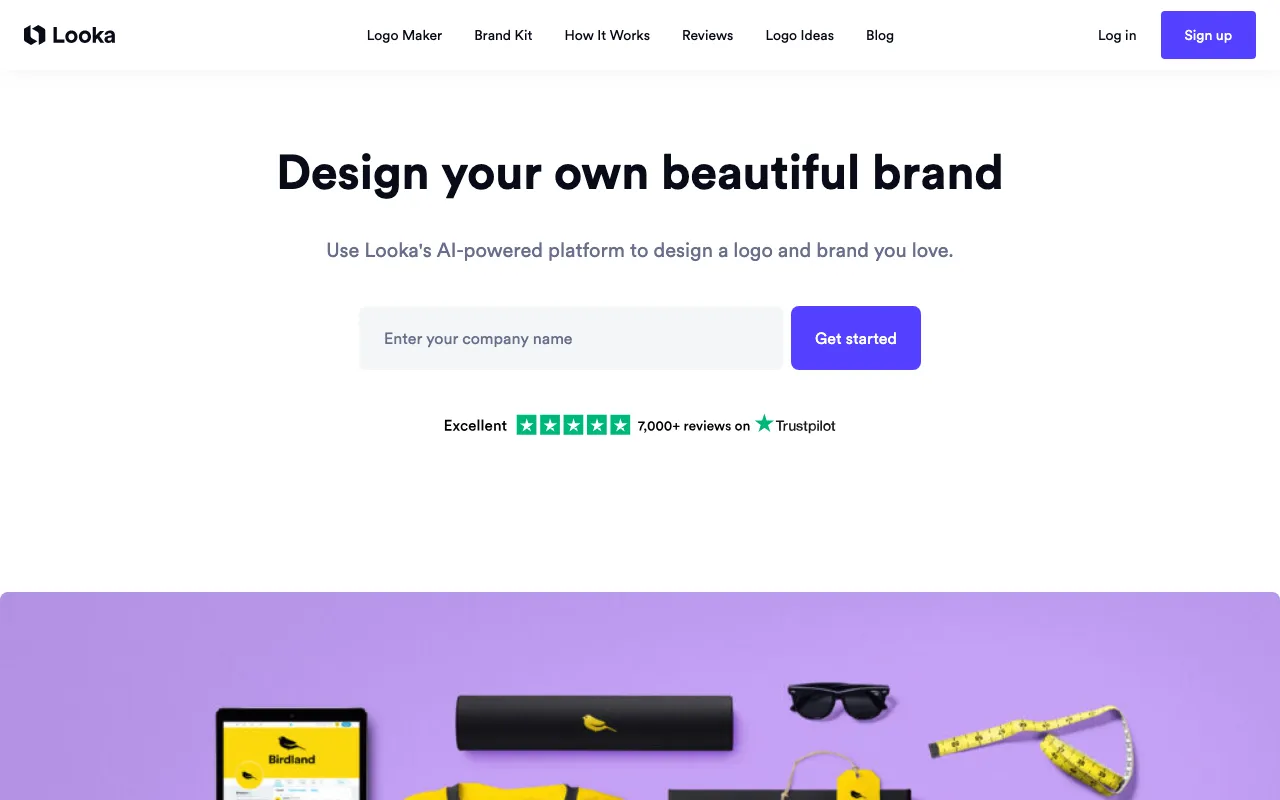
AI logo maker and brand kit generator for small businesses
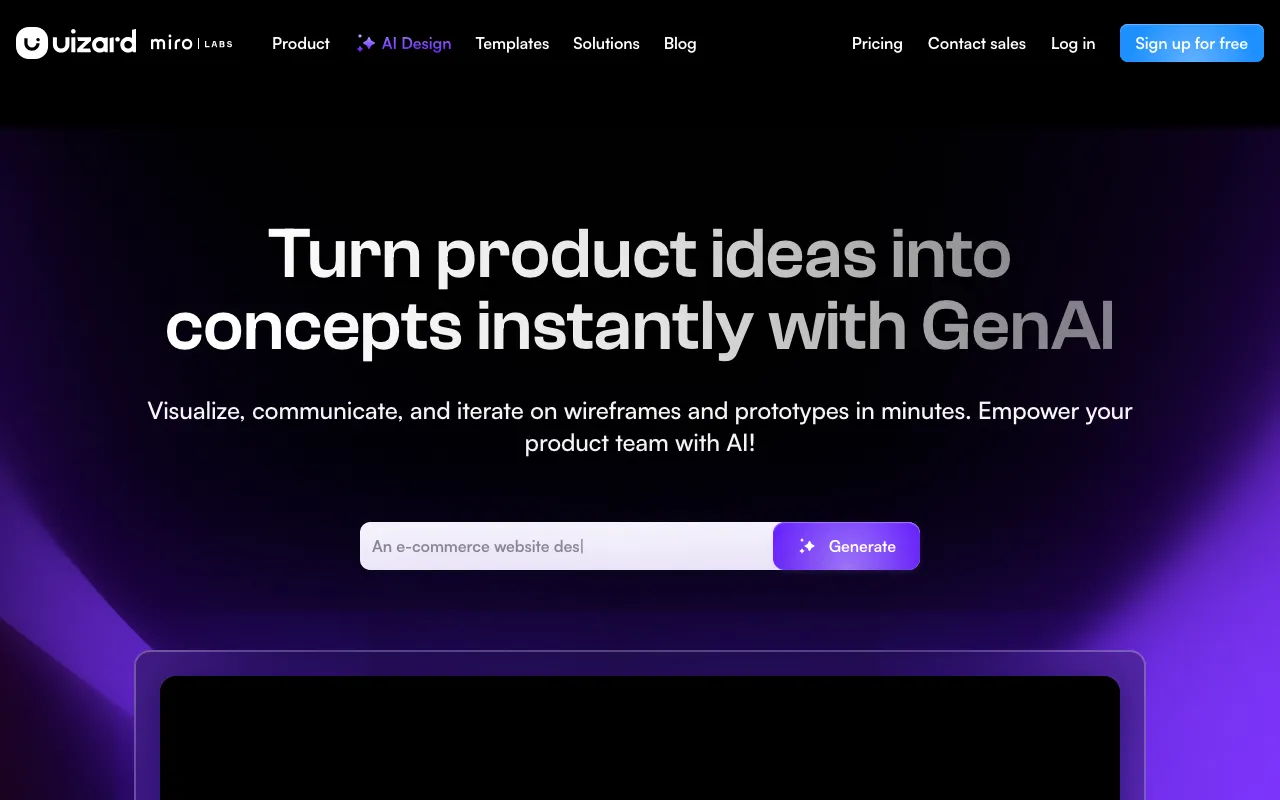
AI-powered UI design tool that generates multi-screen prototypes from text prompts
Every tool in this list has a full profile in our directory with pricing verified against its official pricing page on the date shown on its stamp. Ranking reflects verified pricing, free-tier generosity, platform coverage, and documented capabilities. Rank is not for sale: a sponsor can buy only a separate slot marked Sponsored, outside the ranking. Read the full methodology.
Yes — 7 of the 8 tools here have a free tier: Canva, Recraft, Microsoft Designer, Framer, Photoroom, Napkin AI, Uizard. Pricing verified Jun 28, 2026.
Recraft has the lowest verified monthly starting price in this list at $10/mo, checked against its official pricing page on Jul 3, 2026.
3 of the 8 tools list an API: Canva, Recraft, Photoroom.