
Claude
Anthropic's AI assistant built for long-context analysis, coding, and safe reasoning
FREEMIUM Verified JUL 3, 2026
7 tools ranked · last updated Jul 20, 2026 · how we picked
The best AI tool under $20 a month in 2026 is Claude Pro at $20/month, the strongest reasoning and long-document assistant at this price. GitHub Copilot Pro is the cheapest pick here at $10/month for unlimited code completions, and Notion, Fireflies.ai and Framer also start at $10. This list covers the $10–$20 entry-price band specifically — tools whose paid plans start below $10 are covered on our separate under-$10 list — and every price below was read off the product's own pricing page.
Prices last verified Aug 27, 2026 against official pricing pages.
Claude ranks first on the merits, not on price: its flagship models carry a 200,000-token context window, so a full contract, report, or codebase goes in whole rather than arriving as retrieved fragments, and its long-document comprehension and nuanced reasoning are the most consistent in this list. Pro is $20/month, or $17/month billed annually — the top of this band, which is worth saying plainly, since you can buy three of the other tools here for the same money. Pro adds roughly 5x the free usage, unlimited projects, Research mode, and access to Claude Code, the agentic terminal assistant, which means the coding job is partly covered by this single subscription. Above it, Max costs $100/month and $200/month. Two caveats: free and Pro limits are not stated as fixed message counts, so capacity is genuinely hard to predict mid-task, and Claude analyses images but cannot generate them.
Copilot Pro is $10/month, the cheapest entry price in this list, and it buys unlimited inline code completions plus $15/month of AI credits, cloud agent access, and automated pull-request review. It ranks here rather than a dedicated AI editor because it installs into what you already use — VS Code, Visual Studio, JetBrains, Neovim, Xcode, Eclipse — instead of asking you to migrate, and because its GitHub integration puts your PRs, issues, and repositories in context by default. The free tier is unusually generous for evaluation at 2,000 completions and 50 chat requests a month, and agent mode will plan and execute multi-file tasks without step-by-step direction. Two caveats: Pro new signups were paused at the time of our last verification, so availability may vary, and premium models such as Claude Opus plus meaningfully higher usage require Pro+ at $39/month — a jump well outside this band.
Notion Plus is $10/member/month and turns the free plan into something a team can actually run on: unlimited file uploads, 30-day page history, unlimited external guests, custom forms and sites, and Slack and Google Drive connections. The underlying model is what earns the placement — relational databases where a CRM row can link to meeting notes which link to action items, which is why one subscription tends to replace a wiki tool and a project tracker at once. Be clear about what $10 does not include, though: the autonomous Notion Agent and full AI Meeting Notes sit on the Business tier at $20/member/month, still inside this band but double the entry price and per seat, so a five-person team is $100/month. Two caveats: the free plan stops new content at a block cap once a workspace has two or more members, and offline support is limited versus desktop-native note tools.
Fireflies joins Zoom, Google Meet, and Teams calls as a bot, transcribes them at a reported 95% accuracy across 100+ languages, then produces summaries and extracted action items you can search by keyword or query in natural language through its AskFred assistant. Pro is $10/month billed annually — $18/month if you pay monthly, a gap worth checking before you sign up — and raises storage to 8,000 minutes per seat with 20 AI credits a month, downloadable transcripts, talk-time analytics, and unlimited integrations. Business is $19/month annually for unlimited storage, 30 credits, and video recording up to three hours per session. API access is included even on the free plan, which is rare. Two caveats: the free tier’s 400 minutes of storage is per team, not per user, so a daily hour-long standup exhausts it inside a week, and the bot-joining model can feel intrusive to other participants.
Wispr Flow is system-wide AI dictation: hold a hotkey, talk, and cleaned-up text lands in whatever app has focus — email, Slack, a document, a code editor — rather than in a separate transcription window you then copy from. The distinguishing layer is the editing, which strips filler words, adds punctuation and capitalisation, structures lists, and adapts format to context, so the output reads as writing rather than a transcript. Flow Pro is $15/month, or $12/month billed annually at roughly $144/year, for unlimited words on all platforms plus command mode for voice editing. The free Basic tier gives 2,000 words a week on Mac or Windows and 1,000 on iPhone, enough to test the habit. Two caveats: audio is processed in the cloud with OpenAI as a subprocessor and there is no offline mode, and a full Android release was still in limited rollout at verification.
Descript inverts video editing: it transcribes your recording and makes the transcript the editing surface, so deleting a sentence removes the footage and rearranging paragraphs rearranges the cut. For interview, podcast, and talking-head content — where the edit follows the script — this removes most of the timeline scrubbing, and the filler-word remover and one-click Studio Sound cleanup work without manual tuning. Hobbyist is $16/month billed annually, which is $24/month if you pay monthly, and includes 10 media hours a month, 400 AI credits, 1080p watermark-free export, and the Underlord AI co-editor. Creator is $24/month annually for 30 hours, 800 credits, and 4K export. Two caveats: AI credits do not roll over and long projects exhaust them faster than the numbers suggest, and video translation and dubbing are locked behind the $50/month Business tier.
Framer is the pick when the job is a live marketing site rather than a mockup: you design on a visual canvas, describe layouts in plain text to have AI generate a starting structure, and publish straight to a CDN with automatic SSL, so there is no separate hosting or deploy step. Basic is $10/month billed annually and is essentially the custom-domain tier — it adds your own domain, 30 site pages, 2 CMS collections holding up to 1,000 items, 50 GB bandwidth, and built-in SEO controls. The free plan is genuinely usable for personal work at 1,000 pages and 10 CMS collections, with the AI design tools included, but no custom domain. Two caveats: Basic’s CMS limits are low for anything content-heavy and staging and rollback only arrive on Pro at $30/month, and each additional editor costs $20/seat/month.
The rule for this list is narrow and mechanical: every tool’s cheapest paid plan must sit between $10 and $20 a month, which is why several obvious names are missing — anything starting below $10 belongs on our separate under-$10 list, and anything starting above $20 fails the band outright. Within that constraint we ranked by how much a single subscription accomplishes, and we picked one tool per job rather than stacking three coding assistants, so each entry here is the strongest thing in the band at something the others do not do. Two details did most of the sorting: whether the advertised price is a real month-to-month rate or an annual-billing figure, which we flagged for Fireflies, Wispr Flow, Descript and Framer, and whether the AI features people actually want are included at the entry tier or held one plan higher, as with Notion and GitHub Copilot. Pricing was verified on July 20 2026 against each product’s official pricing page; no tool paid or provided incentives to appear.
Anthropic's AI assistant built for long-context analysis, coding, and safe reasoning
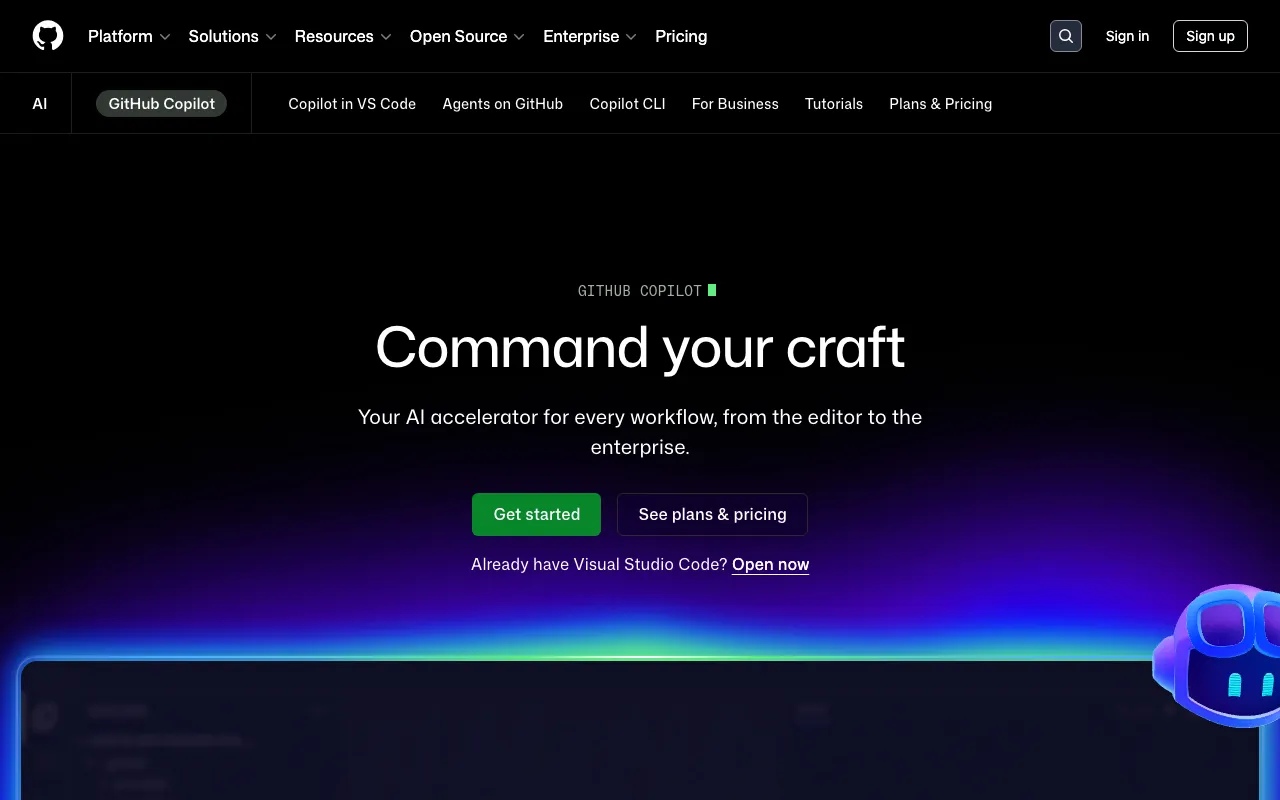
AI coding assistant with inline completions, chat, and autonomous agent mode across major IDEs
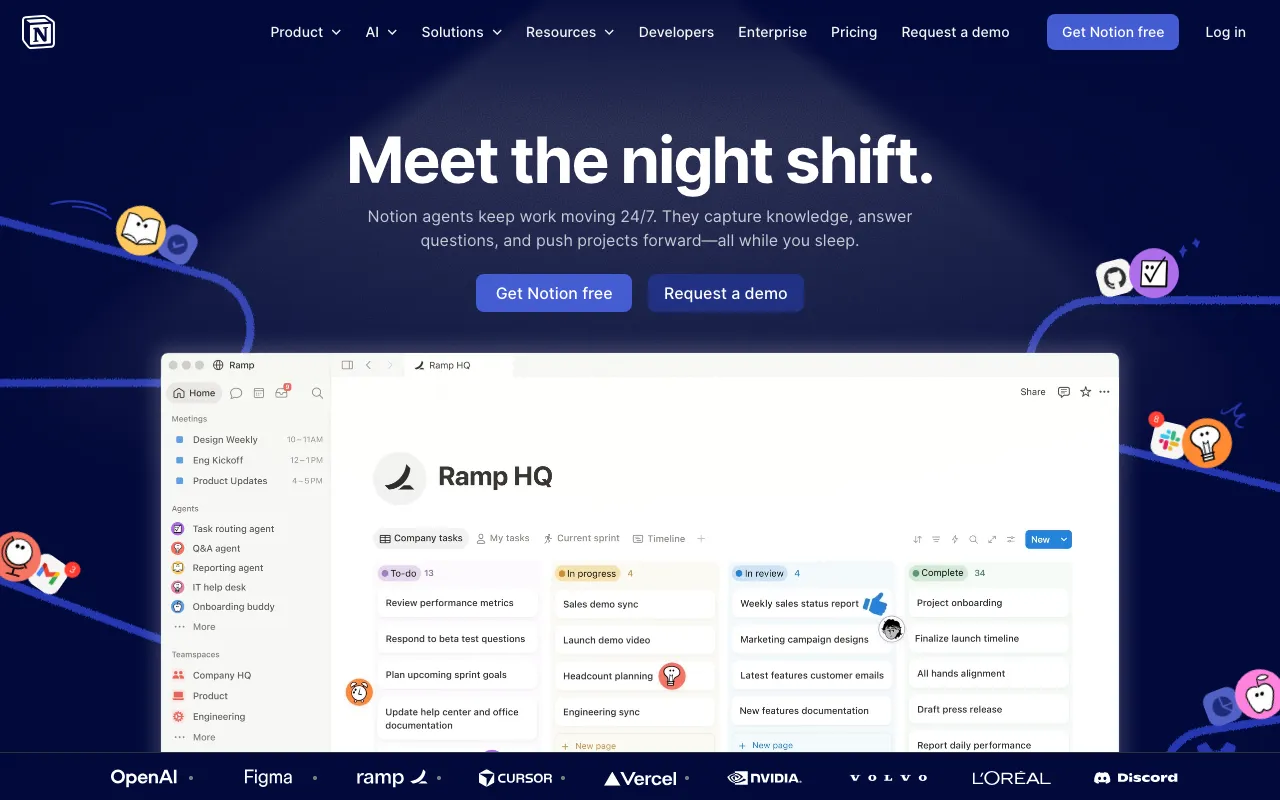
AI workspace combining docs, databases, projects, and autonomous agents in one platform
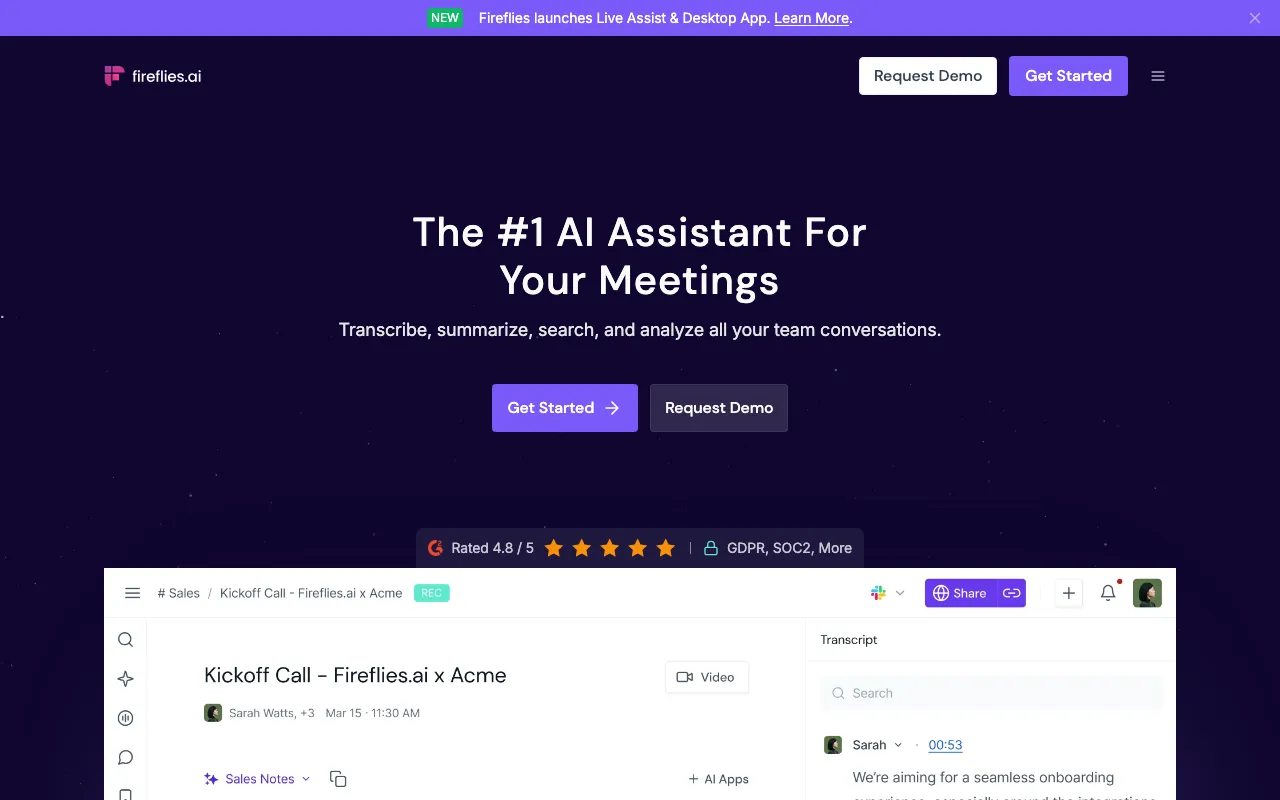
AI meeting assistant that transcribes, summarizes, and searches your conversations
AI dictation that types your speech into any app with automatic editing and formatting
Text-based video and podcast editor with AI transcription, voice cloning, and filler-word removal
No-code website builder with AI design generation and built-in CMS, hosting and analytics
Every tool in this list has a full profile in our directory with pricing verified against its official pricing page on the date shown on its stamp. Ranking reflects verified pricing, free-tier generosity, platform coverage, and documented capabilities. Rank is not for sale: a sponsor can buy only a separate slot marked Sponsored, outside the ranking. Read the full methodology.
Yes — 7 of the 7 tools here have a free tier: Claude, GitHub Copilot, Notion, Fireflies.ai, Wispr Flow, Descript, Framer. Pricing verified Jul 20, 2026.
GitHub Copilot has the lowest verified monthly starting price in this list at $10/mo, checked against its official pricing page on Jul 3, 2026.
3 of the 7 tools list an API: Claude, Notion, Fireflies.ai.