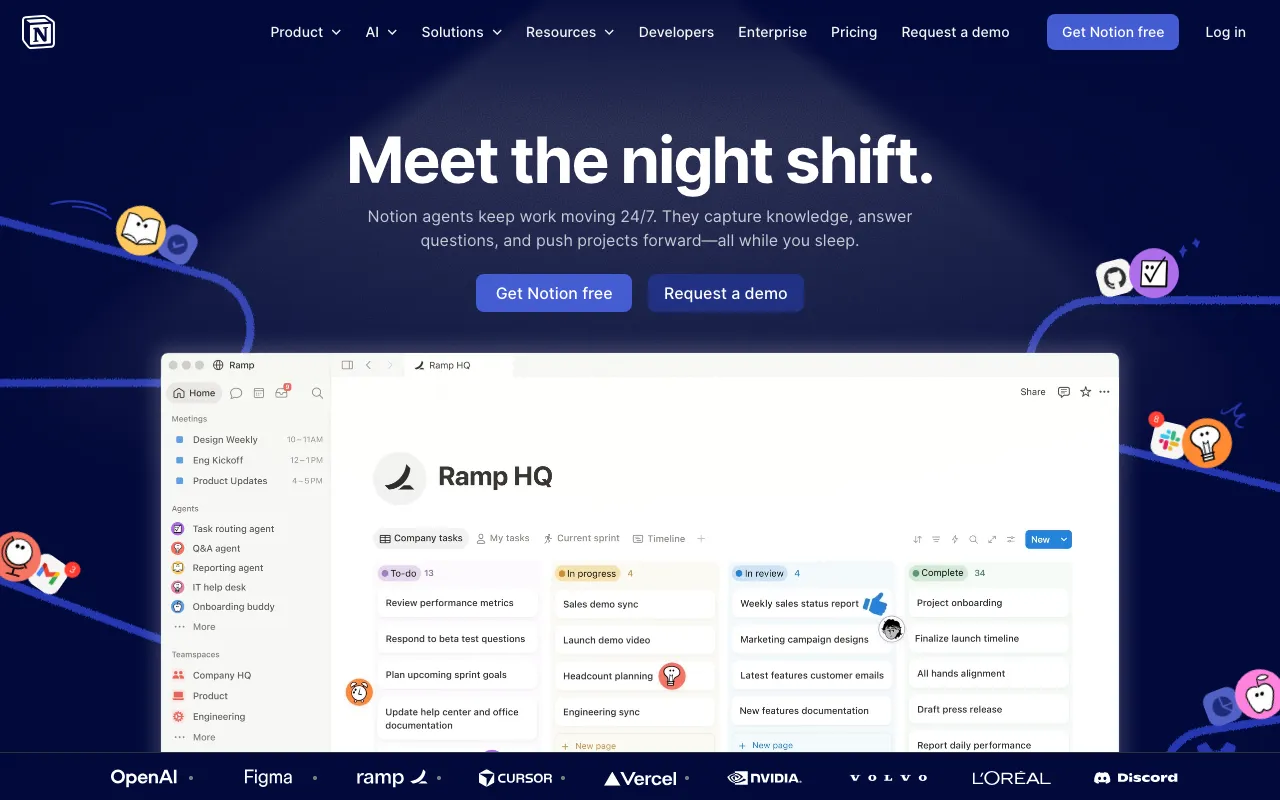
Notion
AI workspace combining docs, databases, projects, and autonomous agents in one platform
FREEMIUM Verified AUG 27, 2026
7 tools ranked · last updated Jul 5, 2026 · how we picked
The best free AI productivity tool in 2026 is Notion, whose free plan is unlimited for individuals and bundles docs, databases, and AI into one workspace at $0, with paid plans from $10/member/month. For free AI slide decks, Gamma gives you 400 credits (roughly 10–15 presentations), and Fathom records and transcribes unlimited meetings at no cost.
Prices last verified Oct 23, 2026 against official pricing pages.
Notion is an AI workspace that merges documents, wikis, databases, and project management into a single tool, and its free plan is one of the most generous in productivity software — unlimited pages and blocks for an individual at $0, with the AI assistant available for drafting, summarizing, and answering questions across your pages. For a solo user building a second brain, a personal wiki, or a project tracker, the free tier alone can run indefinitely. Paid plans start at $10/member/month (Plus), and Business at $20/member/month unlocks autonomous AI agents and AI meeting notes. It suits students, freelancers, and small teams who want one tool instead of five. The honest caveat: the free tier is unlimited only for individuals — teams of two or more hit a block limit that forces an upgrade — and the sprawling feature set has a real learning curve, so a blank Notion workspace can feel more like a construction kit than a finished app.
Gamma is an AI presentation builder that turns a text prompt or an uploaded document into polished slides, documents, and shareable web pages in seconds. Its free tier includes 400 one-time AI credits — enough for roughly 10–15 full decks — at $0, which is genuinely useful for a one-off pitch or class presentation without a subscription. The output is editable and on-brand rather than the generic template look, and export options cover PowerPoint and PDF. Paid plans start at $9/month (Plus), which refreshes credits monthly and removes the Gamma watermark. It suits professionals, students, and founders who need a good-looking deck fast. The honest caveat: the 400 free credits are a one-time allocation, not a monthly refill, so once they’re gone you either pay or wait — and free decks carry a small Gamma watermark, which matters if you’re presenting to clients or investors.
Taskade is an all-in-one AI workspace that combines tasks, notes, mind maps, and docs with custom AI agents and automations, viewable as lists, boards, mind maps, calendars, or Gantt charts. The free plan includes 3,000 one-time AI credits and a single user at $0, enough to build out real projects and try the AI agents before paying. Its differentiator is that the same content can be reshaped into six different views, and you can spin up AI agents that act on your tasks rather than just chatting. Paid plans run $6/month (Starter) and $16/month (Pro) on annual billing. It suits solo makers and small teams who want structure plus automation in one place. The honest caveat: the 3,000 free credits are one-time, not recurring, so heavy AI use exhausts them, and the free plan’s single-user limit means any real collaboration requires a paid upgrade.
Napkin AI turns plain text into editable diagrams, flowcharts, infographics, and charts with no prompt engineering — you paste your writing and it proposes visuals, which stay fully editable rather than exporting as a flat image. The free plan gives 500 AI credits per week at $0, a recurring allowance that resets rather than a one-time pack, which makes it unusually sustainable for a free tier. It is the fastest way to add professional-looking visuals to slides, docs, and reports without a designer. Plus is $9 per person/month and Pro is $22 (annual) for more credits and custom branding. It suits consultants, educators, and anyone who writes a lot and needs diagrams to match. The honest caveat: Napkin is narrow by design — it visualizes text you already wrote and does not create presentations, write copy, or manage projects — so it is a companion to your other tools rather than a replacement for them.
Wispr Flow is an AI dictation tool that types your speech into any app — email, docs, Slack, or an IDE — with automatic editing that strips filler words and formats to context. It claims about 220 words per minute, roughly four times faster than typing, across 100+ languages. The free tier gives 2,000 words per week on desktop at $0, enough to make voice a real part of your daily workflow before committing. For anyone who thinks faster than they type, or who deals with wrist strain, it is a genuine productivity multiplier. Flow Pro is $15/month ($12 billed annually) for unlimited words. It suits writers, developers, and heavy messagers. The honest caveat: 2,000 words a week is a light allowance — dictate a few long emails and you’ll hit it — and accuracy on technical jargon, names, and code still needs a review pass, so it speeds up drafting more than it eliminates editing.
Fathom is an AI meeting notetaker that records, transcribes, and summarizes Zoom, Google Meet, and Microsoft Teams calls, then generates action items and searchable highlights. Its free plan is the standout in this category — genuinely free with unlimited recordings at $0, where most rivals cap free minutes or meetings. For anyone who wants every call captured and summarized without watching a quota, it is the most generous free option available. Premium is $20/user/month ($16 billed annually), and Team and Business tiers add CRM sync and AI scorecards. It suits freelancers, consultants, and sales reps who live in back-to-back calls. The honest caveat: the free plan’s unlimited recording is the draw, but advanced features — CRM integrations, team analytics, and AI scorecards — sit behind the paid tiers, and like any bot-based notetaker, Fathom joins your call as a visible participant, which some guests find intrusive.
Reclaim is an AI calendar, now a Dropbox product, that auto-schedules your tasks, habits, and meetings onto Google Calendar or Outlook based on priority and availability, defending focus time and resolving conflicts automatically. The free Lite plan covers a single user with a one-week scheduling range at $0 — enough to feel how automatic scheduling changes your week before paying. It is the best free pick for individuals who want their to-do list to actually land on the calendar instead of staying a static list. Paid plans start around $10/seat/month (Starter), with Business near $15 and Enterprise near $22. It suits busy professionals and anyone who over-commits their calendar. The honest caveat: the free tier’s one-week scheduling horizon is limiting for longer-range planning, integrations and team features require a paid seat, and this profile carries mid-level pricing confidence, so reconfirm the current plans before relying on them.
We ranked these seven by the quality and generosity of their free tiers, because this is a list of the best productivity tools you can use without paying — not the best paid subscriptions. Notion leads on how much a solo user gets free; Gamma, Fathom, and Wispr Flow lead in their specific jobs of decks, meetings, and dictation. Note that several free allowances (Gamma’s and Taskade’s AI credits) are one-time rather than recurring, so heavy use eventually meets a paywall. Ranking is editorial and weighs free-tier value over popularity; no tool paid or could pay to appear. Pricing and free-tier details were verified against each tool’s profile between June 11 and July 5, 2026.
AI workspace combining docs, databases, projects, and autonomous agents in one platform
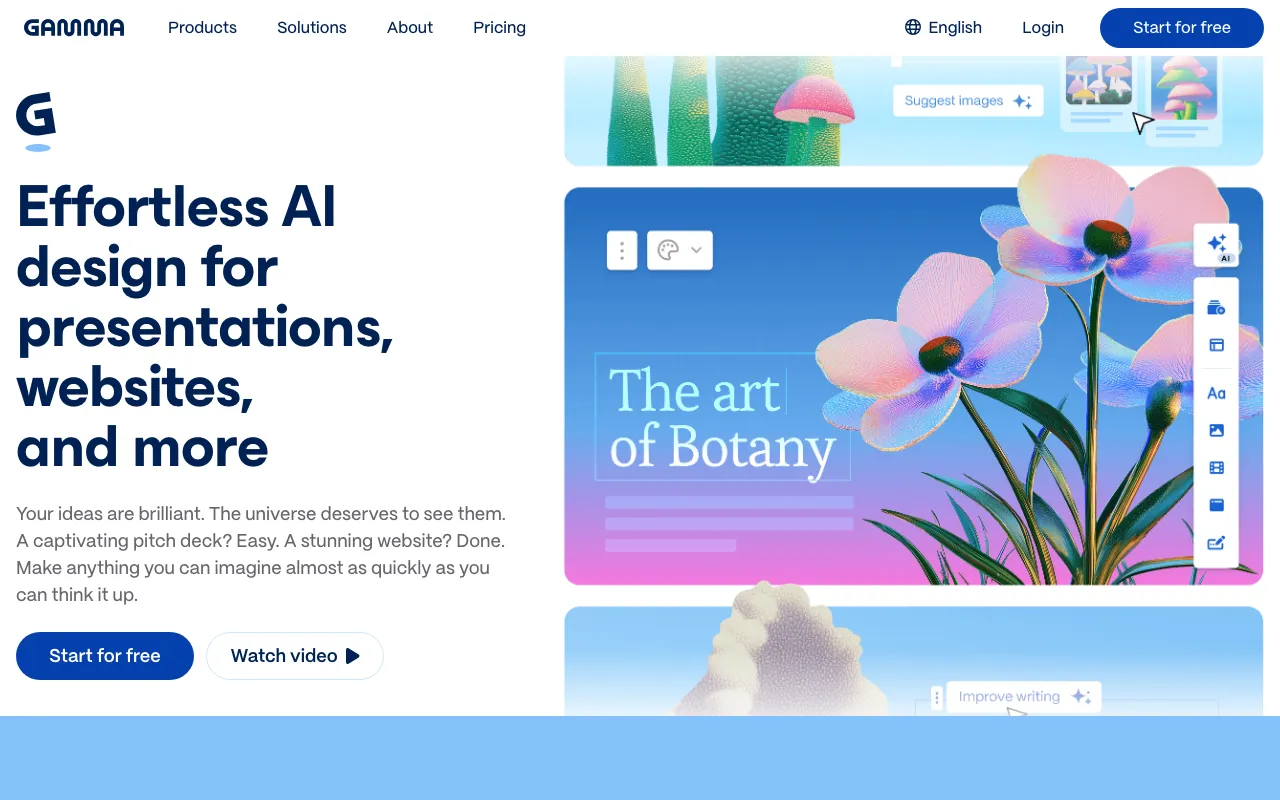
AI presentation and document builder that generates slides, docs and web pages from a prompt
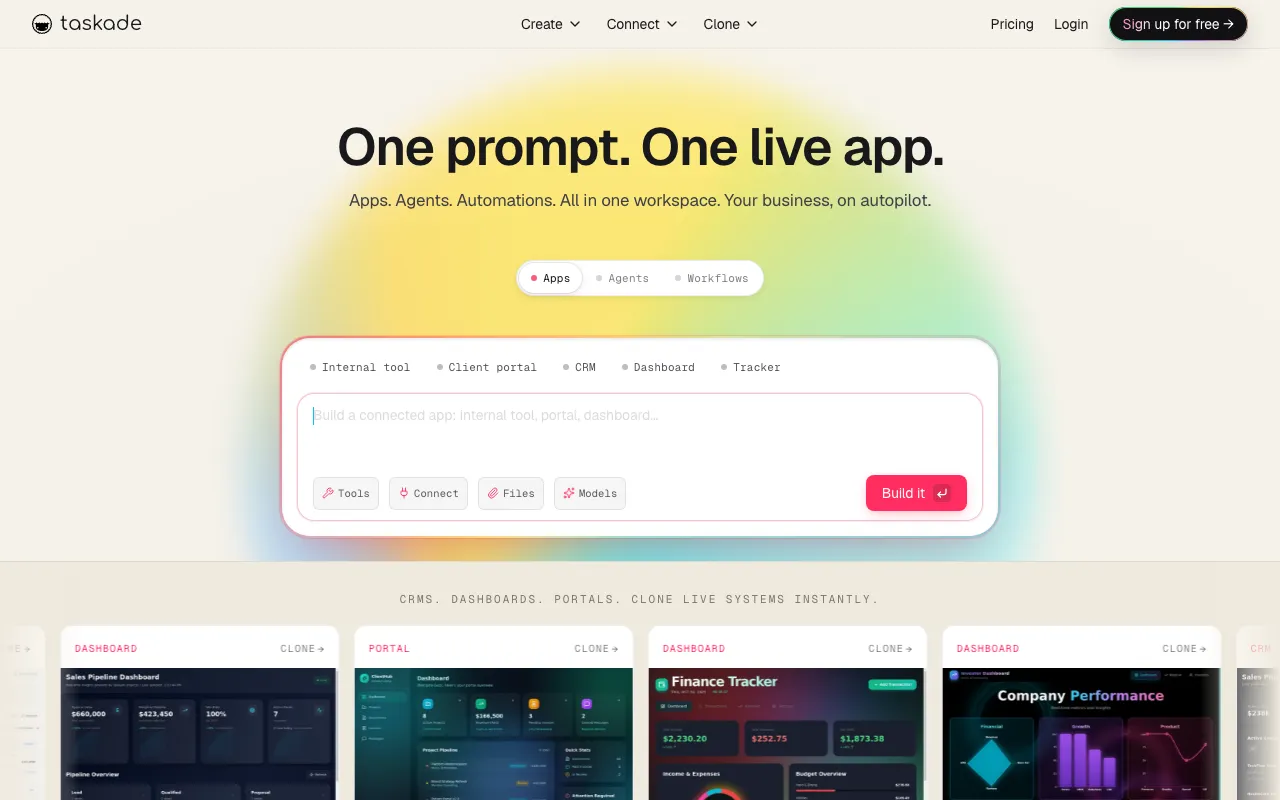
All-in-one AI workspace combining tasks, notes, mind maps, and docs with custom AI agents and automations
Turns plain text into editable diagrams, flowcharts, infographics, mind maps, and charts for presentations, docs, and social posts
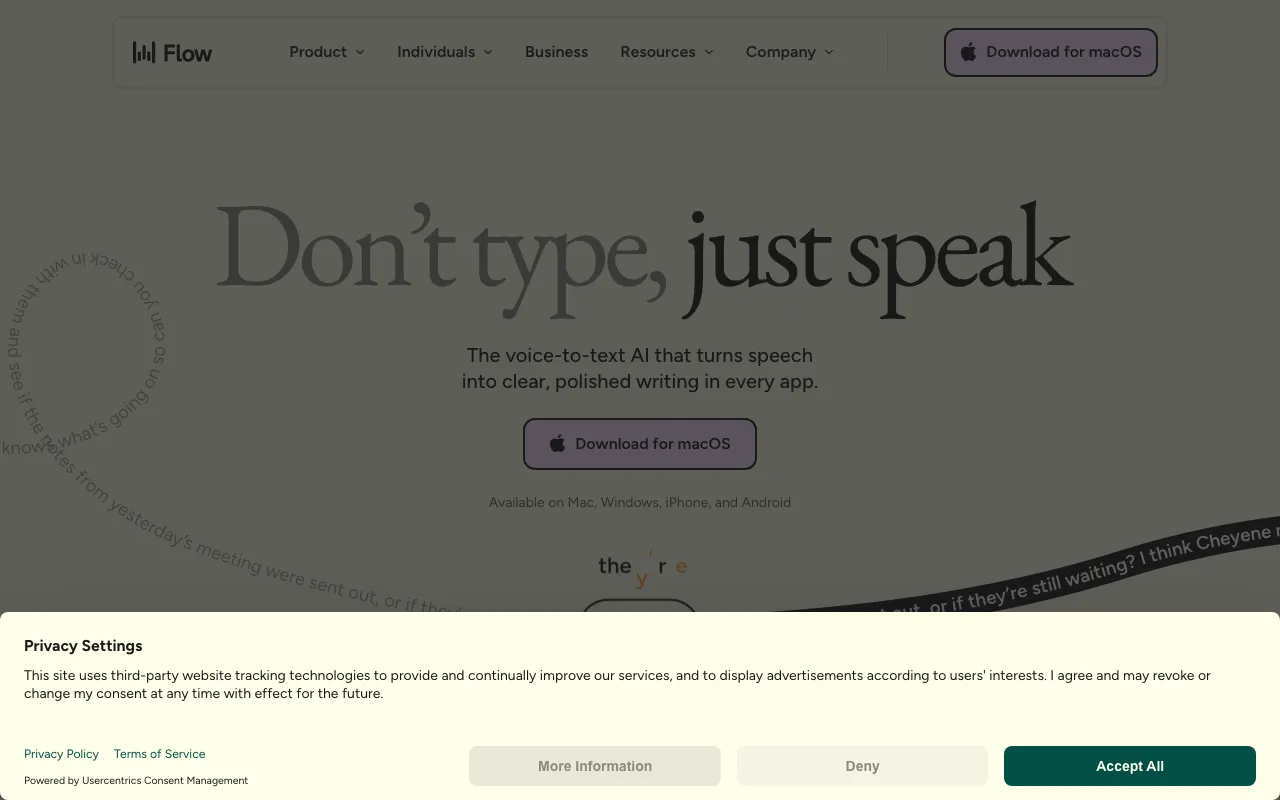
AI dictation that types your speech into any app with automatic editing and formatting
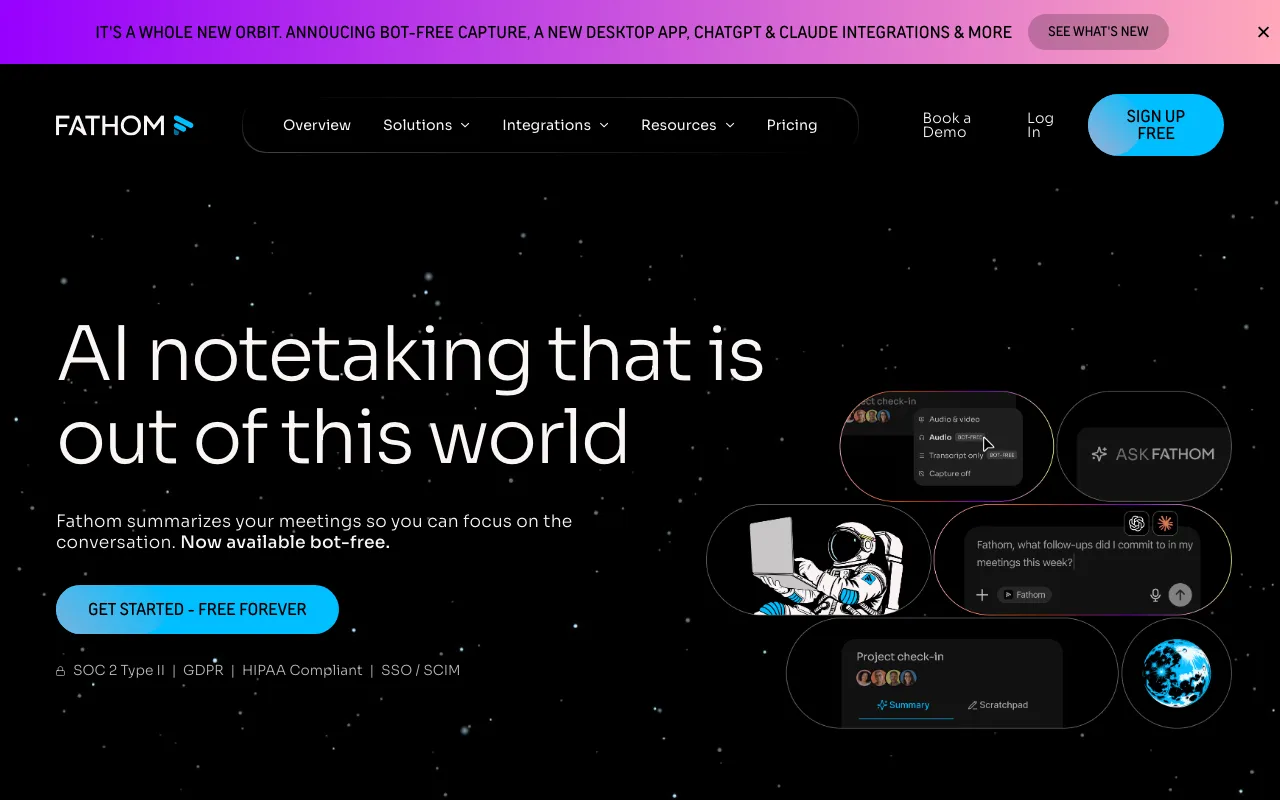
AI meeting notetaker that auto-records, transcribes, and summarizes Zoom, Google Meet, and Microsoft Teams calls with action items and searchable highlights
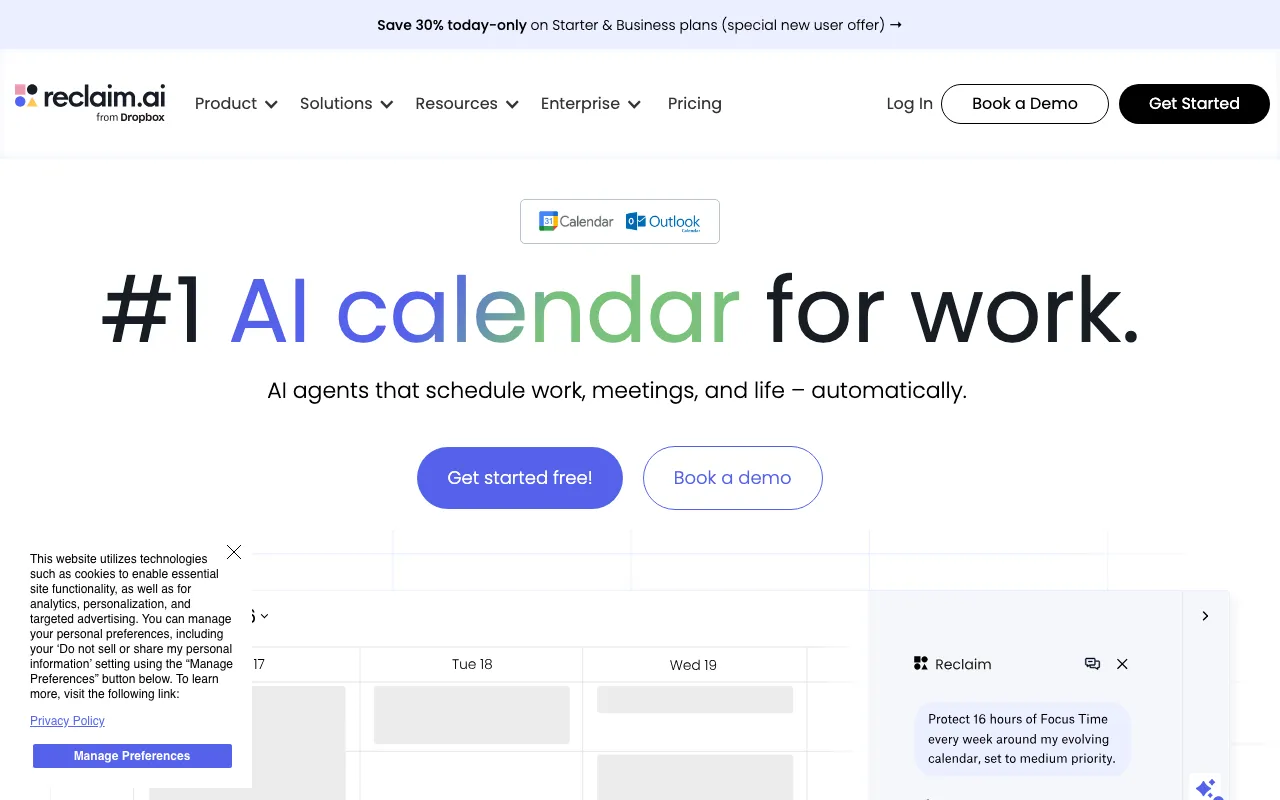
AI calendar that auto-schedules tasks, habits, and meetings on Google Calendar or Outlook, defending focus time and finding meeting slots
Every tool in this list has a full profile in our directory with pricing verified against its official pricing page on the date shown on its stamp. Ranking reflects verified pricing, free-tier generosity, platform coverage, and documented capabilities. Rank is not for sale: a sponsor can buy only a separate slot marked Sponsored, outside the ranking. Read the full methodology.
Yes — 7 of the 7 tools here have a free tier: Notion, Gamma, Taskade, Napkin AI, Wispr Flow, Fathom, Reclaim. Pricing verified Jul 5, 2026.
Taskade has the lowest verified monthly starting price in this list at $6/mo, checked against its official pricing page on Jun 28, 2026.
5 of the 7 tools list an API: Notion, Gamma, Taskade, Fathom, Reclaim.